A punch into a stare
A wide shot of a figure at the end of a hallway snaps in a single hard zoom to a tight close-up of their eyes, cold overhead light, the push stopping dead on the beat with no drift.
Edit prompt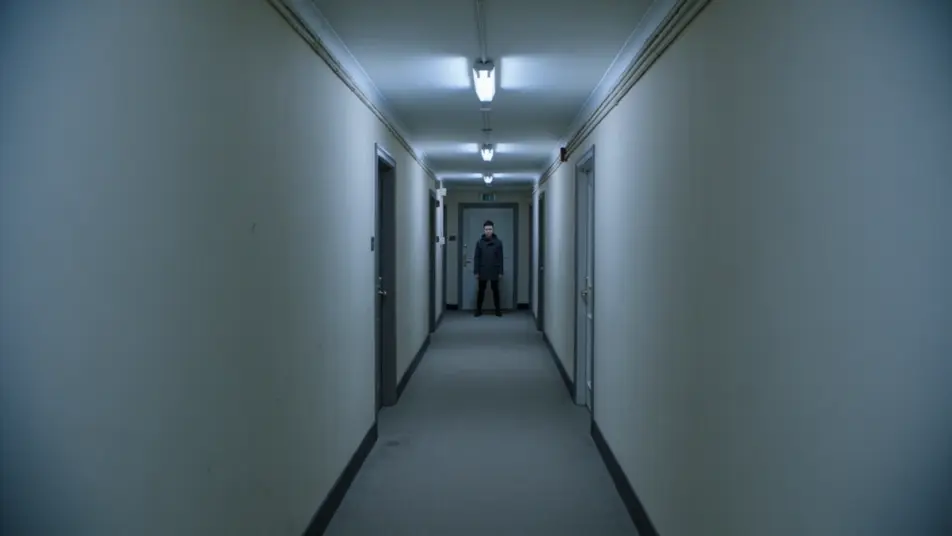
Direct snappy zoom-punch shots in your browser with Morphic's zoom punch AI video generator. Generate a sudden hard push into a subject's eyes on a beat, or a rapid rack toward a doorway that stops on the reveal. Pair with Music to time every punch, then stitch the sequence on the Canvas.
A wide shot of a figure at the end of a hallway snaps in a single hard zoom to a tight close-up of their eyes, cold overhead light, the push stopping dead on the beat with no drift.
Edit promptA market scene where the camera punches from face to face in quick succession, each hit landing on its own beat, warm afternoon light, motion streaks smearing between the rapid reveals.
Edit prompt
A wide interior establishes a cluttered desk, then punches down to a single folded note, dim lamp light isolating the detail, the zoom snapping to a stop that holds the reveal steady.
Edit prompt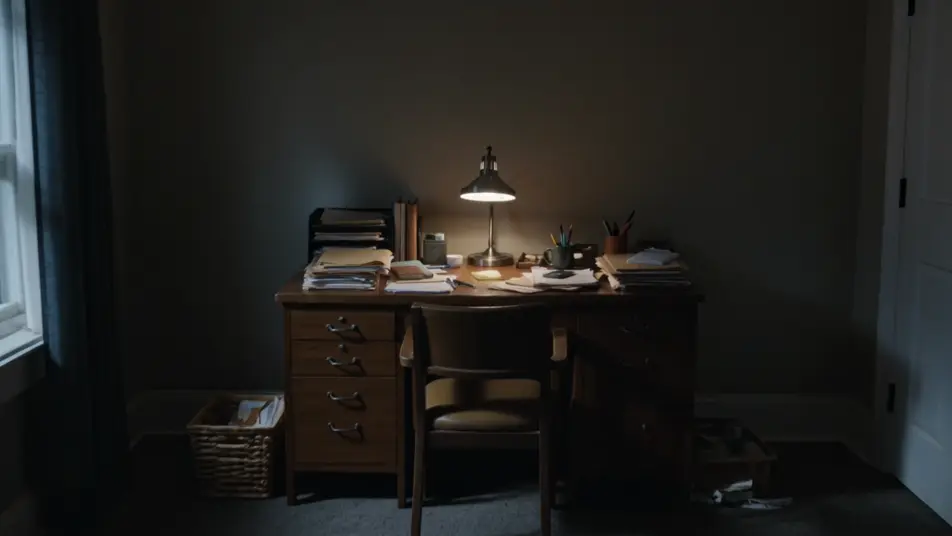
A performer on a dark stage is caught in a zoom punch that overshoots and recoils to frame on the music drop, hard spotlight, the recoil selling the impact as the beat lands.
Edit prompt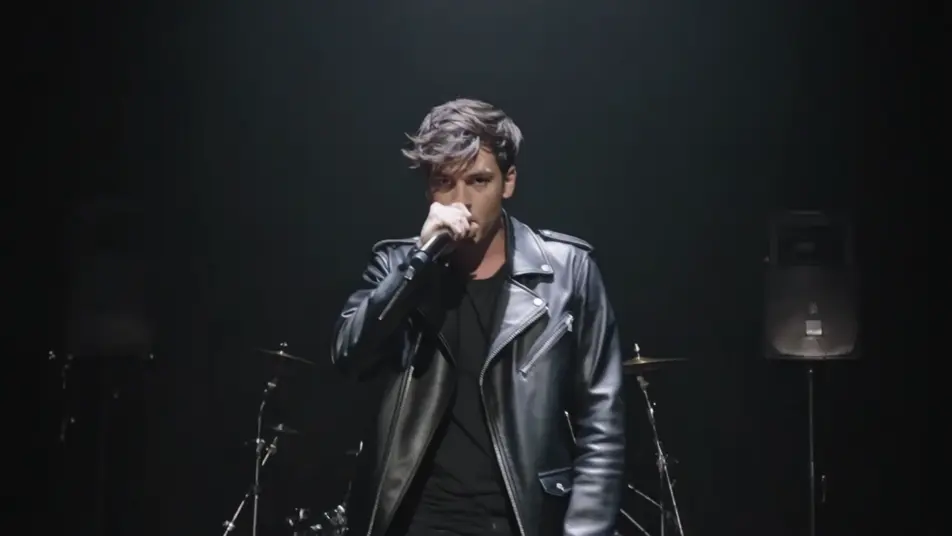
Write the zoom punch scene you want, in plain words.
Morphic generates a cinematic, frame-ready clip on your canvas in seconds.
Tweak the prompt, regenerate variations, then download or share the shot.

Dramatize any text conversation into a cinematic multi-shot video.
Cinematic time-freeze short film for any scene

Generate a professional film title card from scratch, with optional cinematic animation.
Photo of any real-estate becomes a cinematic renovation timelapse video with construction SFX and music.
One image to a 9-scene cinematic video.
Drop in a photo of yourself. Get a 12-second cinematic movie with animation and a matched soundtrack.
Whip pan
A whip pan whips the camera sideways into a blur to hide a cut. See how to use it as a transition and animate one from a prompt in Morphic.
Match cut
A match cut bridges two shots through a shared shape or action. See how it differs from a jump cut, when to use it, and generate the paired frames in Morphic.
AI VFX videos
Generate AI VFX videos with Morphic. Explosions, energy effects, sci-fi destruction, particles, and creature shots from a prompt. No green screen, no compositing.
AI POV videos
Make AI POV videos with Morphic. Direct immersive first-person walks, action beats, and daily-life moments at eye level. Example scenes, no editing experience needed.
Get started for free today, with the option to upgrade or cancel anytime.
Basic
2400 monthly credits
1 user only
All models
Workflows
Standard
3625 monthly credits
1 user only
All models
Workflows
Pro
6350 shared monthly credits
1 user
All models
Workflows
Max
24650 shared monthly credits
1 user
All models
Workflows
Enterprise
For higher limits
Custom
pricing and billing terms

Free
For playing around
$0
forever free