Danish AI voices

Try Morphic

Browse Danish AI voices from commercial reads to dubbing leads, build one in the Danish voice generator, then lip sync a line to a talking character.

Danish voices for dubbing, localization, and commercials

Mikkel

A relaxed, warm Danish voice for commercial and retail reads

Freja

An expressive, natural Danish voice for film and series dubbing

Søren

A calm, precise Danish voice for explainer and e-learning modules

Agnes

A reflective, steady Danish voice for documentary narration

Anders

A lively, bright Danish voice for animation and game characters

Mette

A crisp, neutral Danish voice with a broadcast cadence

Design your danish voice

Mix and match the traits below. Your prompt builds as you go.

Archetype
Depth
Texture
Mood

A bottomless, gravelly, menacing overlord danish voice

Generate

Turn a Danish voice into a talking character

Other tools deliver an audio file and call it done. Morphic maps the read onto a face so the mouth and timing match the line, dubbing any character to speak fluent Danish on screen and moving a script straight through to a talking Danish clip.
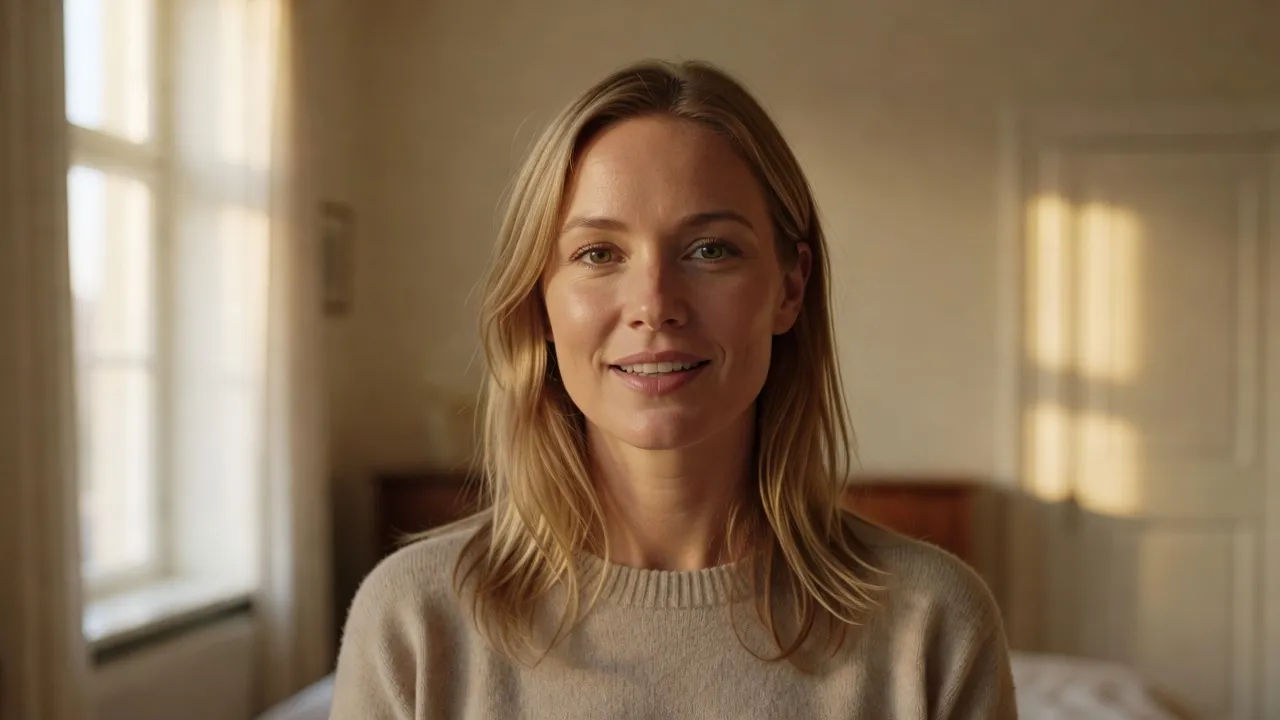
Close portrait of a Danish woman in her mid-thirties with sandy hair speaking a line to camera

Copenhagen voices for dubbing, e-learning, and commercials

Cast the read each medium wants, from a relaxed commercial voice to an expressive dubbing lead and a precise explainer narrator. Bring standard Danish archetypes into localization, retail spots, and training without booking a studio.
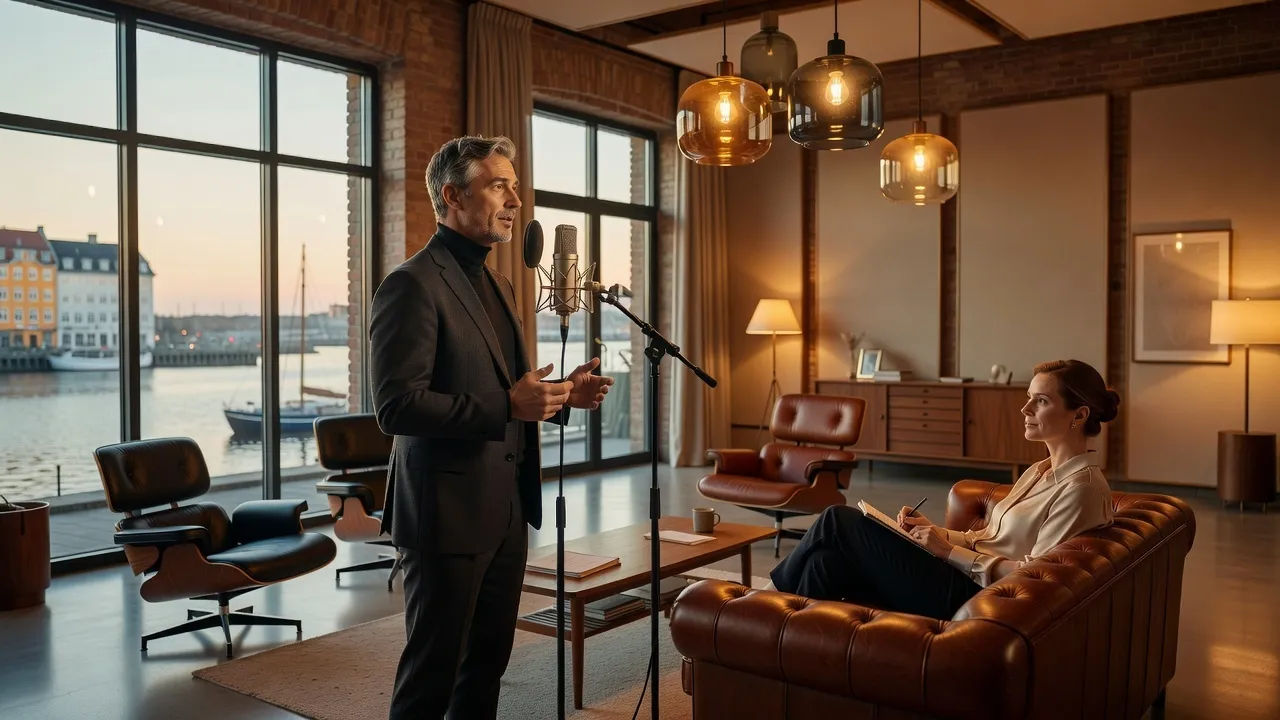
Wide shot of a stylish Copenhagen commercial studio with mid-century furniture and pendant lamps

Danish voice text to speech for narration and training

Paste a script and receive a natural Danish read in return, no booth to rent and no native talent to line up. Morphic turns the lines into clean audio while you direct pace, pitch, and clarity in plain English.
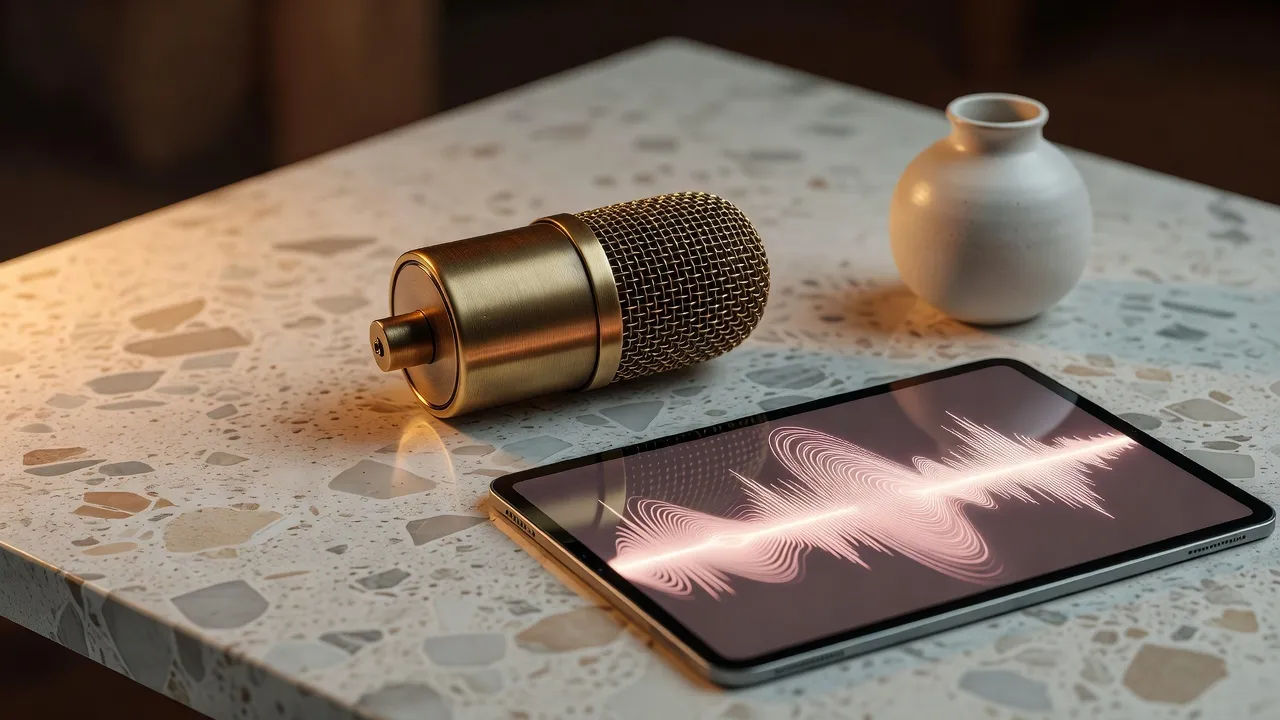
Tabletop beat of a vintage-style condenser microphone beside a tablet showing an abstract soft-pink audio

A Danish voice generator you direct in plain English

Describe the voice, name the texture, age, and mood, and the generator builds it. Edit the prompt to re-voice the same line as a different speaker, from a Copenhagen retail read to a documentary narrator, a whole cast from one workspace.

A Danish man in a simple linen shirt directing an audio edit on a laptop in a bright loft studio

More voice styles

Simple pricing

Get started for free today, with the option to upgrade or cancel anytime.

Basic

$9/ month
billed as $0 per year

900 monthly credits

1 user only

All models

Workflows

Standard

$24/ month
billed as $0 per year

3200 monthly credits

1 user only

All models

Workflows

Pro

$45/ month
billed as $0 per year

6200 shared monthly credits

1 user

+ up to 4 more at extra cost

All models

Workflows

Pro Max

$170/ month
billed as $0 per year

24000 shared monthly credits

1 user

+ up to 9 more at extra cost

All models

Workflows

Enterprise

For higher limits

Custom

pricing and billing terms

Unlimited credits
Custom seat limits
All models
Workflows
Pricing Gradient

Free

For playing around

$0

forever free

Up to 20 credits
1 user only
Limited models
Workflows

FAQs

What is an AI Danish voice?
An AI Danish voice is a generated voiceover that speaks fluent Danish, shaped around the persona you describe instead of one fixed narrator. Name the delivery, such as a commercial read or a documentary voice, then direct pace, pitch, and tone until it fits the project. In Morphic the same line can be re-voiced as a different speaker without booking native talent.
How do I make a custom Danish voice in Morphic?
Paste your lines into the speech tool and set out the voice in plain words, naming its texture, age, and how the read should land. Generate, play it back, and reshape the prompt until your custom Danish voice matches the project. The voice designer here drafts that brief and forwards it to Studio.
Can I make these Danish voices realistic and lip sync them to video?
Yes. Once the Danish voiceover renders, the lip sync tool maps the audio onto a face so the mouth and timing match the read. That dubs any character to speak Danish on screen and takes you from a script to a talking clip in one workflow, which a voice-only generator cannot do.
Can I use these Danish voices commercially?
Yes, voices generated on paid Morphic plans can be used in commercial spots, dubbing, e-learning, and localized content. Review the Morphic terms for full licensing detail before you publish to a market.
How many Danish voices can I create?
There is no fixed roster. Because each voice is directed from a prompt, you can create as many Danish voices as a localization slate needs and revise any by editing the direction. Build a full cast of reads from one workspace.
What Danish accents and languages are supported?
The Morphic speech tool covers standard Danish delivery plus a growing set of Nordic and other languages for multilingual projects. Name the regional flavor in the prompt so the read matches your target market.