
上色让您将视觉效果与参考图像匹配。选择目标,选择颜色来源,Morphic 在保持结构和照明的同时调整色调、色彩和氛围。
它保持平衡。阴影、高光和渐变随场景自然变化。
无论是为灰度草图赋予生命还是在序列中对齐帧,结果都感觉连贯。上色有助于统一视觉效果中的色调和情感。
颜色感觉自然且一致,就像它们本来就应该在那里一样。
了解上色在 Morphic 中如何工作。
使用单个参考图像上色的帧示例。


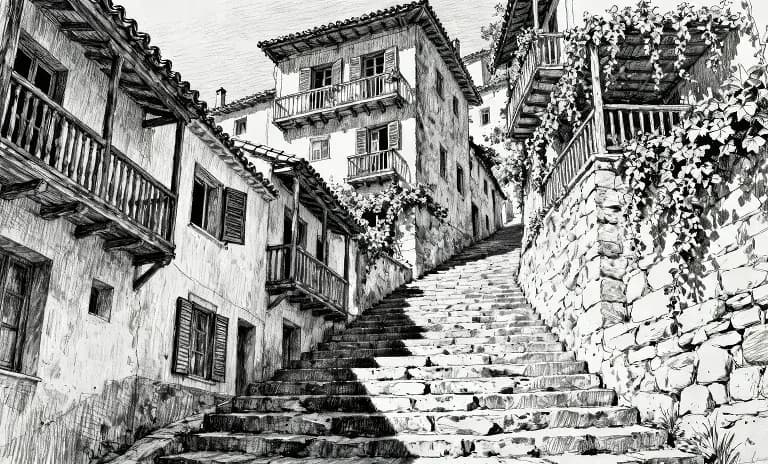

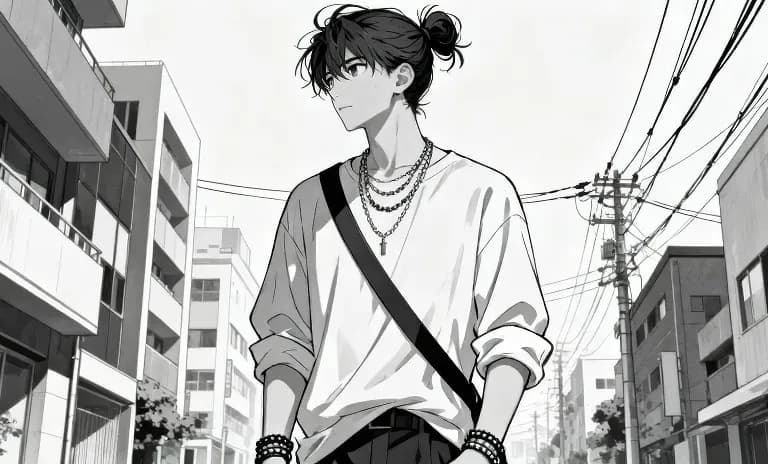

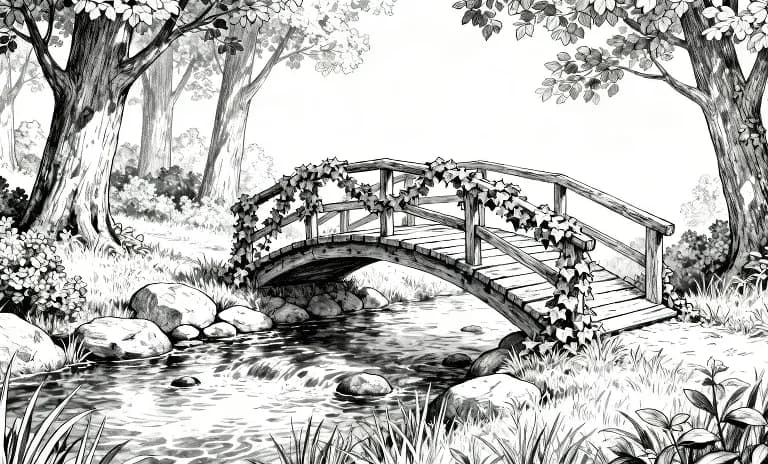

悬停查看输入帧
上色保持您的故事从帧到帧流畅,一致且忠于您的意图。 立即尝试
Color transfer FAQs
What does colorization do in Morphic?
It transfers the color palette, tone and overall mood of one image onto another, so a set of images shares a consistent look.
Can I match a reference image's colors?
Yes. Point to a reference and Morphic carries its palette and mood across to your image.
Does it regenerate the whole image?
It applies the color and tone while keeping the original composition.
Can I keep one color grade across a project?
Yes. Reuse the same reference so every image in a series keeps the same palette and mood.
What is this useful for?
Giving a batch of images a consistent brand or campaign look.
Can I combine this with saved references?
Yes. A saved style reference holds a look you can call by name across generations.