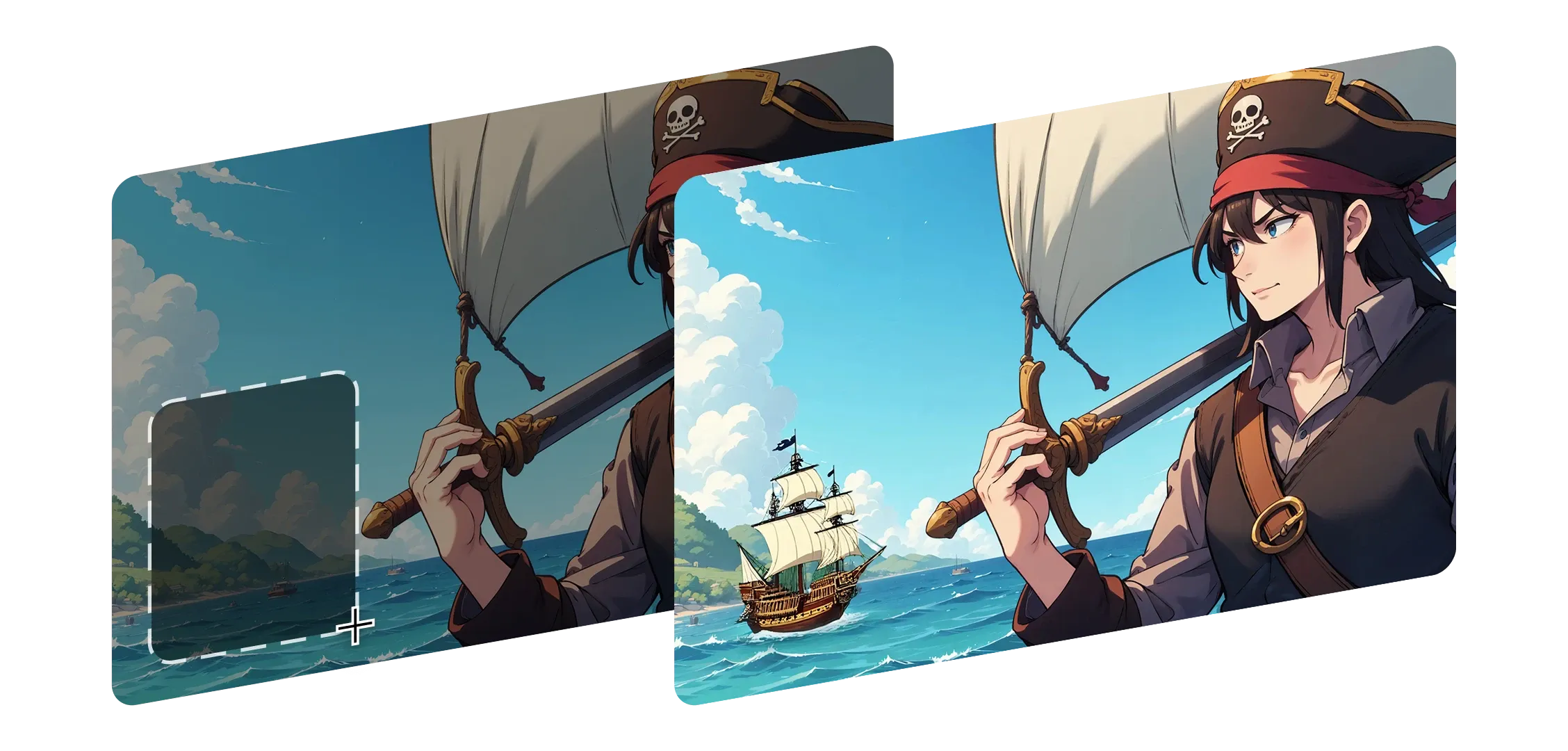
修复绘制帮助您重塑图像的任何部分,而不会失去其原始外观或感觉。只需选择一个区域,描述变化,Morphic 就会无缝地将其融合。
它理解照明、深度和细节,保持阴影和上下文完整。
无论是替换背景、改变角色表情还是添加新内容,每次编辑都感觉是画面的自然组成部分。
从小修复到大添加,修复绘制适应您的风格和意图。Morphic 不只是修补,而是让每一个变化都感觉有目的且完整。
我惊讶于每次编辑看起来多么自然,就像画面本来就应该是那样。
了解修复绘制在 Morphic 中如何工作。
创作者通过微妙编辑重塑场景的输出。




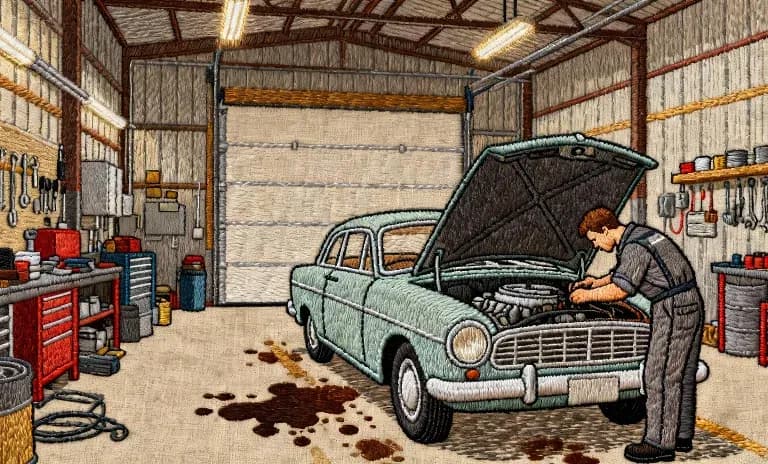
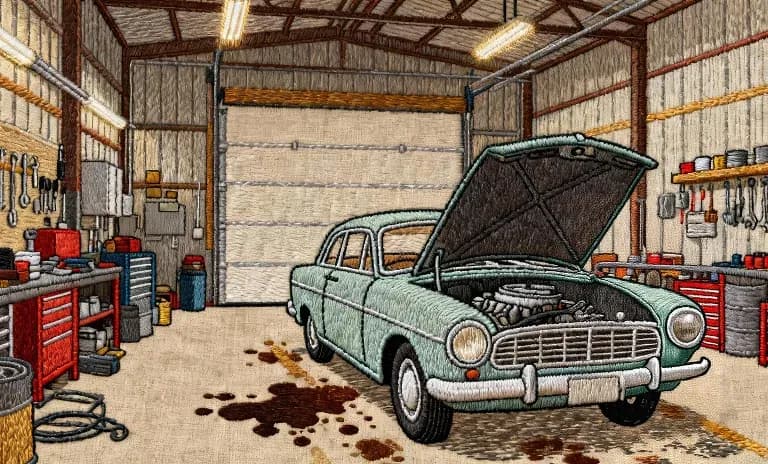
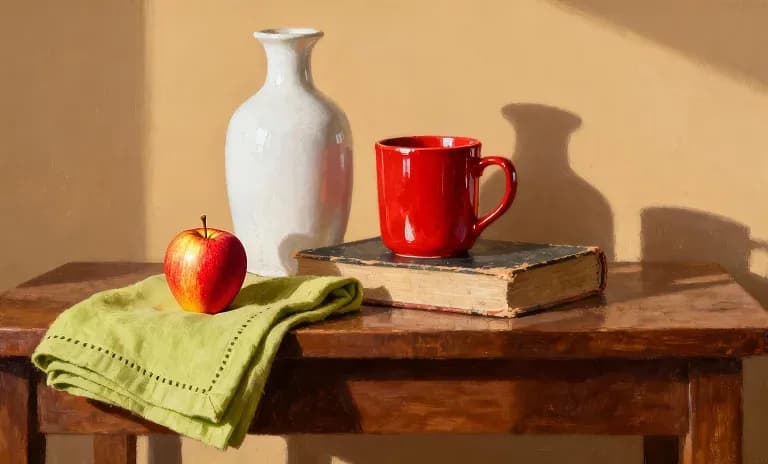
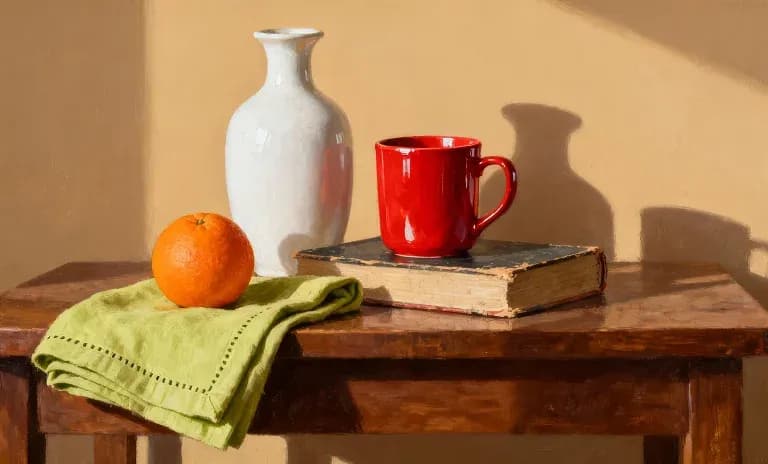
悬停查看输入帧
修复绘制帮助创作者自然地雕刻和完善图像,使每次编辑都忠于原始愿景。
立即尝试
Inpainting FAQs
What is inpainting?
Edit a specific region of your image with a prompt: add, remove or refine a character or object within the frame without regenerating the whole image.
Can I remove an object from an image?
Yes. Describe what to remove and Morphic repaints the region to match the surrounding scene.
Can I add something to an existing image?
Yes. Point to a region and describe what should appear there.
Does inpainting change the rest of the image?
No. It edits only the region you target and leaves the rest of the frame intact.
How precise can I be?
On the Canvas, Layers and Smart Select isolate an element so you can edit or erase it cleanly.
What is inpainting best for?
Fixing a detail, swapping an object or cleaning up a frame without a full re-generation.