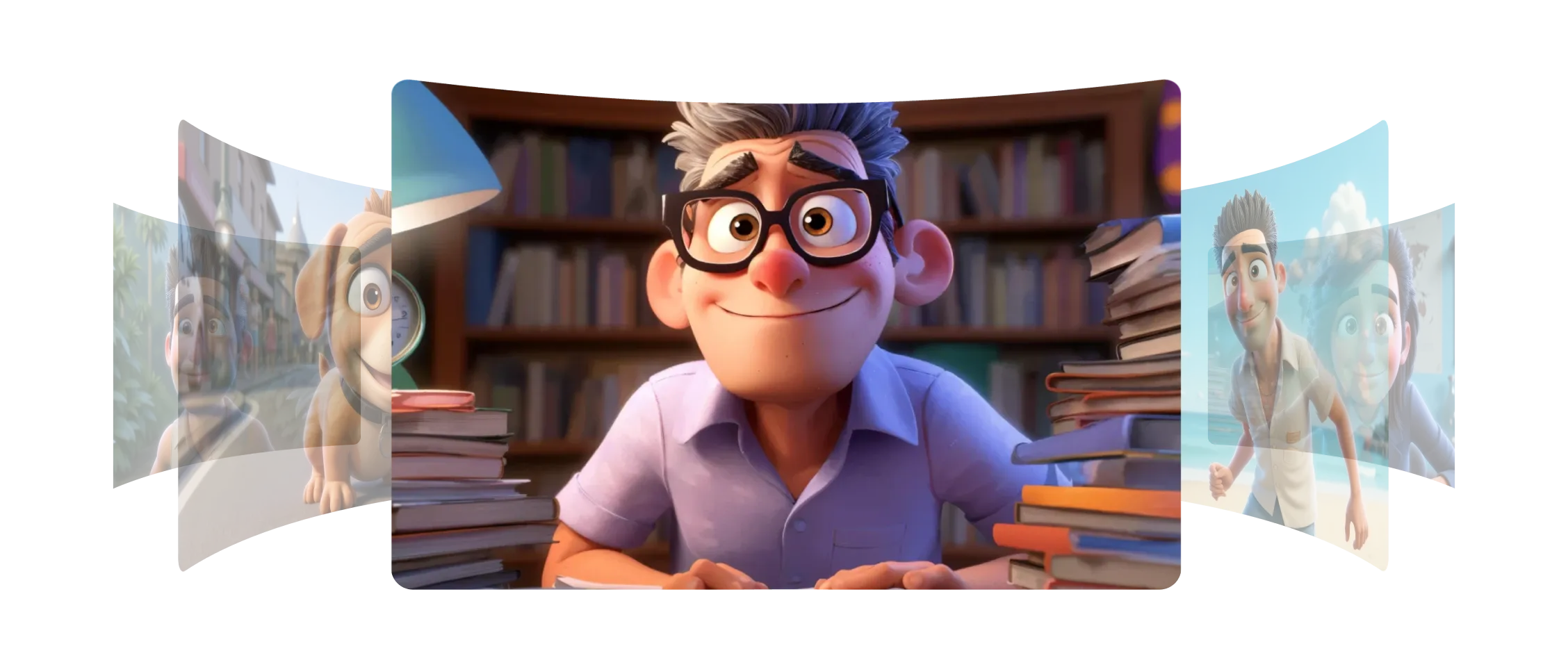
Morphic 让您创建角色和风格元素以保持作品的一致性。
角色元素从几张图像甚至一张图像中捕捉您的角色,让您生成忠于原始设计的新姿势、表情和瞬间。
风格元素捕捉您艺术的外观和感觉,包括颜色、色调和纹理,并自然地应用到新帧上。每一次新生成都具有相同的视觉风格。
无论是制作故事板、动画还是场景,您都可以在每一帧中保持角色和视觉效果的一致性。
Morphic 的模型让我的角色和风格在每个场景中都保持一致。
了解元素在 Morphic 中如何工作。
创作者保存为元素的风格和角色示例。
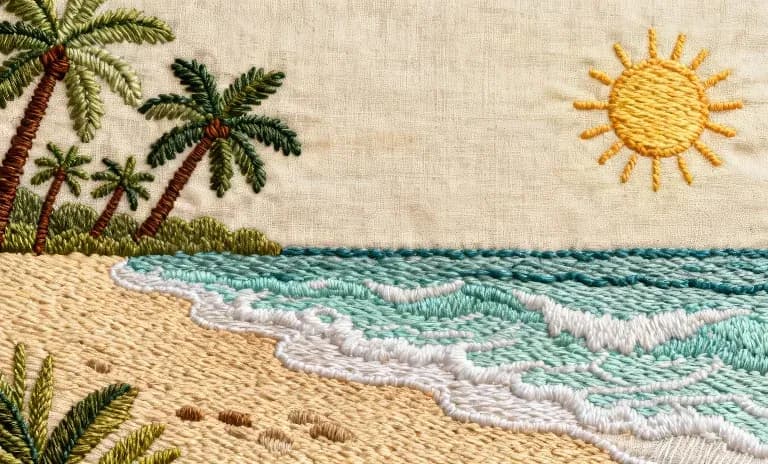
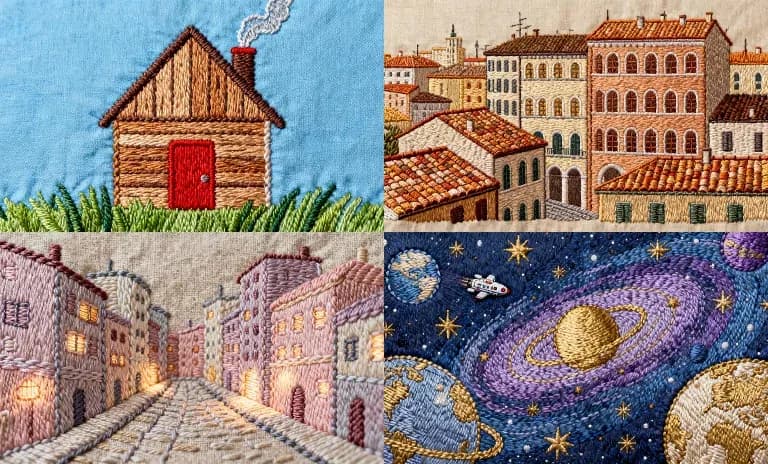
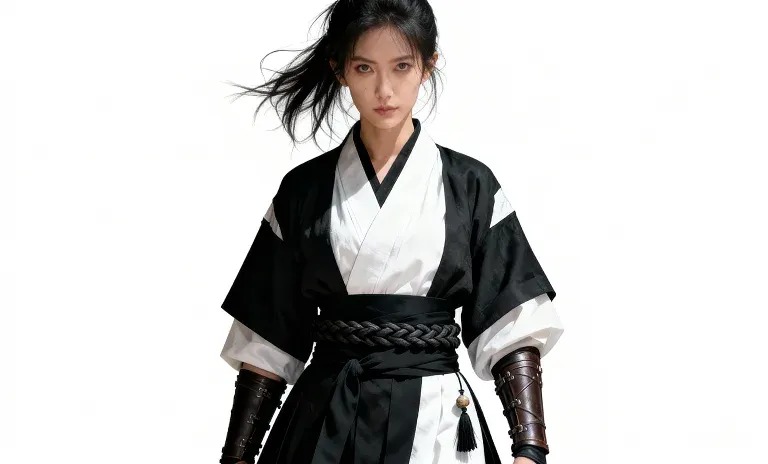
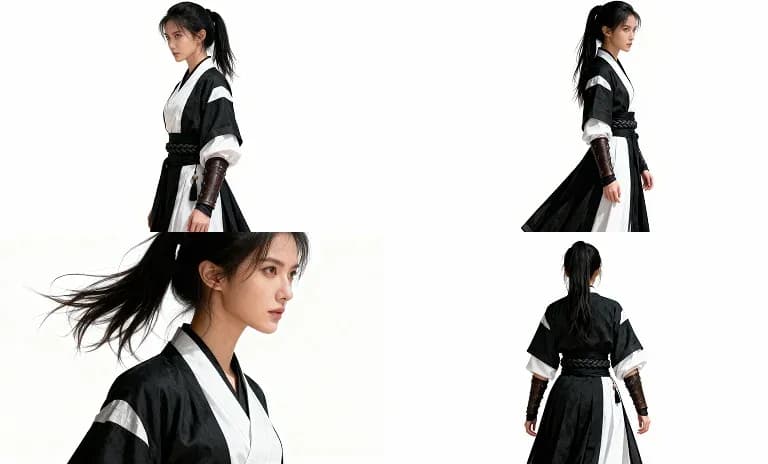
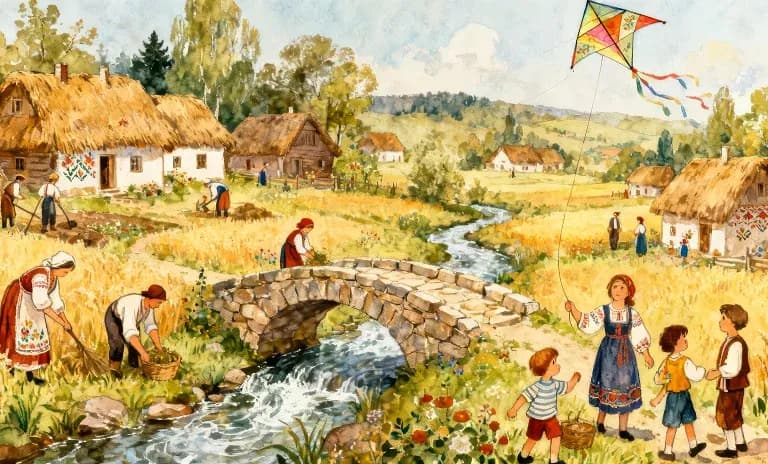
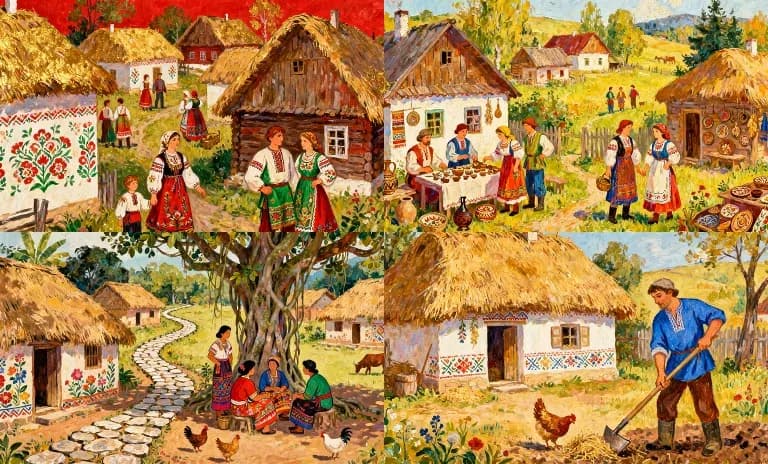
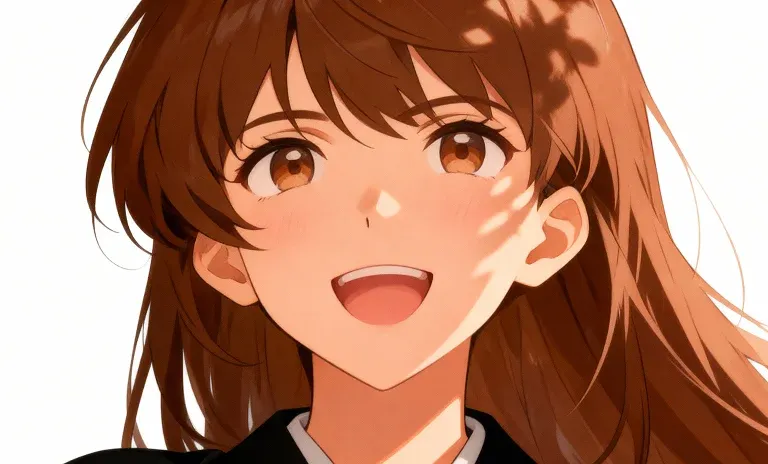
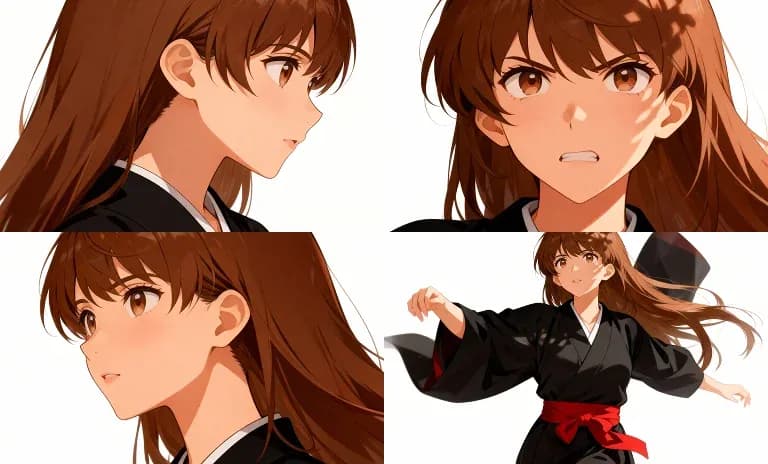
悬停查看输入帧
通过元素,您可以轻松拓展世界、展开协作,同时保留角色形象与艺术风格。 立即尝试
Character and style element FAQs
What is an element in Morphic?
Save a character, style, product or object once, from one or more images, under a name. Then call it by name in any generation and the look holds from shot to shot. Nothing is trained.
Does Morphic train a model on my character?
No. The feature was called Models, then References, and is now Elements; generation passes your saved element images straight to the model you pick, so there is no training step.
How many elements can I save?
The free plan includes one saved element, every paid plan includes 100, and Enterprise is unlimited.
How do I keep a character consistent across scenes?
Save a character sheet for each recurring character, and a location sheet for recurring places, then pass them into every generation. Copilot carries each attached element through to the model.
Can I use more than one element in a single prompt?
Yes. Several elements, stills or footage, can ride on one generation.
Can I share an element with my team?
Yes. Share an element by email so others can generate with that character or style.