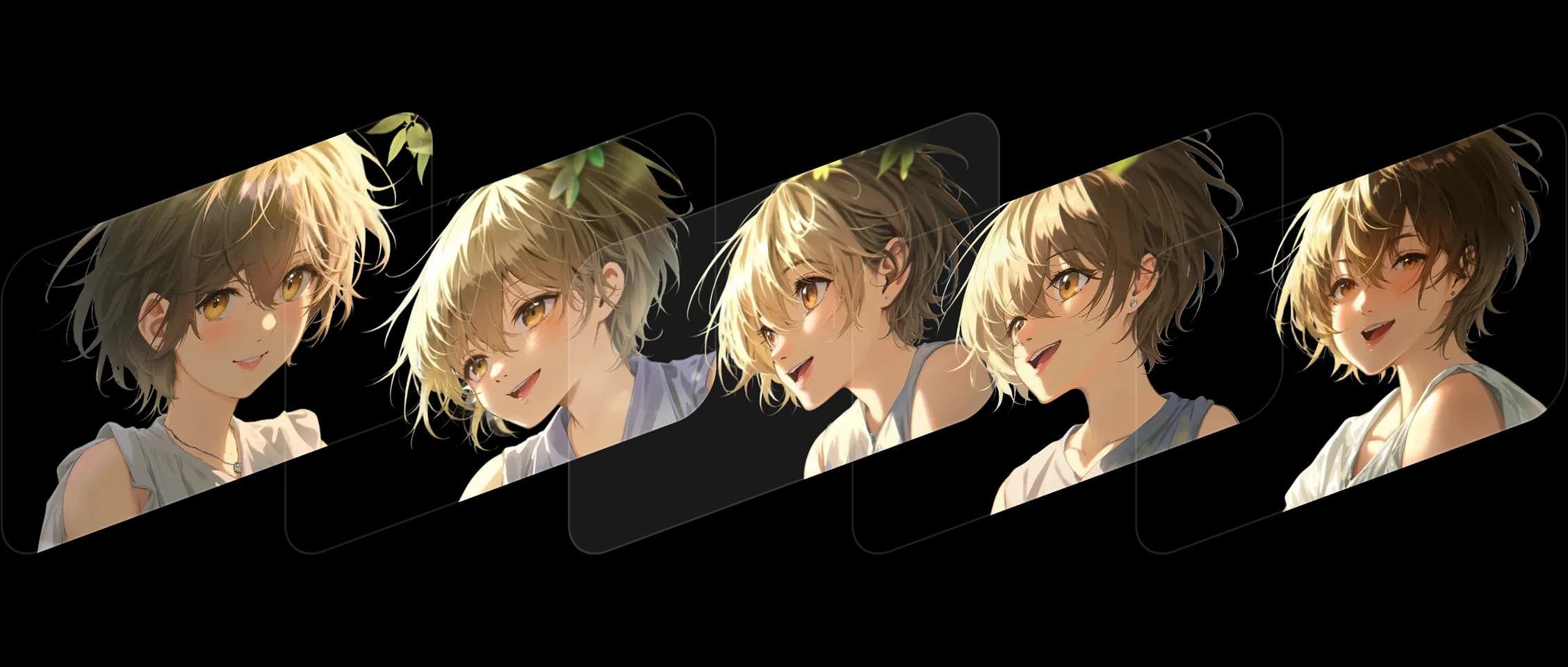
选择您的帧,设置顺序,Morphic 会在保持风格和故事一致性的同时填充中间内容。
每个过渡都流畅进行,保留使场景栩栩如生的细节和表情。它在各种风格中都表现出色,从数字艺术到实拍静态图像。
Morphic 不仅仅是动画化变化,它理解它们。颜色、构图和情感始终保持真实。
我将几个静态帧变成了移动镜头。感觉就像看着我的作品活过来一样。
了解 Frames to Video 在 Morphic 中如何工作。
这是创作者仅上传两帧就创作出的作品。

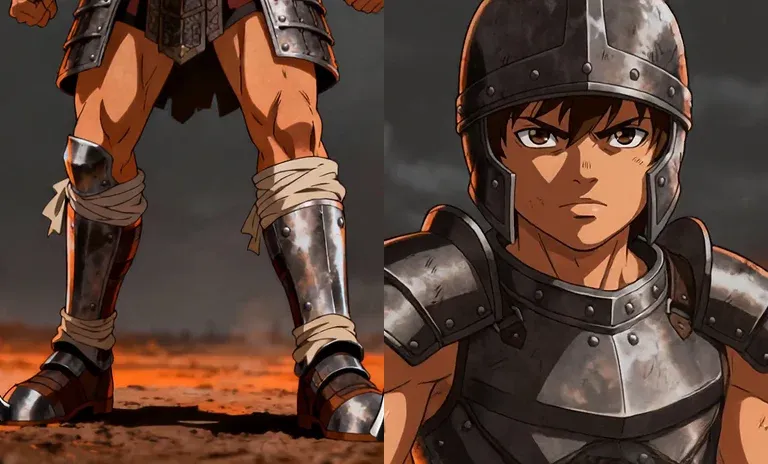
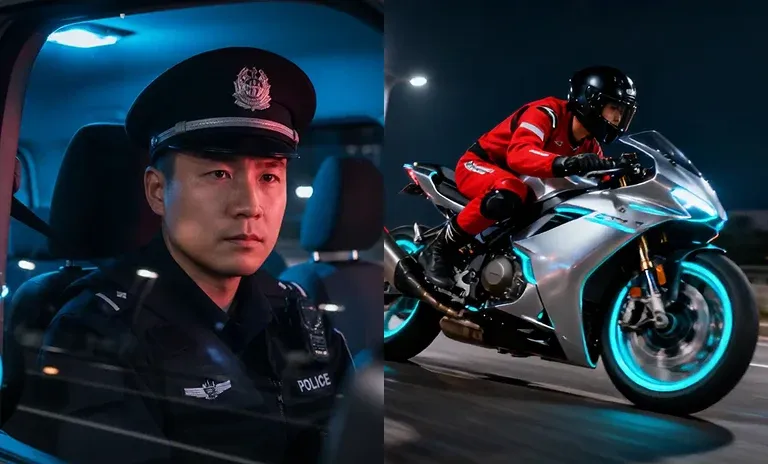
悬停查看输入帧
在 Morphic,我们构建连接静止与运动的工具。Frames to Video 延续了这一愿景,将静止的瞬间转化为连续的故事。 立即尝试
Frames to Video FAQs
What is Frames to Video?
Give a first and a last frame plus the motion between them, and Morphic generates one clip. You direct the beats of the shot.
How many frames can I use?
Two on every model. Morphic Edit (Flux 3) and FLUX 3 Max take up to ten, with the extra frames landing as keyframes.
Can I control the motion between the frames?
Yes. The frames fix the beats and you describe the motion the model fills in between them.
Which models support more than two frames?
Morphic Edit and FLUX 3 Max accept up to ten frames.
Is Frames to Video the same as animating a still?
It turns your key frames into a moving clip by generating the in-between motion, so you set the start and end rather than animating a single image.
What is it best for?
Precise shots where the first and last frame are fixed and you want to control the motion in between.