AI 视频特效与 VFX
用一句提示词或一张照片生成特效镜头,也可以把你拍好的素材交给它,告诉它要改什么。然后在 Compose 时间线上遮罩、调色、混音并导出。

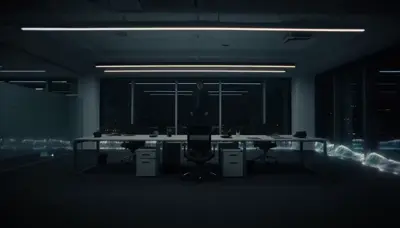
Camera & optical looks
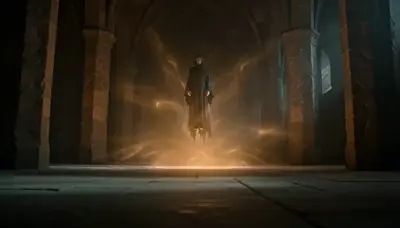
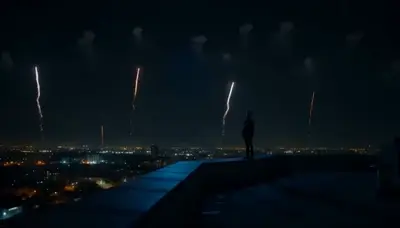
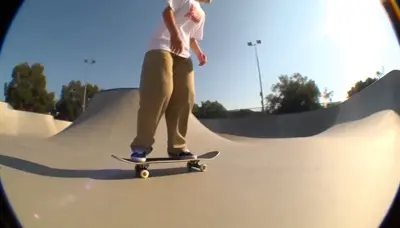
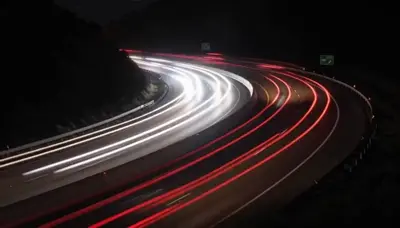
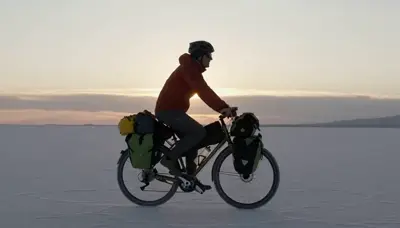
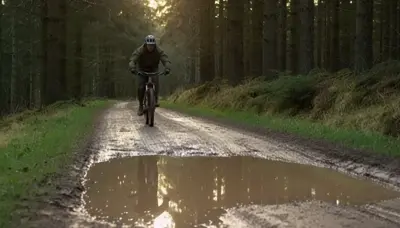
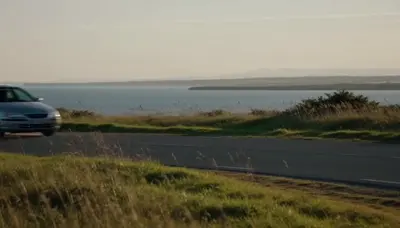
Motion blur, tilt shift, light leaks, light trails, hyperlapse and other in-camera effects.
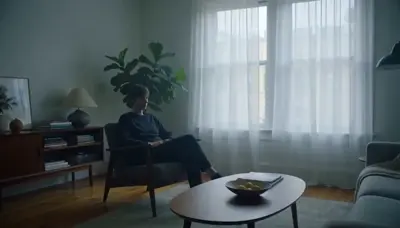
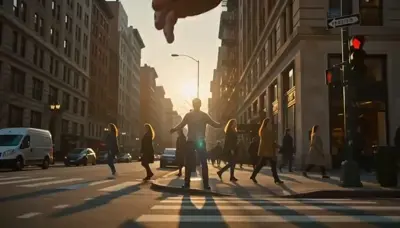
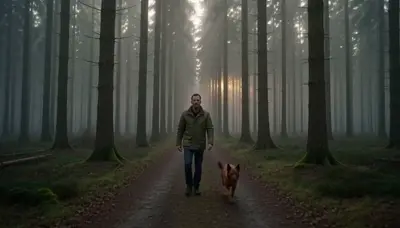
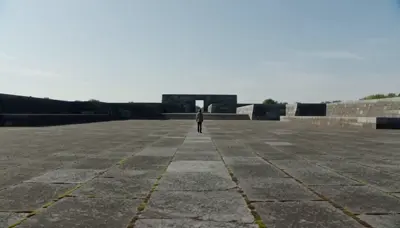
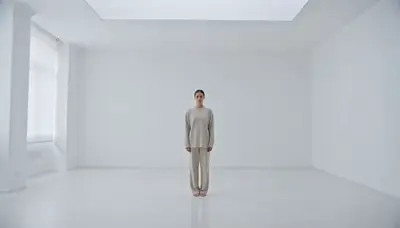
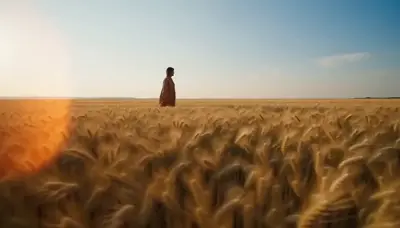
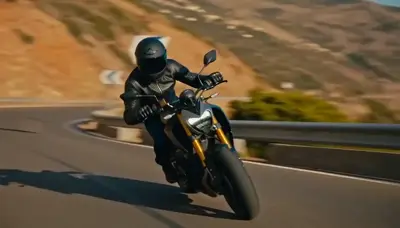
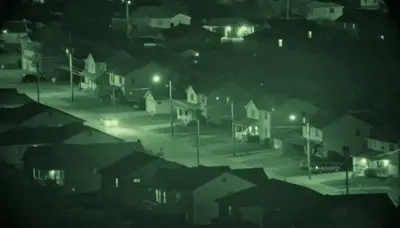
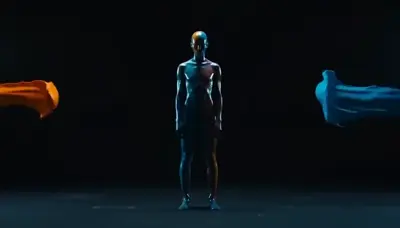
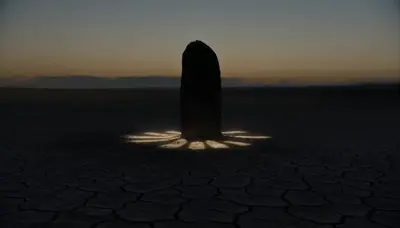
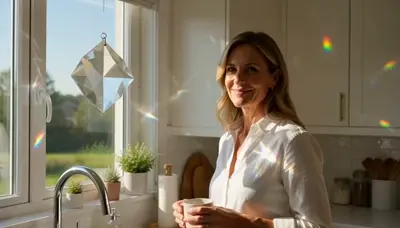

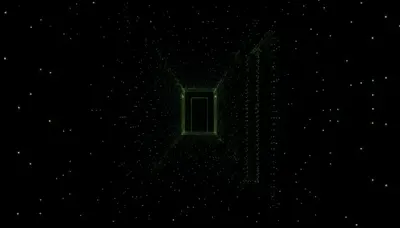
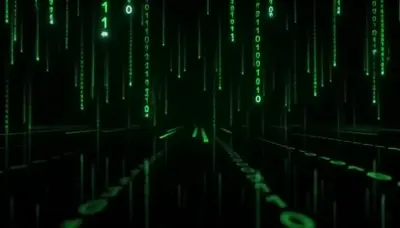
Retro & stylised
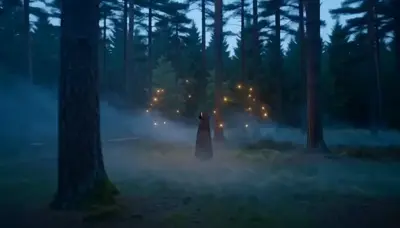
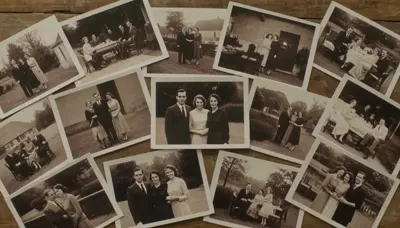
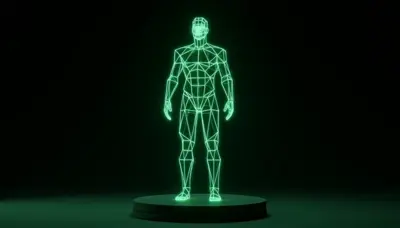
VHS, matrix code, pixelate, wireframe, point cloud and other rendered looks.
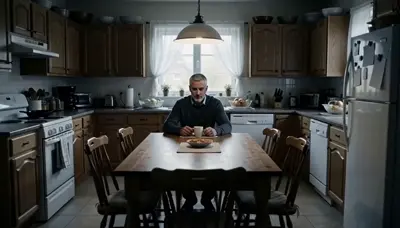
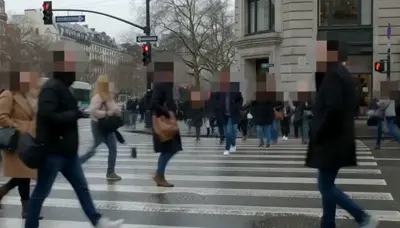
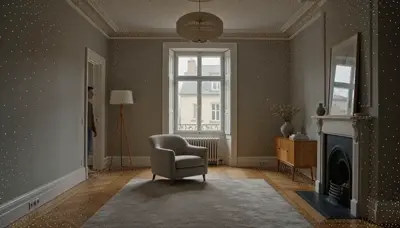
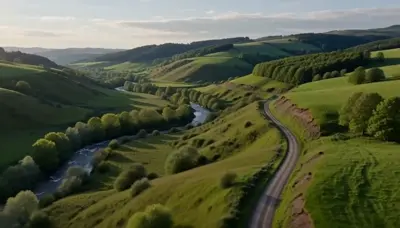
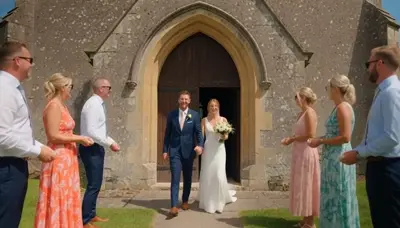


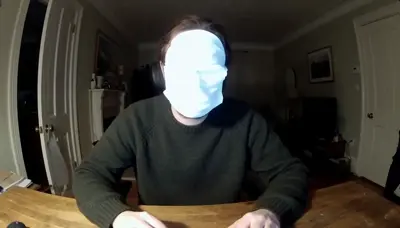
Transformations
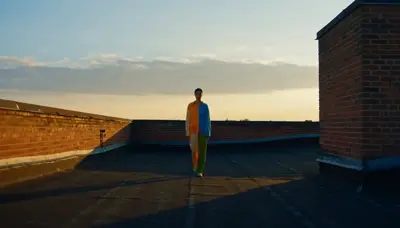
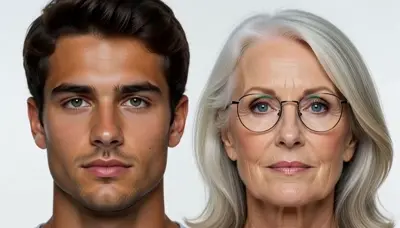
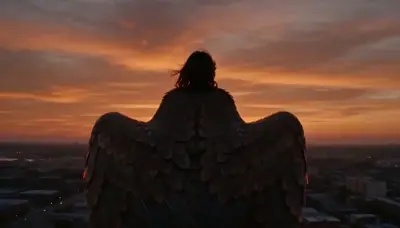
Face morphs, turn-to-dust, liquid metal, become-a-creature and other changes to a subject.
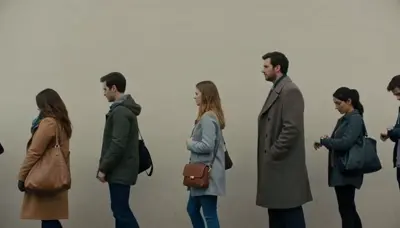
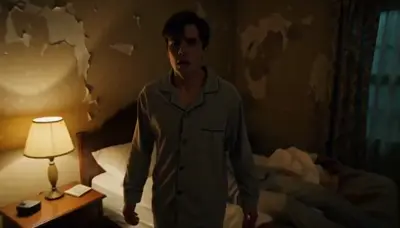
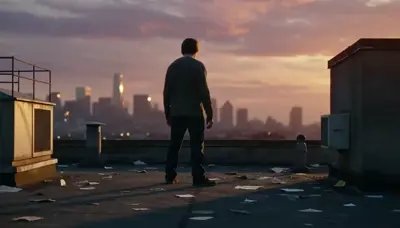
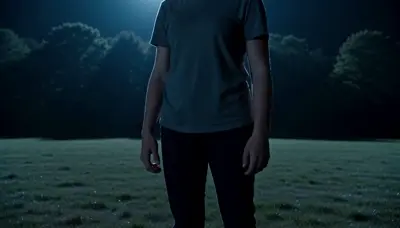

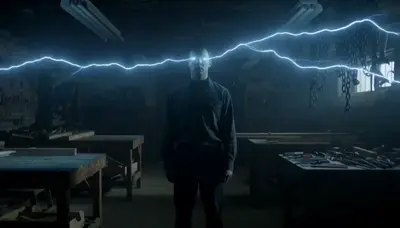
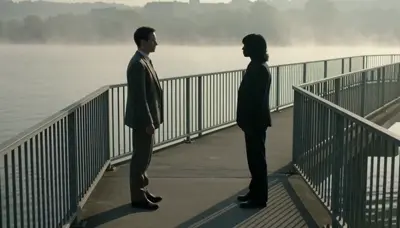
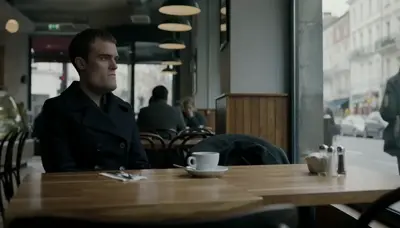
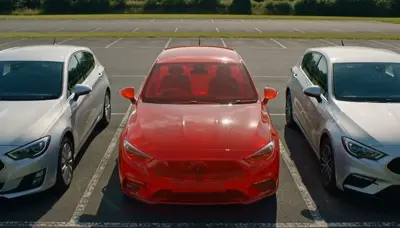

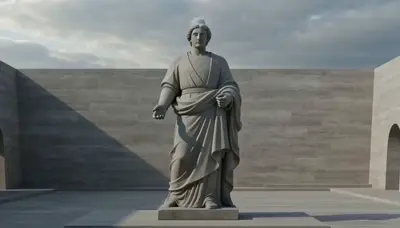
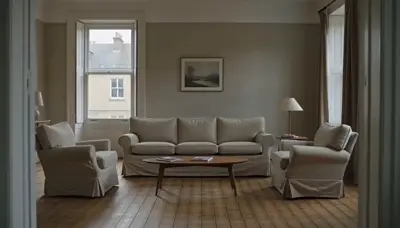
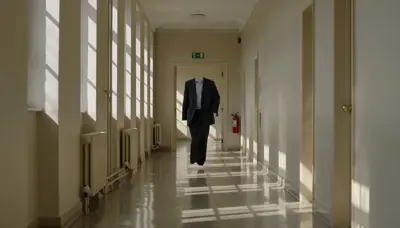
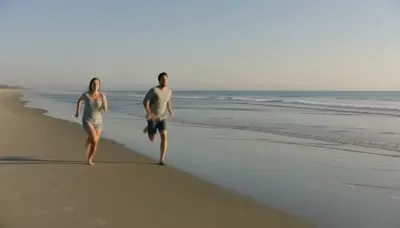
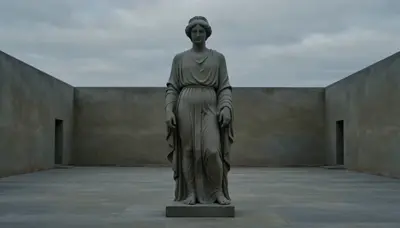
Destruction & physics
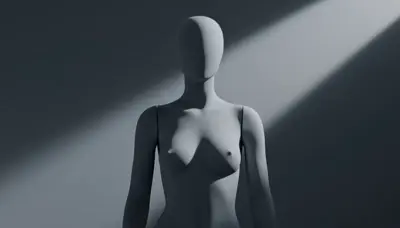
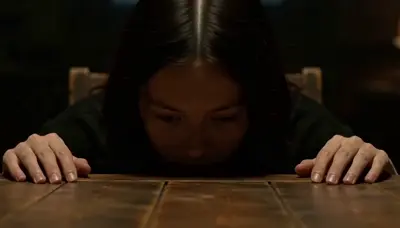
Shatter, explosions, powder bursts, sand, stone and falling objects.
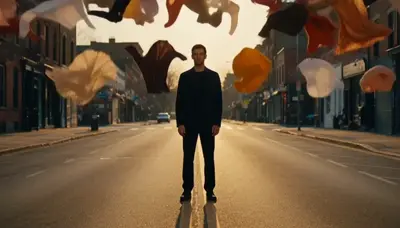
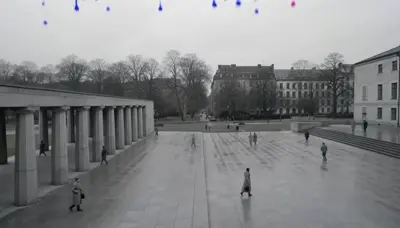
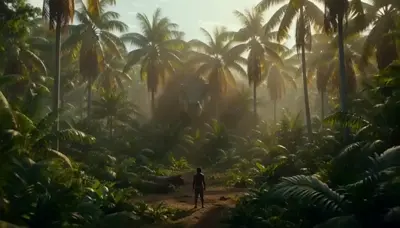
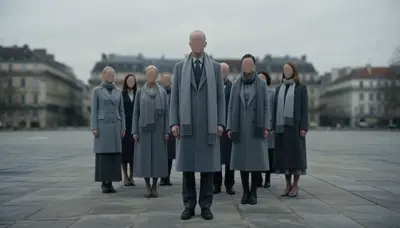
Persona & outfit switch
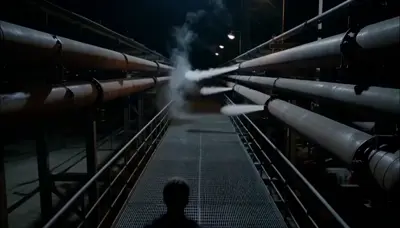
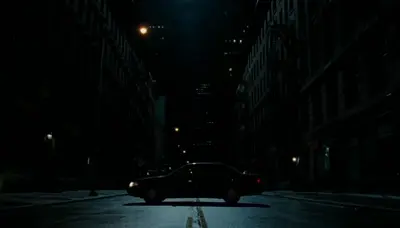
Outfit swaps, gala dresses, camo, shades on and other look changes on one person.

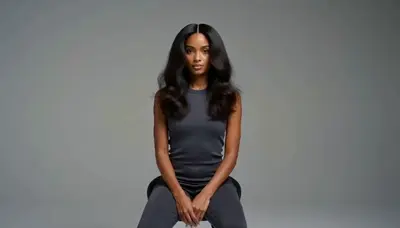
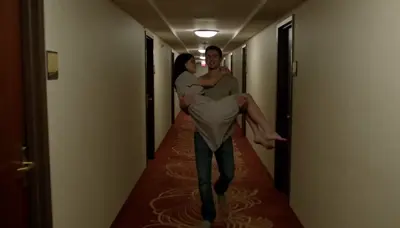
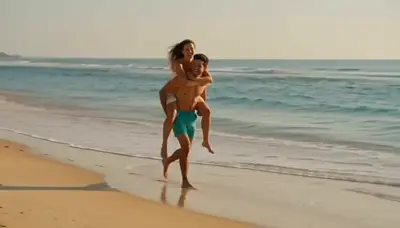
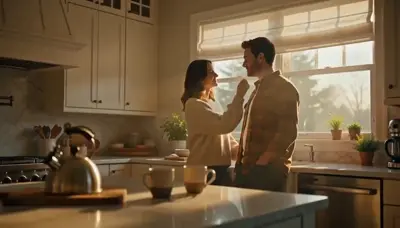
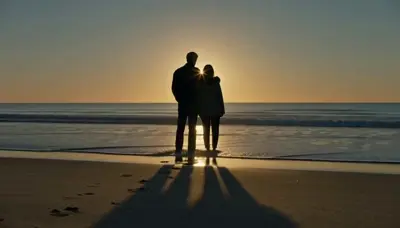
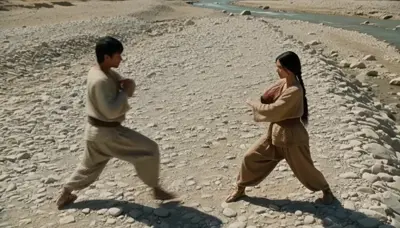
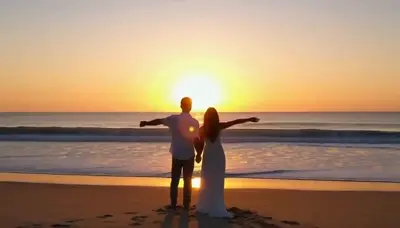
Two-person interaction
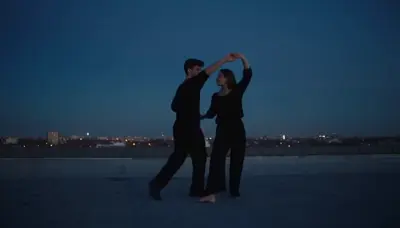
Hugs, handshakes, couple shots, fights and other effects that bring two subjects together.
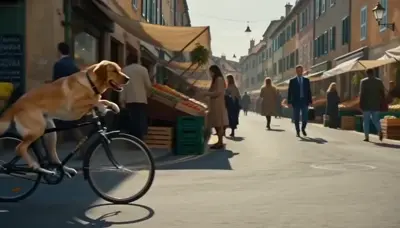
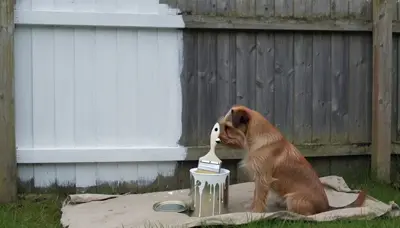
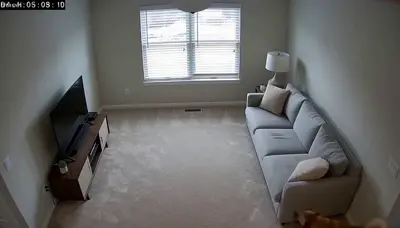
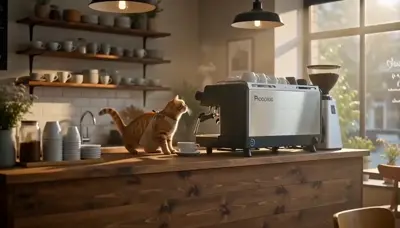
Pets
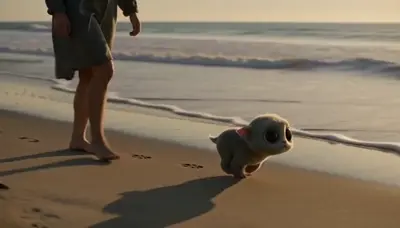
Party hats, talking pets, pet interviews and other animal effects.



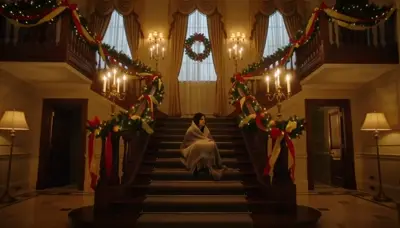
Festival & seasonal
Christmas, Halloween, New Year and other holiday scene dressing.
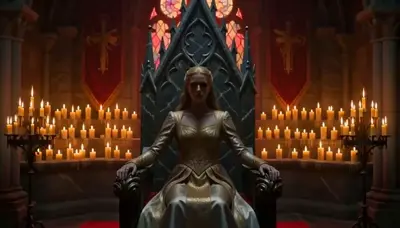

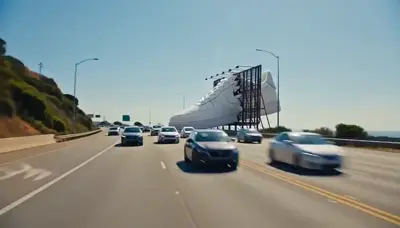
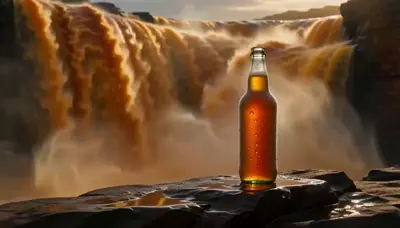
Commercial & product
Unboxing, juice bursts, product fly-ins and other product-led effects.
Transitions
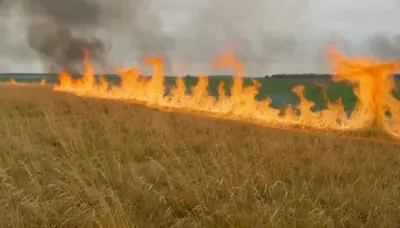
Dust, smoke, flame, portal and other frame-to-frame transitions.
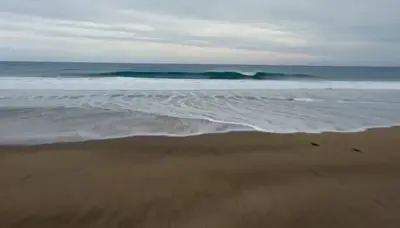
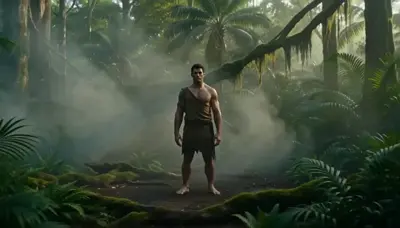
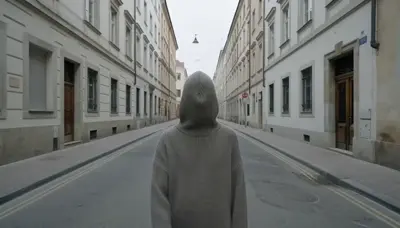
Motion & action
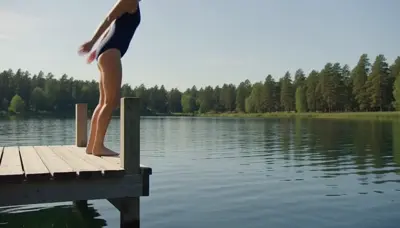
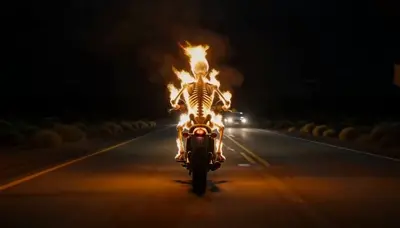
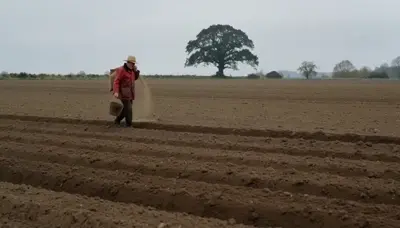
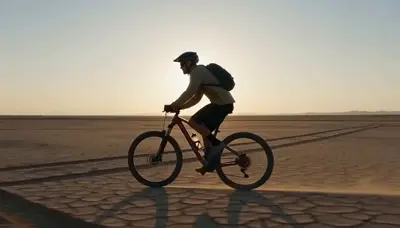
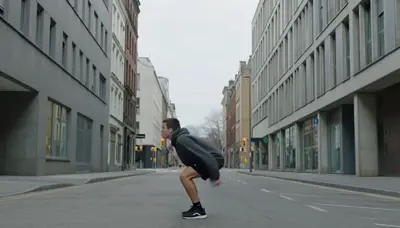
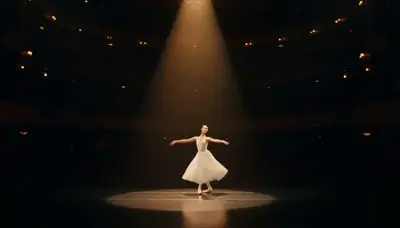
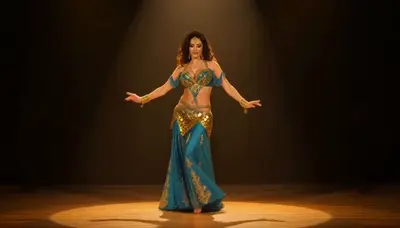
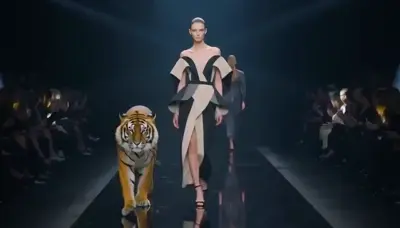
Dances, walking, catwalks, backflips, parkour and other movement effects.
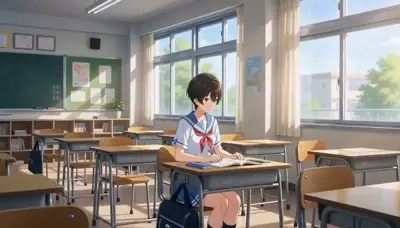
Camera control & real estate
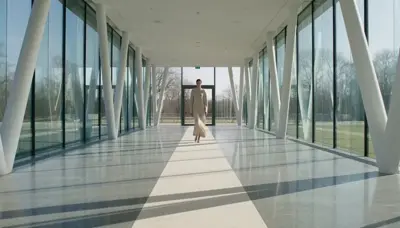
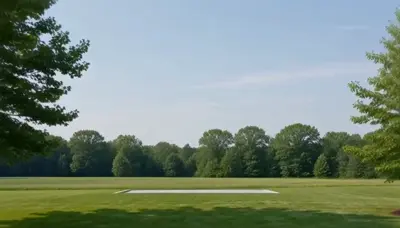
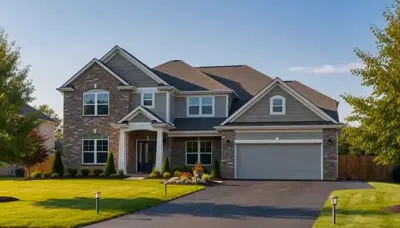
Earth zoom, FPV flight, parallax, interior reveals and other camera-led effects.
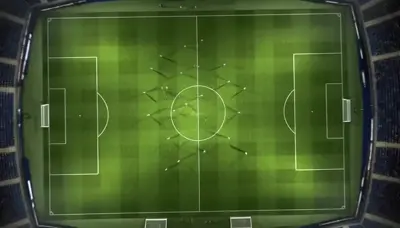
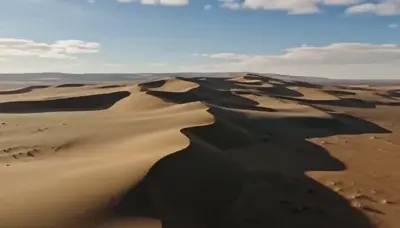
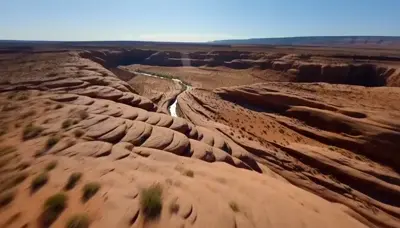
Viral scenarios
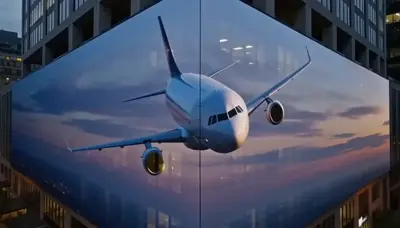
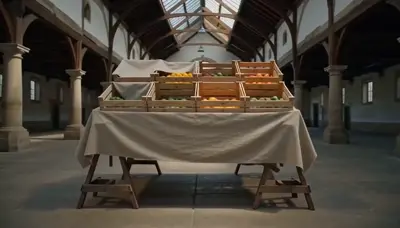
Private jet, red carpet, luxury drive and other scenario effects around one person.
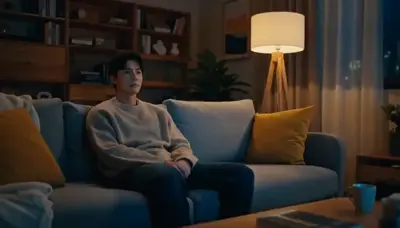
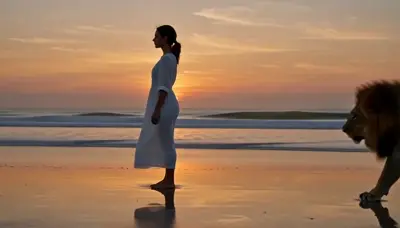
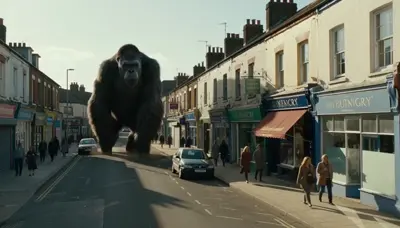
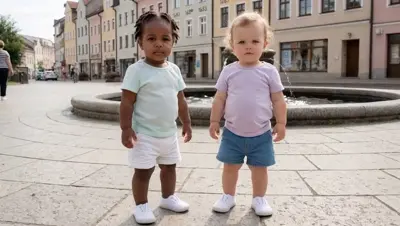
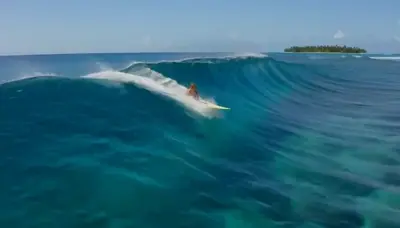
Art & stylisation
Line drawing, plush toy, emoji, movie poster and other art-led effects.

手动合成,还是一个工作区
手动逐帧抠像
在某一帧上标出人物或物体,Compose 就会生成遮罩,在整个镜头里跟踪你标记的主体。之后调色可以只作用在遮罩之内,也可以让遮罩把下方轨道透出来。
每种效果一个插件
模糊、锐化、胶片颗粒、暗角、发光和色度抠像直接加在片段上;调色可以放在调整图层上,作用于它下面的所有内容。
一处不对就得重拍
给片段一句指令,改掉镜头里的某一处,或者从最后一帧往后续接。修改已有片段属于付费套餐。
往返桌面剪辑软件
剪辑、调色、声音、字幕和导出,都在镜头生成的地方完成。
我们的素材,你的工作区
只用自有素材
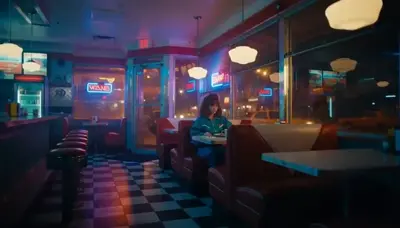
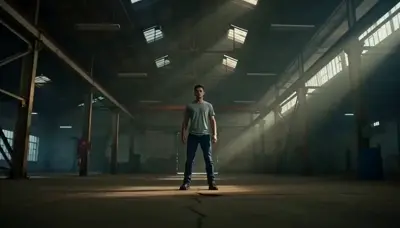
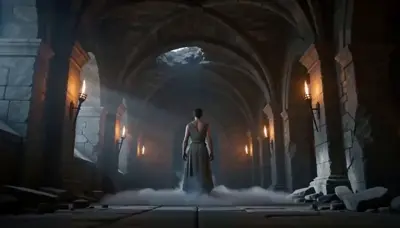
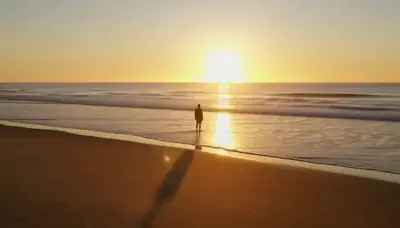
这些页面上的每个片段都是在 Morphic 里生成的。没有影视公司的素材,没有第三方角色,没有任何不属于我们的内容。
一条时间线,多人同时剪
多人可以同时编辑同一条 Compose 时间线,权限分为可编辑和仅查看,并且自动保存。实时协作属于 Pro 套餐及以上。
批注钉在画面上
一条批注可以钉在某一帧或某段时间范围上,还能在画面上直接画,片段被修剪或移动后批注依然跟着它走。工作区里能打开这个项目的人都可以批注。
常见问题
从库里挑一个效果,直接用它的提示词;也可以从你已经拍好的素材开始。
试用 Morphic