Hartlicht-Studio-Chiaroscuro
Ein schwarzes Studio: eine gerasterte harte Quelle streift über die Person, tiefer samtiger Schatten füllt den Rest des Bildes, helle spekulare Lichter, dramatischer monochromer Kontrast.
Prompt bearbeiten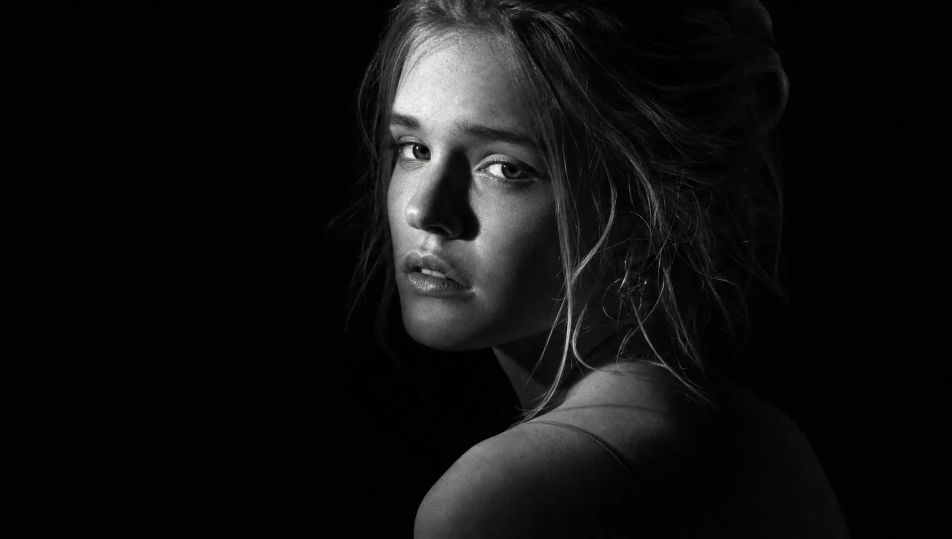
Erstellen Sie Schwarz-Weiß-Porträts direkt im Browser mit dem KI-Bildgenerator von Morphic. Generieren Sie eine Chiaroscuro-Büste, eine sanfte feinkörnige Filmstudie oder eine dokumentarische Nahaufnahme mit tiefen samtigen Schwarztönen. Halten Sie ein Gesicht mit Character Lineup konsistent und animieren Sie jeden Frame mit Image to Video.
Ein schwarzes Studio: eine gerasterte harte Quelle streift über die Person, tiefer samtiger Schatten füllt den Rest des Bildes, helle spekulare Lichter, dramatischer monochromer Kontrast.
Prompt bearbeitenEin ruhiger Raum mit sanftem diffusem Fensterlicht, ein durchscheinender Vorhang leuchtet, sanfte Grauabstufung über den Wänden, feines analoges Korn, ruhige nachdenkliche monochrome Stimmung.
Prompt bearbeiten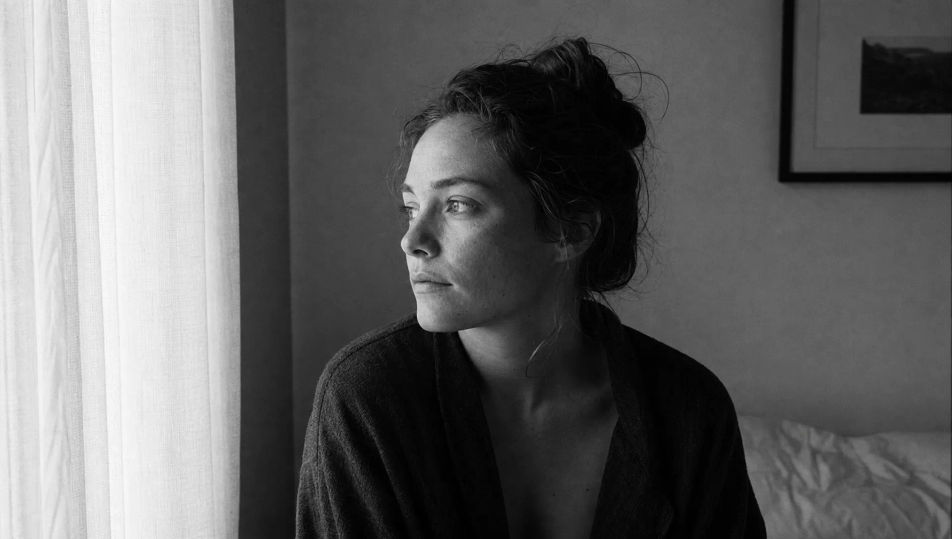
Eine spontane Straßenkulisse in Monochrom: verschwommene Passanten, hartes Tageslicht und scharfer Schatten, voller Tonwertumfang, Körnung und Textur im Pflaster, fotojournalistisches Schwarz-Weiß.
Prompt bearbeiten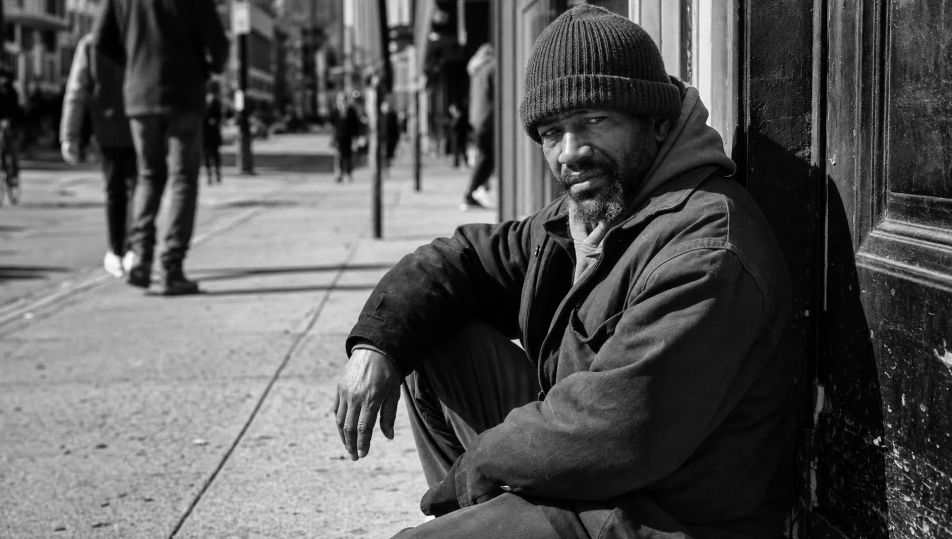
Ein leuchtendes High-Key-Set: reiner weißer Sweep, sanftes Rundum-Licht, nahezu schattenlose blasse Töne, die Person liest sich als feine dunkle Linien vor hellem monochromem Weiß.
Prompt bearbeiten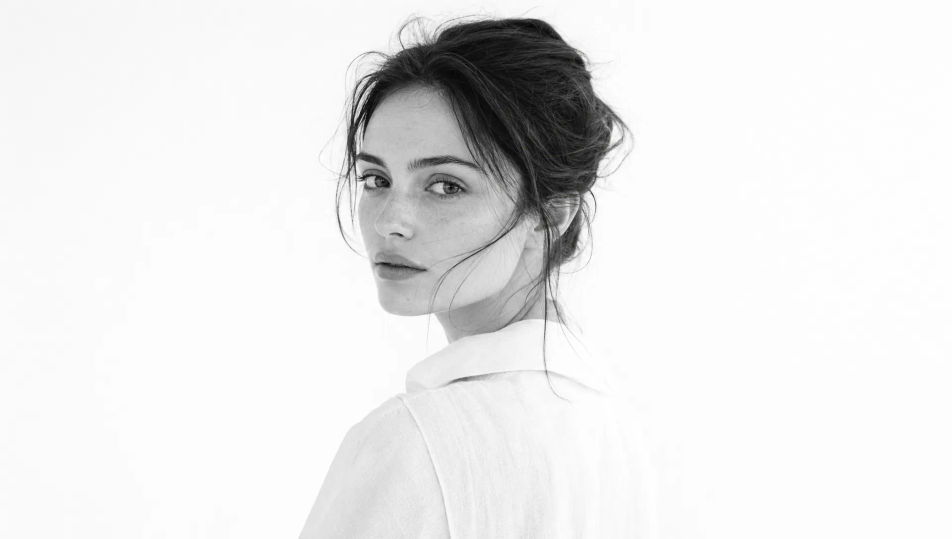
Beschreiben Sie das Schwarz-Weiß-Porträt, das Sie möchten, in einfachen Worten.
Morphic generiert in Sekunden ein sauberes, veröffentlichungsfertiges Bild auf Ihrer Canvas.
Passen Sie den Prompt an, generieren Sie Varianten und laden Sie das Bild herunter oder teilen Sie es.
Fix plastic-looking AI skin. Adds natural texture, pores, and imperfections for realism.
One selfie becomes a set of professional headshots. Studio-quality, multiple styles.
Convert any image to a new aspect ratio. Smart crop or extend the edges to fit.
Full model photoshoot from one photo of you

Upload a photo of a person or character and get a single grid image showing them at different life stages, from baby to elderly.
Choose your viewing angles and get precise perspective shifts of any image with full camera control.
Porträtfotografie-KI-Bilder
Studioreife KI-Porträts aus einem Prompt erzeugen. Realistisches Licht, Hauttextur und Objektiv-Looks. Kostenlos in HD, ohne Wasserzeichen.
Studio-Porträt-KI-Bilder
Erstellen Sie KI-Studio-Porträt-Bilder mit Morphic. Generieren Sie Studio-Porträt-Aufnahmen, Porträts und Visuals für jedes Projekt in Sekunden.
Umweltporträt-KI-Bilder
Erstellen Sie KI-Umweltporträt-Bilder mit Morphic. Generieren Sie Umweltporträt-Motive, Porträts und Visuals für jedes Projekt in Sekunden.
Porträtaufnahme-KI-Bilder
Erstellen Sie KI-Porträtaufnahmen mit Morphic. Generieren Sie Porträtaufnahmen, Porträts und Visuals für jedes Projekt in Sekunden.
Starten Sie noch heute kostenlos, mit der Option, jederzeit zu upgraden oder zu kündigen.
Basic
2400 monatliche Credits
1 Nutzer
Alle Modelle
Workflows
Standard
3625 monatliche Credits
1 Nutzer
Alle Modelle
Workflows
Pro
6350 gemeinsame monatliche Credits
1 Nutzer
Alle Modelle
Workflows
Max
24650 gemeinsame monatliche Credits
1 Nutzer
Alle Modelle
Workflows
Enterprise
Für höhere Limits
Individuell
Preis- und Abrechnungsbedingungen

Free
Zum Ausprobieren
$0
dauerhaft kostenlos