Create Headshot images in your browser with Morphic's AI image generator. Generate clean professional headshots like a corporate portrait on a soft grey backdrop, an actor's natural-light headshot, or a creative founder against a blurred studio, and keep one subject consistent across a whole set with the Character Lineup workflow. Animate any frame with the Image to Video tool.

Headshot subjects you can generate

Headshot backdrops you can stage

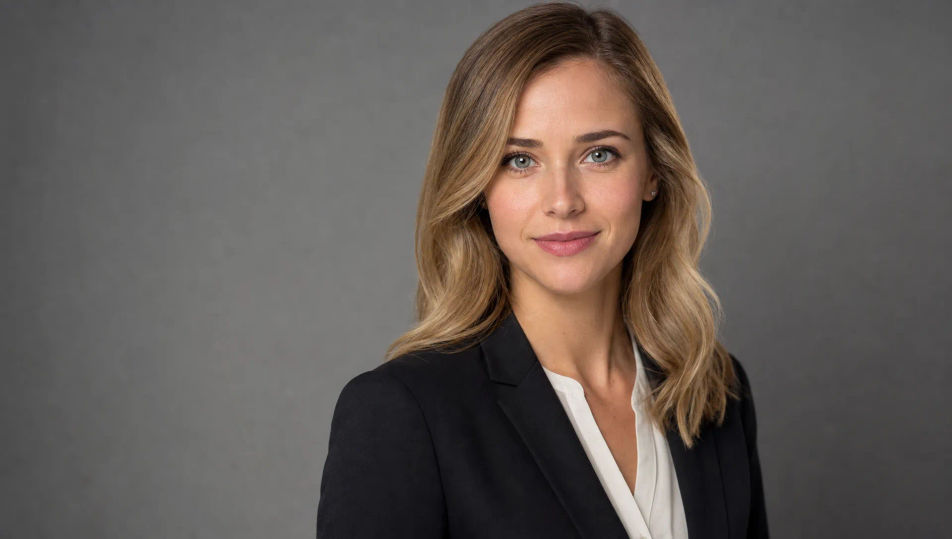
Soft grey studio backdrop

A clean headshot set: smooth mid-grey backdrop, one large soft key at 45 degrees, gentle fill, a soft shadow gradient behind the shoulder, neutral and professional.

Prompt bearbeiten
Soft grey studio backdrop

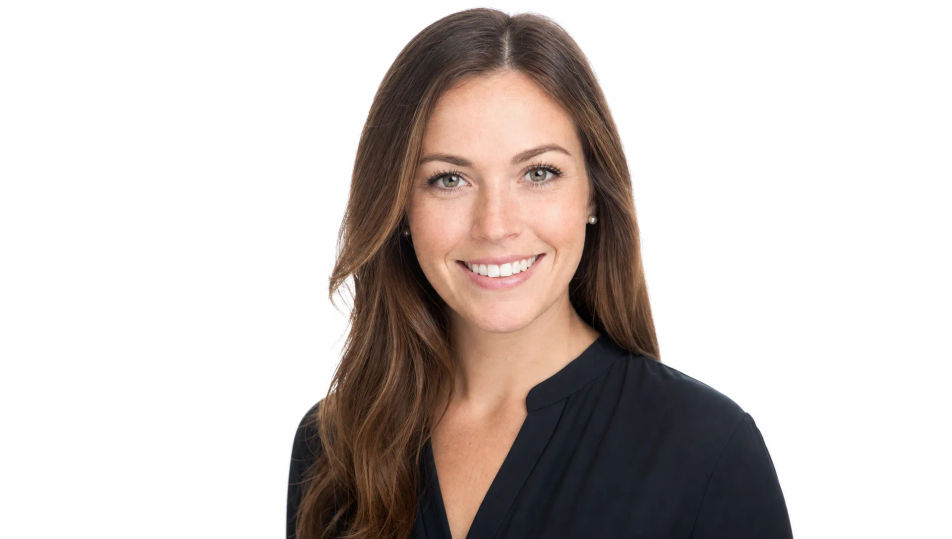
Bright white studio

A bright high-key headshot studio: white sweep blown clean, soft wraparound light, airy and modern, the kind of crisp look used for team and about pages.

Prompt bearbeiten
Bright white studio

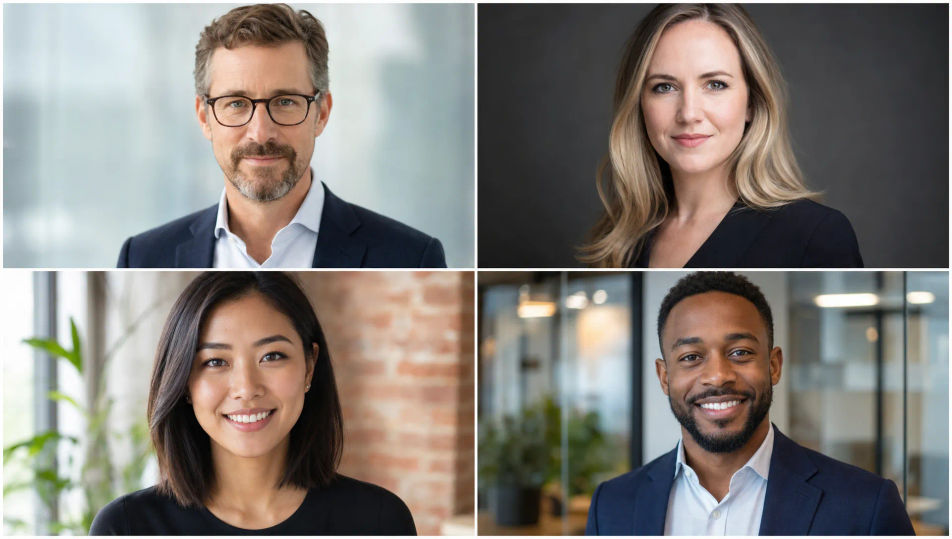
Blurred office interior

A soft-focus modern office behind the subject: glass partitions, warm interior light, a hint of greenery, everything melting into gentle bokeh for a natural in-context headshot.

Prompt bearbeiten
Blurred office interior

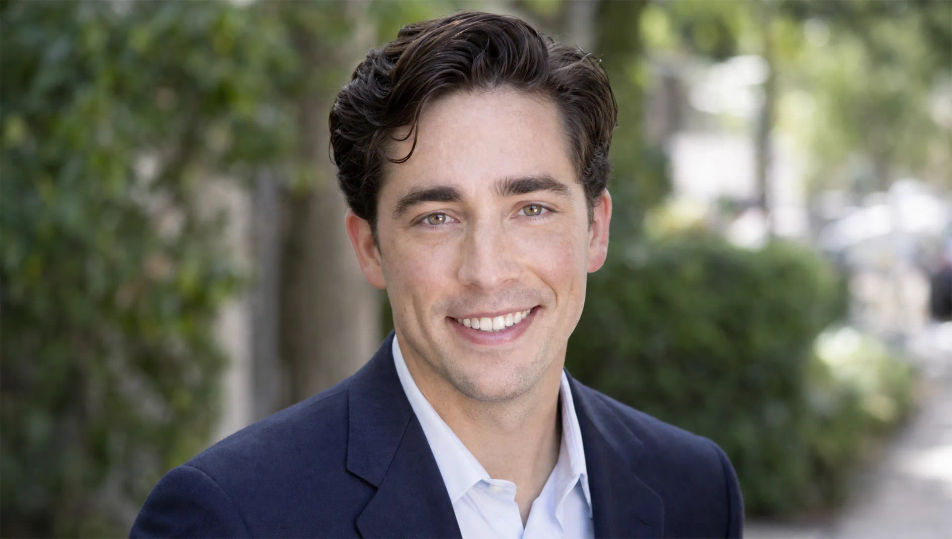
Outdoor open shade

An outdoor headshot spot in soft open shade: a blurred leafy or urban background, even flattering daylight, gentle catchlights, a relaxed and approachable natural setting.

Prompt bearbeiten
Outdoor open shade

Headshot in drei Schritten erstellen

  1. 01

    Beschreiben Sie Ihr Headshot

    Beschreiben Sie das Headshot, das Sie möchten, in einfachen Worten.

  2. 02

    Bild generieren

    Morphic generiert in Sekunden ein sauberes, veröffentlichungsfertiges Bild auf Ihrer Canvas.

  3. 03

    Headshot verfeinern

    Passen Sie den Prompt an, generieren Sie Varianten und laden Sie das Bild herunter oder teilen Sie es.

Verwandte Workflows

Das könnte Ihnen auch gefallen

Einfache Preise

Starten Sie noch heute kostenlos, mit der Option, jederzeit zu upgraden oder zu kündigen.

Basic

$0/ Monat
abgerechnet als $0 pro Jahr

900 monatliche Credits

1 Nutzer

Alle Modelle

Workflows

Standard

$0/ Monat
abgerechnet als $0 pro Jahr

3200 monatliche Credits

1 Nutzer

Alle Modelle

Workflows

Pro

$0/ Monat
abgerechnet als $0 pro Jahr

6200 gemeinsame monatliche Credits

1 Nutzer

+ bis zu 4 weitere gegen Aufpreis

Alle Modelle

Workflows

Pro Max

$0/ Monat
abgerechnet als $0 pro Jahr

24000 gemeinsame monatliche Credits

1 Nutzer

+ bis zu 9 weitere gegen Aufpreis

Alle Modelle

Workflows

Enterprise

Für höhere Limits

Individuell

Preis- und Abrechnungsbedingungen

Unbegrenzte Credits
Individuelle Platzlimits
Alle Modelle
Workflows
Pricing Gradient

Free

Zum Ausprobieren

$0

dauerhaft kostenlos

Bis zu 20 Credits
Nur 1 Nutzer
Eingeschränkte Modelle
Workflows

Häufig gestellte Fragen

Where can I make headshot images with AI?
You can create headshot images directly in your browser on Morphic. Open the Image tool, describe the subject, the wardrobe, the light, and the backdrop, and Morphic produces a clean professional headshot. No installs and no specialist software needed.
Do I need to upload my own photos?
No. Morphic generates original headshots from a written description rather than training on uploaded selfies. That makes it well suited to avatars, character concepts, mockups, team-page placeholders, and any time you need a professional headshot without a photo of a specific real person.
What headshot styles can I generate?
Corporate blazer portraits, natural-light actor headshots, relaxed creative-founder looks, healthcare and academic portraits, and outdoor open-shade headshots. Name the wardrobe and the backdrop upfront so Morphic sets the right tone.
How do I keep the same subject across a headshot set?
Use the Character Lineup workflow to lock the subject first, then generate variations on different backdrops. Morphic preserves the face and wardrobe so a grey-backdrop version and an outdoor version read as the same person.
How do I write a good headshot prompt?
Name the wardrobe, the lighting, the backdrop, and the expression. For example: "Healthcare professional in a white coat, clean even light, pale neutral backdrop, calm reassuring expression, sharp eyes." Naming the backdrop and light is what gives the clean professional finish.
Can I turn a headshot into video?
Yes. The Image to Video tool animates any headshot you generate, so a still becomes a subtle smile or a small head turn for a profile banner or intro clip. Pair it with the Music tool to add a light score.