Sturmhimmel-Hero
Ein breites Composite einer kleinen Figur am Klippenrand unter einem gewaltigen ausgetauschten Sturmhimmel, das Licht auf der Figur an die Wolken angepasst, ein filmischer kühler Look über dem gesamten Bild.
Prompt bearbeiten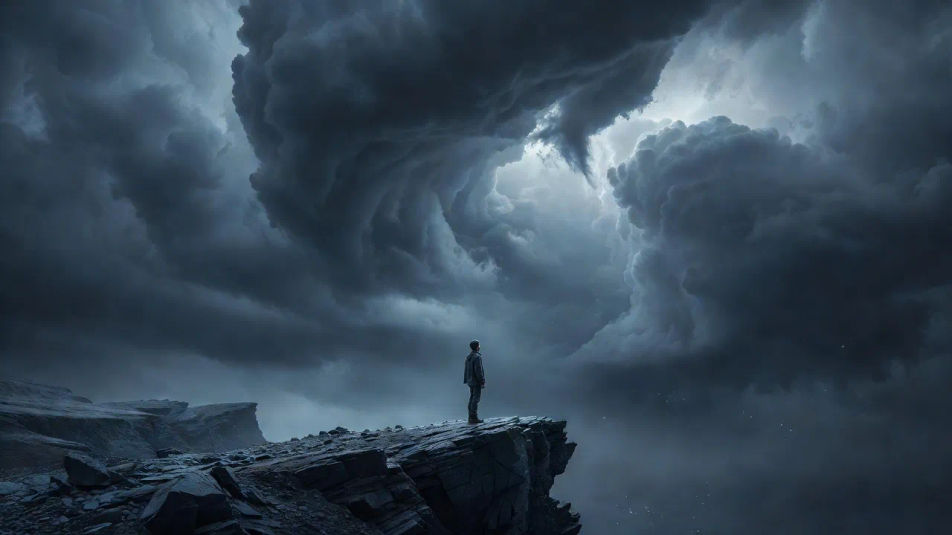
Erstellen Sie Composite-Fotografie-Bilder direkt im Browser mit Morphics KI-Bildgenerator. Generieren Sie eine Figur vor einem stürmischen Himmel, ein schwebendes Produkt in einer Studio-Leere oder eine surreale Doppelbelichtungslandschaft. Fixieren Sie das übereinstimmende Licht mit Style Transfer, dann animieren Sie mit Image to Video.
Ein breites Composite einer kleinen Figur am Klippenrand unter einem gewaltigen ausgetauschten Sturmhimmel, das Licht auf der Figur an die Wolken angepasst, ein filmischer kühler Look über dem gesamten Bild.
Prompt bearbeitenEin breites Studio-Composite mehrerer Produkte, die in unterschiedlichen Tiefen in einer nahtlosen Verlaufsleere schweben, mit angepassten weichen Reflexionen und sauber eingefügten Schatten unter jedem Objekt.
Prompt bearbeiten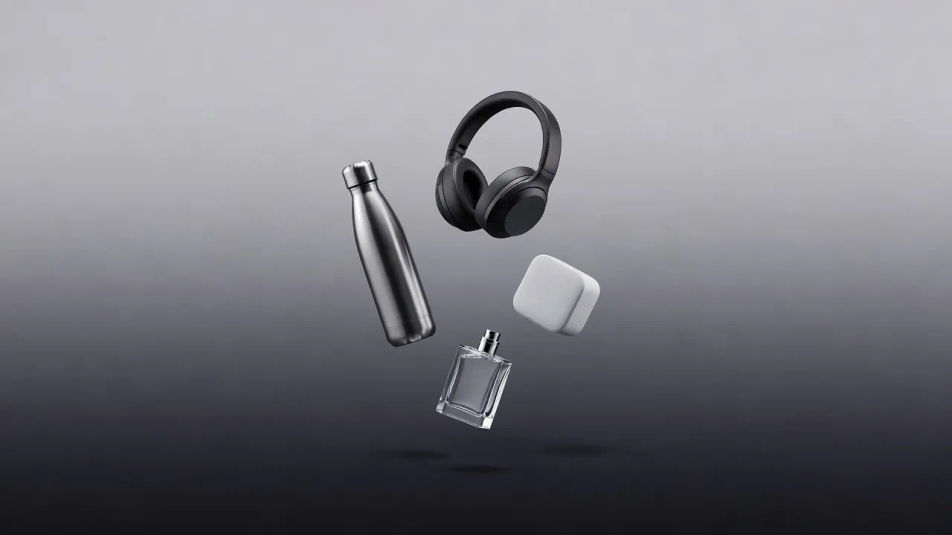
Ein breites Doppelbelichtungs-Composite einer laufenden Silhouette, gefüllt mit einer nebligen Bergkette, weich auslaufende Kanten und eine entsättigte blaugraue Farbpalette über die gesamte Verschmelzung.
Prompt bearbeiten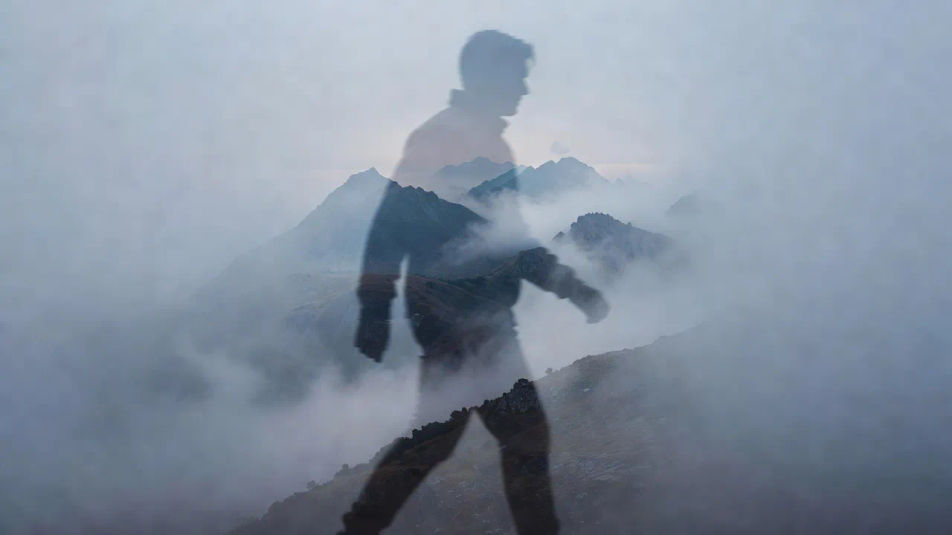
Ein breites Composite winziger Figuren, die einen riesigen Alltagsgegenstand überqueren, mit durchgängigem Licht von oben und einem warmen einheitlichen Look, der jede Nahtstelle verbirgt.
Prompt bearbeiten
Beschreiben Sie das Composite photography, das Sie möchten, in einfachen Worten.
Morphic generiert in Sekunden ein sauberes, veröffentlichungsfertiges Bild auf Ihrer Canvas.
Passen Sie den Prompt an, generieren Sie Varianten und laden Sie das Bild herunter oder teilen Sie es.
Fix plastic-looking AI skin. Adds natural texture, pores, and imperfections for realism.
One selfie becomes a set of professional headshots. Studio-quality, multiple styles.
Choose your viewing angles and get precise perspective shifts of any image with full camera control.
Convert any image to a new aspect ratio. Smart crop or extend the edges to fit.
Set the look with one reference image. Apply that exact grade to any scene or batch.
Bring back any damaged, blurry, or low-res image. Get a sharp, detailed 4K version with natural clarity restored.
Fotomontage KI-Bilder
Fotomontage-KI-Bilder im Browser erstellen: Dada-Collagen, Maßstabsbrüche, Papierplakate. Aus einem Prompt bauen. Jetzt starten.
Kreative Retusche KI-Bilder
Kreative Retusche KI-Bilder im Browser erstellen: glänzende Beauty-Shots, gradierte Editorials, Porträts mit gemaltem Licht. Jetzt starten.
Stereoskopische Fotografie KI-Bilder
Stereoskopische KI-Bilder im Browser erstellen: Stereokarten, Rot-Cyan-Anaglyphen und Parallaxen-Szenen. Jetzt loslegen.
Ghost-Mannequin-Fotografie KI-Bilder
Ghost-Mannequin-Fotografie KI-Bilder im Browser erstellen: unsichtbare Körper, schwebende Pullover, hohle Kragen. Jetzt ausprobieren.
Starten Sie noch heute kostenlos, mit der Option, jederzeit zu upgraden oder zu kündigen.
Basic
2400 monatliche Credits
1 Nutzer
Alle Modelle
Workflows
Standard
3625 monatliche Credits
1 Nutzer
Alle Modelle
Workflows
Pro
6350 gemeinsame monatliche Credits
1 Nutzer
Alle Modelle
Workflows
Max
24650 gemeinsame monatliche Credits
1 Nutzer
Alle Modelle
Workflows
Enterprise
Für höhere Limits
Individuell
Preis- und Abrechnungsbedingungen

Free
Zum Ausprobieren
$0
dauerhaft kostenlos