Beauty-Kampagnen-Hero
Ein weites Beauty-Kampagnenbild mit hyperrealer, glänzender Haut, scharfen Lichtreflexen und skulptierten Dodge-and-Burn-Wangenknochen, klarem High-Key-Licht und einem präzisen, kommerziellen Finish.
Prompt bearbeiten
Erstellen Sie kreative Retusche-Bilder direkt im Browser mit Morphics KI-Bildgenerator. Generieren Sie eine glänzende, hyperreale Beauty-Aufnahme, ein farbgradiertes Fashion-Editorial oder ein surreales Porträt mit gemaltem Licht. Kombinieren Sie jedes Motiv mit Style Transfer zur Farbfixierung und animieren Sie jedes Standbild mit Image to Video.
Ein weites Beauty-Kampagnenbild mit hyperrealer, glänzender Haut, scharfen Lichtreflexen und skulptierten Dodge-and-Burn-Wangenknochen, klarem High-Key-Licht und einem präzisen, kommerziellen Finish.
Prompt bearbeitenEin weites Fashion-Editorial mit kräftigem Teal-Orange-Grading, tiefem Kontrast und skulptierten Schatten über den gesamten Stoff, ein polierter, glänzender Schimmer über dem ganzen Bild.
Prompt bearbeiten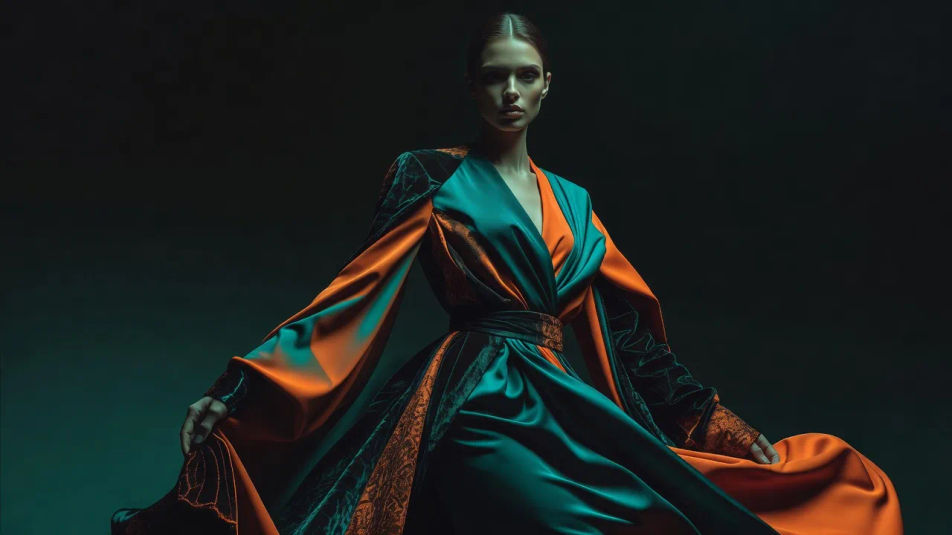
Ein weites Studioporträt mit malerischem Bernstein-Streiflicht vor einem dunklen Set, geglätteter Haut bei erhaltener Textur und einem warmen, filmischen Grading über der ganzen Szene.
Prompt bearbeiten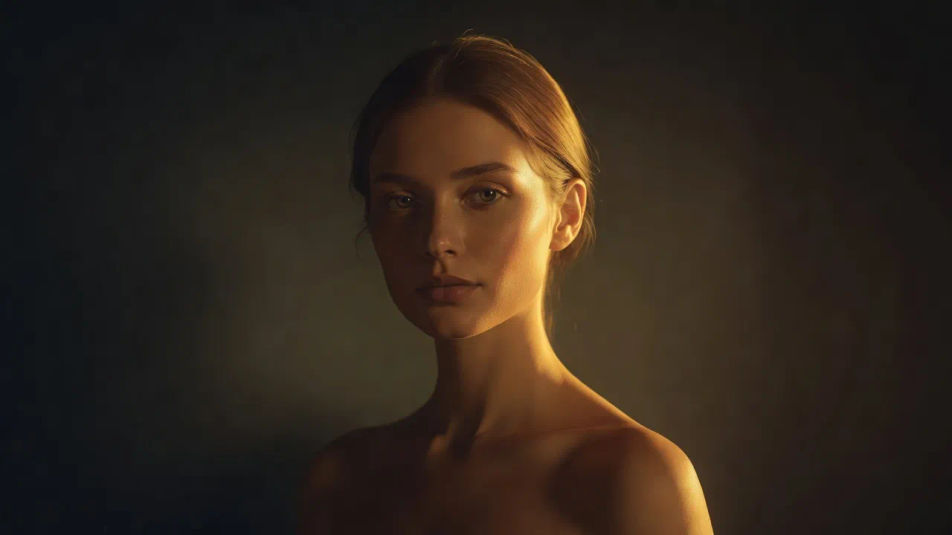
Ein weites, surreales Beauty-Konzept mit metallisch-chromfarbener Haut und flüssigen Glanzlichtern, kühlen blauen Reflexen und einem glatten, weltfremden Retusche-Finish.
Prompt bearbeiten
Beschreiben Sie das Creative retouching, das Sie möchten, in einfachen Worten.
Morphic generiert in Sekunden ein sauberes, veröffentlichungsfertiges Bild auf Ihrer Canvas.
Passen Sie den Prompt an, generieren Sie Varianten und laden Sie das Bild herunter oder teilen Sie es.
Fix plastic-looking AI skin. Adds natural texture, pores, and imperfections for realism.
One selfie becomes a set of professional headshots. Studio-quality, multiple styles.
Convert any image to a new aspect ratio. Smart crop or extend the edges to fit.
Set the look with one reference image. Apply that exact grade to any scene or batch.
Choose your viewing angles and get precise perspective shifts of any image with full camera control.
Bring back any damaged, blurry, or low-res image. Get a sharp, detailed 4K version with natural clarity restored.
Beauty-Retusche KI-Bilder
Beauty-Retusche KI-Bilder im Browser erstellen: leuchtende Haut, dezente Makeup-Looks, High-Key-Kampagnen. Jetzt starten.
Composite-Fotografie KI-Bilder
Composite-Fotografie KI-Bilder im Browser erstellen: Figuren im Sturmhimmel, schwebende Produkte, Doppelbelichtung. Jetzt starten.
Fotomontage KI-Bilder
Fotomontage-KI-Bilder im Browser erstellen: Dada-Collagen, Maßstabsbrüche, Papierplakate. Aus einem Prompt bauen. Jetzt starten.
Cross-Processing-KI-Bilder
Cross-Processing-KI-Bilder im Browser erstellen: giftgrüne Schatten, Cyan-Lichter, verschobene Hauttöne. Aus einem Prompt. Jetzt loslegen.
Starten Sie noch heute kostenlos, mit der Option, jederzeit zu upgraden oder zu kündigen.
Basic
2400 monatliche Credits
1 Nutzer
Alle Modelle
Workflows
Standard
3625 monatliche Credits
1 Nutzer
Alle Modelle
Workflows
Pro
6350 gemeinsame monatliche Credits
1 Nutzer
Alle Modelle
Workflows
Max
24650 gemeinsame monatliche Credits
1 Nutzer
Alle Modelle
Workflows
Enterprise
Für höhere Limits
Individuell
Preis- und Abrechnungsbedingungen

Free
Zum Ausprobieren
$0
dauerhaft kostenlos