Cyberpunk City AI Images

Design cyberpunk cities in your browser with Morphic's cyberpunk city AI image generator. Generate a rain-soaked neon canyon or a megacorp tower over the smog, lock one neon-and-rain palette with Style Transfer, then let Image to Video make the signs flicker.

Cyberpunk city elements you can create

Cyberpunk city compositions you can produce

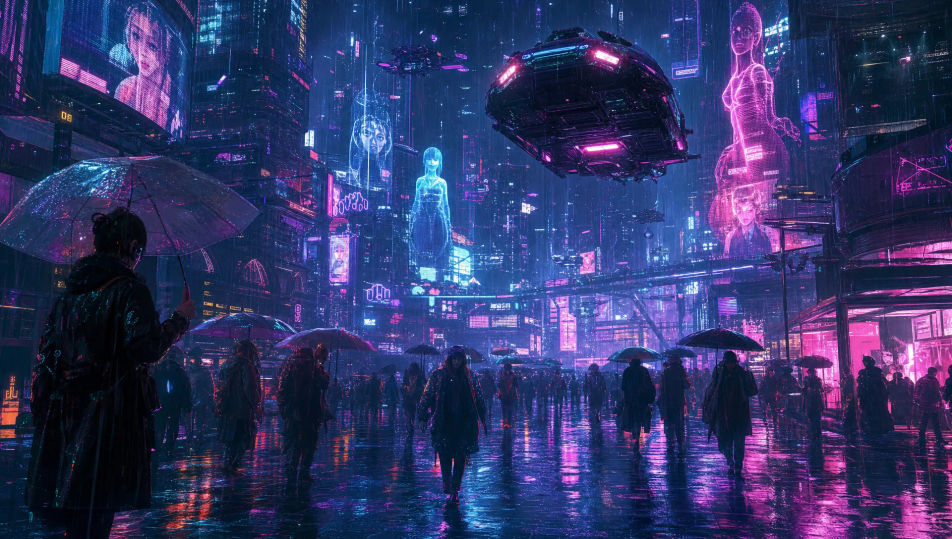
A rain-soaked neon street

A wide cyberpunk street in heavy rain glowing with stacked neon and holograms, a flying car passing overhead, crowds under umbrellas, reflections shivering in the puddles.

Prompt bearbeiten
A rain-soaked neon street

A towering skyline at night

A sweeping view across an endless cyberpunk skyline of megatowers and beacon lights piercing a smog layer, flying traffic threading between spires under a bruised sky.

Prompt bearbeiten
A towering skyline at night

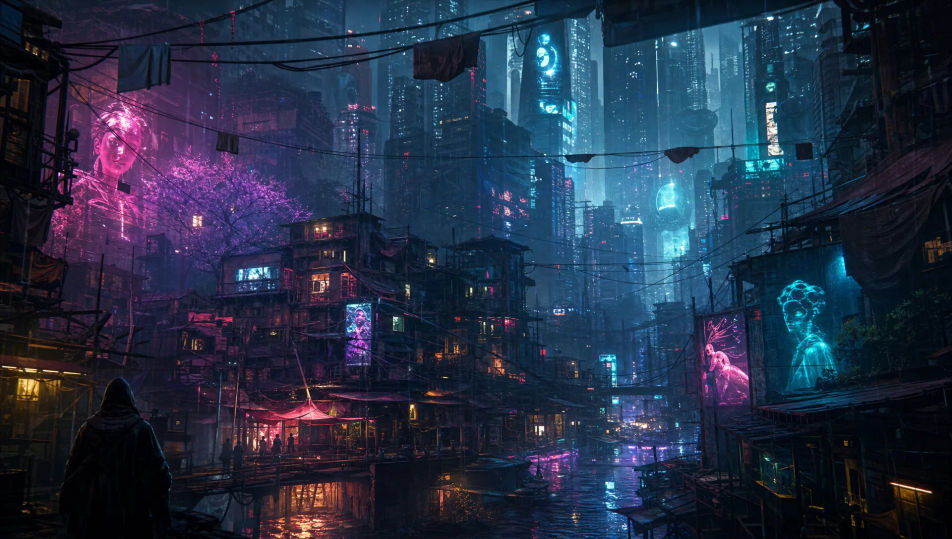
The slums under the megatowers

A dense low-rise sprawl of stacked shacks and neon signage crammed beneath colossal corporate towers, laundry lines and cables overhead, warm grime against cold tower-glow.

Prompt bearbeiten
The slums under the megatowers

An elevated maglev transit line

A glowing maglev train streaking along an elevated track between neon-clad towers at night, light trails and rain, the city canyon dropping away far below.

Prompt bearbeiten
An elevated maglev transit line

Cyberpunk city in drei Schritten erstellen

  1. 01

    Beschreiben Sie Ihr Cyberpunk city

    Beschreiben Sie das Cyberpunk city, das Sie möchten, in einfachen Worten.

  2. 02

    Bild generieren

    Morphic generiert in Sekunden ein sauberes, veröffentlichungsfertiges Bild auf Ihrer Canvas.

  3. 03

    Cyberpunk city verfeinern

    Passen Sie den Prompt an, generieren Sie Varianten und laden Sie das Bild herunter oder teilen Sie es.

Verwandte Workflows

Das könnte Ihnen auch gefallen

Einfache Preise

Starten Sie noch heute kostenlos, mit der Option, jederzeit zu upgraden oder zu kündigen.

Basic

$0/ Monat
abgerechnet als $0 pro Jahr

900 monatliche Credits

1 Nutzer

Alle Modelle

Workflows

Standard

$0/ Monat
abgerechnet als $0 pro Jahr

3200 monatliche Credits

1 Nutzer

Alle Modelle

Workflows

Pro

$0/ Monat
abgerechnet als $0 pro Jahr

6200 gemeinsame monatliche Credits

1 Nutzer

+ bis zu 4 weitere gegen Aufpreis

Alle Modelle

Workflows

Pro Max

$0/ Monat
abgerechnet als $0 pro Jahr

24000 gemeinsame monatliche Credits

1 Nutzer

+ bis zu 9 weitere gegen Aufpreis

Alle Modelle

Workflows

Enterprise

Für höhere Limits

Individuell

Preis- und Abrechnungsbedingungen

Unbegrenzte Credits
Individuelle Platzlimits
Alle Modelle
Workflows
Pricing Gradient

Free

Zum Ausprobieren

$0

dauerhaft kostenlos

Bis zu 20 Credits
Nur 1 Nutzer
Eingeschränkte Modelle
Workflows

Häufig gestellte Fragen

Where can I make cyberpunk city images with AI?
You can create cyberpunk city images directly in your browser on Morphic. Open the Image tool, describe the city element, the rain or smog, and the neon palette, and Morphic produces the artwork. No installs and no specialist software needed.
What defines a cyberpunk city for an AI prompt?
Four things: dense vertical architecture, stacked neon signage and holograms, rain or smog with wet reflections, and a magenta-and-cyan palette. Name all four and the city reads as cyberpunk rather than a generic skyline.
How do I write a good prompt for a cyberpunk city image?
Name the element, the weather, the palette, and the vantage. For example: "a rain-soaked neon street canyon with stacked holographic signage, steam from grates, wet reflections, low street-level view." The reflections and signage density sell the scale.
How do I keep one cyberpunk city consistent across several images?
Use Morphic's Style Transfer workflow to lock the neon palette, the rain-and-smog mood, and the architecture style, then reference that style card in every prompt. Morphic carries the same city across a street scene, a skyline, and a plaza so the set stays consistent.
Can I turn a cyberpunk city image into a video?
Yes. Take any cyberpunk city image into the Image to Video tool and describe the motion, such as flickering signs, falling rain, or a flying car passing. Morphic animates the still into a short clip you can use on its own or cut into a longer sequence.
Do I need any 3D or design skill to make cyberpunk city images?
No. Morphic runs in the browser and takes plain-language prompts. Anyone who can describe a city element, the weather, and the neon palette can produce a finished cyberpunk city image. Modeling skill and design software are not required.