Fashion Photography AI Images

Create Fashion Photography images in your browser with Morphic's AI image generator. Generate fashion shots like a clean studio campaign look, a sunlit lookbook full-length, or a gel-lit beauty close-up, and keep one model consistent across a whole lookbook with the Character Lineup workflow. Animate any frame with the Image to Video tool.

Fashion looks you can generate

Fashion sets you can stage

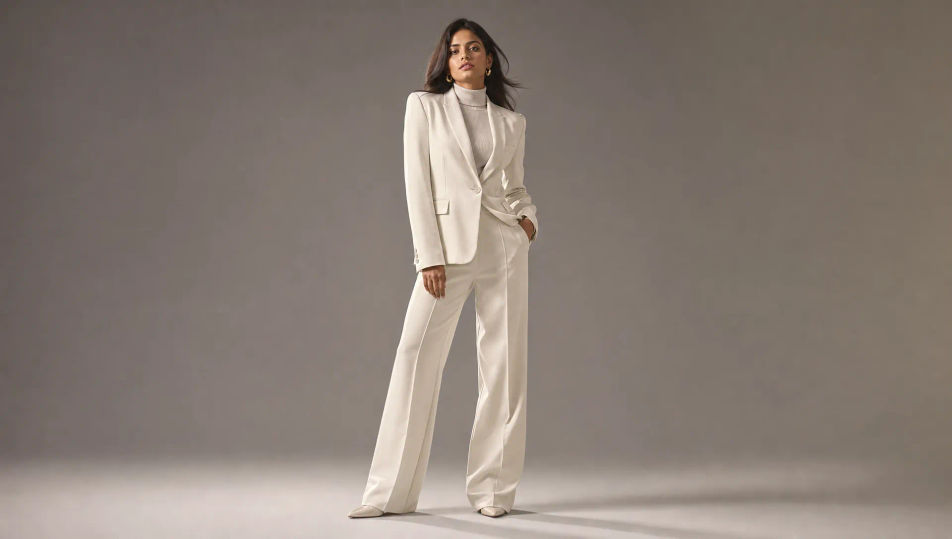
Neutral seamless studio

A clean campaign studio: neutral seamless backdrop, one large soft key plus subtle rim, even commercial light, room for a full-length pose, polished and minimal.

Prompt bearbeiten
Neutral seamless studio

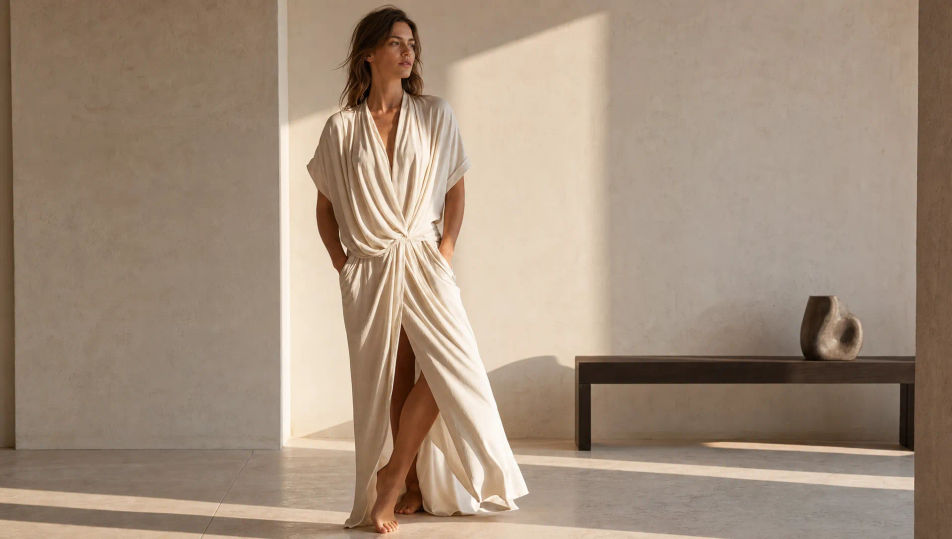
Sunlit minimalist interior

A bright minimalist interior: pale plaster walls, warm raking sunlight, long soft shadows, sparse modern furniture, the airy aspirational set of a lookbook shoot.

Prompt bearbeiten
Sunlit minimalist interior

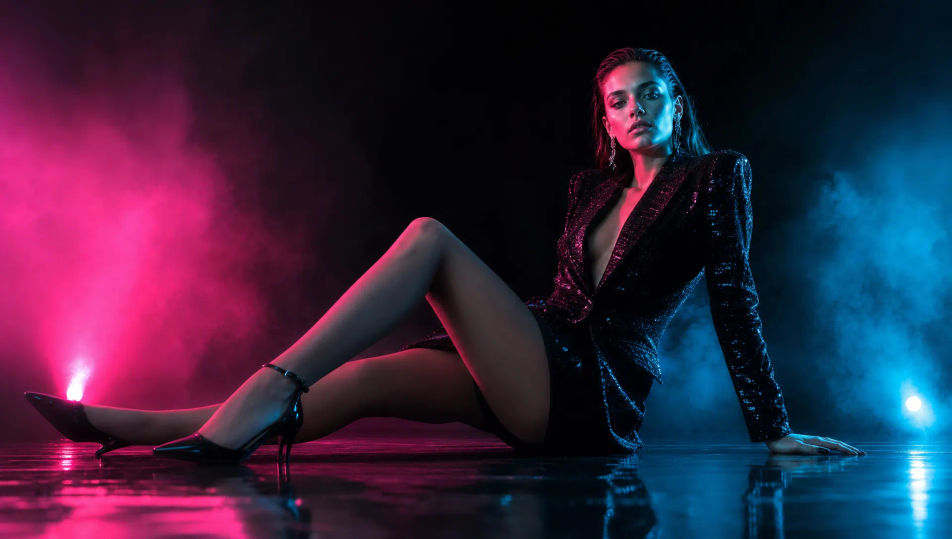
Gel-lit beauty set

A moody beauty set: deep black background, magenta and cyan gels crossing the subject, faint haze catching the colored beams, glossy reflective surfaces, campaign intensity.

Prompt bearbeiten
Gel-lit beauty set

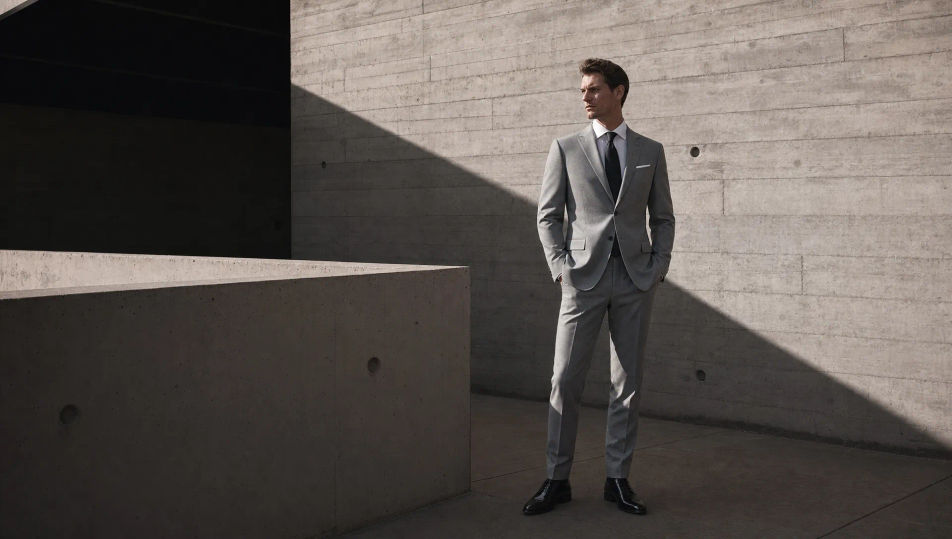
Concrete architectural backdrop

A raw architectural set: board-formed concrete walls, hard directional light and crisp shadow, clean geometric lines, an editorial high-end backdrop for a tailoring look.

Prompt bearbeiten
Concrete architectural backdrop

Fashion Photography in drei Schritten erstellen

  1. 01

    Beschreiben Sie Ihr Fashion Photography

    Beschreiben Sie das Fashion Photography, das Sie möchten, in einfachen Worten.

  2. 02

    Bild generieren

    Morphic generiert in Sekunden ein sauberes, veröffentlichungsfertiges Bild auf Ihrer Canvas.

  3. 03

    Fashion Photography verfeinern

    Passen Sie den Prompt an, generieren Sie Varianten und laden Sie das Bild herunter oder teilen Sie es.

Verwandte Workflows

Das könnte Ihnen auch gefallen

Einfache Preise

Starten Sie noch heute kostenlos, mit der Option, jederzeit zu upgraden oder zu kündigen.

Basic

$0/ Monat
abgerechnet als $0 pro Jahr

900 monatliche Credits

1 Nutzer

Alle Modelle

Workflows

Standard

$0/ Monat
abgerechnet als $0 pro Jahr

3200 monatliche Credits

1 Nutzer

Alle Modelle

Workflows

Pro

$0/ Monat
abgerechnet als $0 pro Jahr

6200 gemeinsame monatliche Credits

1 Nutzer

+ bis zu 4 weitere gegen Aufpreis

Alle Modelle

Workflows

Pro Max

$0/ Monat
abgerechnet als $0 pro Jahr

24000 gemeinsame monatliche Credits

1 Nutzer

+ bis zu 9 weitere gegen Aufpreis

Alle Modelle

Workflows

Enterprise

Für höhere Limits

Individuell

Preis- und Abrechnungsbedingungen

Unbegrenzte Credits
Individuelle Platzlimits
Alle Modelle
Workflows
Pricing Gradient

Free

Zum Ausprobieren

$0

dauerhaft kostenlos

Bis zu 20 Credits
Nur 1 Nutzer
Eingeschränkte Modelle
Workflows

Häufig gestellte Fragen

Where can I make fashion photography images with AI?
You can create fashion photography images directly in your browser on Morphic. Open the Image tool, describe the garment, the styling, the lighting, and the set, and Morphic produces the shot. No model, no studio day, and no installs needed.
Does Morphic generate original fashion shots or edit a photo?
Morphic generates original fashion photography from a written prompt, not edits of an uploaded image. Describe the wardrobe, the model look, the light, and the set and the Image tool produces a brand-new shot with no model release to clear.
What kinds of fashion shots can I generate?
Studio campaign looks, sunlit full-length lookbook shots, gel-lit beauty close-ups, sharp tailoring shots, flowing-fabric motion frames, and accessory detail shots. Name the framing and the lighting upfront so Morphic sets the right register.
How do I keep the same model across a lookbook?
Use the Character Lineup workflow to lock the model first, then change the wardrobe, set, and lighting around them. Morphic preserves the face so a full lookbook reads as one consistent model.
How do I write a good fashion photography prompt?
Name the garment, the styling, the framing, the lighting, and the set. For example: "Gel-lit beauty close-up, statement makeup, magenta and cyan gels, glossy skin, deep black background." Naming the light and styling is what gives it a campaign finish.
Can I turn a fashion shot into video?
Yes. The Image to Video tool animates any frame, so a still becomes flowing fabric in motion or a slow turn toward the light for a campaign teaser. Pair it with the Music tool to score it.