Kirchenschiff in farbigem Licht
Ein weites gotisches Kirchenschiff, gebadet in farbiges Licht aus hohem Buntglas, Rippengewölbe darüber und ein langer Steinboden.
Prompt bearbeiten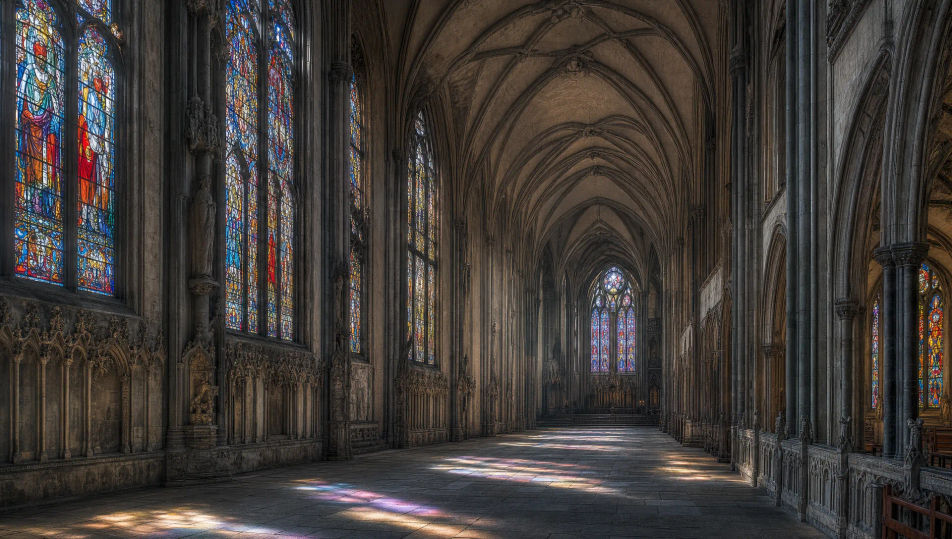
Gestalten Sie Bilder gotischer Kathedralen direkt im Browser mit Morphics KI-Bildgenerator. Erzeugen Sie ein weites Kirchenschiff, ein Interieur mit Rosette oder eine strebebewehrte Außenansicht. Halten Sie Steinwerk und Licht mit Style Transfer fest und animieren Sie jedes Standbild mit Image to Video.
Ein weites gotisches Kirchenschiff, gebadet in farbiges Licht aus hohem Buntglas, Rippengewölbe darüber und ein langer Steinboden.
Prompt bearbeitenEine weite Außenansicht einer gotischen Kathedrale mit Strebebögen, Zwillingstürmen und einer Rosette unter einem stimmungsvollen Himmel.
Prompt bearbeiten
Ein weiter gotischer Kreuzganggang mit spitzbogigen Arkaden um einen Innenhof, weiches Tageslicht und lange Schatten.
Prompt bearbeiten
Eine weite niedrige gotische Krypta mit gedrungenen Gewölben und Steinsäulen, gedämpftes warmes Licht von verstreuten Kerzen.
Prompt bearbeiten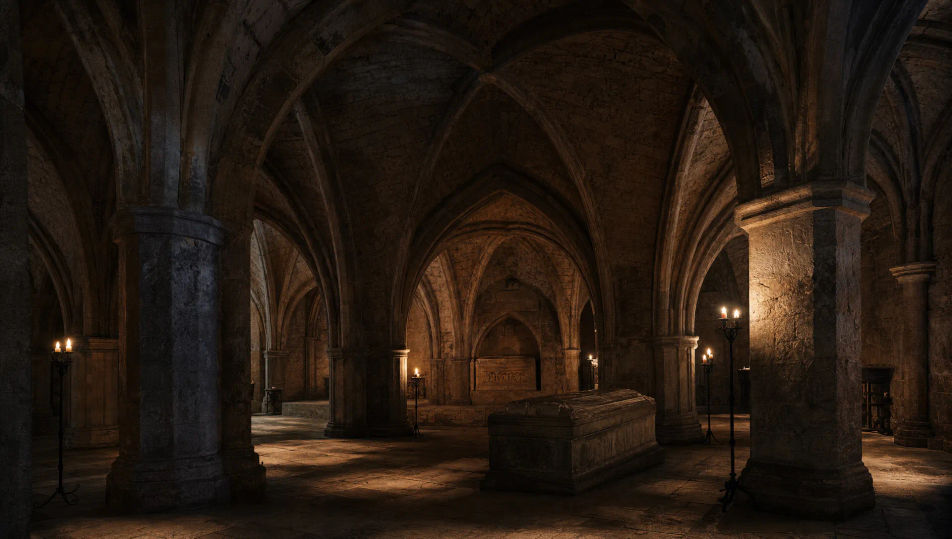
Beschreiben Sie das Gotische Kathedrale, das Sie möchten, in einfachen Worten.
Morphic generiert in Sekunden ein sauberes, veröffentlichungsfertiges Bild auf Ihrer Canvas.
Passen Sie den Prompt an, generieren Sie Varianten und laden Sie das Bild herunter oder teilen Sie es.
Choose your viewing angles and get precise perspective shifts of any image with full camera control.

Professional 7-panel location reference sheet from a single photo.
Set the look with one reference image. Apply that exact grade to any scene or batch.
Restyle any video in a completely new visual style. Every frame transforms, all motion stays intact.

Take any character image and generate 6 distinct facial expressions on a single reference sheet.
Photo of any real-estate becomes a cinematic renovation timelapse video with construction SFX and music.
Steampunk-Werkstatt-KI-Bilder
Erstellen Sie KI-Bilder von Steampunk-Werkstätten mit Morphic. Generieren Sie Steampunk-Werkstatt-Szenen, Landschaften und Umgebungen für jedes Projekt in Sekunden.
Fantasy-Schloss-KI-Bilder
Erstellen Sie KI-Fantasy-Schloss-Bilder auf Morphic. Klippenfestungen, Thronhallen, Wachtürme, Innenhöfe und neblige Burgen aus Prompts in einfacher Sprache.
Magische-Bibliothek-KI-Bilder
Erstellen Sie KI-Bilder magischer Bibliotheken mit Morphic. Generieren Sie in Sekunden Szenen, Landschaften und Umgebungen magischer Bibliotheken für jedes Projekt.
Fantasy-Dorf-KI-Bilder
Erstellen Sie KI-Fantasy-Dorf-Bilder auf Morphic. Strohgedeckte Hütten, Marktplätze, Schmiedeschmieden, Wirtshäuser und Windmühlen aus einfachen Textprompts.
Starten Sie noch heute kostenlos, mit der Option, jederzeit zu upgraden oder zu kündigen.
Basic
2400 monatliche Credits
1 Nutzer
Alle Modelle
Workflows
Standard
3625 monatliche Credits
1 Nutzer
Alle Modelle
Workflows
Pro
6350 gemeinsame monatliche Credits
1 Nutzer
Alle Modelle
Workflows
Max
24650 gemeinsame monatliche Credits
1 Nutzer
Alle Modelle
Workflows
Enterprise
Für höhere Limits
Individuell
Preis- und Abrechnungsbedingungen

Free
Zum Ausprobieren
$0
dauerhaft kostenlos