Graffiti photography AI Images

Shoot Graffiti photography images in your browser with Morphic's AI image generator. Capture documentary daylight frames like a saturated mural running the length of a brick wall, a close spray-can texture study, or an alley layered with tags and paste-ups. Hold one street look across a set with the Style Transfer workflow.

Graffiti photography shots you can create

Graffiti photography compositions you can produce

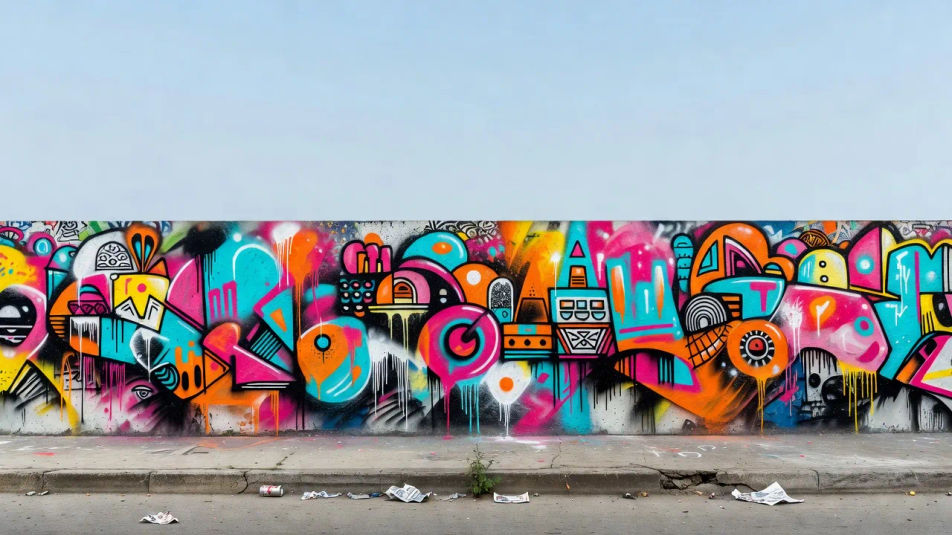
Wide mural establishing frame

A wide landscape frame of a long painted wall running past the edges of the shot, flat daylight and true colors, foreground curb and litter for scale, clear sky space above for a title.

Prompt bearbeiten
Wide mural establishing frame

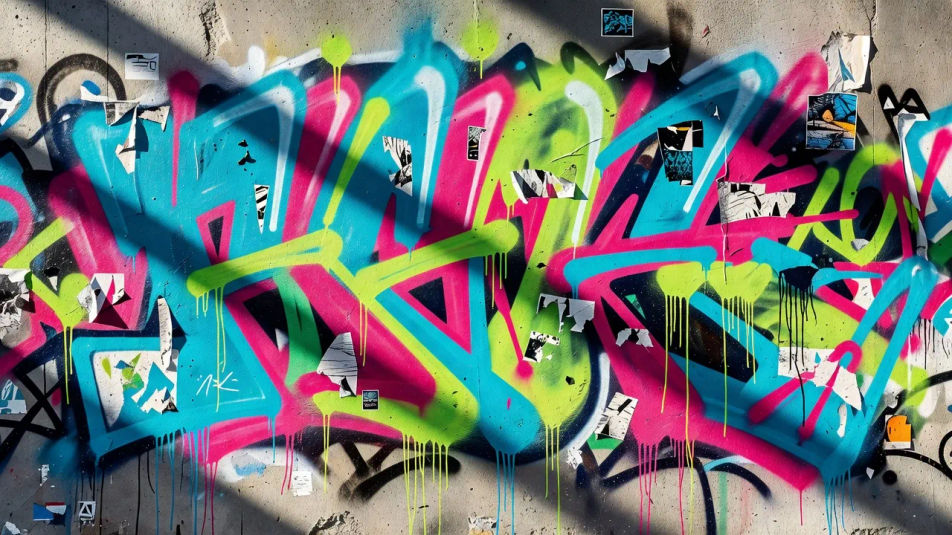
Texture close-up panel

A landscape macro of layered spray paint and peeling stickers, drips and overspray filling the frame, raking light picking out the grain of the concrete beneath.

Prompt bearbeiten
Texture close-up panel

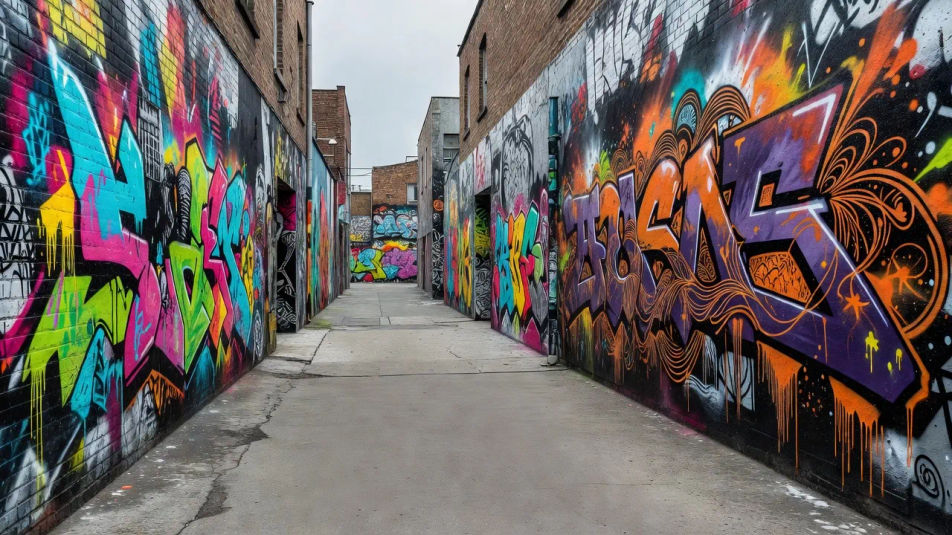
Alley depth composition

A receding alley banked with painted walls on both sides, muted grey light and leading lines pulling the eye down the lane, a plain strip of pavement reserved for a caption.

Prompt bearbeiten
Alley depth composition

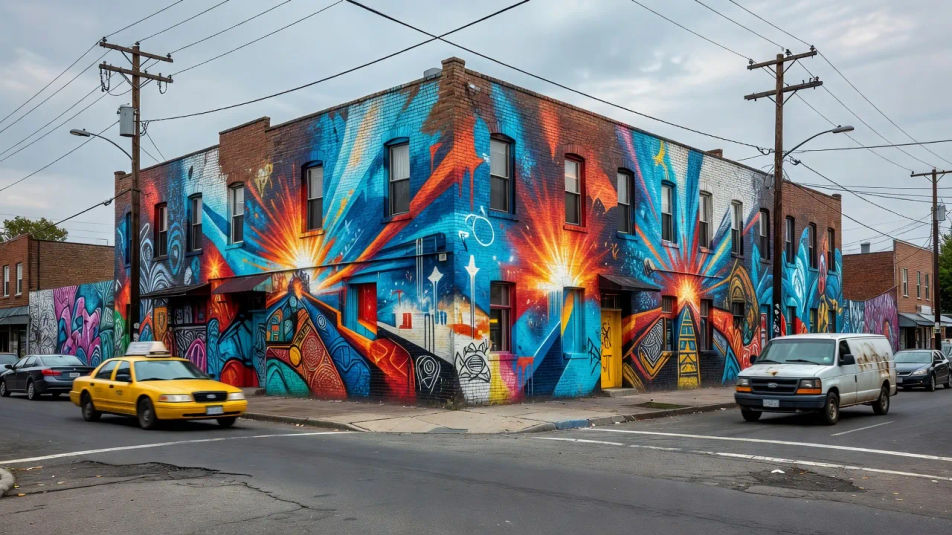
Street-corner context shot

An establishing view of a painted corner building with passing traffic and utility poles, overcast documentary light, the mural anchoring an ordinary working street.

Prompt bearbeiten
Street-corner context shot

Graffiti photography in drei Schritten erstellen

  1. 01

    Beschreiben Sie Ihr Graffiti photography

    Beschreiben Sie das Graffiti photography, das Sie möchten, in einfachen Worten.

  2. 02

    Bild generieren

    Morphic generiert in Sekunden ein sauberes, veröffentlichungsfertiges Bild auf Ihrer Canvas.

  3. 03

    Graffiti photography verfeinern

    Passen Sie den Prompt an, generieren Sie Varianten und laden Sie das Bild herunter oder teilen Sie es.

Verwandte Workflows

Das könnte Ihnen auch gefallen

Einfache Preise

Starten Sie noch heute kostenlos, mit der Option, jederzeit zu upgraden oder zu kündigen.

Basic

$0/ Monat
abgerechnet als $0 pro Jahr

900 monatliche Credits

1 Nutzer

Alle Modelle

Workflows

Standard

$0/ Monat
abgerechnet als $0 pro Jahr

3200 monatliche Credits

1 Nutzer

Alle Modelle

Workflows

Pro

$0/ Monat
abgerechnet als $0 pro Jahr

6200 gemeinsame monatliche Credits

1 Nutzer

+ bis zu 4 weitere gegen Aufpreis

Alle Modelle

Workflows

Pro Max

$0/ Monat
abgerechnet als $0 pro Jahr

24000 gemeinsame monatliche Credits

1 Nutzer

+ bis zu 9 weitere gegen Aufpreis

Alle Modelle

Workflows

Enterprise

Für höhere Limits

Individuell

Preis- und Abrechnungsbedingungen

Unbegrenzte Credits
Individuelle Platzlimits
Alle Modelle
Workflows
Pricing Gradient

Free

Zum Ausprobieren

$0

dauerhaft kostenlos

Bis zu 20 Credits
Nur 1 Nutzer
Eingeschränkte Modelle
Workflows

Häufig gestellte Fragen

What is graffiti photography?
Graffiti photography documents street murals and painted walls, defined by flat documentary daylight, saturated color, and heavy surface texture like brick, concrete, and metal. It treats the wall as the subject and keeps the framing honest and unposed.
How do I create graffiti photography with AI?
You create graffiti photography with AI on Morphic, right in your browser. Open the Image tool, describe the wall, the mural, and the daylight, and Morphic generates the frame. No camera or location scouting needed, and the artwork is original.
How do I get the gritty street texture?
Name the surface and its wear directly: "weathered brick, cracked mortar, peeling posters, spray overspray and drips under flat overcast light." Calling out the material and the flat daylight is what keeps the frame documentary instead of clean and staged.
How do I keep a series of graffiti shots consistent?
Use Morphic's Style Transfer workflow to lock the daylight and color grade from your first frame, then apply that look across the set. Each shot can feature a different wall or alley while the whole series holds one street tone.
Can I add a title or caption to a graffiti image on Morphic?
Yes. Generate the frame with a plain patch of sky or pavement reserved, then open the Canvas to place a title or caption as a layer. Keeping the type separate lets you retune the wording without regenerating the wall.
Do I need a camera to make graffiti photography images?
No. Morphic runs in your browser on plain-language prompts, so you do not need a camera or a trip to the city. Describe the mural, the wall, and the light, and Morphic builds a finished street frame with original artwork.