Self Portrait AI Images

Create Self Portrait images in your browser with Morphic's AI image generator. Generate expressive self-portrait styles like a mirror study with the camera reflected in frame, a painterly window-lit bust, or a double-exposure blending a face with a landscape, and keep one subject consistent across the whole series with the Character Lineup workflow. Animate any frame with the Image to Video tool.

Self-portrait styles you can generate

Self-portrait setups you can stage

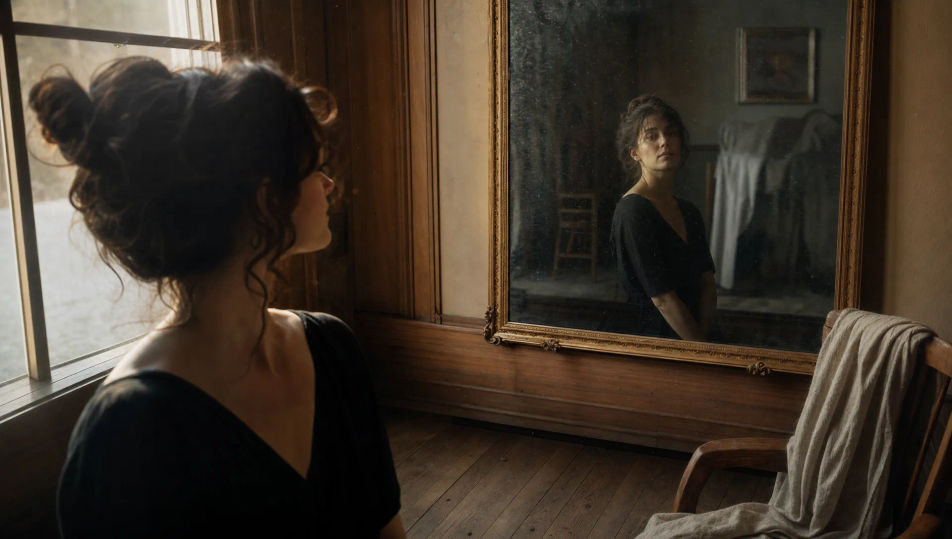
Window-lit room with mirror

A quiet room with soft window light and an old framed mirror on the wall, warm wood tones, a chair and a draped cloth, the intimate setting of a reflective self-portrait.

Prompt bearbeiten
Window-lit room with mirror

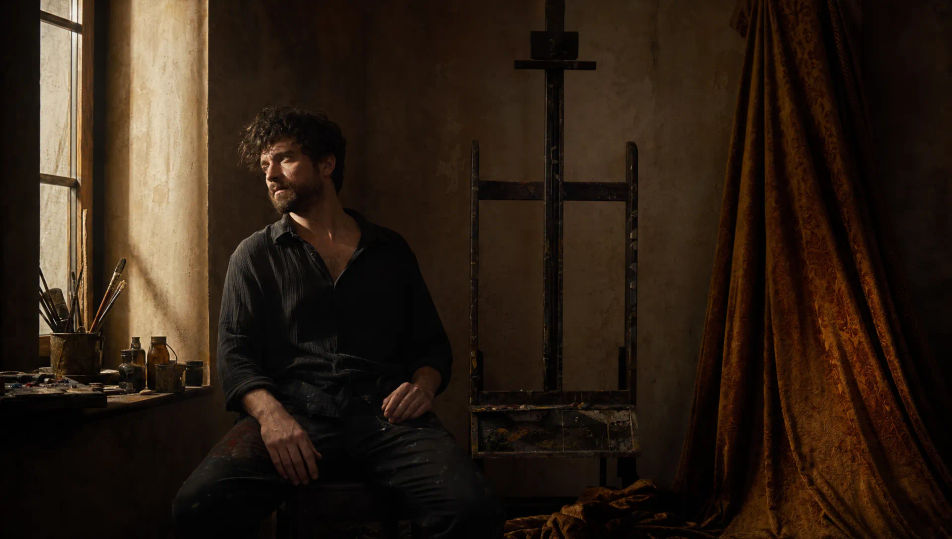
Painterly studio corner

A studio corner in soft directional light: an easel, draped fabric, a single window casting old-master modeling across the space, warm muted palette, brushy painterly mood.

Prompt bearbeiten
Painterly studio corner

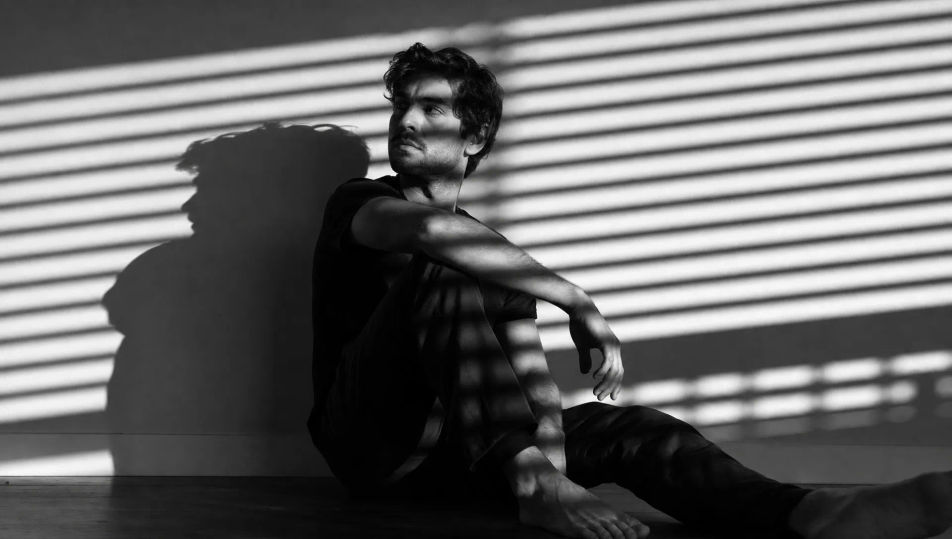
Blinds and hard light

A bare room with hard low sun through venetian blinds, bold striped shadows raking across the wall and floor, high-contrast graphic light, the setup for a shadow-play portrait.

Prompt bearbeiten
Blinds and hard light

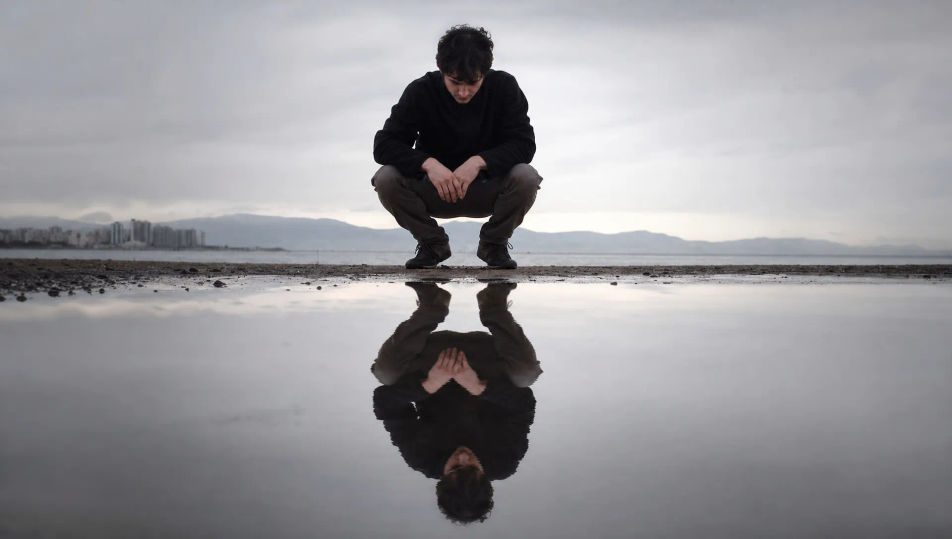
Rain-puddle reflection

A wet street or quiet shoreline under soft overcast light, a still puddle or water surface holding a clear rippling reflection, muted tones, a meditative double-image setting.

Prompt bearbeiten
Rain-puddle reflection

Self Portrait in drei Schritten erstellen

  1. 01

    Beschreiben Sie Ihr Self Portrait

    Beschreiben Sie das Self Portrait, das Sie möchten, in einfachen Worten.

  2. 02

    Bild generieren

    Morphic generiert in Sekunden ein sauberes, veröffentlichungsfertiges Bild auf Ihrer Canvas.

  3. 03

    Self Portrait verfeinern

    Passen Sie den Prompt an, generieren Sie Varianten und laden Sie das Bild herunter oder teilen Sie es.

Verwandte Workflows

Das könnte Ihnen auch gefallen

Einfache Preise

Starten Sie noch heute kostenlos, mit der Option, jederzeit zu upgraden oder zu kündigen.

Basic

$0/ Monat
abgerechnet als $0 pro Jahr

900 monatliche Credits

1 Nutzer

Alle Modelle

Workflows

Standard

$0/ Monat
abgerechnet als $0 pro Jahr

3200 monatliche Credits

1 Nutzer

Alle Modelle

Workflows

Pro

$0/ Monat
abgerechnet als $0 pro Jahr

6200 gemeinsame monatliche Credits

1 Nutzer

+ bis zu 4 weitere gegen Aufpreis

Alle Modelle

Workflows

Pro Max

$0/ Monat
abgerechnet als $0 pro Jahr

24000 gemeinsame monatliche Credits

1 Nutzer

+ bis zu 9 weitere gegen Aufpreis

Alle Modelle

Workflows

Enterprise

Für höhere Limits

Individuell

Preis- und Abrechnungsbedingungen

Unbegrenzte Credits
Individuelle Platzlimits
Alle Modelle
Workflows
Pricing Gradient

Free

Zum Ausprobieren

$0

dauerhaft kostenlos

Bis zu 20 Credits
Nur 1 Nutzer
Eingeschränkte Modelle
Workflows

Häufig gestellte Fragen

Where can I make self portrait images with AI?
You can create self-portrait images directly in your browser on Morphic. Open the Image tool, describe the style, the light, and the mood, and Morphic produces the portrait. No camera, no mirror, and no installs needed.
Does Morphic make a self portrait of me from a photo?
Morphic generates original self-portrait-style images from a written prompt rather than editing an uploaded photo of you. It is best for expressive self-portrait styles, concepts, and avatars where you describe the subject and the treatment rather than reproducing a specific real face.
What self-portrait styles can I generate?
Mirror studies with the camera in frame, painterly old-master busts, double exposures that blend a face with a landscape, shadow-play portraits through blinds, water reflections, and backlit silhouettes. Name the device and the light upfront.
How do I keep the same subject across a self-portrait series?
Use the Character Lineup workflow to lock the subject first, then apply different treatments. Morphic preserves the face so a mirror study and a double exposure read as the same person across the series.
How do I write a good self portrait prompt?
Name the device, the light, the palette, and the mood. For example: "Double-exposure self-portrait, a profile dissolving into a forest layered inside the silhouette, soft blended edges, muted tones, dreamlike." The device is what gives the image its expressive edge.
Can I turn a self portrait into video?
Yes. The Image to Video tool animates any frame, so a still becomes a slow blink in a mirror or a rippling water reflection. Pair it with the Music tool to set a reflective mood.