Einzelstück-Board
Ein Stück, in Gouache auf getöntem Karton gerendert, präzise Facettenlichter und Metallschimmer, ein Platz für Spezifikationsnotizen an einer Seite freigehalten für die Steingewichte und Materialien.
Prompt bearbeiten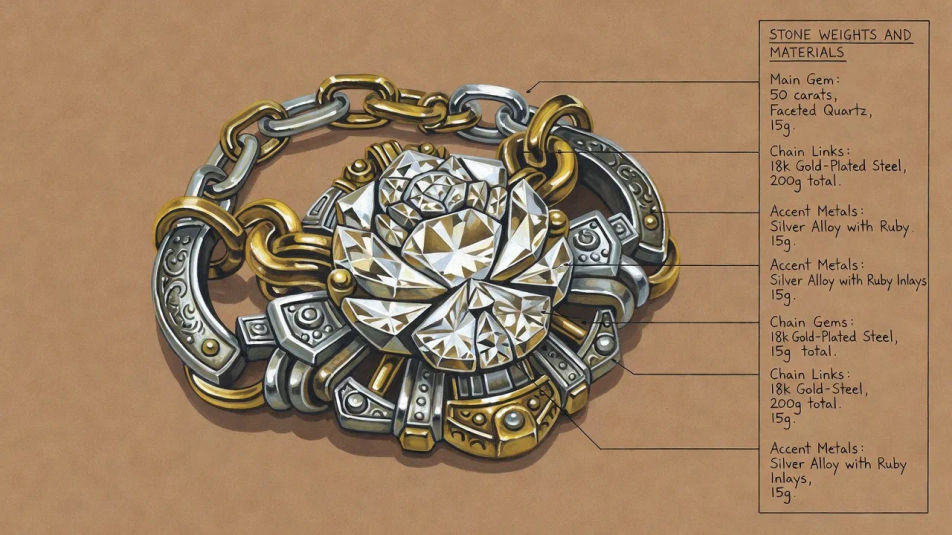
Gestalten Sie Schmuckdesign-Renderings mit dem KI-Bildgenerator von Morphic. Generieren Sie einen Solitärring in Gouache, einen Anhänger mit Edelsteinen und Facettenlichtern oder einen Ohrring in drei orthografischen Ansichten. Legen Sie das fertige Kunstwerk in die Canvas, um Spezifikationsnotizen und Beschriftungen hinzuzufügen.
Ein Stück, in Gouache auf getöntem Karton gerendert, präzise Facettenlichter und Metallschimmer, ein Platz für Spezifikationsnotizen an einer Seite freigehalten für die Steingewichte und Materialien.
Prompt bearbeitenEin Stück in Draufsicht, Seiten- und Perspektivansicht über einen getönten Karton in Gouache gezeigt, aufeinander abgestimmte Facettenlichter und ein Streifen für Spezifikationsnotizen am unteren Rand freigehalten.
Prompt bearbeiten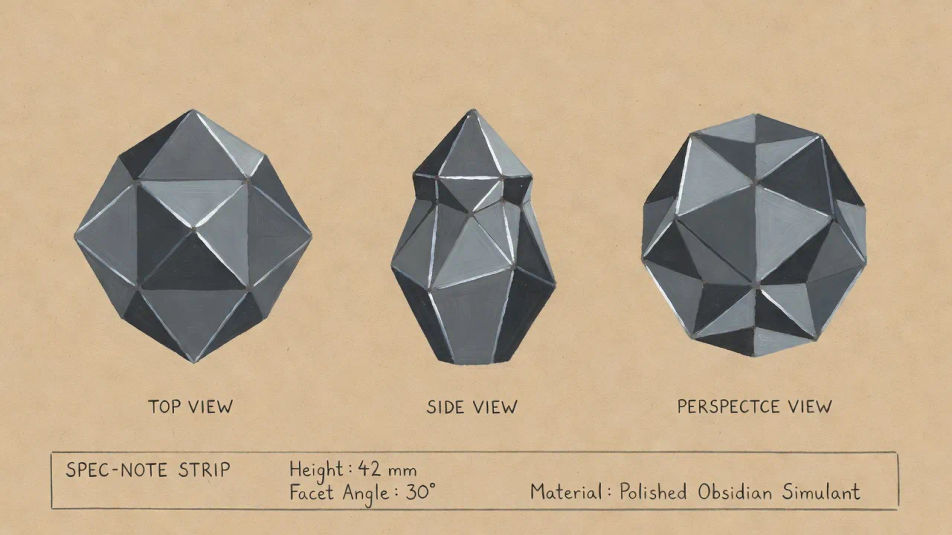
Ein aufeinander abgestimmtes Set aus Ring, Anhänger und Ohrringen, auf einem getönten Karton in Gouache angeordnet, geteilte Metall- und Edelstein-Palette und ein Beschriftungsstreifen, freigehalten für den Kollektionsnamen.
Prompt bearbeiten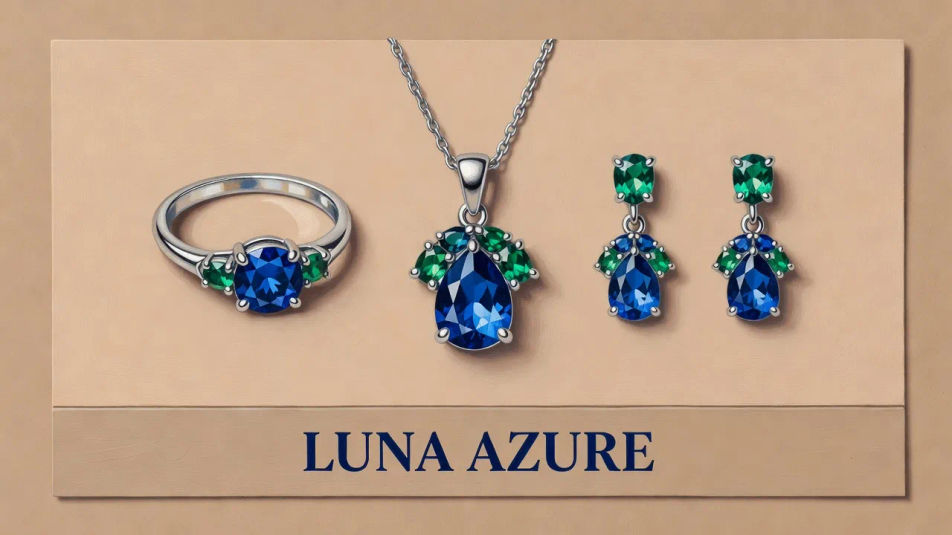
Ein zentrales Stück in Gouache mit einer nahen Einsatzstudie der Fassung oder des Verschlusses, präzise Facettenlichter und ein Platz für Spezifikationsnotizen neben dem Einsatz freigehalten.
Prompt bearbeiten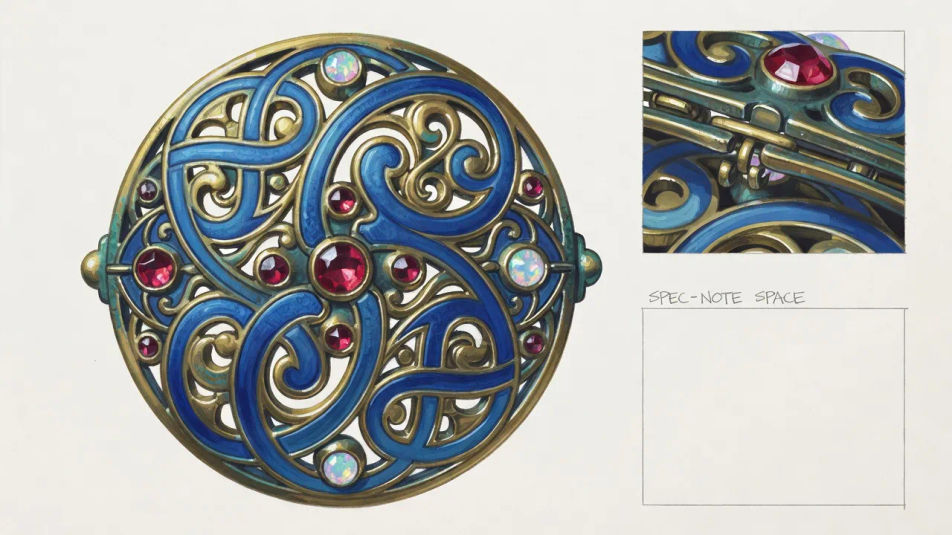
Beschreiben Sie das Schmuckdesign, das Sie möchten, in einfachen Worten.
Morphic generiert in Sekunden ein sauberes, veröffentlichungsfertiges Bild auf Ihrer Canvas.
Passen Sie den Prompt an, generieren Sie Varianten und laden Sie das Bild herunter oder teilen Sie es.
Pick a reference image, apply its visual style to your own photo or artwork.
Convert any image to a new aspect ratio. Smart crop or extend the edges to fit.

Turn any sketch or drawing into a finished render.

Take any character image and generate 6 distinct facial expressions on a single reference sheet.
Restyle any video in a completely new visual style. Every frame transforms, all motion stays intact.

Pick any anime illustration as your style guide. Apply its look to any image.
Modeplatten-Illustrations-KI-Bilder
Erstellen Sie KI-Modeplatten-Illustrations-Bilder mit Morphic. Generieren Sie authentische Modeplatten-Illustrations-Kunstwerke, Szenen und Visuals für jedes Projekt in Sekunden.
Kostümdesign-KI-Bilder
Erstellen Sie KI-Kostümdesign-Bilder mit Morphic. Generieren Sie authentische Kostümdesign-Motive, Szenen und Visuals für jedes Projekt in Sekunden.
Textilmuster-Design-KI-Bilder
Erstellen Sie KI-Textilmuster-Design-Bilder mit Morphic. Generieren Sie authentische Textilmuster-Design-Illustrationen, Szenen und Visuals für jedes Projekt in Sekunden.
Architekturzeichnung-KI-Bilder
Erstellen Sie KI-Bilder von Architekturzeichnungen mit Morphic. Generieren Sie authentische Architekturzeichnungen, Szenen und Visuals für jedes Projekt in Sekunden.
Starten Sie noch heute kostenlos, mit der Option, jederzeit zu upgraden oder zu kündigen.
Basic
2400 monatliche Credits
1 Nutzer
Alle Modelle
Workflows
Standard
3625 monatliche Credits
1 Nutzer
Alle Modelle
Workflows
Pro
6350 gemeinsame monatliche Credits
1 Nutzer
Alle Modelle
Workflows
Max
24650 gemeinsame monatliche Credits
1 Nutzer
Alle Modelle
Workflows
Enterprise
Für höhere Limits
Individuell
Preis- und Abrechnungsbedingungen

Free
Zum Ausprobieren
$0
dauerhaft kostenlos