Medieval illumination AI images

Design Medieval illumination images in your browser with Morphic's AI image generator. Generate a gilded historiated initial, a vine-scrolled manuscript border teeming with beasts, or a full page of Gothic script framed in gold leaf, and pair every piece with the Style Transfer workflow to lock the burnished gold, lapis blue and vermilion palette across a whole codex. Animate any page with the Image to Video tool.

Medieval illumination looks you can create

Medieval illumination scenes you can build

Open codex spread

A wide flat view of an open illuminated manuscript, two facing pages of Gothic script with a gilded historiated initial and vine margins, warm even light on aged vellum.

Prompt bearbeiten
Open codex spread

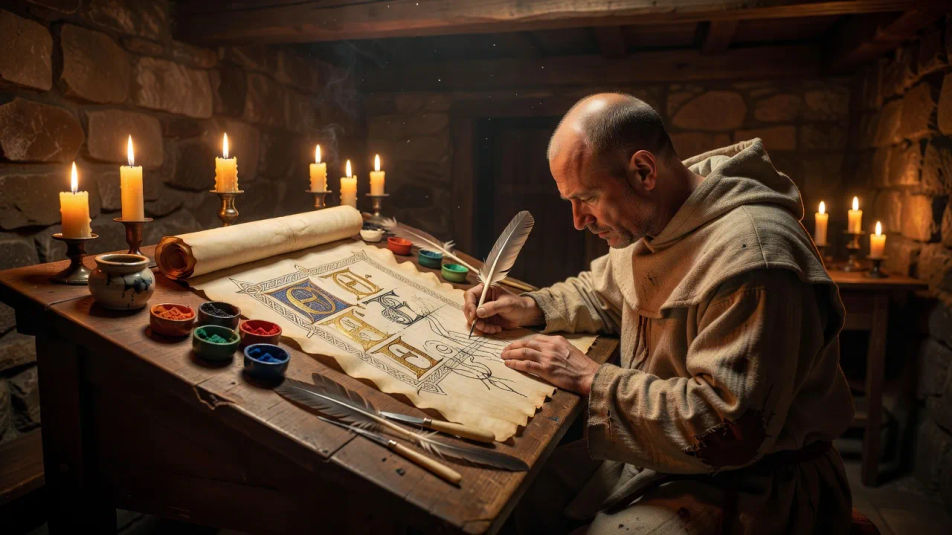
Scriptorium desk

A wide candlelit scriptorium scene with a monk's sloped desk, quills, pigment pots and a half-finished illuminated page catching soft warm light.

Prompt bearbeiten
Scriptorium desk

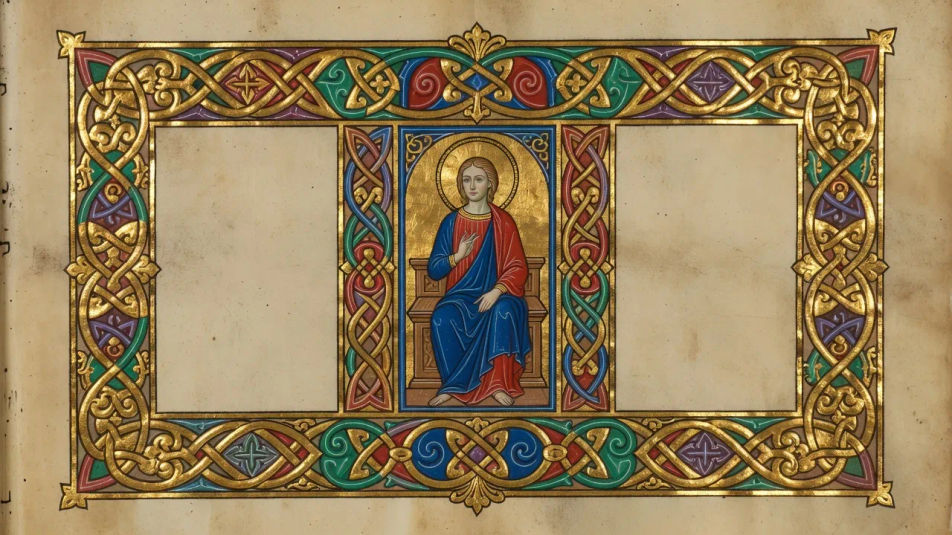
Gilded frontispiece

A wide ornate frontispiece page framed by heavy gold-leaf borders and interlace, a central miniature of a saint in lapis and vermilion, flat medieval perspective.

Prompt bearbeiten
Gilded frontispiece

Margin menagerie

A wide detail of a manuscript margin alive with grotesques, rabbits and gold ivy climbing around a block of blackletter text, jewel-toned and richly patterned.

Prompt bearbeiten
Margin menagerie

Medieval illumination in drei Schritten erstellen

  1. 01

    Beschreiben Sie Ihr Medieval illumination

    Beschreiben Sie das Medieval illumination, das Sie möchten, in einfachen Worten.

  2. 02

    Bild generieren

    Morphic generiert in Sekunden ein sauberes, veröffentlichungsfertiges Bild auf Ihrer Canvas.

  3. 03

    Medieval illumination verfeinern

    Passen Sie den Prompt an, generieren Sie Varianten und laden Sie das Bild herunter oder teilen Sie es.

Verwandte Workflows

Das könnte Ihnen auch gefallen

Einfache Preise

Starten Sie noch heute kostenlos, mit der Option, jederzeit zu upgraden oder zu kündigen.

Basic

$0/ Monat
abgerechnet als $0 pro Jahr

900 monatliche Credits

1 Nutzer

Alle Modelle

Workflows

Standard

$0/ Monat
abgerechnet als $0 pro Jahr

3200 monatliche Credits

1 Nutzer

Alle Modelle

Workflows

Pro

$0/ Monat
abgerechnet als $0 pro Jahr

6200 gemeinsame monatliche Credits

1 Nutzer

+ bis zu 4 weitere gegen Aufpreis

Alle Modelle

Workflows

Pro Max

$0/ Monat
abgerechnet als $0 pro Jahr

24000 gemeinsame monatliche Credits

1 Nutzer

+ bis zu 9 weitere gegen Aufpreis

Alle Modelle

Workflows

Enterprise

Für höhere Limits

Individuell

Preis- und Abrechnungsbedingungen

Unbegrenzte Credits
Individuelle Platzlimits
Alle Modelle
Workflows
Pricing Gradient

Free

Zum Ausprobieren

$0

dauerhaft kostenlos

Bis zu 20 Credits
Nur 1 Nutzer
Eingeschränkte Modelle
Workflows

Häufig gestellte Fragen

How can I make Medieval illumination images with AI?
You can create illuminated manuscript pages directly in your browser on Morphic. Open the Image tool, describe the element, the ornament and the palette, and Morphic paints the page. No calligraphy or gilding skill needed.
What visual cues make an image read as Medieval illumination?
Name the register: burnished gold leaf, interlaced knotwork, historiated initials, vine and acanthus margins, grotesque beasts, and dense Gothic blackletter script. Add a jewel palette of lapis blue, vermilion and green. Those cues separate true illumination from a generic ornate illustration.
How do I get the look of real gold leaf?
Describe it directly: "burnished gold-leaf ground, raised gilt initial, gold catching the light against matte lapis." Ask for flat medieval perspective and jewel pigments so the gold reads as applied metal rather than a yellow paint fill.
How do I keep a whole illuminated codex consistent?
Use Morphic's Style Transfer workflow to lock the palette, the gold treatment and the border ornament, then reference that style card on every page. The set reads as one scriptorium's manuscript rather than separate images.
Can I turn a Medieval illumination image into video?
Yes. Morphic's Image to Video tool animates any page you generate, and a slow pan across the gilded margin or a flicker of candlelight over the gold suits the subject well. Pair the result with the Music tool for a plainchant score.
Do I need art experience to make these?
No. Morphic runs in your browser and you direct it with plain-language prompts. Anyone who can describe an initial, a border or a page of script can produce illumination images. The gilding and ornament are handled for you.