Paperback cover illustration AI Images

Design paperback cover illustrations in your browser with Morphic's AI image generator. Generate a tense thriller scene, a warm romance clinch, or a painted fantasy hero against a sweeping landscape. Drop the finished art into the Canvas to set the title and author name.

Paperback cover illustration styles you can create

Paperback cover illustration layouts you can design

Thriller portrait cover

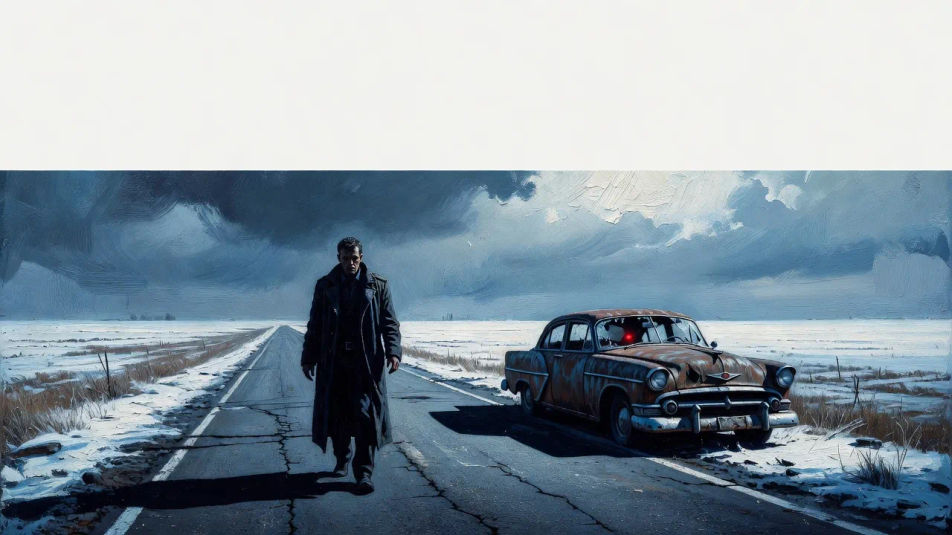
A lone figure in a tense painted scene with hard high contrast and a cold restrained palette, a single ominous element, the upright mass-market frame with title space reserved at the top.

Prompt bearbeiten
Thriller portrait cover

Romance clinch cover

A warm embracing couple in soft glamour lighting with blushing painterly color and gentle focus, the upright shelf composition leaving room for the title and author name.

Prompt bearbeiten
Romance clinch cover

Fantasy landscape cover

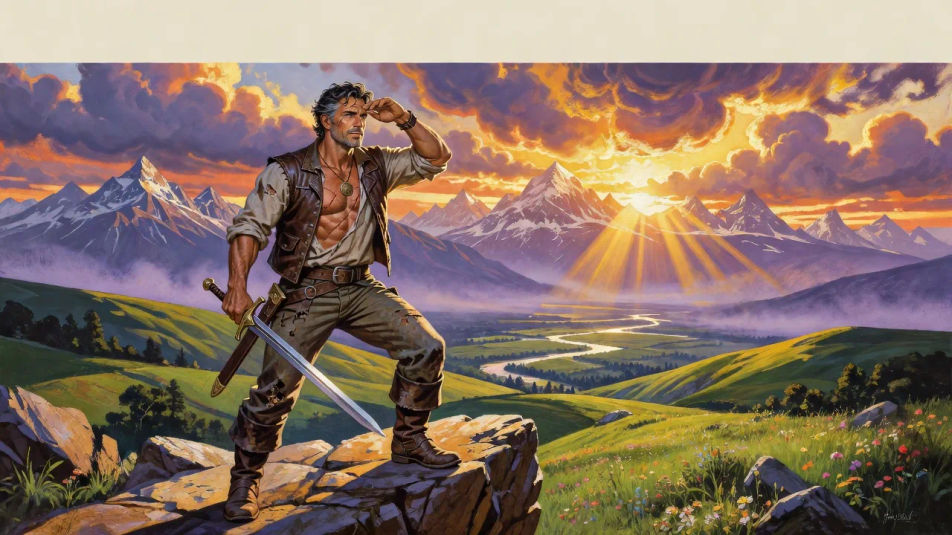
A heroic figure against a sweeping painted landscape in rich saturated color and dramatic light, the epic adventure frame with reserved title space across the top edge.

Prompt bearbeiten
Fantasy landscape cover

Literary minimal cover

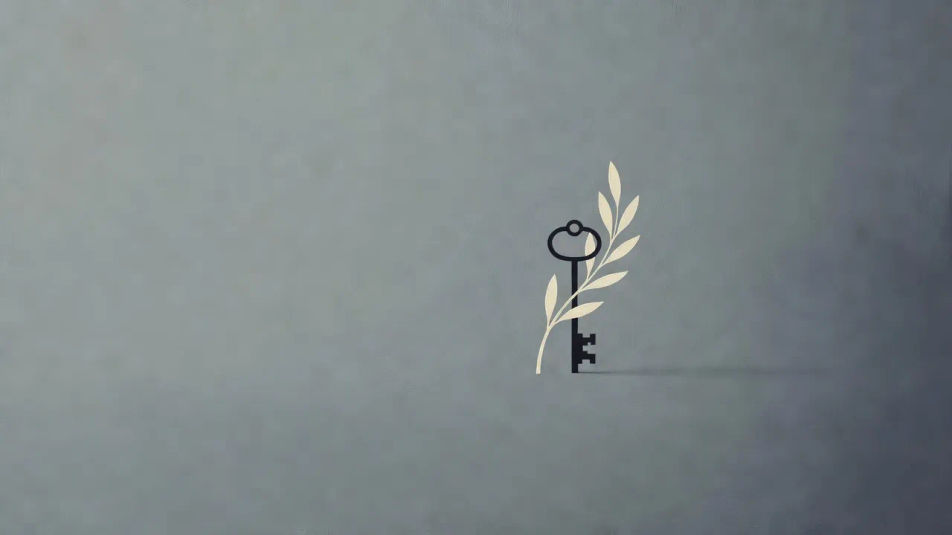
A single restrained symbolic motif in a refined limited palette with generous negative space, the tasteful upright literary composition with type space left clear and balanced.

Prompt bearbeiten
Literary minimal cover

Paperback cover illustration in drei Schritten erstellen

  1. 01

    Beschreiben Sie Ihr Paperback cover illustration

    Beschreiben Sie das Paperback cover illustration, das Sie möchten, in einfachen Worten.

  2. 02

    Bild generieren

    Morphic generiert in Sekunden ein sauberes, veröffentlichungsfertiges Bild auf Ihrer Canvas.

  3. 03

    Paperback cover illustration verfeinern

    Passen Sie den Prompt an, generieren Sie Varianten und laden Sie das Bild herunter oder teilen Sie es.

Verwandte Workflows

Das könnte Ihnen auch gefallen

Einfache Preise

Starten Sie noch heute kostenlos, mit der Option, jederzeit zu upgraden oder zu kündigen.

Basic

$0/ Monat
abgerechnet als $0 pro Jahr

900 monatliche Credits

1 Nutzer

Alle Modelle

Workflows

Standard

$0/ Monat
abgerechnet als $0 pro Jahr

3200 monatliche Credits

1 Nutzer

Alle Modelle

Workflows

Pro

$0/ Monat
abgerechnet als $0 pro Jahr

6200 gemeinsame monatliche Credits

1 Nutzer

+ bis zu 4 weitere gegen Aufpreis

Alle Modelle

Workflows

Pro Max

$0/ Monat
abgerechnet als $0 pro Jahr

24000 gemeinsame monatliche Credits

1 Nutzer

+ bis zu 9 weitere gegen Aufpreis

Alle Modelle

Workflows

Enterprise

Für höhere Limits

Individuell

Preis- und Abrechnungsbedingungen

Unbegrenzte Credits
Individuelle Platzlimits
Alle Modelle
Workflows
Pricing Gradient

Free

Zum Ausprobieren

$0

dauerhaft kostenlos

Bis zu 20 Credits
Nur 1 Nutzer
Eingeschränkte Modelle
Workflows

Häufig gestellte Fragen

What is paperback cover illustration?
Paperback cover illustration is mass-market book cover art defined by an upright composition, a genre-led painted treatment, and a single clear figure or motif with reserved title and author space. Naming the genre, the palette, and the central image is what makes the result read as a shelf-ready cover rather than a loose illustration.
Where can I make paperback covers with AI?
You can create paperback cover illustrations with AI on Morphic, right in your browser. Open the Image tool, describe the genre, the painted treatment, and the central figure, and Morphic generates the cover in an upright frame. No installs and no design software needed.
How do I get a thriller-cover feel?
Ask for it directly: "a lone figure in a tense painted scene, hard high contrast, a cold restrained palette, one ominous element, title space at the top." Naming the lone figure, the high contrast, and the single ominous detail is what gives the cover its taut suspense register.
How do I keep a set of paperback covers consistent?
Use Morphic's Style Transfer workflow to lock the painted look and palette from your first cover, then reference that style card across the series. Each book carries its own scene while the series stays unified on the shelf.
Can I add the title and author name on Morphic?
Yes, you can add the title and author name in the Canvas on Morphic. Generate the cover with title and author space reserved, then open the Canvas to set the type. Keeping the wording as a layer lets you adjust the placement without regenerating the artwork.
Do I need illustration skill to make a paperback cover?
No. Morphic runs in your browser and takes plain-language prompts. Anyone who can describe a genre, a painted treatment, and a central figure can produce a finished cover. A publisher brief and years of cover-painting practice are not required.