Pulp fiction illustration AI Images

Design pulp fiction illustrations in your browser with Morphic's AI image generator. Generate a detective cover in dramatic gouache, a wide-eyed peril scene, or a weird-menace cover in lurid color. Drop the finished art into the Canvas to set the masthead and cover blurbs.

Pulp fiction illustration styles you can create

Pulp fiction illustration covers you can design

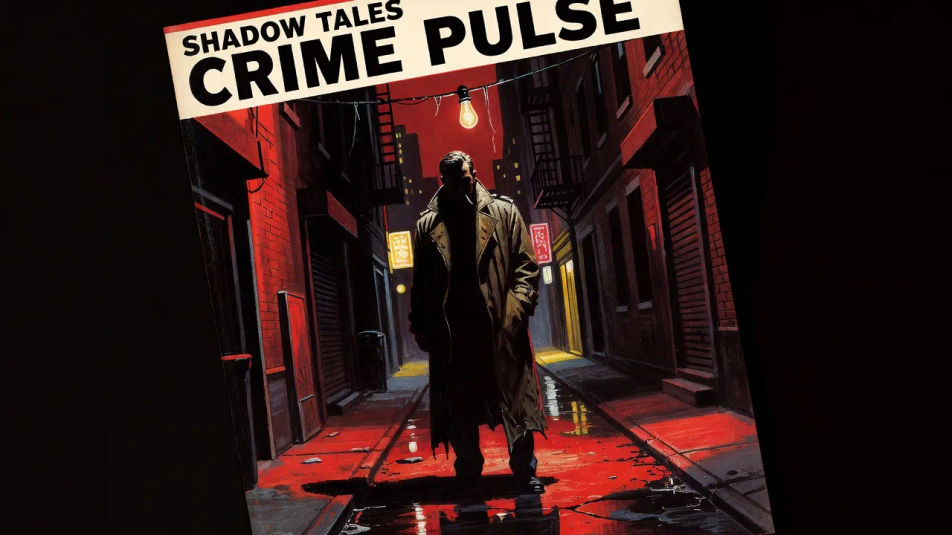
Detective pulp cover

A hard-boiled gouache scene, a trench-coated figure under a swinging bulb in screaming reds and deep shadow, a steep dramatic composition with a masthead strip reserved at the top.

Prompt bearbeiten
Detective pulp cover

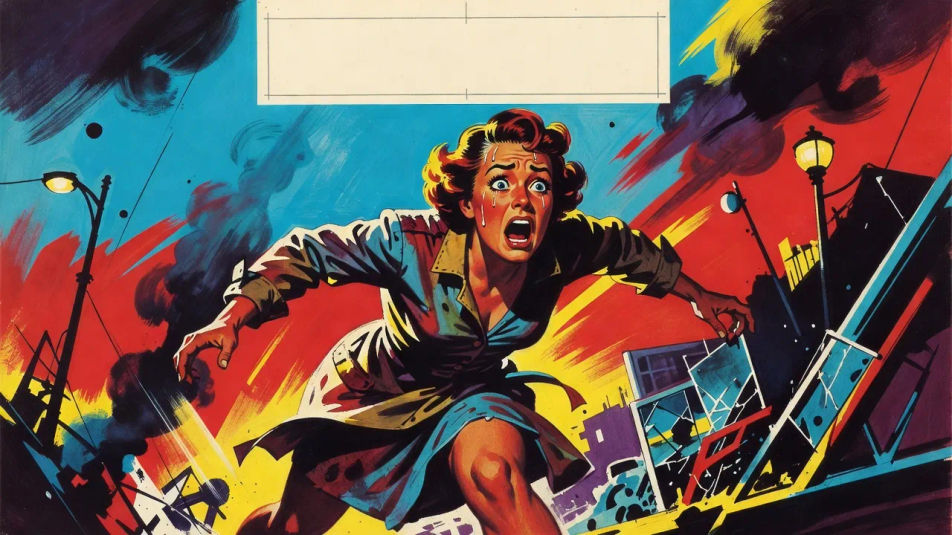
Peril jeopardy cover

A wide-eyed figure caught mid-danger in a steep diagonal layout, exaggerated motion and lurid color, the breathless pulp energy with reserved space for screaming cover lines.

Prompt bearbeiten
Peril jeopardy cover

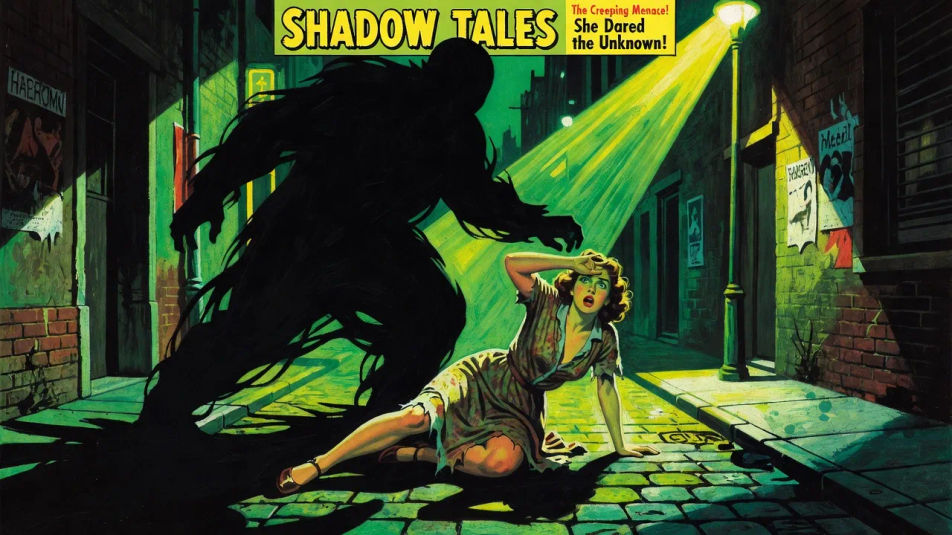
Weird menace cover

A looming shadowy threat over a victim in sickly green and acid yellow with hard raking light, an eerie sensational pulp scene, the masthead and blurb panels reserved at the edges.

Prompt bearbeiten
Weird menace cover

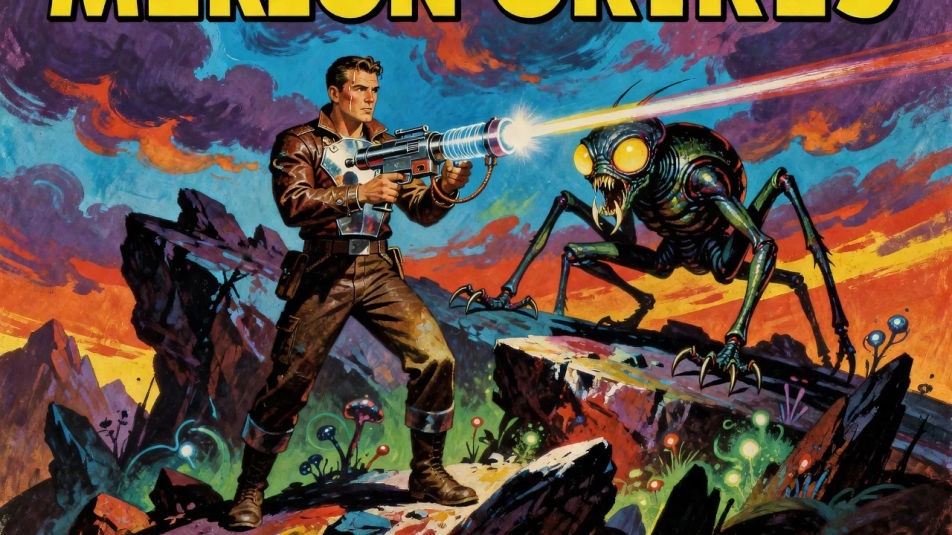
Space yarn cover

A ray-gun hero facing a bug-eyed menace on an alien ridge in bold primary color and painterly atmosphere, the early sci-fi pulp scene with a title strip reserved across the top.

Prompt bearbeiten
Space yarn cover

Pulp fiction illustration in drei Schritten erstellen

  1. 01

    Beschreiben Sie Ihr Pulp fiction illustration

    Beschreiben Sie das Pulp fiction illustration, das Sie möchten, in einfachen Worten.

  2. 02

    Bild generieren

    Morphic generiert in Sekunden ein sauberes, veröffentlichungsfertiges Bild auf Ihrer Canvas.

  3. 03

    Pulp fiction illustration verfeinern

    Passen Sie den Prompt an, generieren Sie Varianten und laden Sie das Bild herunter oder teilen Sie es.

Verwandte Workflows

Das könnte Ihnen auch gefallen

Einfache Preise

Starten Sie noch heute kostenlos, mit der Option, jederzeit zu upgraden oder zu kündigen.

Basic

$0/ Monat
abgerechnet als $0 pro Jahr

900 monatliche Credits

1 Nutzer

Alle Modelle

Workflows

Standard

$0/ Monat
abgerechnet als $0 pro Jahr

3200 monatliche Credits

1 Nutzer

Alle Modelle

Workflows

Pro

$0/ Monat
abgerechnet als $0 pro Jahr

6200 gemeinsame monatliche Credits

1 Nutzer

+ bis zu 4 weitere gegen Aufpreis

Alle Modelle

Workflows

Pro Max

$0/ Monat
abgerechnet als $0 pro Jahr

24000 gemeinsame monatliche Credits

1 Nutzer

+ bis zu 9 weitere gegen Aufpreis

Alle Modelle

Workflows

Enterprise

Für höhere Limits

Individuell

Preis- und Abrechnungsbedingungen

Unbegrenzte Credits
Individuelle Platzlimits
Alle Modelle
Workflows
Pricing Gradient

Free

Zum Ausprobieren

$0

dauerhaft kostenlos

Bis zu 20 Credits
Nur 1 Nutzer
Eingeschränkte Modelle
Workflows

Häufig gestellte Fragen

What is pulp fiction illustration?
Pulp fiction illustration is lurid newsstand cover art defined by a dramatic painterly gouache treatment, a screaming saturated palette, and a steep high-stakes composition with bold cover lines. Those traits are what make the image read as a 1940s pulp magazine cover rather than a calm illustration.
Where can I make pulp fiction illustrations with AI?
You can create pulp fiction illustrations with AI on Morphic, right in your browser. Open the Image tool, describe the genre, the gouache treatment, and the dramatic composition, and Morphic generates the cover. No installs and no design software needed.
How do I get the weird-menace mood?
Ask for it directly: "a looming shadowy threat over a victim, sickly green and acid yellow, hard raking light, an eerie sensational scene." Naming the looming threat, the sickly palette, and the raking light is what gives the cover its unsettling weird-menace charge.
How do I keep a set of pulp covers consistent?
Use Morphic's Style Transfer workflow to lock the gouache palette and cover-line treatment from your first cover, then reference that style card across the series. Each issue carries its own scene while the run stays unified as a newsstand set.
Can I add a masthead and cover blurbs on Morphic?
Yes, you can add a masthead and cover blurbs in the Canvas on Morphic. Generate the scene with masthead and blurb space reserved, then open the Canvas to place the title and screaming cover lines. Keeping the type as layers lets you adjust the wording without repainting the artwork.
Do I need painting skill to make pulp art?
No. Morphic runs in your browser and takes plain-language prompts. Anyone who can describe a genre, a gouache treatment, and a dramatic scene can produce a finished pulp cover. A deadline at the magazine and years of gouache practice are not required.