Biom-Kontinentkarte
Ein Kontinent, schattiert in Biom-Farbregionen aus Wüste, Wald, Tundra und Grasland mit feinen Gradnetzlinien, Siedlungspunkten überall und einem Legendenfeld, das an einem Rand reserviert ist.
Prompt bearbeiten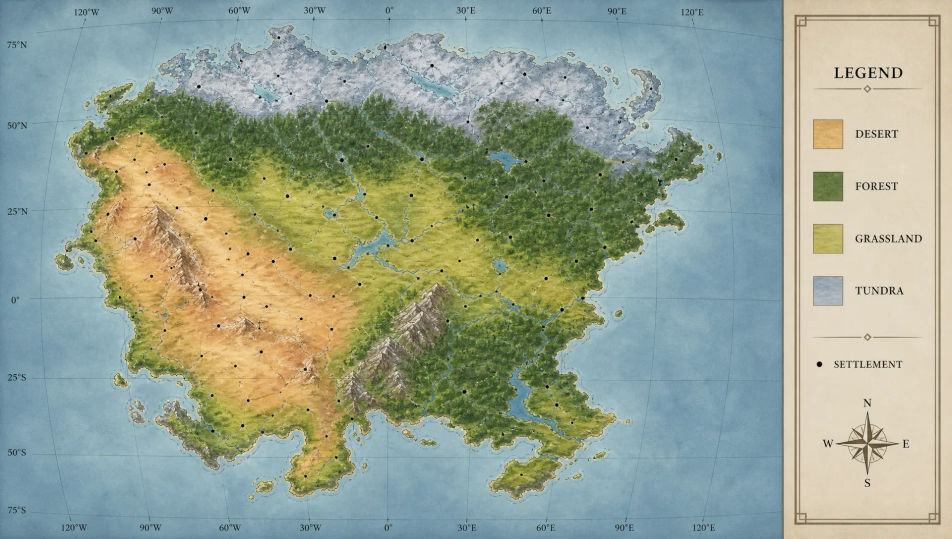
Entwerfen Sie Weltenbau-Karten direkt im Browser mit dem KI-Bildgenerator von Morphic. Generieren Sie einen Kontinent, schattiert in Biom-Farbregionen, ein verzweigtes Flussnetz mit Siedlungspunkten oder politische Grenzen über Gradnetzlinien. Ziehen Sie die fertige Karte in die Canvas, um Regionsnamen und eine Legende hinzuzufügen.
Ein Kontinent, schattiert in Biom-Farbregionen aus Wüste, Wald, Tundra und Grasland mit feinen Gradnetzlinien, Siedlungspunkten überall und einem Legendenfeld, das an einem Rand reserviert ist.
Prompt bearbeitenEin verzweigtes Flussnetz, das Seen und Deltas über schattiertem Relief speist, Siedlungspunkte und umringte Hauptstädte, verbunden durch feine Handelsrouten und eine Legende, die an einer Ecke reserviert ist.
Prompt bearbeiten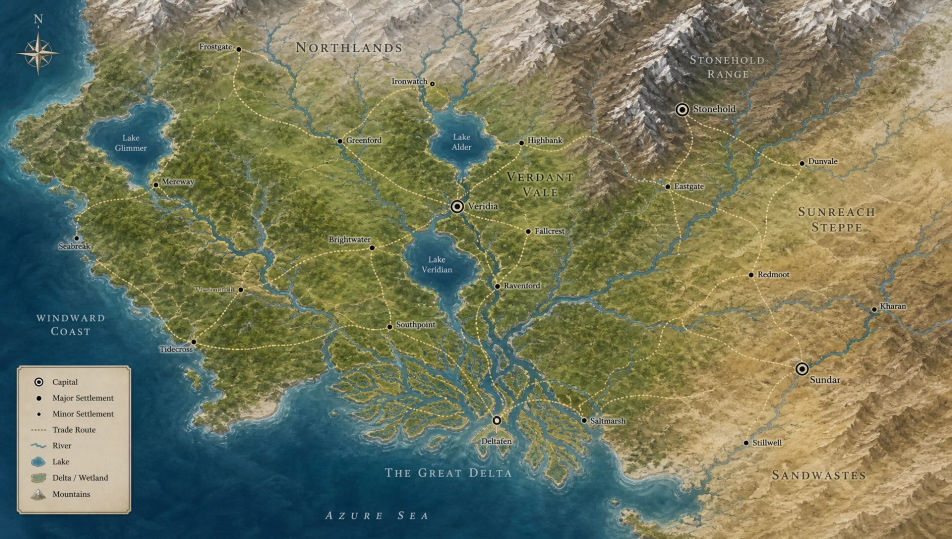
Eine politische Karte von Nationen in unterschiedlichen Regionsfarben, geteilt durch gestrichelte Frontlinien, Hauptstädte markiert, Gradnetzlinien, die die ganze Karte durchziehen, und ein Legendenfeld an einem Rand.
Prompt bearbeiten
Eine vollständige Kontinentalkarte, die Biom-Regionen, Flussnetze, Siedlungspunkte und politische Grenzen über einem Gradnetz vereint, mit einem Legendenfeld und Titelraum, die an den Rändern reserviert sind.
Prompt bearbeiten
Beschreiben Sie das Weltenbau-Karte, das Sie möchten, in einfachen Worten.
Morphic generiert in Sekunden ein sauberes, veröffentlichungsfertiges Bild auf Ihrer Canvas.
Passen Sie den Prompt an, generieren Sie Varianten und laden Sie das Bild herunter oder teilen Sie es.

Take any character image and generate 6 distinct facial expressions on a single reference sheet.

Professional 7-panel location reference sheet from a single photo.

Turn any photo or description into an animated chibi sprite. Dance, jump, wave, attack, and more.

Share a scene description with character references. Get a full storyboard with shot angles and mood.
Restyle any video in a completely new visual style. Every frame transforms, all motion stays intact.

All your characters on a single lineup image, side by side with height comparison.
Fantasy-Karten-KI-Bilder
Erstellen Sie KI-Fantasy-Karten-Bilder mit Morphic. Generieren Sie authentische Fantasy-Karten-Kunstwerke, Szenen und Visuals für jedes Projekt in Sekunden.
Tabletop-RPG-Karte-KI-Bilder
Erstellen Sie KI-Tabletop-RPG-Karte-Bilder mit Morphic. Generieren Sie in Sekunden authentische Tabletop-RPG-Karte-Grafiken, Szenen und Motive für jedes Projekt.
Dungeon-Karten-KI-Bilder
Erstellen Sie KI-Dungeon-Karten-Bilder mit Morphic. Generieren Sie in Sekunden authentische Dungeon-Karten-Kunstwerke, -Szenen und -Motive für jedes Projekt.
Illustrierte Stadtplan-KI-Bilder
Erstellen Sie illustrierte Stadtplan-KI-Bilder mit Morphic. Generieren Sie authentische illustrierte Stadtplan-Motive, Szenen und Visuals für jedes Projekt in Sekunden.
Starten Sie noch heute kostenlos, mit der Option, jederzeit zu upgraden oder zu kündigen.
Basic
2400 monatliche Credits
1 Nutzer
Alle Modelle
Workflows
Standard
3625 monatliche Credits
1 Nutzer
Alle Modelle
Workflows
Pro
6350 gemeinsame monatliche Credits
1 Nutzer
Alle Modelle
Workflows
Max
24650 gemeinsame monatliche Credits
1 Nutzer
Alle Modelle
Workflows
Enterprise
Für höhere Limits
Individuell
Preis- und Abrechnungsbedingungen

Free
Zum Ausprobieren
$0
dauerhaft kostenlos