Ein Parallax-Waldlevel
Ein 16-Bit-Wald mit vielschichtigen Parallax-Hintergründen, detailliertem Pixel-Laub, einem sanft animierten Sprite, der läuft.
Prompt bearbeiten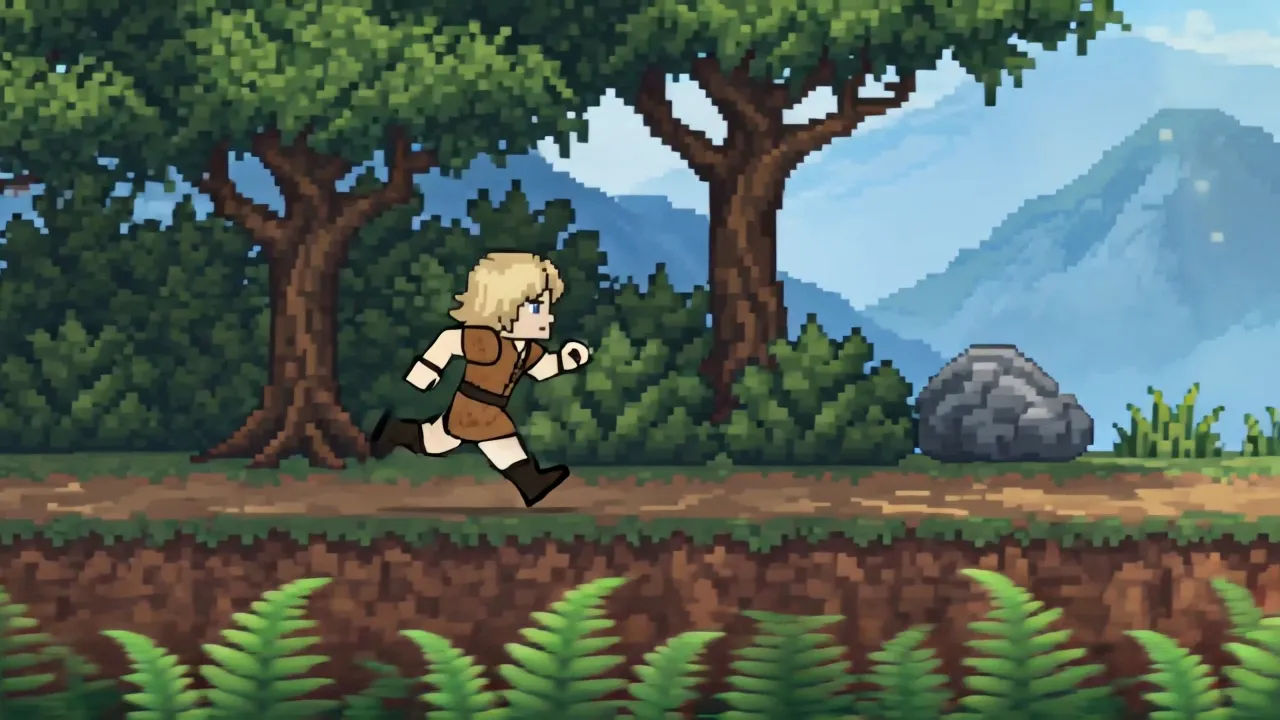
Steigen Sie in Ihrem Browser in die 16-Bit-Ära auf mit dem KI-Videogenerator für 16-Bit-Animation von Morphic. Erzeugen Sie ein Parallax-Waldlevel, eine detaillierte Boss-Arena oder eine scrollende Pixelstadt. Vertonen Sie jede Aufnahme mit Speech und Music und fügen Sie die Sprites im Canvas zu einem 16-Bit-Kurzfilm zusammen.
Ein 16-Bit-Wald mit vielschichtigen Parallax-Hintergründen, detailliertem Pixel-Laub, einem sanft animierten Sprite, der läuft.
Prompt bearbeitenEine 16-Bit-Arena mit einem großen, schattierten Boss-Sprite, reicher Palette, vielschichtigen Pixel-Effekten.
Prompt bearbeiten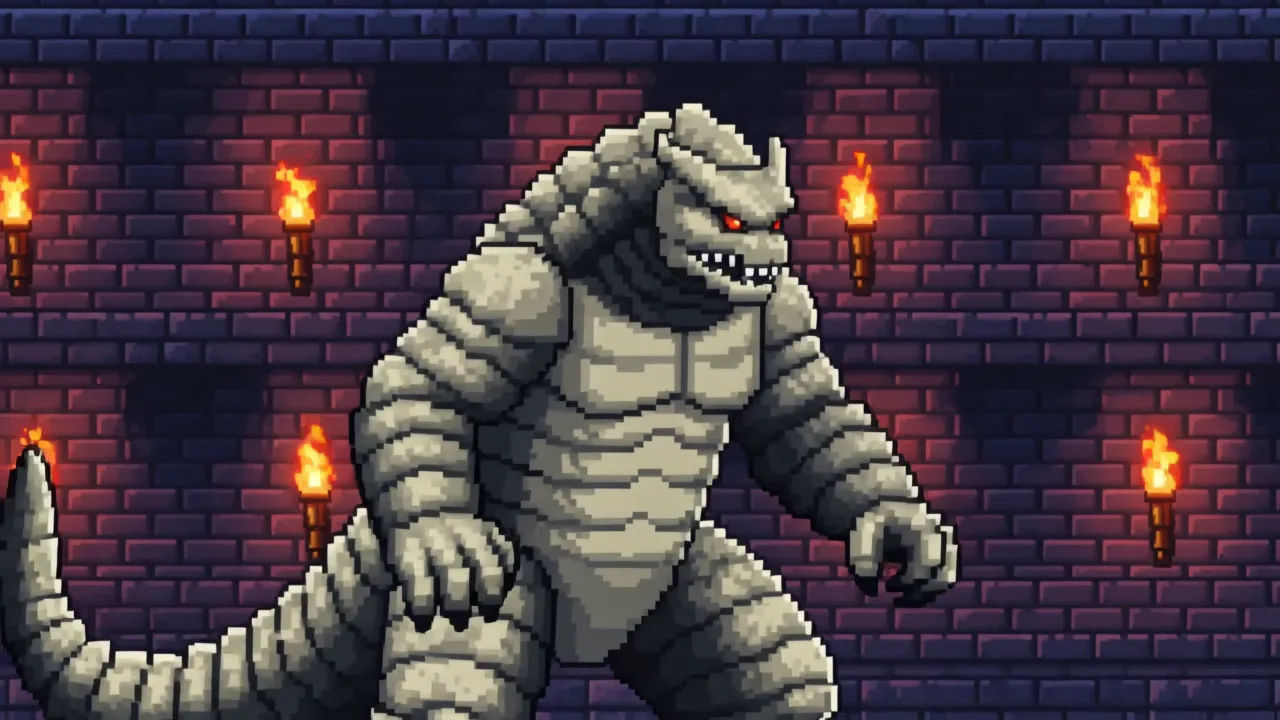
Eine 16-Bit-Stadt aus detaillierten Pixel-Gebäuden, sanfter Schattierung, einem Sprite, der an den Läden vorbeigeht.
Prompt bearbeiten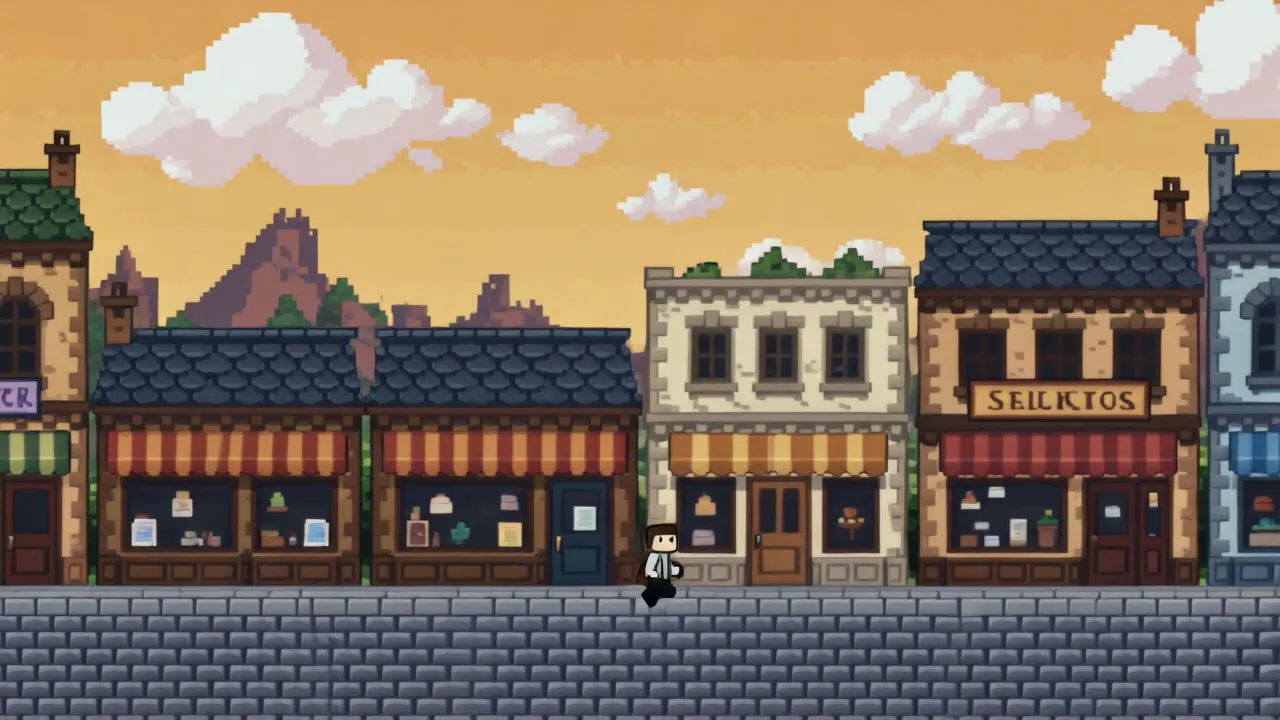
Eine 16-Bit-Luftszene mit Parallax-Wolken, detaillierten Sprite-Schiffen, reicher Verlaufsfarbe.
Prompt bearbeiten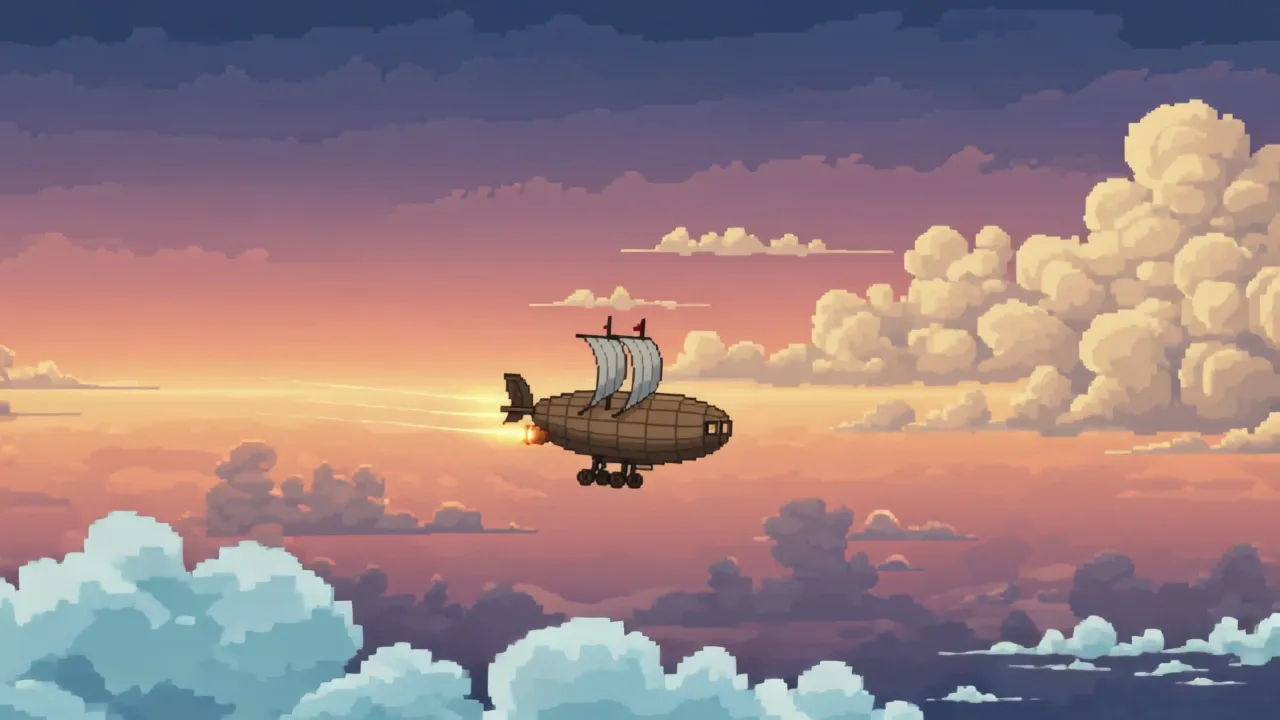
Beschreiben Sie die 16-BIT Animation-Szene, die Sie möchten, in einfachen Worten.
Morphic generiert in Sekunden einen filmreifen Clip auf Ihrer Canvas.
Passen Sie den Prompt an, generieren Sie Varianten und laden Sie die Aufnahme herunter oder teilen Sie sie.

Turn any photo or description into an animated chibi sprite. Dance, jump, wave, attack, and more.

Take any character image and generate 6 distinct facial expressions on a single reference sheet.

All your characters on a single lineup image, side by side with height comparison.
One character design becomes a complete sprite sheet: idle, run, attack, jump, death.

Pick any anime illustration as your style guide. Apply its look to any image.
Describe a faction or group. Get 6 distinct NPC face portraits, all in a consistent art style.
8-BIT-Animation KI-Videos
Erstellen Sie KI-8-BIT-Animationsvideos mit Morphic. Erzeugen Sie 8-BIT-Animationsszenen und -Visuals für jedes Projekt in Sekunden.
Pixel Art KI-Videos
Erzeugen Sie Pixel-Art-Videos auf Morphic. Sprite-Helden, seitlich scrollende Level, Städte aus der Vogelperspektive und Retro-Spielszenen aus einfachen Prompts.
Voxel Art KI-Videos
Erzeugen Sie Voxel-Art-Videos auf Morphic. Aus Würfeln gebaute Welten, klotzige Figuren und knackige 3D-Pixel-Szenen aus Prompts in Alltagssprache.
Cartoon KI-Videos
Erstellen Sie Cartoon-Videos mit Morphic. 2D-, 3D-, Bilderbuch- und Squash-and-Stretch-Stile, vollständige Figurenkonsistenz und Prompt-gesteuerte Szenen, die Sie in Ihrem Browser ausführen können.
Starten Sie noch heute kostenlos, mit der Option, jederzeit zu upgraden oder zu kündigen.
Basic
2400 monatliche Credits
1 Nutzer
Alle Modelle
Workflows
Standard
3625 monatliche Credits
1 Nutzer
Alle Modelle
Workflows
Pro
6350 gemeinsame monatliche Credits
1 Nutzer
Alle Modelle
Workflows
Max
24650 gemeinsame monatliche Credits
1 Nutzer
Alle Modelle
Workflows
Enterprise
Für höhere Limits
Individuell
Preis- und Abrechnungsbedingungen

Free
Zum Ausprobieren
$0
dauerhaft kostenlos