Seitlich scrollendes Waldlevel
Ein seitlich scrollendes Pixel-Level aus geschichteten Parallax-Bäumen und Grasplattformen, in Bögen angeordnete Münzen, ein heller Himmel, ein Helden-Sprite mitten im Lauf.
Prompt bearbeiten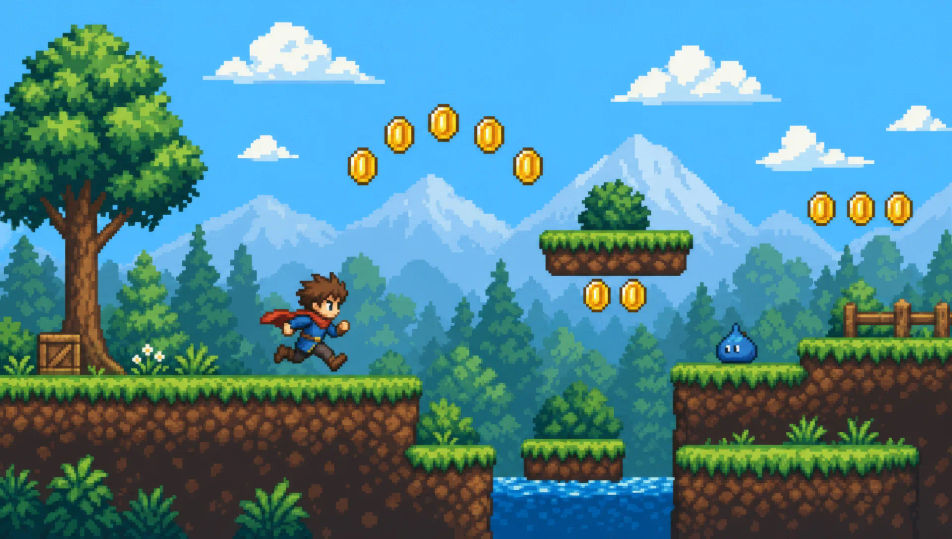
Inszenieren Sie Retro-Spielanimation direkt im Browser mit Morphics KI-Videogenerator für Pixel Art. Erzeugen Sie einen Helden-Sprite in einem seitlich scrollenden Level, ein Dorf aus der Vogelperspektive im Morgengrauen oder eine Boss-Arena im Fackelschein. Untermalen Sie jede Aufnahme mit Speech und Music und fügen Sie den Kurzfilm im Canvas zusammen.
Ein seitlich scrollendes Pixel-Level aus geschichteten Parallax-Bäumen und Grasplattformen, in Bögen angeordnete Münzen, ein heller Himmel, ein Helden-Sprite mitten im Lauf.
Prompt bearbeitenEin Pixel-Dorf aus der Vogelperspektive mit Ziegeldächern und einem zentralen Brunnen, NPCs in kleinen Leerlauf-Schleifen, ein gewundener Pfad, weiches morgendämmerungsfarbenes Licht.
Prompt bearbeiten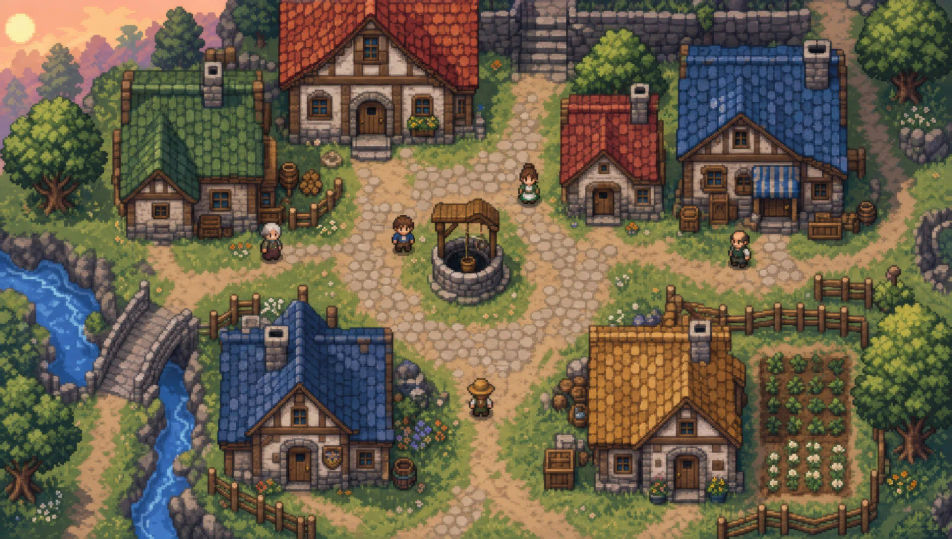
Eine quadratische Pixel-Arena, beleuchtet von Fackelschein, ein rissiger Steinboden, ein großer Boss-Sprite, der auf einer Seite aufragt, der Held klein auf der anderen.
Prompt bearbeiten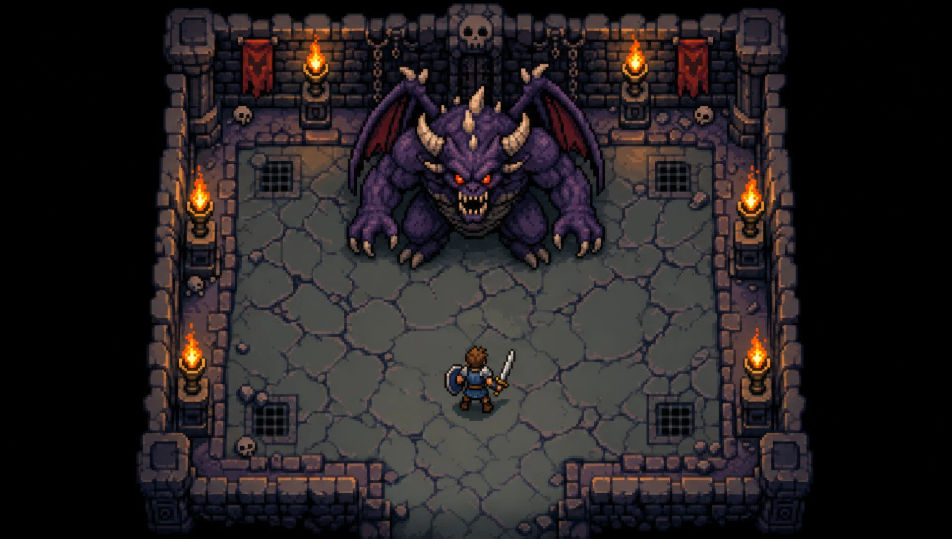
Ein Pixel-Verliesgang aus der Vogelperspektive mit Steinfliesen und brennenden Fackeln, Schatztruhen in den Ecken, tiefer Schatten am fernen Ende.
Prompt bearbeiten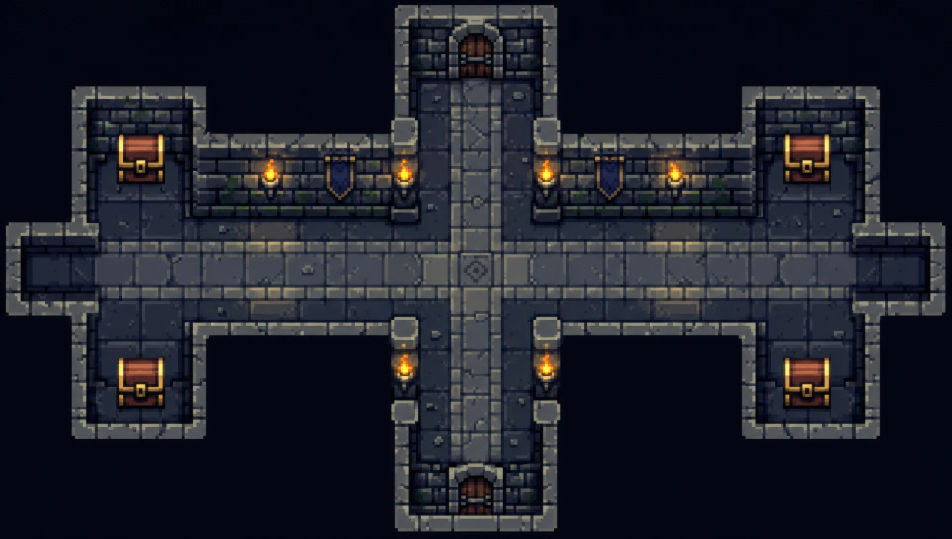
Beschreiben Sie die Pixel Art-Szene, die Sie möchten, in einfachen Worten.
Morphic generiert in Sekunden einen filmreifen Clip auf Ihrer Canvas.
Passen Sie den Prompt an, generieren Sie Varianten und laden Sie die Aufnahme herunter oder teilen Sie sie.

Turn any photo or description into an animated chibi sprite. Dance, jump, wave, attack, and more.

Take any character image and generate 6 distinct facial expressions on a single reference sheet.

All your characters on a single lineup image, side by side with height comparison.
One character design becomes a complete sprite sheet: idle, run, attack, jump, death.
Restyle any video in a completely new visual style. Every frame transforms, all motion stays intact.
Describe your item categories. Get 12 consistent game-ready icons for inventory UI.
Pixel-Art-KI-Generator
Erstellen Sie Pixel-Art mit Morphic. 16x16- und 32x32-Sprites, RPG-Tile-Sets, seitliche Platformer-Szenen und Dungeon-Räume aus der Vogelperspektive aus einem einzigen Prompt.
2D-Animation KI-Videos
Erzeugen Sie 2D-Animationsvideos auf Morphic. Handgezeichnete Figuren, bemalte Hintergründe, klare Linienführung und traditionell animierte Szenen aus Prompts.
Claymation KI-Videos
Erzeugen Sie Claymation-Videos auf Morphic. Stop-Motion-Ton-Charaktere, Fingerabdruck-Textur, handgefertigte Sets und taktile Szenen aus Prompts in klarer Sprache.
Cartoon KI-Videos
Erstellen Sie Cartoon-Videos mit Morphic. 2D-, 3D-, Bilderbuch- und Squash-and-Stretch-Stile, vollständige Figurenkonsistenz und Prompt-gesteuerte Szenen, die Sie in Ihrem Browser ausführen können.
Starten Sie noch heute kostenlos, mit der Option, jederzeit zu upgraden oder zu kündigen.
Basic
2400 monatliche Credits
1 Nutzer
Alle Modelle
Workflows
Standard
3625 monatliche Credits
1 Nutzer
Alle Modelle
Workflows
Pro
6350 gemeinsame monatliche Credits
1 Nutzer
Alle Modelle
Workflows
Max
24650 gemeinsame monatliche Credits
1 Nutzer
Alle Modelle
Workflows
Enterprise
Für höhere Limits
Individuell
Preis- und Abrechnungsbedingungen

Free
Zum Ausprobieren
$0
dauerhaft kostenlos