AI Chromatic Aberration videos

Direct color-fringed, RGB-split imagery in your browser with Morphic's chromatic aberration AI video generator. Generate clips like a neon sign smearing red and cyan ghosts at its edges, or a face pulsing apart into split color channels on a bass hit, and pair them with the Music tool to snap the split to the beat. Stitch the fringed, glitch-tinged shots into one continuous sequence on the Canvas.

Chromatic aberration variations you can direct

Chromatic aberration sequences you can stage

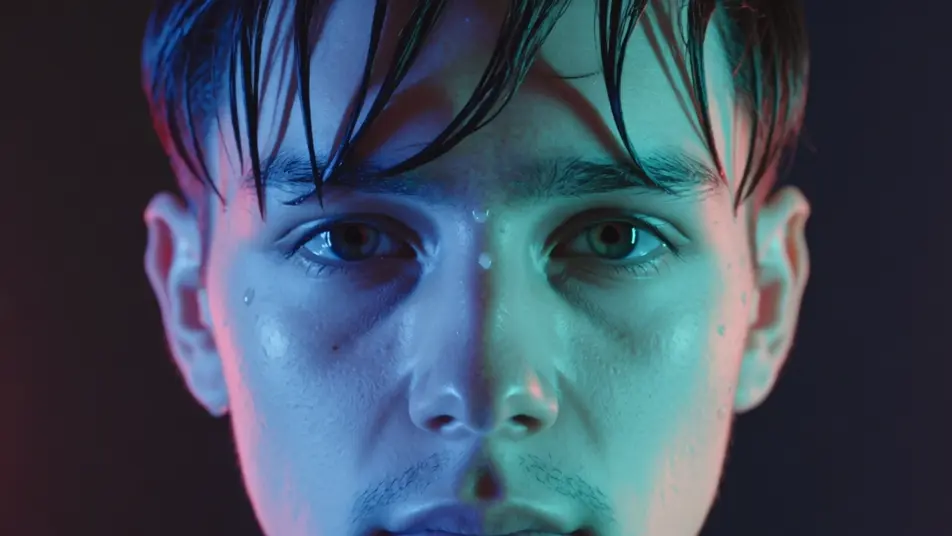
Neon night portrait

Close shot of a face under wet neon where every bright edge splits into red and cyan ghosts, the fringe swelling toward the corners, cool saturated key, slow push-in that lets the color bleed intensify.

Prompt bearbeiten

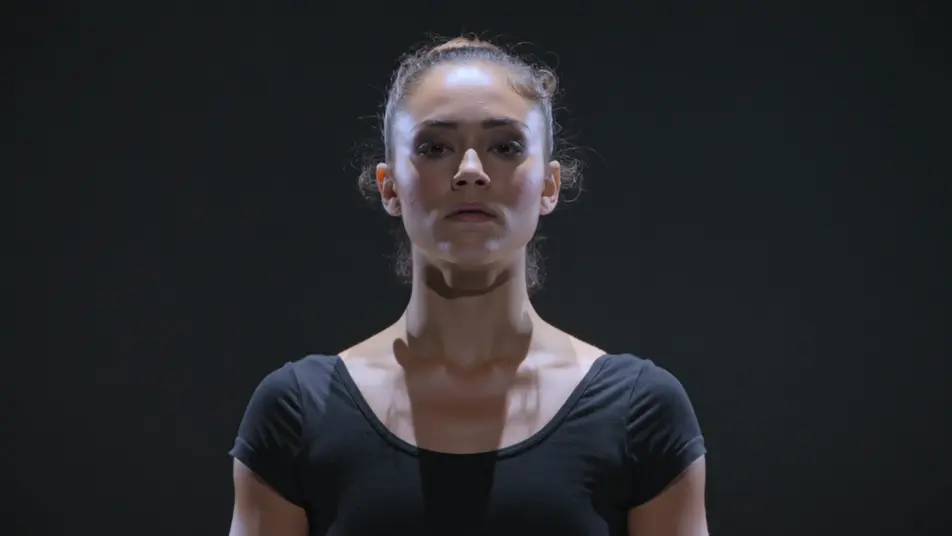
Bass-drop channel tear

Tight framing on a subject locked still until the channels jolt apart on the drop and snap back, hard RGB stabs punctuating the cut, dark stage light, static frame so the split reads clean.

Prompt bearbeiten

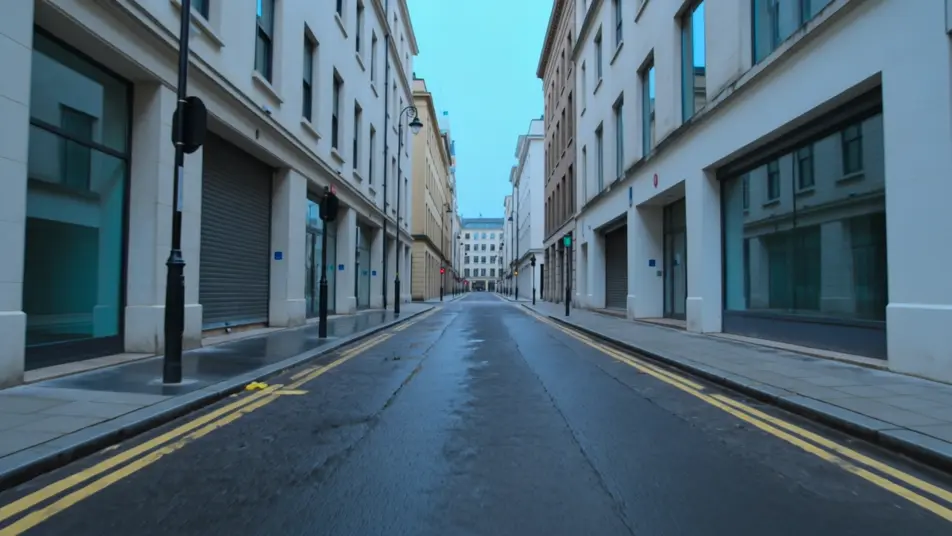
Rainy street tunnel

Forward tracking shot down a rain-slick street where color fringing streaks radially outward from the vanishing point, red and cyan smearing along the buildings, cool blue key, steady dolly into the depth.

Prompt bearbeiten

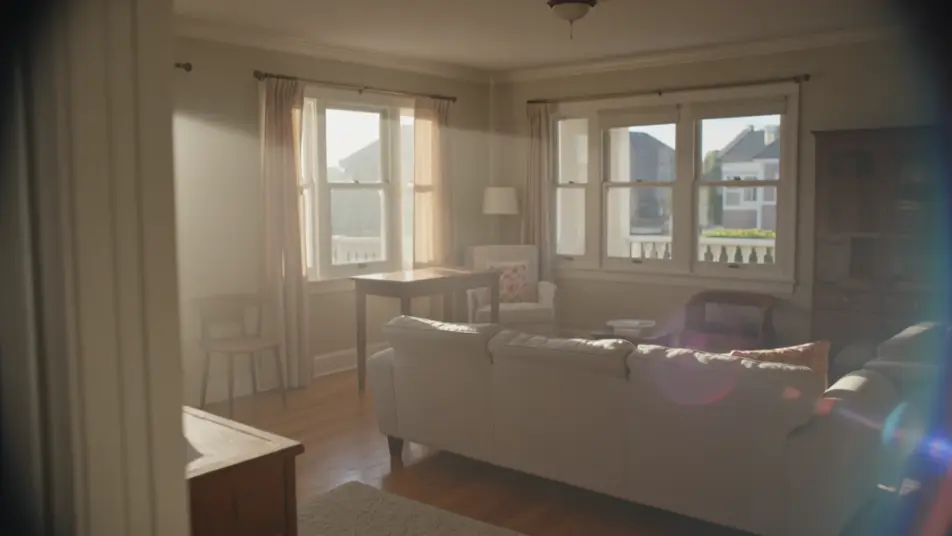
Vintage home-movie drift

Handheld feel through a sunlit room where a soft uneven red-blue bleed drifts over everything like an old zoom lens, warm nostalgic grade, gentle sway that shifts the fringe as the frame moves.

Prompt bearbeiten

chromatic aberration-Videos in drei Schritten erstellen

  1. 01

    Beschreiben Sie Ihre chromatic aberration-Szene

    Beschreiben Sie die chromatic aberration-Szene, die Sie möchten, in einfachen Worten.

  2. 02

    Video generieren

    Morphic generiert in Sekunden einen filmreifen Clip auf Ihrer Canvas.

  3. 03

    chromatic aberration-Video verfeinern

    Passen Sie den Prompt an, generieren Sie Varianten und laden Sie die Aufnahme herunter oder teilen Sie sie.

Verwandte Workflows

Das könnte Ihnen auch gefallen

Einfache Preise

Starten Sie noch heute kostenlos, mit der Option, jederzeit zu upgraden oder zu kündigen.

Basic

$9/ Monat
abgerechnet als $0 pro Jahr

900 monatliche Credits

1 Nutzer

Alle Modelle

Workflows

Standard

$24/ Monat
abgerechnet als $0 pro Jahr

3200 monatliche Credits

1 Nutzer

Alle Modelle

Workflows

Pro

$45/ Monat
abgerechnet als $0 pro Jahr

6200 gemeinsame monatliche Credits

1 Nutzer

+ bis zu 4 weitere gegen Aufpreis

Alle Modelle

Workflows

Pro Max

$170/ Monat
abgerechnet als $0 pro Jahr

24000 gemeinsame monatliche Credits

1 Nutzer

+ bis zu 9 weitere gegen Aufpreis

Alle Modelle

Workflows

Enterprise

Für höhere Limits

Individuell

Preis- und Abrechnungsbedingungen

Unbegrenzte Credits
Individuelle Platzlimits
Alle Modelle
Workflows
Pricing Gradient

Free

Zum Ausprobieren

$0

dauerhaft kostenlos

Bis zu 20 Credits
Nur 1 Nutzer
Eingeschränkte Modelle
Workflows

Häufig gestellte Fragen

Where can I make chromatic aberration videos with AI?
You can create chromatic aberration videos directly in your browser on Morphic. Open the Text to Video tool, describe the strength of the RGB split, where the fringing is strongest, and whether it pulses, and Morphic generates the clip with the effect baked in. No shader pass and no plugin needed.
What kinds of chromatic aberration shots work best with AI video?
Shots with strong edges and bright sources read best: neon night scenes, high-contrast portraits, and forward tunnels where the fringe can streak radially. Subtle edge fringing suits a filmic look, while hard RGB splits and beat-synced stabs suit glitch and music content.
How do I write a good prompt for a chromatic aberration video?
Name the split strength, the fringe location, and the leading colors. A prompt like "hard RGB split, channels jolting apart on the beat" gives Morphic more than "add color fringing." Adding whether the effect is subtle and vintage or harsh and digital tunes the whole feel.
How do I keep the effect consistent between scenes?
Keep the split strength and leading colors described the same way across shots, and note whether the fringe grows toward the corners each time. On the Canvas you can line up clips side by side and refine each until the separation and color match into one continuous look.
Can I add music and narration to my chromatic aberration videos?
Yes. The Music tool produces an original soundtrack, and a channel-tear stab lands hardest when it snaps on a bass hit. The Speech tool generates narration in the voice you choose, layered onto the clip so a neon portrait or glitch sequence can carry a voiceover.
Do I need video editing experience to make a chromatic aberration video?
No. Morphic runs in your browser and you direct it with plain-language prompts. If you can describe how far the colors split and when, you can produce the clip. The prompts on this page are written so anyone can paste and run.