AI Lens Flare Effect videos

Direct in-camera lens flares in your browser with Morphic's lens flare effect AI video generator. Generate clips like a low sun raking a horizontal anamorphic streak across a windshield, or a stage spotlight blooming into a halo of colored ghosts, and pair them with the Music tool to swell the light on a downbeat. Stitch the flare-lit shots into one continuous sequence on the Canvas.

Lens flare variations you can direct

Lens flare sequences you can stage

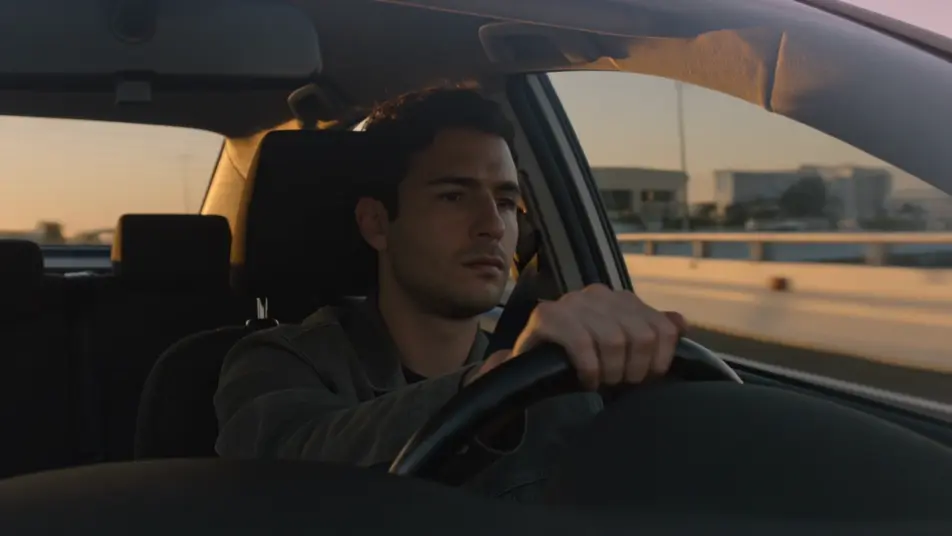
Sunset drive with raking flare

Interior car shot facing the driver as a low sun rakes through the side window, throwing a horizontal anamorphic streak that sweeps across their face and the dash as the road curves, warm dusk key, slow handheld drift.

Prompt bearbeiten

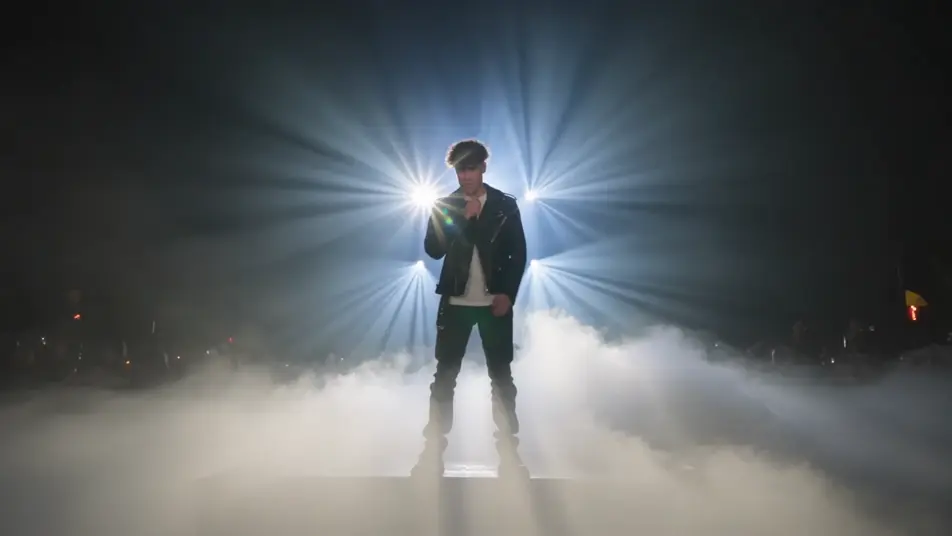
Concert spotlight bloom

Wide shot of a lone performer as stage lights punch straight into the lens and bloom into pulsing halos, colored ghosts marching across the crowd haze, hard backlight, slow push-in that lets the flare swell.

Prompt bearbeiten

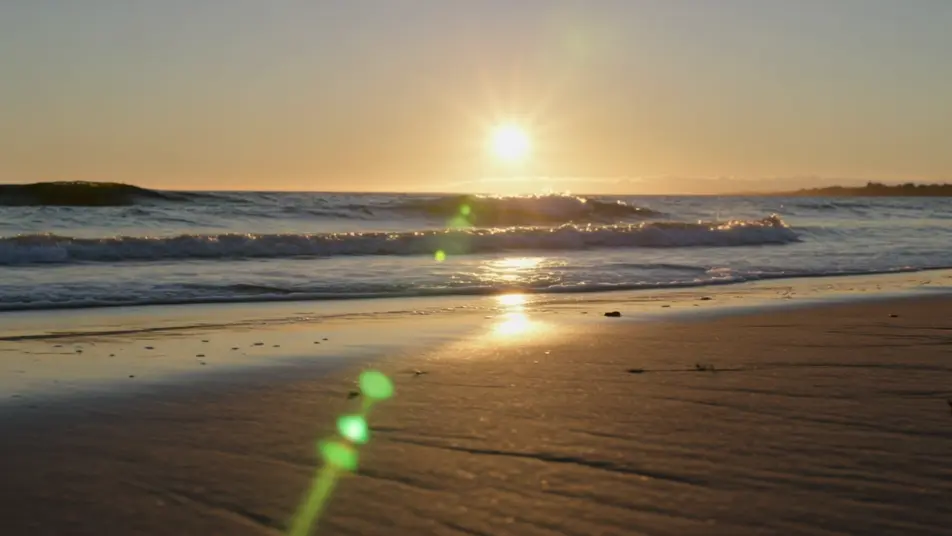
Beach morning shimmer

Low tracking shot along wet sand at sunrise where the sun scatters off the surf into a field of sparkling pinpoint flares, soft golden bloom hugging the horizon, camera gliding parallel to the waterline.

Prompt bearbeiten

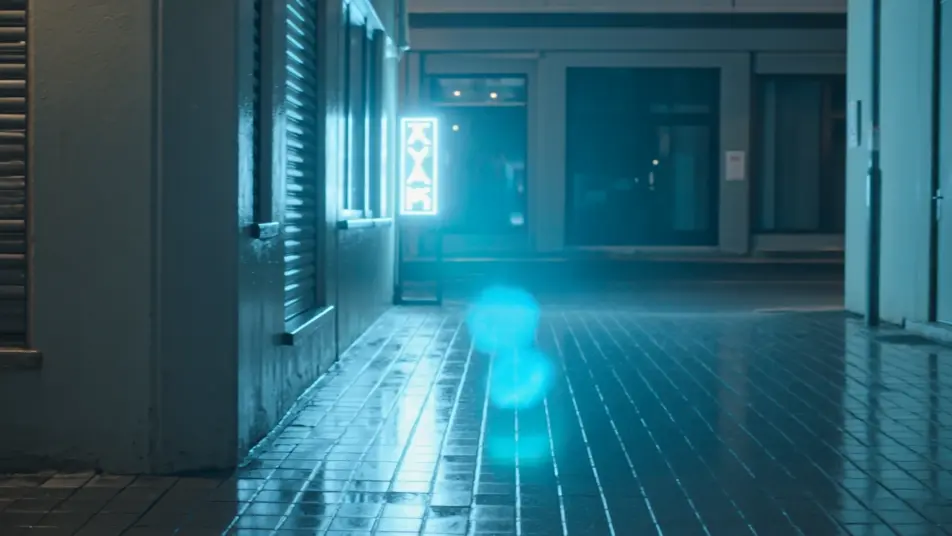
Neon alley ghost chain

Night alley where a hard neon sign throws a diagonal chain of hexagonal ghosts across the frame as the camera moves past, rain-slick reflections doubling the flare, cool cyan key, steady lateral dolly.

Prompt bearbeiten

lens flare effect-Videos in drei Schritten erstellen

  1. 01

    Beschreiben Sie Ihre lens flare effect-Szene

    Beschreiben Sie die lens flare effect-Szene, die Sie möchten, in einfachen Worten.

  2. 02

    Video generieren

    Morphic generiert in Sekunden einen filmreifen Clip auf Ihrer Canvas.

  3. 03

    lens flare effect-Video verfeinern

    Passen Sie den Prompt an, generieren Sie Varianten und laden Sie die Aufnahme herunter oder teilen Sie sie.

Verwandte Workflows

Das könnte Ihnen auch gefallen

Einfache Preise

Starten Sie noch heute kostenlos, mit der Option, jederzeit zu upgraden oder zu kündigen.

Basic

$9/ Monat
abgerechnet als $0 pro Jahr

900 monatliche Credits

1 Nutzer

Alle Modelle

Workflows

Standard

$24/ Monat
abgerechnet als $0 pro Jahr

3200 monatliche Credits

1 Nutzer

Alle Modelle

Workflows

Pro

$45/ Monat
abgerechnet als $0 pro Jahr

6200 gemeinsame monatliche Credits

1 Nutzer

+ bis zu 4 weitere gegen Aufpreis

Alle Modelle

Workflows

Pro Max

$170/ Monat
abgerechnet als $0 pro Jahr

24000 gemeinsame monatliche Credits

1 Nutzer

+ bis zu 9 weitere gegen Aufpreis

Alle Modelle

Workflows

Enterprise

Für höhere Limits

Individuell

Preis- und Abrechnungsbedingungen

Unbegrenzte Credits
Individuelle Platzlimits
Alle Modelle
Workflows
Pricing Gradient

Free

Zum Ausprobieren

$0

dauerhaft kostenlos

Bis zu 20 Credits
Nur 1 Nutzer
Eingeschränkte Modelle
Workflows

Häufig gestellte Fragen

Where can I make lens flare videos with AI?
You can create lens flare videos directly in your browser on Morphic. Open the Text to Video tool, describe the light source, its position in frame, and the style of flare, and Morphic generates the clip with the flare baked in. No overlay packs and no compositing needed.
What kinds of lens flare shots work best with AI video?
Shots with a single strong source read best: a low sun raking across a subject, a stage spotlight punching into the lens, or sunlight scattering off water. Anamorphic streaks and soft sun blooms are the most cinematic, while ghost-orb chains suit night scenes with hard point lights.
How do I write a good prompt for a lens flare video?
Name the source, its place in the frame, and the flare type. A prompt like "low sun at the top edge, warm sun bloom washing the frame" gives Morphic more to work with than "add lens flare." Adding the light color and whether the flare is a streak, halo, or ghost chain sharpens the result.
How do I keep the flare consistent between scenes?
Keep the source type and color steady across shots and describe them the same way each time. On the Canvas you can line up flare clips side by side and refine each one so the light color, streak angle, and bloom intensity match into one continuous look.
Can I add music and narration to my lens flare videos?
Yes. The Music tool produces an original soundtrack, and a blooming flare lands hardest when the light swells on a downbeat. The Speech tool generates narration in the voice you choose, layered onto the clip so a sunset or concert sequence can carry a voiceover.
Do I need video editing experience to make a lens flare video?
No. Morphic runs in your browser and you direct it with plain-language prompts. If you can describe where the light sits and what kind of flare you want, you can produce the clip. The prompts on this page are written so anyone can paste and run.