AI Countdown Timer videos

Direct atmospheric countdown backdrops in your browser with Morphic's countdown timer AI video generator. Generate countdown timer clips like a soft neon number glowing over drifting particles or a serene focus scene ticking toward zero, and pair them with the Music tool for a building or calming bed and the Speech tool for spoken time cues. Stitch the countdown loops into one continuous starting-soon or focus screen on the Canvas.

Countdown timer styles you can direct

Countdown timer screens you can stage

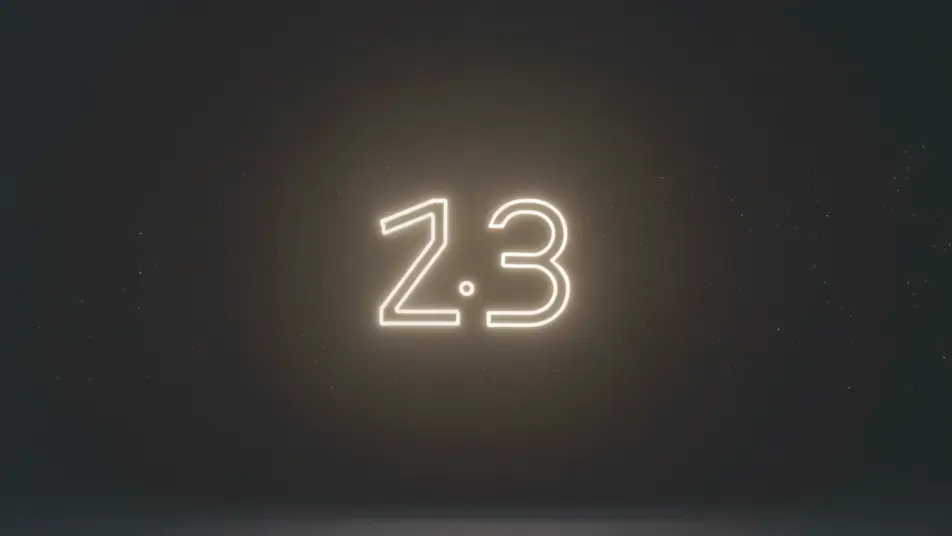
Neon countdown over particles

A locked full-frame shot of a soft neon number pulsing at center over a dark field of slowly drifting particles, the glow steady and the motion gentle, an easy-to-read backdrop that loops as the count falls.

Prompt bearbeiten

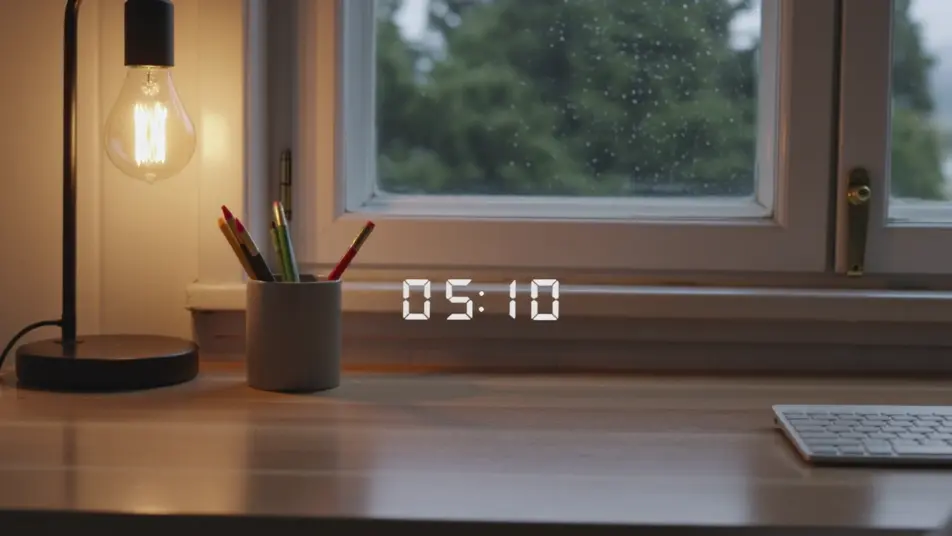
Cozy starting-soon screen

A static shot of a countdown number set over a warm lofi desk-and-window loop, lamplight and faint rain behind the glass, the inviting scene holding still while the timer ticks down for viewers arriving early.

Prompt bearbeiten

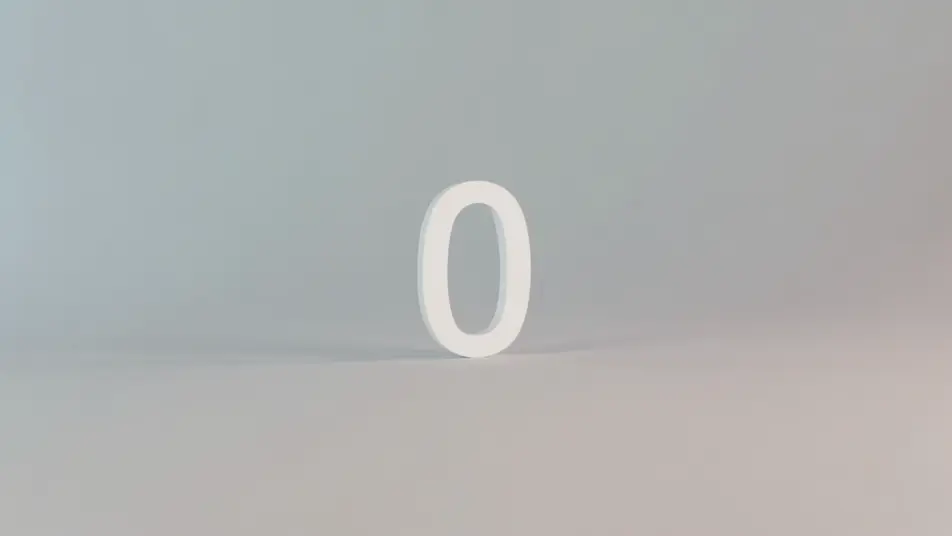
Focus-sprint gradient timer

A minimal, still frame of a clean number over a slow gradient wash of soft color, nothing else moving, the calm backdrop built to hold attention through a study or work sprint toward zero.

Prompt bearbeiten

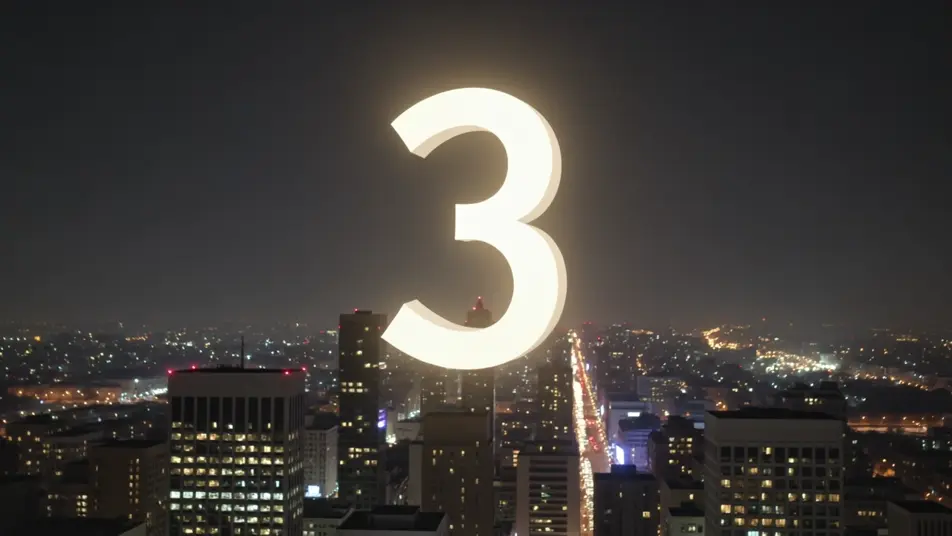
Midnight celebration countdown

A wide, static night shot of a countdown number over a city skyline with soft bokeh lights and drifting sparkle, the festive glow building steadily as the final seconds fall toward a zero moment.

Prompt bearbeiten

countdown timer-Videos in drei Schritten erstellen

  1. 01

    Beschreiben Sie Ihre countdown timer-Szene

    Beschreiben Sie die countdown timer-Szene, die Sie möchten, in einfachen Worten.

  2. 02

    Video generieren

    Morphic generiert in Sekunden einen filmreifen Clip auf Ihrer Canvas.

  3. 03

    countdown timer-Video verfeinern

    Passen Sie den Prompt an, generieren Sie Varianten und laden Sie die Aufnahme herunter oder teilen Sie sie.

Verwandte Workflows

Das könnte Ihnen auch gefallen

Einfache Preise

Starten Sie noch heute kostenlos, mit der Option, jederzeit zu upgraden oder zu kündigen.

Basic

$9/ Monat
abgerechnet als $0 pro Jahr

900 monatliche Credits

1 Nutzer

Alle Modelle

Workflows

Standard

$24/ Monat
abgerechnet als $0 pro Jahr

3200 monatliche Credits

1 Nutzer

Alle Modelle

Workflows

Pro

$45/ Monat
abgerechnet als $0 pro Jahr

6200 gemeinsame monatliche Credits

1 Nutzer

+ bis zu 4 weitere gegen Aufpreis

Alle Modelle

Workflows

Pro Max

$170/ Monat
abgerechnet als $0 pro Jahr

24000 gemeinsame monatliche Credits

1 Nutzer

+ bis zu 9 weitere gegen Aufpreis

Alle Modelle

Workflows

Enterprise

Für höhere Limits

Individuell

Preis- und Abrechnungsbedingungen

Unbegrenzte Credits
Individuelle Platzlimits
Alle Modelle
Workflows
Pricing Gradient

Free

Zum Ausprobieren

$0

dauerhaft kostenlos

Bis zu 20 Credits
Nur 1 Nutzer
Eingeschränkte Modelle
Workflows

Häufig gestellte Fragen

Where can I make countdown timer videos with AI?
You can create countdown timer backdrops directly in your browser on Morphic. Open the Text to Video tool, describe the mood, the backdrop, and the energy you want behind the number, and Morphic produces the looping scene. No installs and no editing software needed.
What kinds of countdown timer scenes work best with AI video?
Atmospheric, low-motion backdrops read best: a neon number over drifting particles, a calm gradient, a cozy starting-soon lofi scene, a turning starfield, a festive skyline. The strongest countdown loops keep the backdrop gentle so the number stays readable while the seconds fall.
How do I write a good prompt for a countdown timer video?
Name the backdrop, the energy of the moment, and that the number sits at frame center, then keep the motion slow. The calmer the background, the more readable the count. For a stream screen, lean cozy and welcoming; for a sprint or workout, lean bright and driving.
How do I keep the timer consistent across scenes?
Hold the backdrop style, color palette, and number placement steady from clip to clip. On the Canvas you can line the countdown segments up in sequence and tune each one until the tone and pace match into one continuous timer or starting-soon screen.
Can I add music and narration to my countdown timer videos?
Yes. The Music tool produces a building or calming bed to match the moment, tension for a sprint or a soft loop for focus. The Speech tool generates spoken time cues in the voice you choose, so you can layer a "ten seconds left" call or a warm intro over the countdown.
Do I need video editing experience to make a countdown timer video?
No. Morphic runs in your browser and you direct it with plain-language prompts. If you can describe the mood you want behind the number, you can produce a countdown backdrop. The prompts on this page are written so anyone can paste and run.