Wohnzimmer hebt ab
Ein gemütliches Wohnzimmer, in dem jedes Objekt langsam zur Decke hinauftreibt, Bücher und Kissen, die sich sanft in der Luft drehen. Langsames Heranfahren, warmes Lampenlicht auf den aufsteigenden Möbeln.
Prompt bearbeiten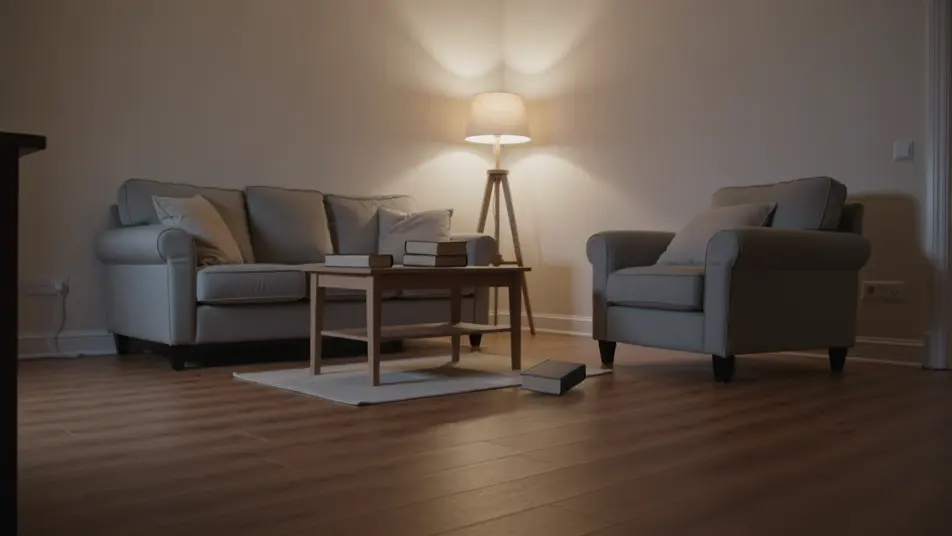
Inszenieren Sie der Schwerkraft trotzende Aufnahmen direkt im Browser mit Morphics KI-Videogenerator für Schwerkraftumkehr. Erzeugen Sie ein Zimmer voller Möbel, das zur Decke hinauftreibt, oder eine Straße voller Trümmer, die in Zeitlupe aufsteigt. Lassen Sie den Score mit Music anschwellen und fügen Sie die Aufnahmen im Canvas zusammen.
Ein gemütliches Wohnzimmer, in dem jedes Objekt langsam zur Decke hinauftreibt, Bücher und Kissen, die sich sanft in der Luft drehen. Langsames Heranfahren, warmes Lampenlicht auf den aufsteigenden Möbeln.
Prompt bearbeitenEine zerstörte Straße, auf der Schutt und Staub in Zeitlupe in den Himmel klettern, nachdem sich die Schwerkraft umkehrt. Weite anamorphe Aufnahme, die nach oben kranzt, um den aufsteigenden Trümmern gegen einen zerschundenen Himmel zu folgen.
Prompt bearbeiten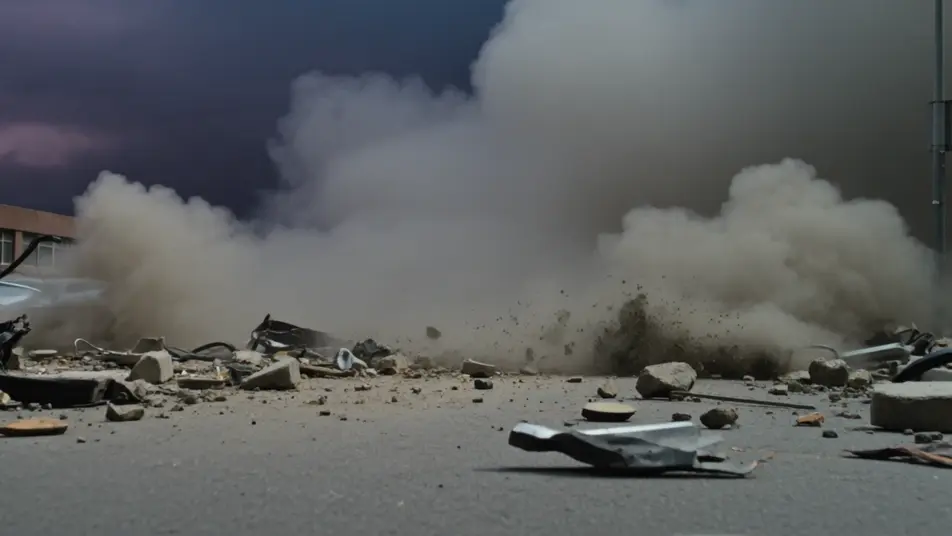
Ein verschüttetes Glas Wasser hebt sich von einer Arbeitsfläche und windet sich zu einer schwebenden Säule, Tropfen, die die Masse umkreisen. Enge Tischaufnahme, kühles Fensterlicht, das vom schwebenden Wasser glänzt.
Prompt bearbeiten
Eine Person treibt durch ein hohes Treppenhaus nach oben, Haar und Mantel schwebend, während sie die Stufen hinter sich lässt. Niedriger Weitwinkel, der nach oben kranzt, kaltes Licht, das von einem Oberlicht weit oben fällt.
Prompt bearbeiten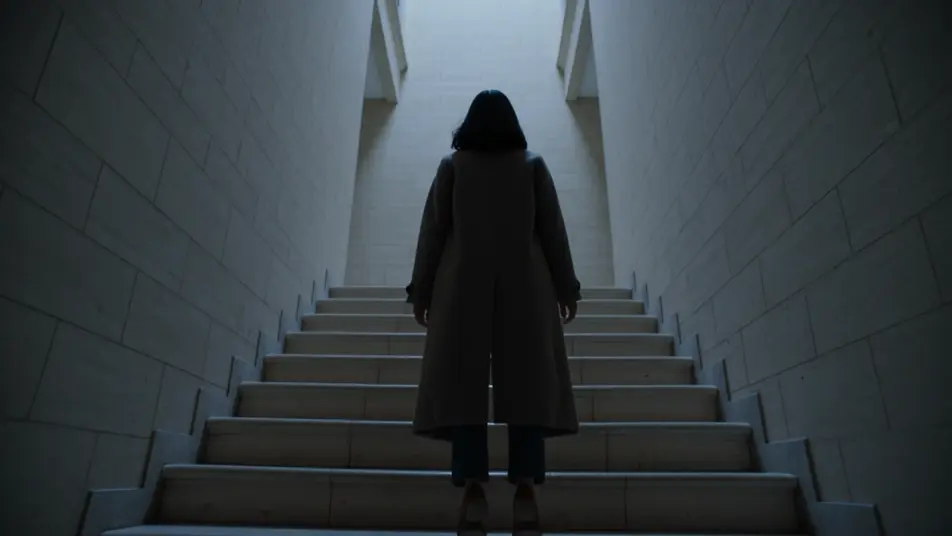
Beschreiben Sie die Schwerkraftumkehr-Szene, die Sie möchten, in einfachen Worten.
Morphic generiert in Sekunden einen filmreifen Clip auf Ihrer Canvas.
Passen Sie den Prompt an, generieren Sie Varianten und laden Sie die Aufnahme herunter oder teilen Sie sie.

Dramatize any text conversation into a cinematic multi-shot video.
Cinematic time-freeze short film for any scene

Generate a professional film title card from scratch, with optional cinematic animation.
Photo of any real-estate becomes a cinematic renovation timelapse video with construction SFX and music.
One image to a 9-scene cinematic video.
Drop in a photo of yourself. Get a 12-second cinematic movie with animation and a matched soundtrack.
KI-Levitationseffekt-Videos
Erzeugen Sie KI-Levitations-Videos mit Morphic. Lassen Sie ein Motiv vom Boden abheben, Objekte schweben und schwerelose Aufnahmen mit sofort einsatzbereiten Prompts inszenieren.
KI-Videos mit Zeitstopp-Effekt
Erzeugen Sie KI-Zeitstopp-Videos mit Morphic. Erstarrte Menschenmengen, schwebende Trümmer, einzelne Bewegende und stille-synchronisierte Stopp-Zeit-Prompts, die einfach laufen.
KI-VFX-Videos
Erzeugen Sie KI-VFX-Videos mit Morphic. Explosionen, Energieeffekte, Sci-Fi-Zerstörung, Partikel und Kreaturen-Einstellungen aus einem Prompt. Kein Greenscreen, kein Compositing.
Morph KI-Videos
Morph-Videos mit KI erstellen: weiche Übergänge, Verwandlungen, Alterungs-Morphs und taktgenaue Morph-Cuts, direkt im Browser.
Starten Sie noch heute kostenlos, mit der Option, jederzeit zu upgraden oder zu kündigen.
Basic
2400 monatliche Credits
1 Nutzer
Alle Modelle
Workflows
Standard
3625 monatliche Credits
1 Nutzer
Alle Modelle
Workflows
Pro
6350 gemeinsame monatliche Credits
1 Nutzer
Alle Modelle
Workflows
Max
24650 gemeinsame monatliche Credits
1 Nutzer
Alle Modelle
Workflows
Enterprise
Für höhere Limits
Individuell
Preis- und Abrechnungsbedingungen

Free
Zum Ausprobieren
$0
dauerhaft kostenlos