Start a scene
Start a 3D scene from an example or from scratch, set how long the shot runs, and work on it with other people.
A new scene opens with an empty floor, a shot camera, and three lights: 'Sun', 'Fill' and 'Warm glow'. Start from there, or load an example.
Quick direction
- In the editor, click the 'Scene' tab in the right panel
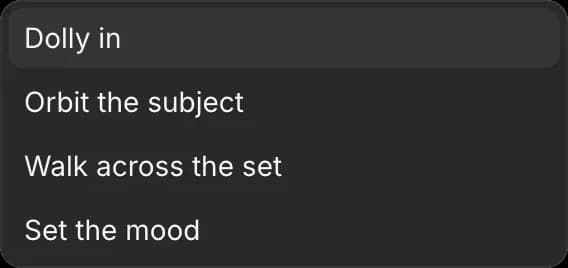
- Open the 'Quick direction' dropdown
- Pick a move: 'Dolly in', 'Orbit the subject', 'Walk across the set' or 'Set the mood'
Example shots
An example is a finished scene you can take apart: a set, a cast and a camera move.
Loading an example replaces everything in the scene you have open. To keep your work, copy the scene first, or start a new one.
- Click the 'Scene' tab
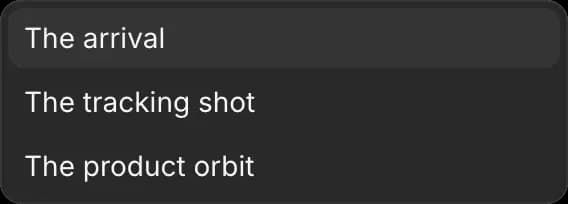
- Under 'Quick direction', open the 'Examples' dropdown
- Pick one:
- 'The arrival': a character walking into a small set
- 'The tracking shot': a camera following a moving vehicle
- 'The product orbit': a camera circling an object
- Press Space to play it
Shot length
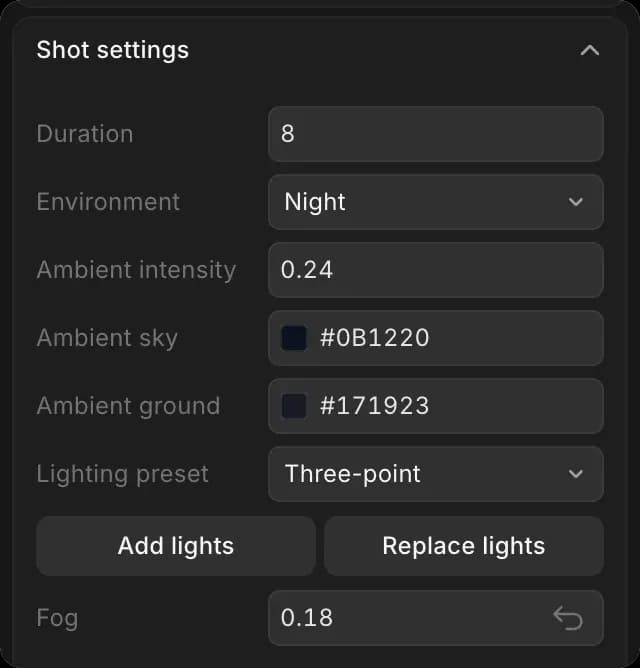
A new scene runs 8 seconds at 24 frames per second. Set the length before you animate, so the movement fits inside the shot.
- Click the 'Scene' tab
- Scroll to 'Shot settings'
- Type the length in seconds in 'Duration'
Shot brief
- Click the 'Scene' tab
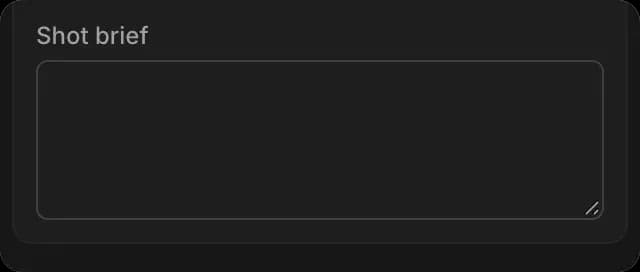
- Scroll to the bottom of 'Shot settings'
- Type what the shot is for in 'Shot brief'. Anyone who opens the scene sees it
Copy a scene
Try a variation and leave the original as it is.
- Close the editor
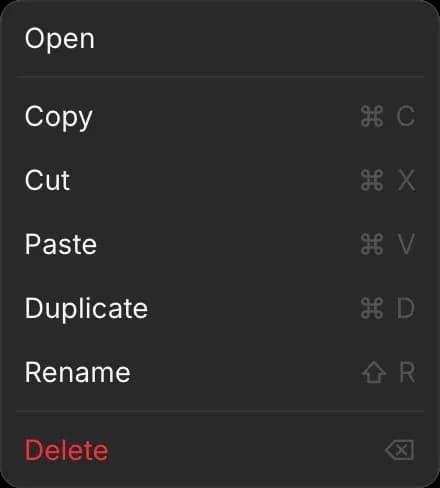
- On the Canvas, right-click the scene
- Click 'Duplicate'
The copy, named '3D Scene (copy)', appears next to it with the same set, cast and camera. You can also click 'Copy', right-click an empty spot, and click 'Paste'.
Collaboration
Several people can work in the same scene at once. You see each other's cursors and selections live, and every change appears for everyone. To invite people to a file, see Live Collab.
A scene saves as you work, so closing the editor or refreshing the page loses nothing. If your connection drops, your changes are kept and a recovery backup is saved.
To start from a scene someone saved as a file, see Scene files.
That's how to start a scene on Morphic. Load an example first if you have never blocked a shot before.
If you have any trouble or have any questions, feel free to reach out. We're happy to help. Write to us at support@morphic.com.