General
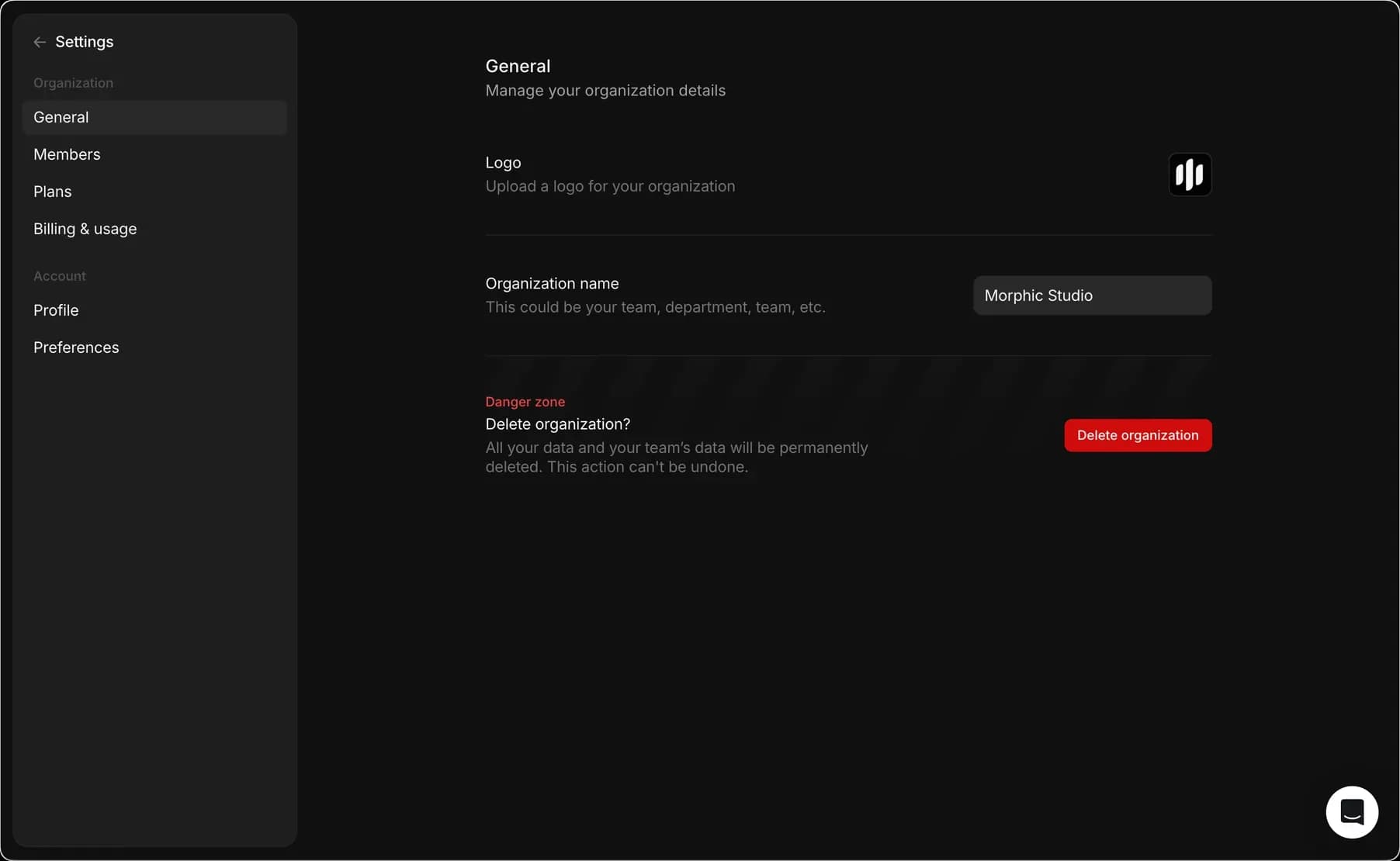
General tab lets you manage your organization's general settings. From this tab, you can name your organization or delete it.
In the General section, you can manage organization details.
Organization Management
- Logo: Upload a custom logo for your organization's profile.
- Organization name: Update the name of your organization to reflect your team, department, or group.
- Delete organization: Permanently delete your organization. This action is irreversible, and all data associated with your organization will be lost.
Accessing General Settings
- Open the org/account dropdown (click the Morphic logo in the top-left corner).
- Select Settings.
- The General section will be the default view, or click General from the left sidebar.
Or go straight there: studio.morphic.com/settings/general
That's how you manage your organization's general details on Morphic.
If you have any trouble or have any questions, feel free to reach out. We're happy to help. Write to us at support@morphic.com.