Start a project
Set the shape of your video before you cut, keep more than one version in a file, and work on it with other people.
Compose opens on a timeline named 'Timeline'. Before you add anything, set what shape and size the finished video should be.
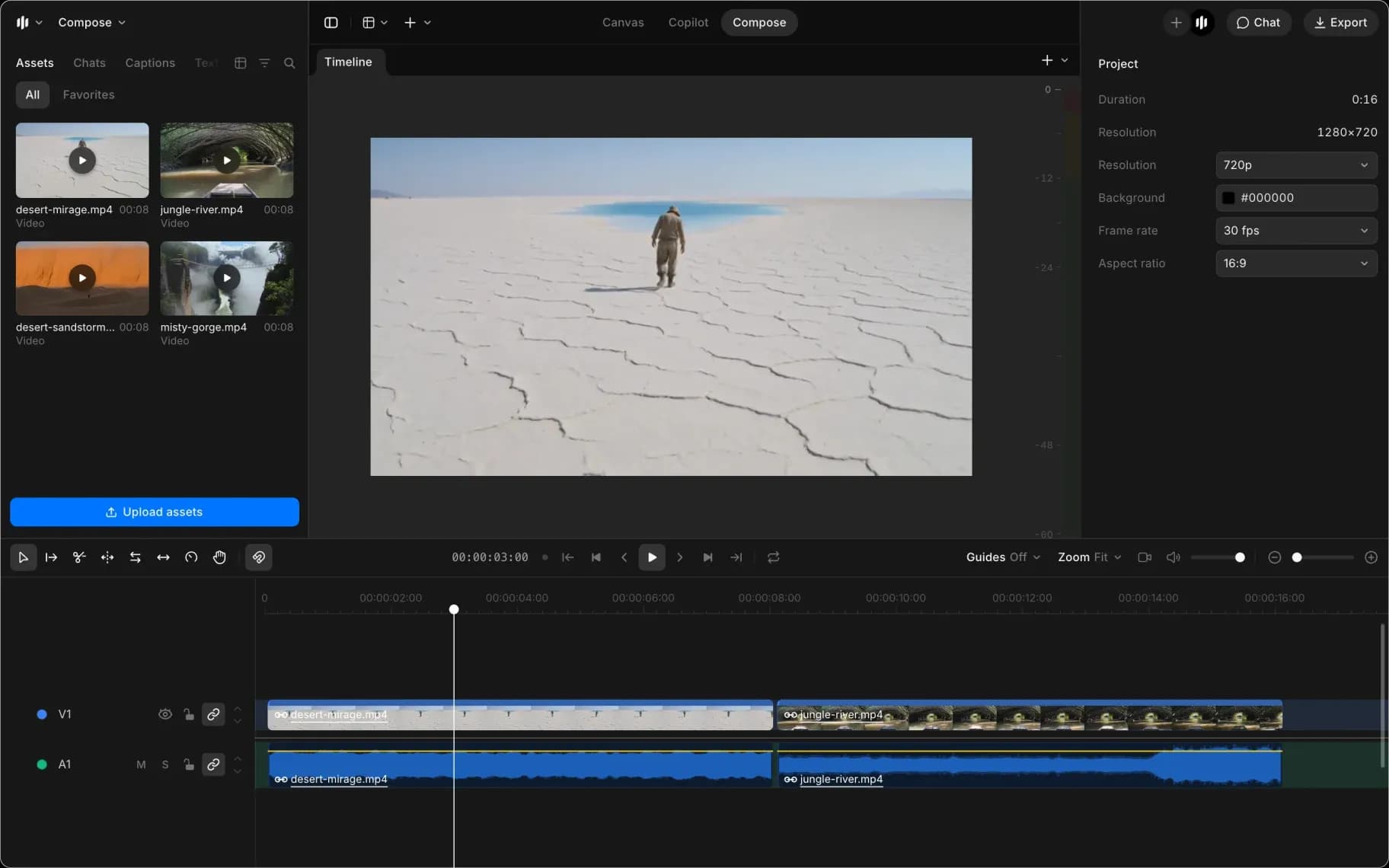
Project settings
Click empty space on the timeline so nothing is selected. The right panel shows 'Project':
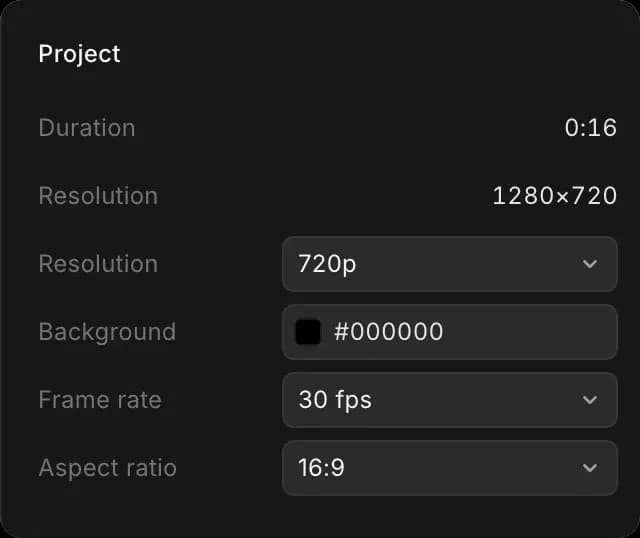
| Setting | Options | What to pick |
|---|---|---|
| 'Aspect ratio' | 16:9, 9:14, 9:16, 1:1, 4:3, 2.4:1 | 16:9 for widescreen, 9:16 for phones, 1:1 for square |
| 'Resolution' | 720p, 1080p, 2K, 4K | 1080p for most work |
| 'Frame rate' | 24, 25, 30, 50, 60 fps | 24 fps looks like film, 30 fps like video |
| 'Background' | Any color | Black, unless your clips leave gaps you want filled |
'Duration' above them is how long your video is so far, and updates as you edit.
Set the aspect ratio and frame rate first. They change how everything else is framed and timed, so switching later means re-checking work you have already done.
Multiple timelines
A file can hold several timelines, so alternative cuts live together instead of in separate files. Each one is a tab above the preview; click a tab to switch to it.
- Click '+' at the right end of the tabs to start an empty timeline
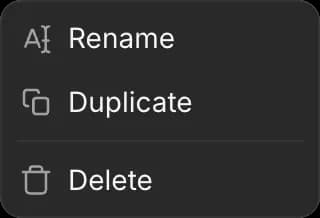
- Right-click a tab for 'Rename', 'Duplicate' and 'Delete'
A timeline Copilot builds for you from a chat appears here as its own tab. See Edit with Copilot.
Duplicate before you try something drastic. It is the cheapest way to keep the version that already worked.
Saving
Compose saves as you go. Refreshing the page or losing your connection does not cost you work; the timeline is as you left it when you come back.
Undo covers the changes you make yourself in a session. Copilot's changes are taken back by asking it instead; see Edit with Copilot. There is no version history to roll back to yesterday's edit, and deleting a timeline removes it, so duplicate rather than delete when you are unsure.
Collaboration
Several people can open the same timeline and edit it at once, the same as the rest of a Morphic file. Two people changing different things both keep their change. See Collaboration.
That's how to start a project in Compose on Morphic. Two minutes of setup saves reframing every shot later.
If you have any trouble or have any questions, feel free to reach out. We're happy to help. Write to us at support@morphic.com.