Outpainting d’image
L’outpainting sur Morphic vous permet d’étendre une image au-delà de son cadre d’origine à l’aide d’un prompt, en générant des ajouts fluides qui correspondent à la scène existante et la prolongent.
Voici un rapide tutoriel sur l’utilisation de l’Outpainting sur une image dans Morphic :
- Importez ou générez votre image sur le canevas
- Sélectionnez l’image et cliquez sur Redimensionner, puis agrandissez le cadre dans la ou les directions souhaitées

- Rédigez une invite décrivant comment l’image doit se prolonger, ou laissez-la vide pour que Morphic complète automatiquement la scène
- Cliquez sur le bouton bleu dans la barre de saisie
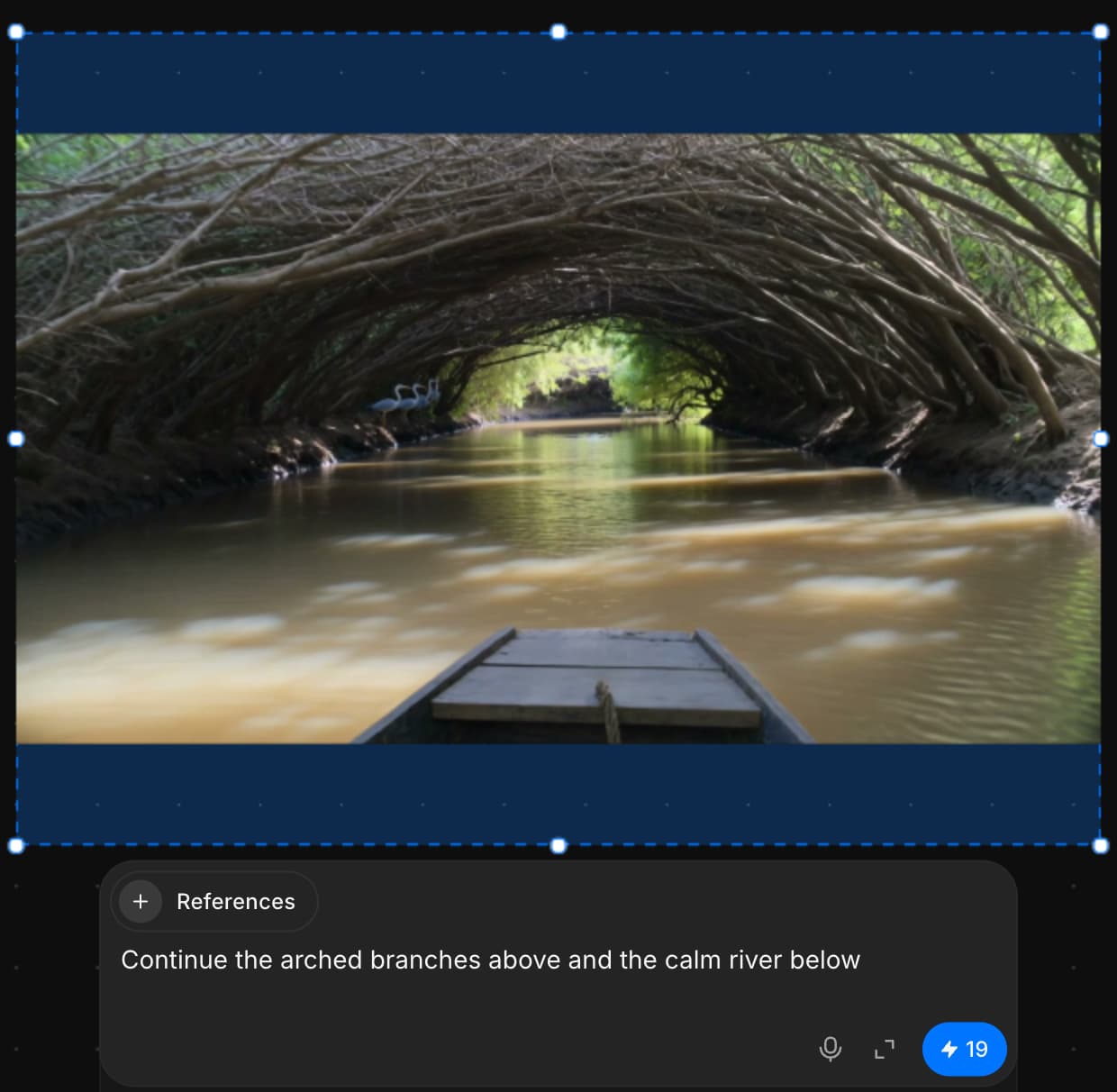
C’est ainsi que vous utilisez l’Outpainting pour ajouter de nouveaux contenus visuels au-delà du cadre existant, en se fondant parfaitement dans l’image originale.
Si vous rencontrez le moindre problème ou si vous avez des questions, n’hésitez pas à nous contacter. Nous serons ravis de vous aider. Écrivez-nous à support@morphic.com.
Inpainting
L’inpainting sur Morphic vous permet d’effectuer des retouches ciblées sur des zones spécifiques d’une image à l’aide d’un prompt, idéal pour affiner, remplacer ou améliorer des éléments sans affecter l’ensemble.
Troubleshooting generations
Fixes for results that come out wrong on Morphic: the wrong person, a face that drifts, ignored instructions, missing sound, misspelled text and blocked generations.