Create a style element
Save your game's look as a style element on Morphic, so every asset and character you generate after it matches.
A style element on Morphic saves the look of your game, such as its palette, line work and shading, under a name. Add it to a prompt and the result follows that look. Nothing is trained: Morphic uses an image from the element as a style reference each time you generate.
- Open Elements from the left sidebar
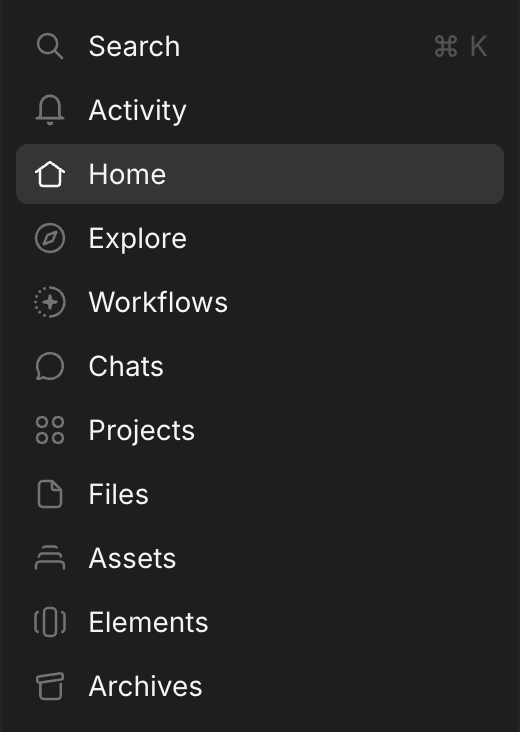
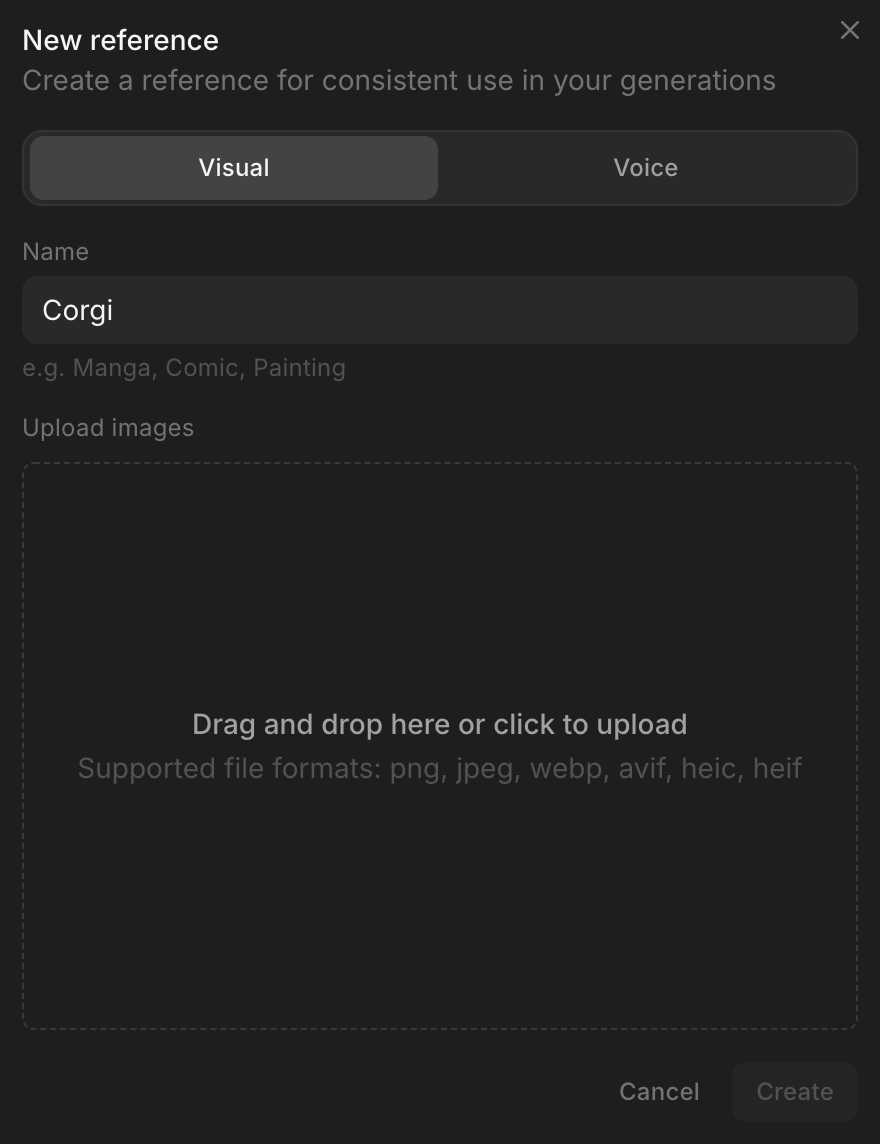
- Click 'New element' at the top right, and keep 'Visual' selected at the top of the window

- Under 'Name', enter the name you will pick it by, such as your game's name
- Under 'Upload images', add images in your game's style. A single style reference sheet, with samples of the look, works
- Click 'Create'
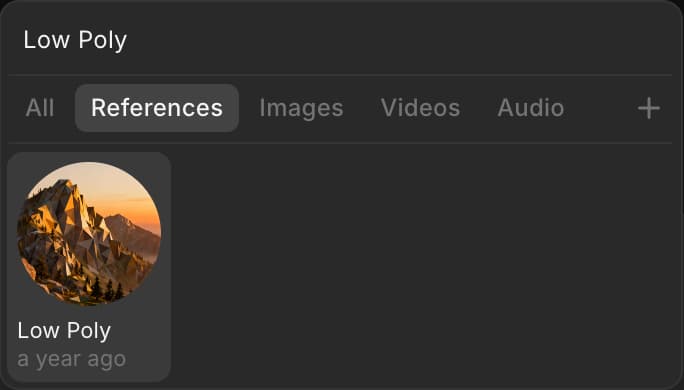
'Element ready' appears in 'Activity' once you can use it. To use it, open a file, click the 'Add saved element' icon in the prompt bar, and pick your element.
For limits and how to manage elements, see Elements.
That's how you create a style element on Morphic. Make one before you generate assets, so everything after it shares the same look.
If you have any trouble or have any questions, feel free to reach out. We're happy to help. Write to us at support@morphic.com.