# Blending images

<figure><img src="https://3522324598-files.gitbook.io/~/files/v0/b/gitbook-x-prod.appspot.com/o/spaces%2FoPhHCbNZdzW70rakoLhf%2Fuploads%2FB17t1h1DUULPfmDPcqv4%2FCleanShot%202025-06-07%20at%2001.37.05%402x.png?alt=media&#x26;token=0ad03b5c-9d30-4956-a139-e05fba5fe222" alt=""><figcaption></figcaption></figure>

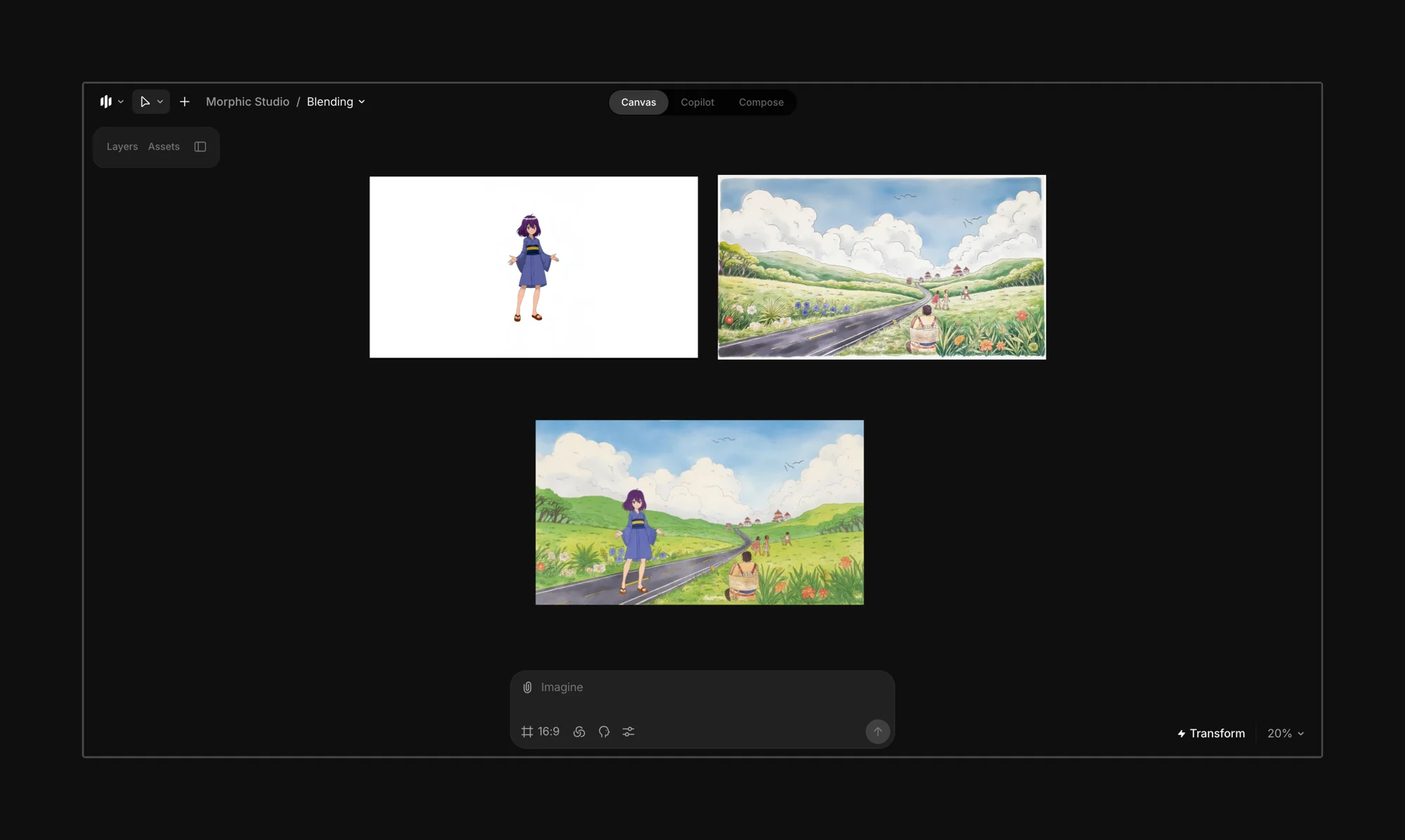
Start by uploading or generating the characters, backgrounds, and props you want to blend into a unified scene. You can create layers from existing images using Morphic’s [segmentation features](https://github.com/morphicfilms/docs/blob/main/workflows/essentials/layers/README.md).

<figure><img src="https://3522324598-files.gitbook.io/~/files/v0/b/gitbook-x-prod.appspot.com/o/spaces%2FoPhHCbNZdzW70rakoLhf%2Fuploads%2Fqa8bRsJq8dgHOv0wmLxB%2FCleanShot%202025-06-07%20at%2001.38.00%402x.png?alt=media&#x26;token=e82b7104-79d9-4c75-a1a0-7d04327f4b9b" alt=""><figcaption></figcaption></figure>

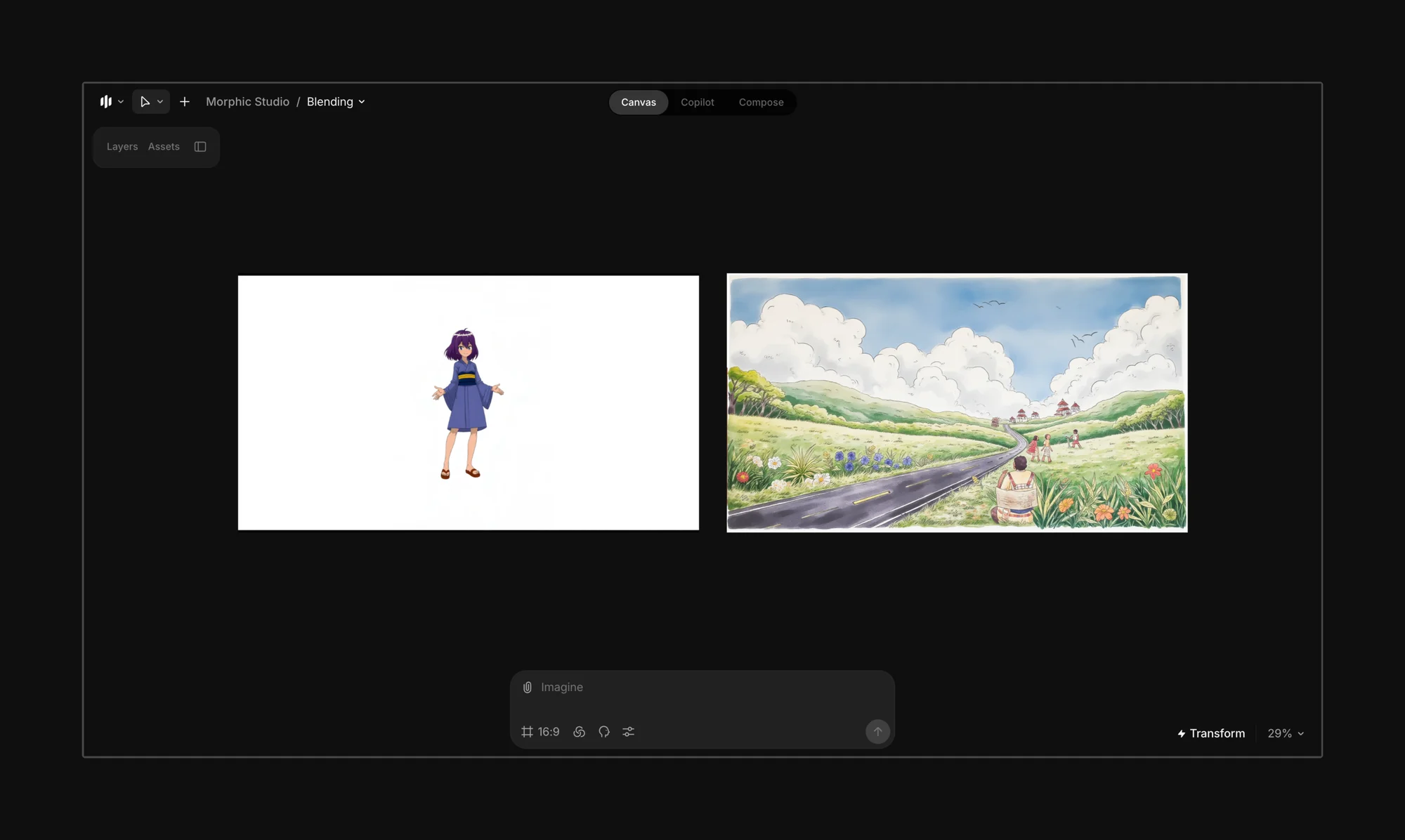
Layer out the characters, elements, or props you want to include in the final frame.
<figure><img src="https://3522324598-files.gitbook.io/~/files/v0/b/gitbook-x-prod.appspot.com/o/spaces%2FoPhHCbNZdzW70rakoLhf%2Fuploads%2Fg5WguYr2KHQxqt3DGQ0a%2FCleanShot%202025-06-07%20at%2001.45.51%402x.png?alt=media&#x26;token=54cb4e80-f8d2-41c5-bbab-315c8ed2c917" alt=""><figcaption></figcaption></figure>

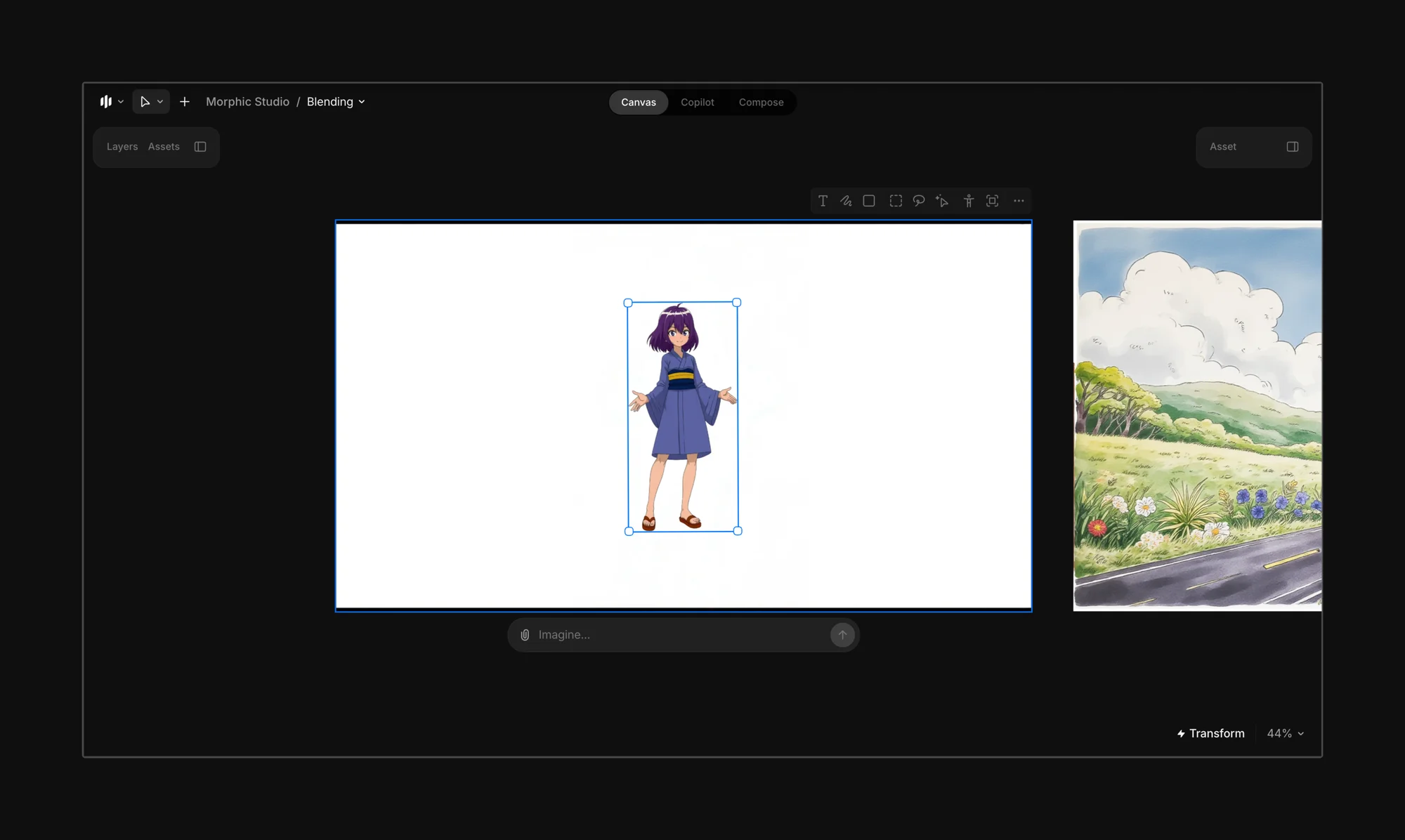
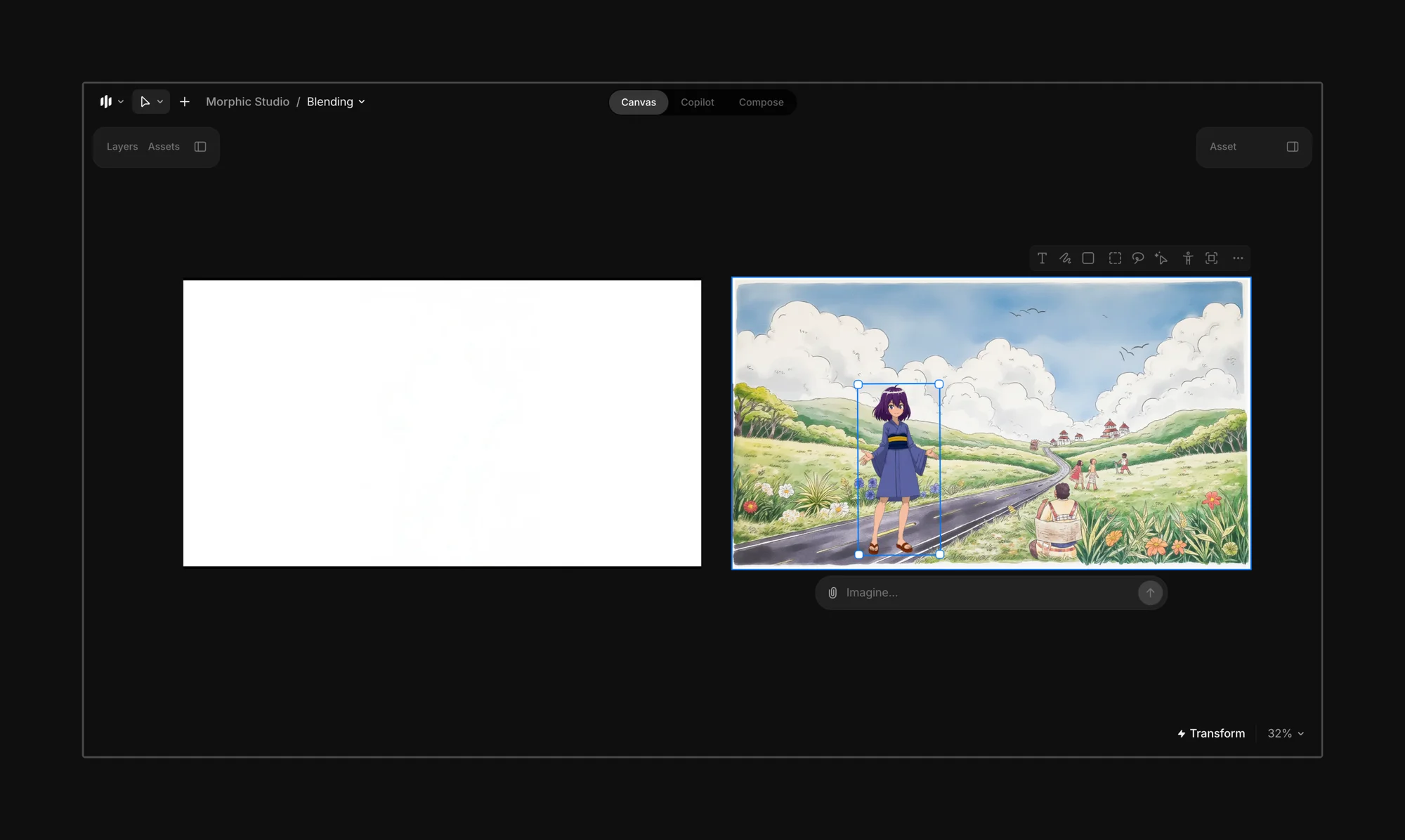
Bring the elements into the final frame.
<figure><img src="https://3522324598-files.gitbook.io/~/files/v0/b/gitbook-x-prod.appspot.com/o/spaces%2FoPhHCbNZdzW70rakoLhf%2Fuploads%2FVouGQtYM4yVG9BG6xUAQ%2FCleanShot%202025-06-07%20at%2001.48.31%402x.png?alt=media&#x26;token=44c4e77b-958b-4e7b-ae10-8b158dfa96d4" alt=""><figcaption></figcaption></figure>

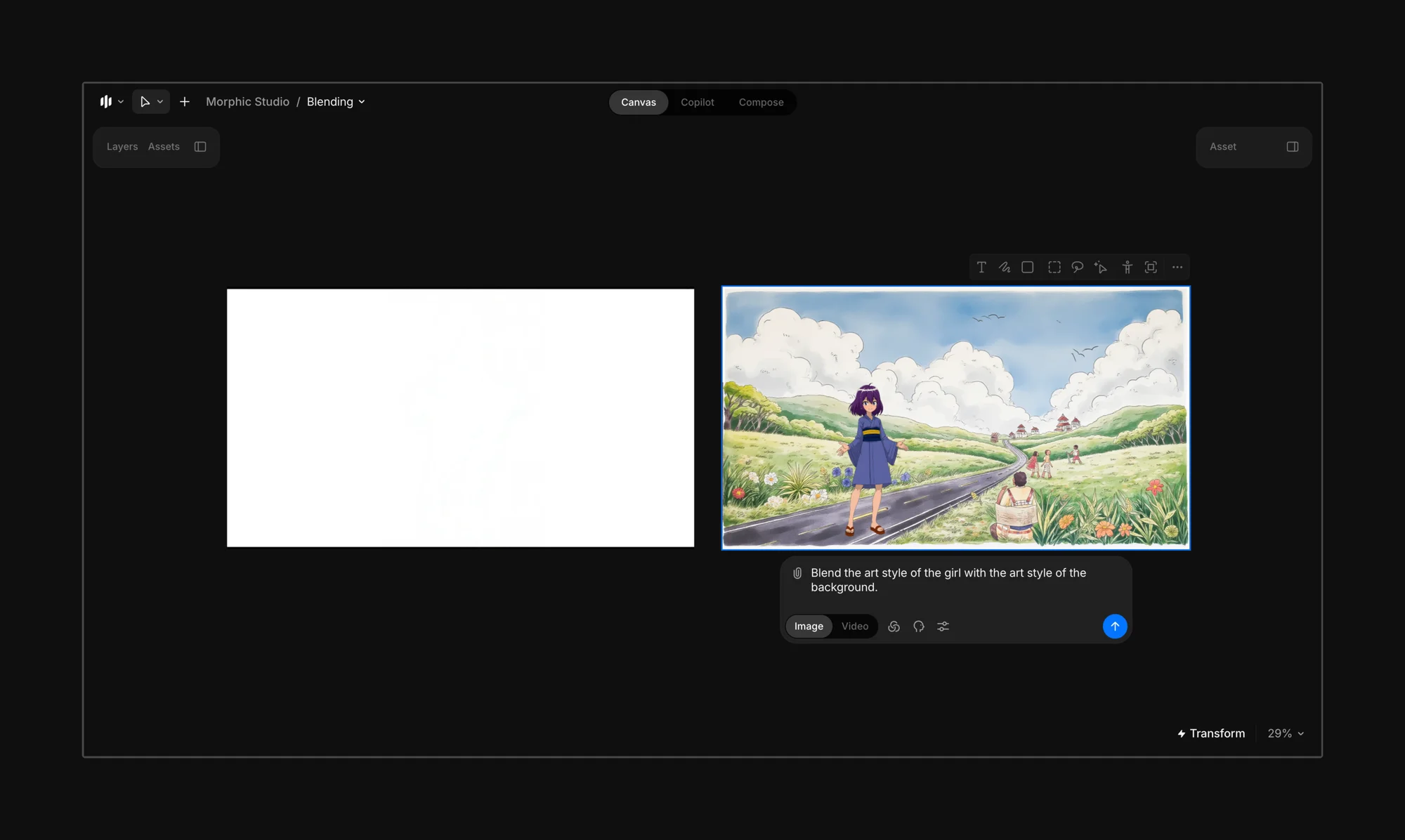
Select the final frame and enter a prompt that guides Morphic on which style the scene should blend toward.

{% hint style="info" %}
Try: *“Blend the art style of the girl with the art style of the background.”*

If you are unsure which element should lead, simply prompt: *“Blend the art styles to match.”*
{% endhint %}

<figure><img src="https://3522324598-files.gitbook.io/~/files/v0/b/gitbook-x-prod.appspot.com/o/spaces%2FoPhHCbNZdzW70rakoLhf%2Fuploads%2F2DntSDVC2XifHDDX4m9e%2FCleanShot%202025-06-07%20at%2001.53.28%402x.png?alt=media&#x26;token=4c0b009c-0ad7-49e0-b252-7ce3ded96f8a" alt=""><figcaption></figcaption></figure>

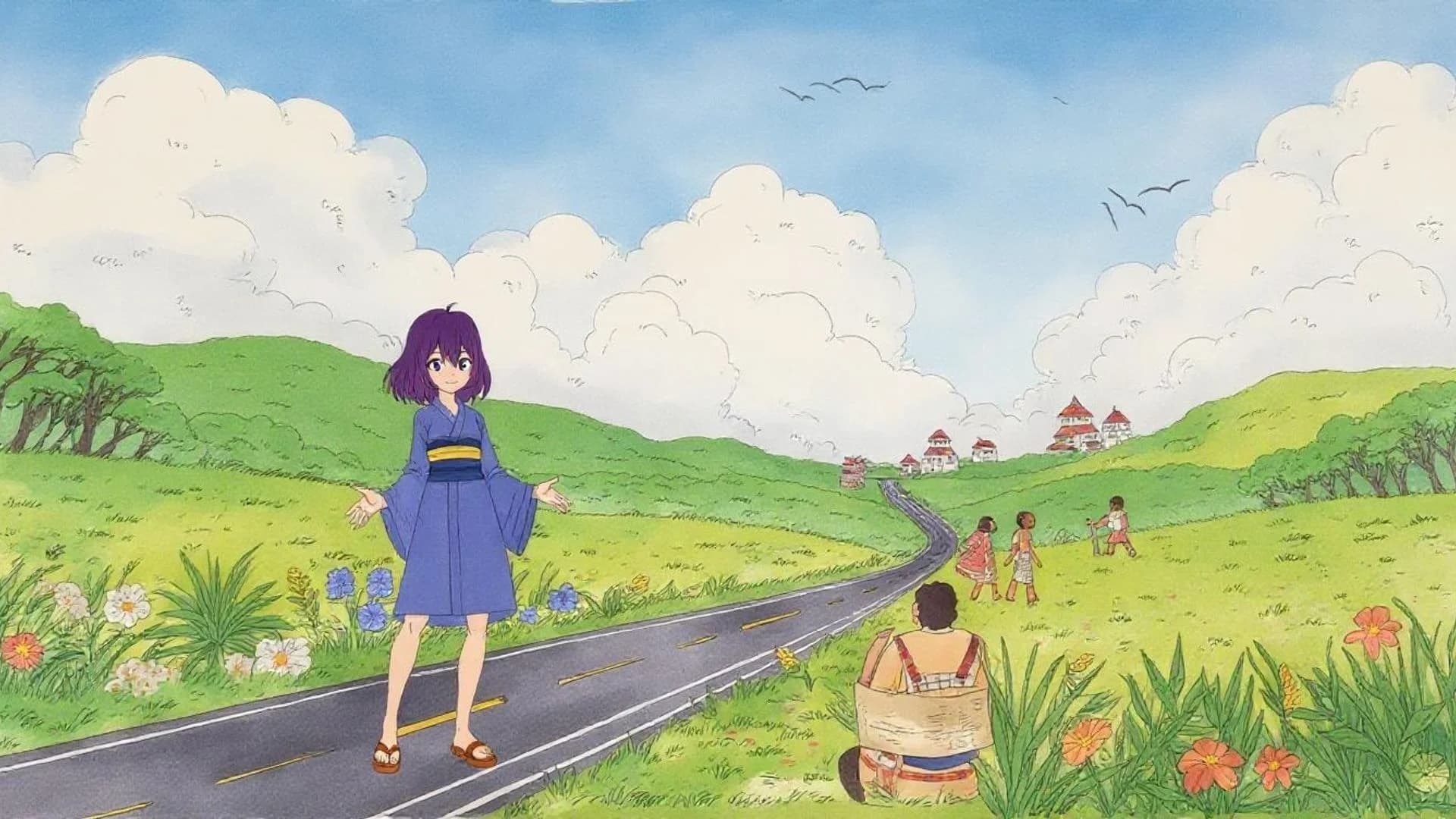
Hit Generate, and Morphic will blend the styles of the selected images, characters, or props as per your prompt.
<figure><img src="https://3522324598-files.gitbook.io/~/files/v0/b/gitbook-x-prod.appspot.com/o/spaces%2FoPhHCbNZdzW70rakoLhf%2Fuploads%2Fy36ZAjsVWc7HrVLSqPKR%2FAnime%20Characters.webp?alt=media&#x26;token=80a3558b-d485-4f34-99de-dd92fe5cae7a" alt=""><figcaption></figcaption></figure>

{% hint style="danger" %}
**Avoid**

Blending drastically different styles (e.g., anime to photorealism) can lead to inconsistent or unpredictable results.
{% endhint %}

{% hint style="success" %}
**Best used when:**

* Your background and character are in different styles.
* You want a cohesive frame without manually redrawing elements.
* You’re experimenting with mixed media or collage-style visuals.
  {% endhint %}

***


---

# Agent Instructions: Querying This Documentation

If you need additional information that is not directly available in this page, you can query the documentation dynamically by asking a question.

Perform an HTTP GET request on the current page URL with the `ask` query parameter:

```
GET https://morphic.com/docs/how-tos/blending-images.md?ask=<question>
```

The question should be specific, self-contained, and written in natural language.
The response will contain a direct answer to the question and relevant excerpts and sources from the documentation.

Use this mechanism when the answer is not explicitly present in the current page, you need clarification or additional context, or you want to retrieve related documentation sections.