Colorization
Transfer the color palette, tone, and overall mood of one image to another in a simple and precise way.

Colorization lets you match your visuals to a reference image. Pick a target, select a color source, and Morphic adjusts hues, tones, and mood while keeping structure and lighting.
It preserves balance. Shadows, highlights, and gradients shift naturally with the scene.
The result feels cohesive whether bringing life to a grayscale sketch or aligning frames in a sequence. Colorization helps unify tone and emotion across your visuals.
The colors feel natural and consistent, like they were always meant to be there.
See how colorization works inside Morphic.
Examples of frames colorized with a single reference image.






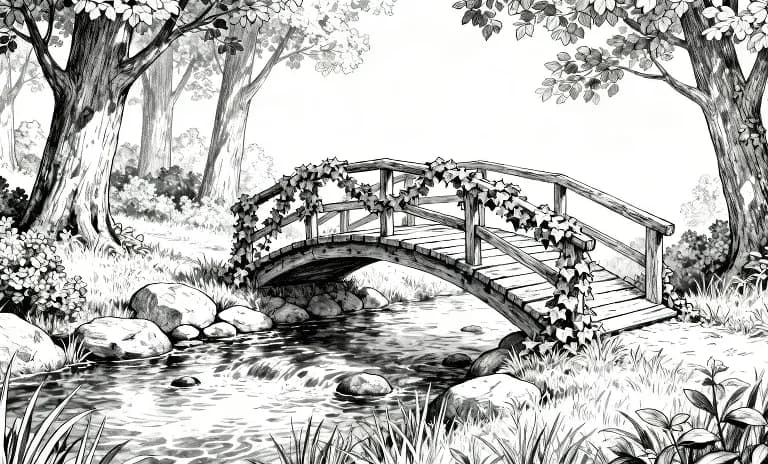

Hover to view the input frames
Colorization keeps your story flowing from frame to frame, consistent and true to your intent. Try now
Color transfer FAQs
What does colorization do in Morphic?
It transfers the color palette, tone and overall mood of one image onto another, so a set of images shares a consistent look.
Can I match a reference image's colors?
Yes. Point to a reference and Morphic carries its palette and mood across to your image.
Does it regenerate the whole image?
It applies the color and tone while keeping the original composition.
Can I keep one color grade across a project?
Yes. Reuse the same reference so every image in a series keeps the same palette and mood.
What is this useful for?
Giving a batch of images a consistent brand or campaign look.
Can I combine this with saved references?
Yes. A saved style reference holds a look you can call by name across generations.