Frames to video
Select two or more frames of a scene to automatically generate in-between and create a video.
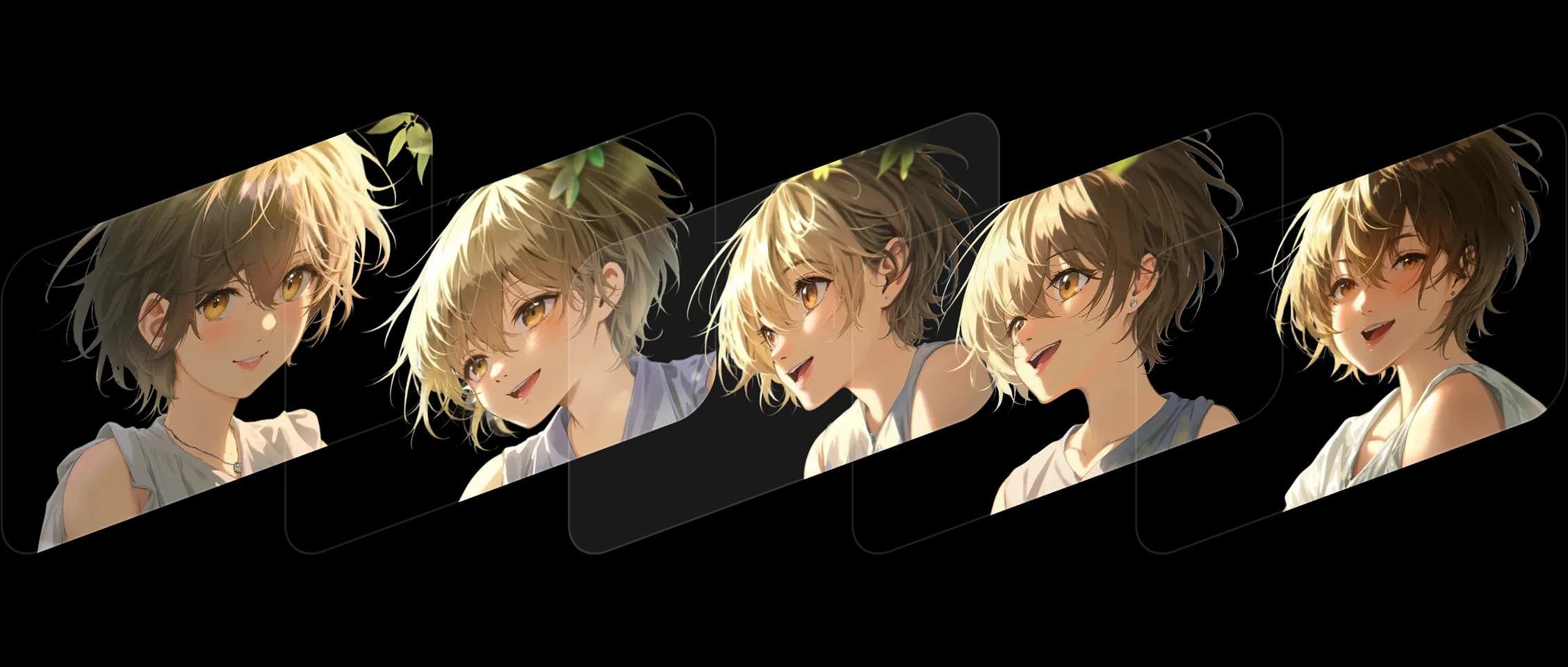
Select your frames, set the order, and Morphic fills the in-between while keeping your style and story consistent.
Each transition flows smoothly, preserving the details and expressions that bring your scene to life. It works beautifully across styles, from digital art to live-action stills.
Morphic doesn't just animate changes, it understand them. Colors, composition, and emotions stay true throughout.
I turned a few still frames into a moving shot. It felt like watching my artwork come to life.
See how frames to video works inside Morphic.
Here's what creators made by uploading just two frames.



Hover to view the input frames
At Morphic, we build tools that bridge stillness and motion. Frames to video continues that vision, turning still moments into continuous stories. Try now