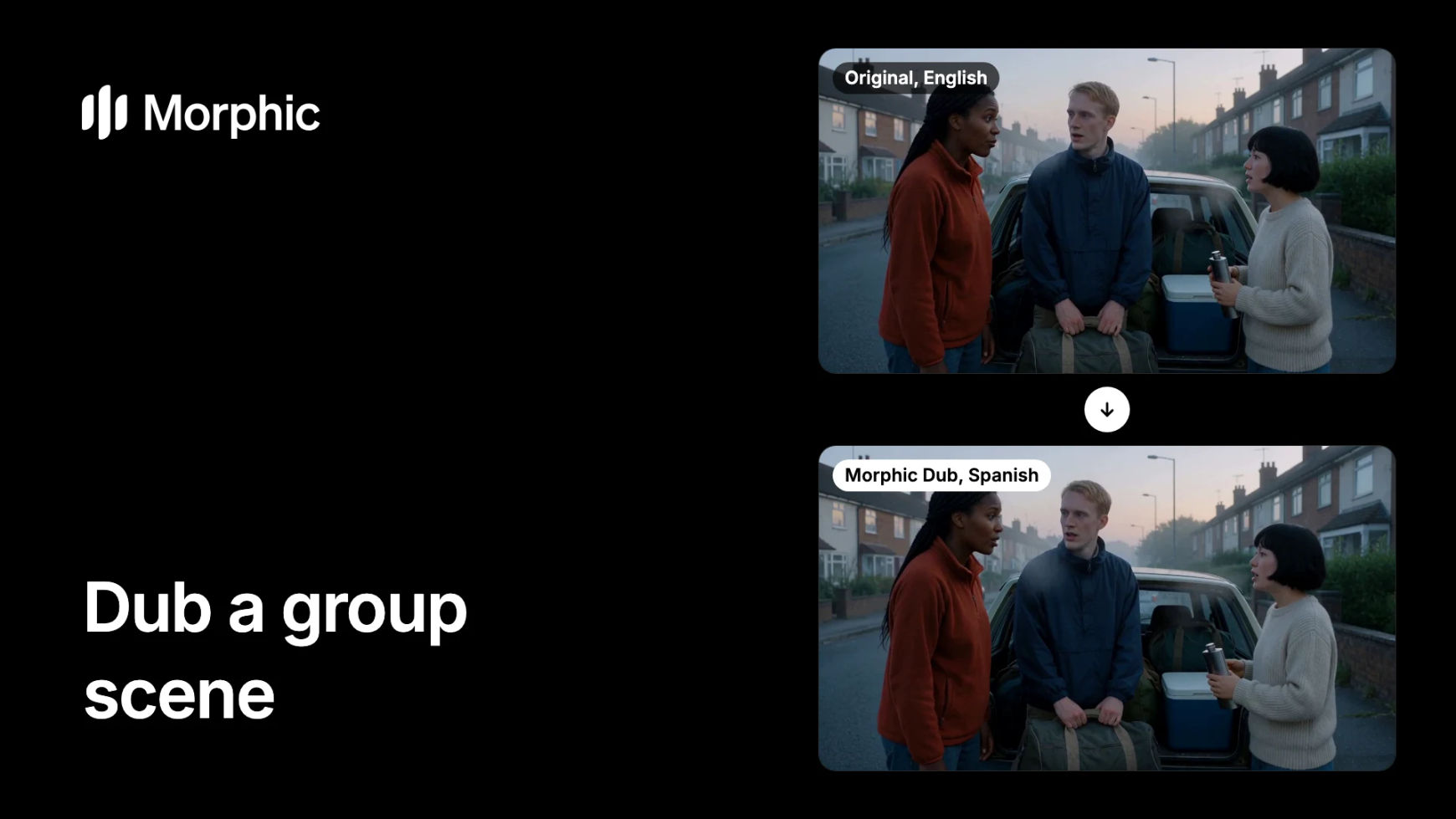
What you need
- A scene with two or more people speaking, up to 10 minutes per dub.
- The rights to it, and the consent of every person whose voice you dub.
- A Morphic paid plan. The lip-synced dub is on every paid plan; on the free plan Morphic dubs the audio track only.
- Optional: the names to keep as they are, and a face image, a short clip or a description of each person if you plan to cast their voices.
How do I dub a scene where several people talk at once?
A group scene dubs the same way as a single speaker, and there is no separate setting for crosstalk. Morphic Dub gives every person one voice of their own and holds it across the clip. The moments where people talk over each other are the ones to review most closely.
Trim to the scene and add it
Keep the group scene as its own clip. A dub is charged on the length of the video, so a short clip is a small run if the scene needs another pass. Open the Morphic Dub tool and add the clip, or attach it in a Copilot chat.
Name the language and the people
Pick one target language. In a Copilot chat, list the names in the same request, for example "Dub Video 1 into Spanish and keep the names Wren, Tobias and Dita". Each speaker keeps their own voice by default, one voice per person from their first line to their last.
Cast voices if you want to choose them
This step is optional. Ask Copilot to cast the scene: point to each speaker with a face image, a short clip of them or a description, and give each one a voice from Morphic's voice catalog. Anyone you leave out gets a fitting catalog voice. For a series, cast the same catalog voice in every episode so a character sounds the same each time.
Review who says what, then the overlaps
A dub takes longer than the clip, and Morphic tells you the expected wait before it starts. When it lands, listen once for each person and check that they hold one voice all the way through. Then replay the fast exchanges and any lines that overlap, with the original beside the dub. If a line is wrong, re-dub the scene.
Three friends, one argument, two languages
Start with the English original, then switch to the Spanish dub. Listen for three separate voices, and for the moment two of them talk at once.
Packing the car, English to Spanish
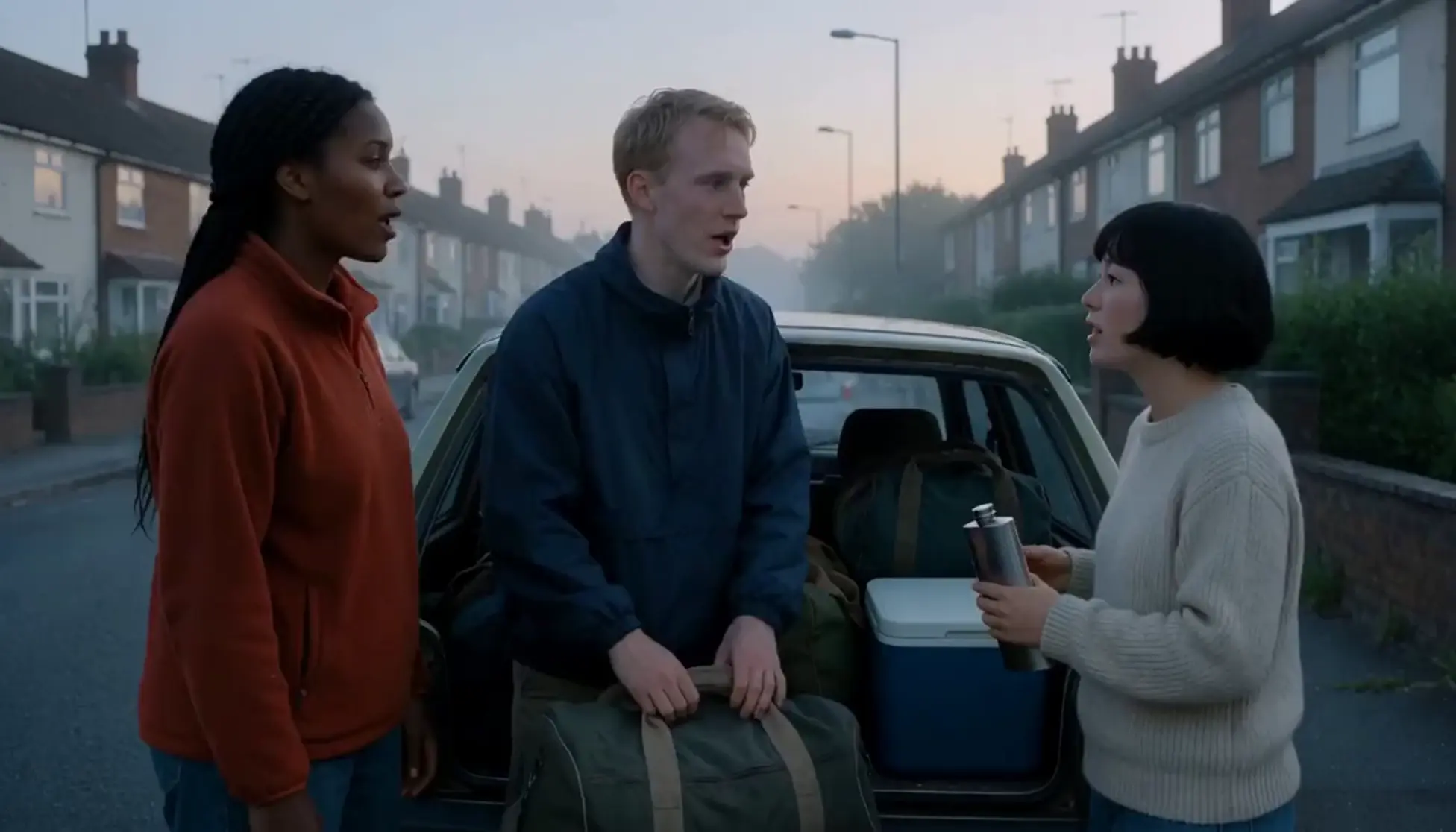
Dubbed into Spanish: each friend keeps a voice of their own, and the birdsong and the slam of the car boot stay in the mix. Shown without sound.
Tips and common mistakes
- Give the busiest exchange its own clip. Cut the scene so the crosstalk sits in a short part. If it needs another pass, the re-dub stays small.
- Listen once per person. Follow one speaker through the whole scene before you move to the next. One voice per person is the thing to confirm.
- Know where the lips change. Lips are redrawn on close-ups of the person speaking. In a wide shot of the whole group the voices change and the picture stays as shot.
- Count the off-screen lines. A line from someone outside the frame, and any narration, is re-voiced too, with no lips to sync.
- Say the names up front. With several characters there are more names for a translation to bend. List every one in your request.
- Expect the plain language. Morphic Dub has no regional accents, so two characters from different regions come back in the same plain form of the target language.
- Cast from the catalog. A cast voice comes from Morphic's voice catalog. Your workspace's own saved voices cannot be cast in a dub.
Other ways to handle a group scene
- Bring your own script. If the wording of each line matters, hand Morphic Dub a timed SRT transcript of the scene and an SRT translation, and it dubs from those.
- Subtitles only. Where the overlap is the point of the scene, keep the original voices and add a translated subtitle file with the AI subtitle translator.
- A full film or episode. Split it into scenes first, then dub each one. Start from how to dub a video.
- More examples. The AI video dubbing page has dubbed scenes to compare, and language pairs are listed by source and target.
Questions fréquentes
Add the scene to Morphic Dub and pick the language. Each person is re-voiced in their own voice, one voice held across the clip, and lips are synced on the speakers' close-ups. There is no separate setting for overlapping speech, so replay those moments against the original when you review.
Yes. Each speaker is re-voiced in their own voice, one voice per person across the clip, and the voice stays inside that dub. Dub only scenes you have the rights to, with the consent of the people whose voices you dub.
Lips are synced on close-ups of the person speaking. In wide shots, and for lines spoken off screen, the voice changes and the picture stays as shot.
Yes. Ask Copilot to cast the scene: identify each speaker with a face image, a clip of them or a description, and give each a voice from Morphic's voice catalog. Speakers you do not name get a fitting catalog voice.
A wide range, including Spanish, French, German, Italian, Portuguese, Japanese, Korean, Hindi, Tamil and Arabic. Each dub is one target language, in its plain form without regional accents.
Re-dub the scene the line sits in, naming any word that must stay as it is, then drop the new version into your cut in Compose. See how to fix one line in a dubbed video.
The lip-synced dub with each speaker's own voice is on every paid plan. On the free plan Morphic dubs the audio track only; see pricing.