One subject in six styles
One peacock drawn six ways across the frame, in pencil, ink, charcoal, coloured pencil, vector line and pixel art, so the styles compare directly.
Modifier le prompt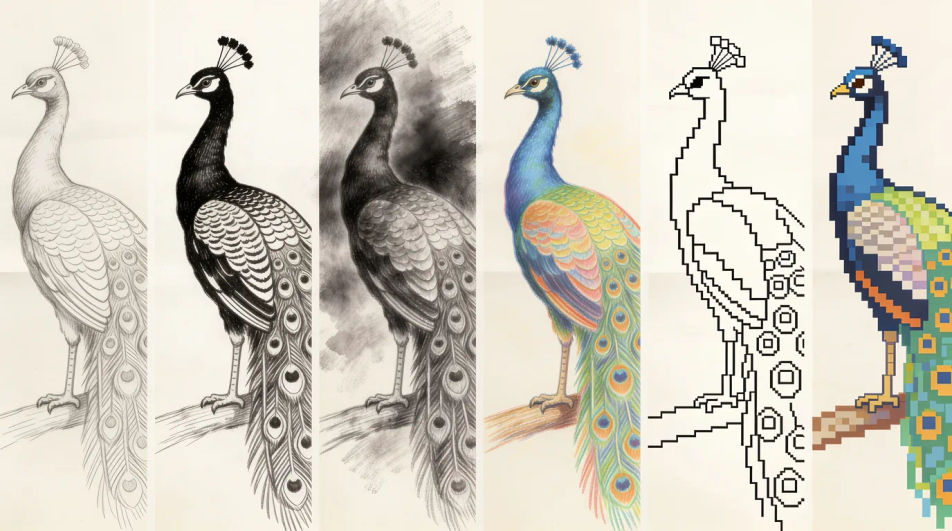
Type what you want drawn into Morphic's Image tool and get a finished drawing back, in pencil, ink, charcoal, coloured pencil or flat vector line. Name the subject, the medium and the line weight, generate a few versions, adjust the one you like on the Canvas, then download it in HD.
One peacock drawn six ways across the frame, in pencil, ink, charcoal, coloured pencil, vector line and pixel art, so the styles compare directly.
Modifier le promptA clear bold outline drawing of a banyan tree with plenty of white space and no shading, blank ruled callout lines left beside it for your own notes.
Modifier le prompt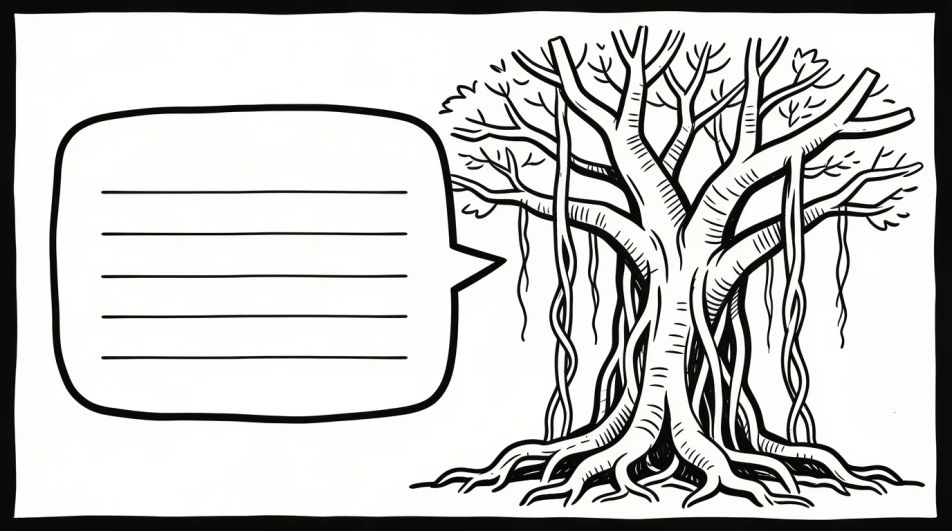
Several loose pencil studies of one peacock arranged on a single page at different angles and sizes, with the page edge and a little smudging visible.
Modifier le prompt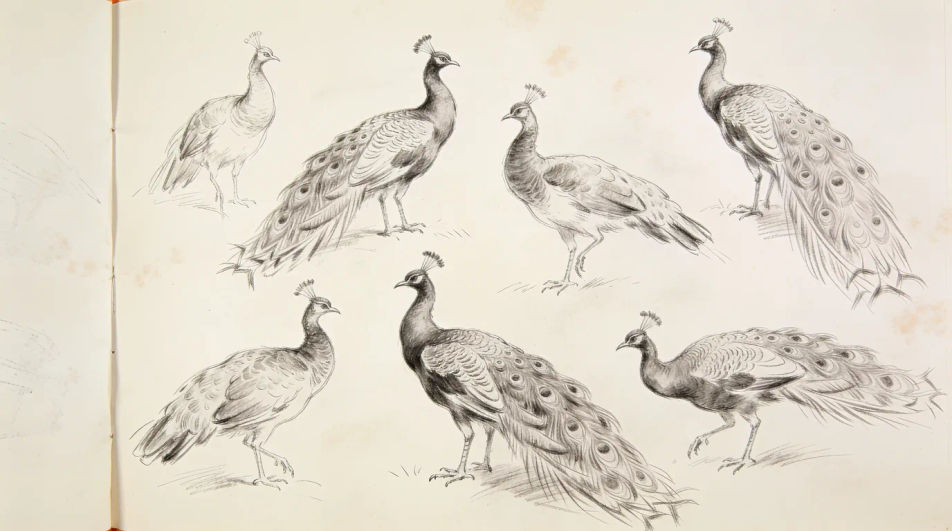
One temple oil lamp drawn four times in four different design idioms, from geometric minimalism to bold poster shapes, all in flat line.
Modifier le prompt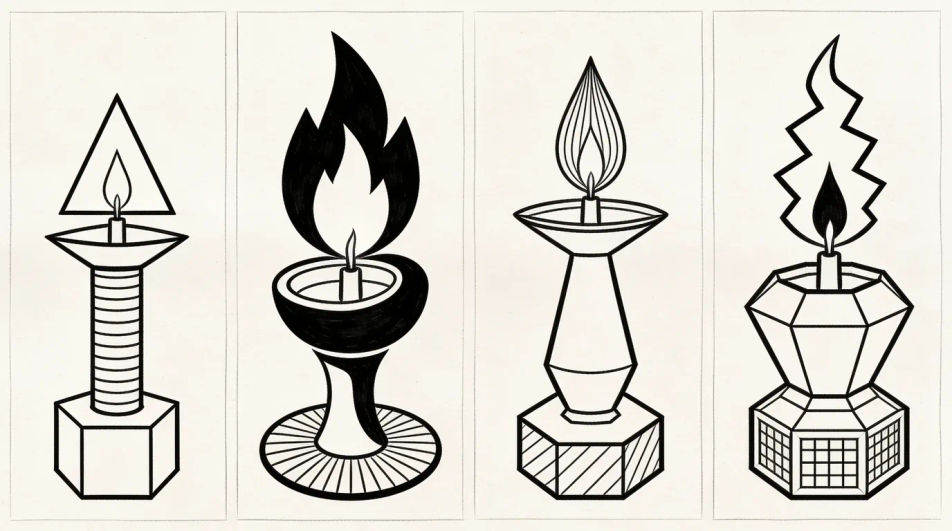
Décrivez le AI drawing que vous voulez, en mots simples.
Morphic génère votre image prête à publier en quelques secondes.
Ajustez le prompt, régénérez des variantes, téléchargez ou partagez l’image.
Choisissez une image de référence, appliquez son style visuel à votre propre photo ou œuvre d'art.

Transformez n'importe quel croquis ou dessin en un rendu fini.
Convertir n'importe quelle image à un nouveau rapport hauteur/largeur. Recadrer intelligemment ou étendre les bords pour s'adapter.

Choisissez n'importe quelle illustration d'anime comme guide de style. Appliquez son look à n'importe quelle image.
Restyle any video in a completely new visual style. Every frame transforms, all motion stays intact.

Prenez n'importe quelle image de personnage et générez 6 expressions faciales distinctes sur une seule feuille de référence.
Pencil drawing generator
Turn a pencil drawing idea into a finished image in Morphic. Describe the line work and style, generate variations, then refine it on the canvas.
Realistic drawings and graphite studies
Turn a realistic drawing idea into a finished image in Morphic. Describe the line work and style, generate variations, then refine it on the canvas.
Cartoon drawing generator
Turn a drawing idea into a finished image in Morphic. Describe the line work and style, generate variations, then refine it on the canvas.
Blue pen drawing maker
Turn a blue pen drawing idea into a finished image in Morphic. Describe the line work and style, generate variations, then refine it on the canvas.
Commencez gratuitement dès aujourd'hui, avec la possibilité de mettre à niveau ou d'annuler à tout moment.
Basic
2400 mensuel crédits
1 utilisateur uniquement
Tous les modèles
Workflows
Standard
3625 mensuel crédits
1 utilisateur uniquement
Tous les modèles
Workflows
Pro
6350 partagé mensuel crédits
1 utilisateur
Tous les modèles
Workflows
Max
24650 partagé mensuel crédits
1 utilisateur
Tous les modèles
Workflows
Enterprise
Pour des limites plus élevées
Personnalisé
conditions de tarification et de facturation

Free
Pour expérimenter
$0
gratuit pour toujours