Alligator study sheet
One animal drawn four times in technical pen, the full body, the head from above, a front foot and a section of tail, with hand-ruled margins.
Modifier le prompt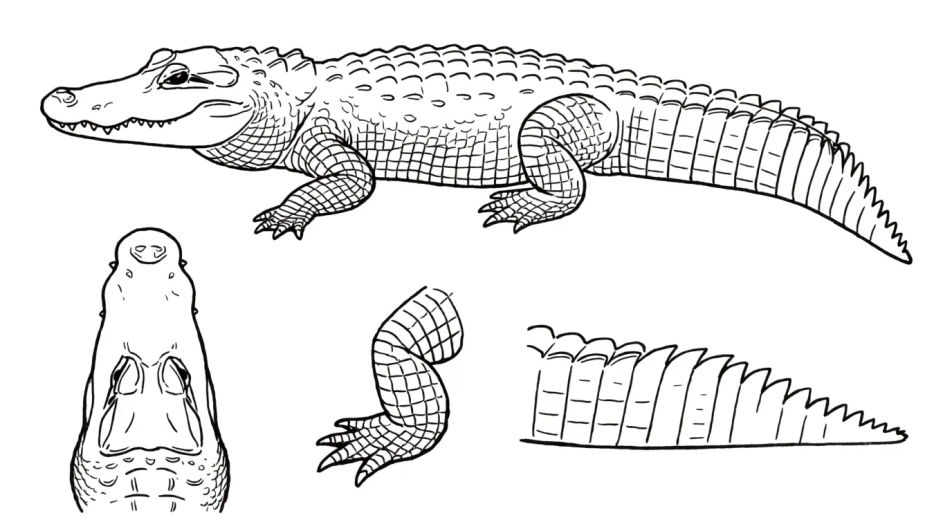
Describe the alligator you want in Morphic's Image tool, from a single head study to the whole animal stretched out on a bank, and get a finished drawing back. Set the pose, the scute detail, the medium, the line weight and the paper, refine it on the Canvas, then download it in HD.
One animal drawn four times in technical pen, the full body, the head from above, a front foot and a section of tail, with hand-ruled margins.
Modifier le promptAn alligator hauled out on a muddy bank in ink line, reeds ruled in behind it and a flat grey wash marking the shadow under the body.
Modifier le prompt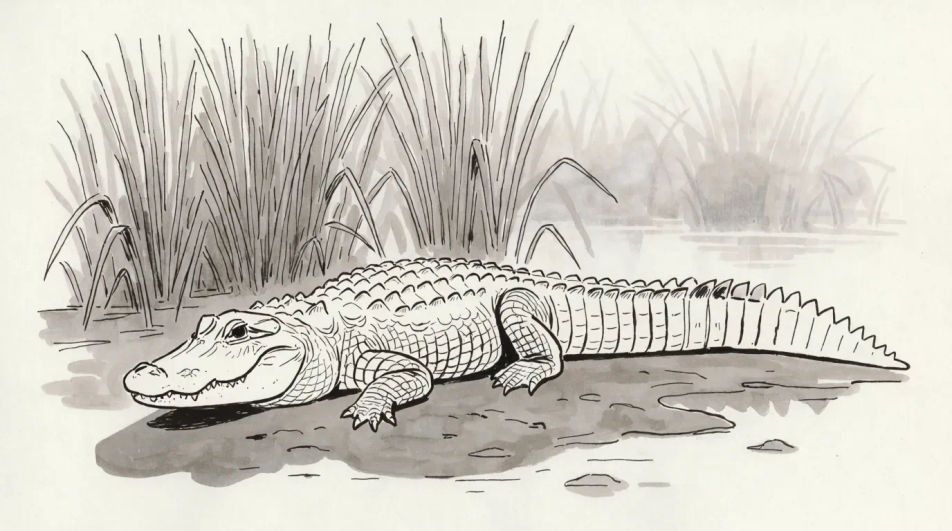
A top-down view of still water in graphite, only the eye ridges and nostrils breaking the surface with faint ripple rings spreading out.
Modifier le prompt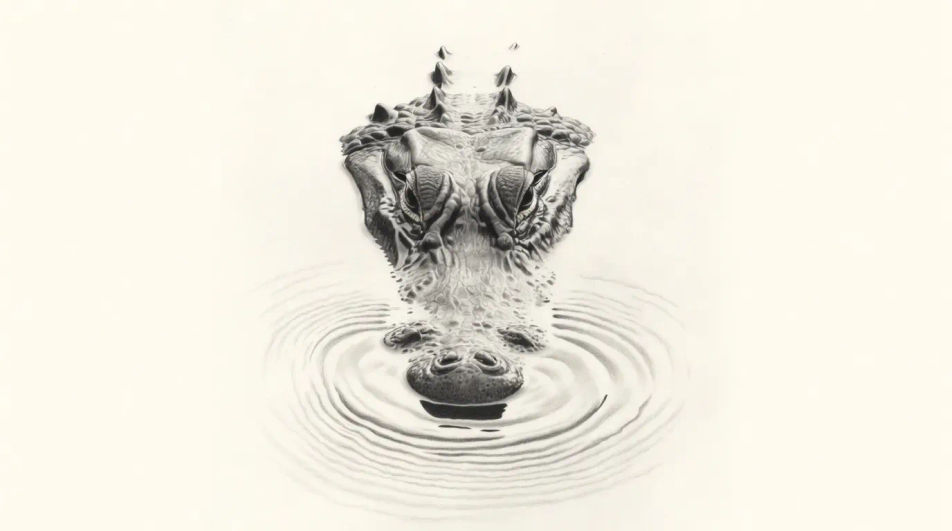
Five young alligators lined along a half-sunk log in coloured pencil, each one a different length and angle so the row reads as a group.
Modifier le prompt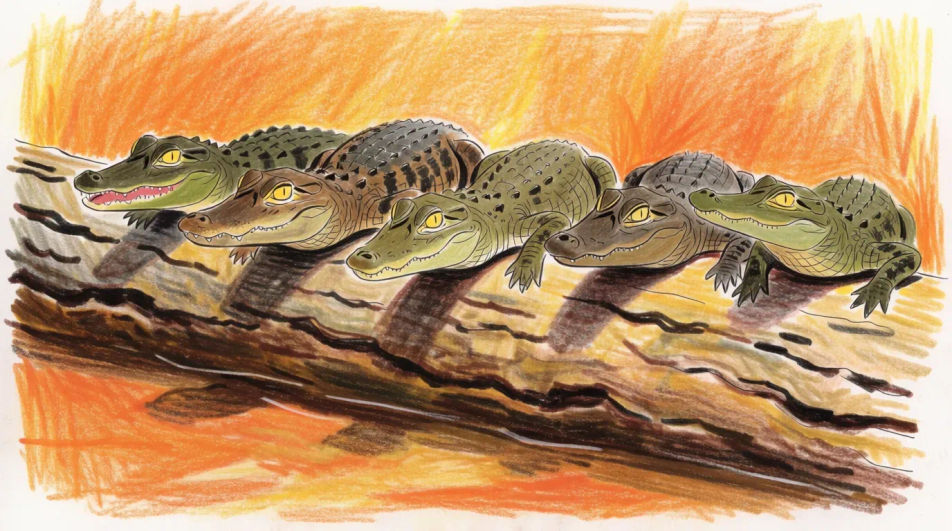
Décrivez le Alligator drawing que vous voulez, en mots simples.
Morphic génère votre image prête à publier en quelques secondes.
Ajustez le prompt, régénérez des variantes, téléchargez ou partagez l’image.
Choisissez une image de référence, appliquez son style visuel à votre propre photo ou œuvre d'art.
Convertir n'importe quelle image à un nouveau rapport hauteur/largeur. Recadrer intelligemment ou étendre les bords pour s'adapter.

Transformez n'importe quel croquis ou dessin en un rendu fini.
Restyle any video in a completely new visual style. Every frame transforms, all motion stays intact.
Réimaginez n'importe quel personnage d'anime comme un portrait photoréaliste, haute couture en live-action.
Une seule selfie devient une série de portraits professionnels. Qualité studio, styles multiples.
American alligator drawing maker
Turn an American alligator drawing idea into a finished image in Morphic. Describe the line work and style, generate variations, then refine it on the canvas.
Lizard drawings from line art to full study
Turn a lizard drawing idea into a finished image in Morphic. Describe the line work and style, generate variations, then refine it on the canvas.
Turtle drawing
Turn a turtle drawing idea into a finished image in Morphic. Describe the line work and style, generate variations, then refine it on the canvas.
Chocolate cake drawing maker
Turn a chocolate cake drawing idea into a finished image in Morphic. Describe the line work and style, generate variations, then refine it on the canvas.
Commencez gratuitement dès aujourd'hui, avec la possibilité de mettre à niveau ou d'annuler à tout moment.
Basic
2400 mensuel crédits
1 utilisateur uniquement
Tous les modèles
Workflows
Standard
3625 mensuel crédits
1 utilisateur uniquement
Tous les modèles
Workflows
Pro
6350 partagé mensuel crédits
1 utilisateur
Tous les modèles
Workflows
Max
24650 partagé mensuel crédits
1 utilisateur
Tous les modèles
Workflows
Enterprise
Pour des limites plus élevées
Personnalisé
conditions de tarification et de facturation

Free
Pour expérimenter
$0
gratuit pour toujours