Blue icon sheet
Nine blue emoji icons in a tidy grid, hearts, faces, flames and stars, all sharing one cobalt palette and outline weight.
Modifier le prompt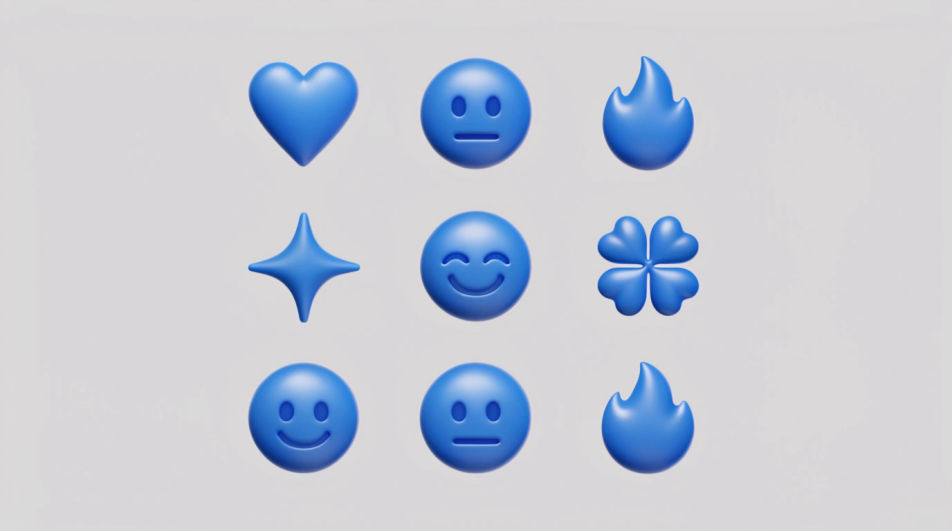
Generate blue emoji images in Morphic's Image tool by naming the icon and the exact blue you want, from a pale ice tint to a deep navy. You control the finish, the glow, and the background, so each one sits neatly in a chat, a caption, or a post.
Nine blue emoji icons in a tidy grid, hearts, faces, flames and stars, all sharing one cobalt palette and outline weight.
Modifier le promptA single oversized blue heart placed off-centre on a flat pale grey ground with generous empty space around it, glossy and clean.
Modifier le prompt
Five identical emoji hearts in a row stepping from pale ice blue to deep navy, even spacing, plain white ground.
Modifier le prompt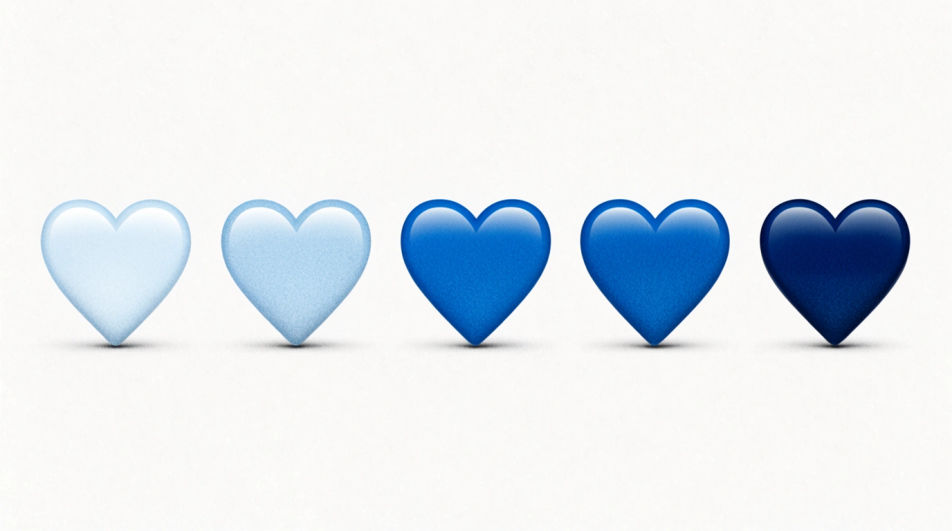
Blue emoji icons scattered at mixed sizes on a near-black ground, each carrying a soft glow, a few slightly out of focus.
Modifier le prompt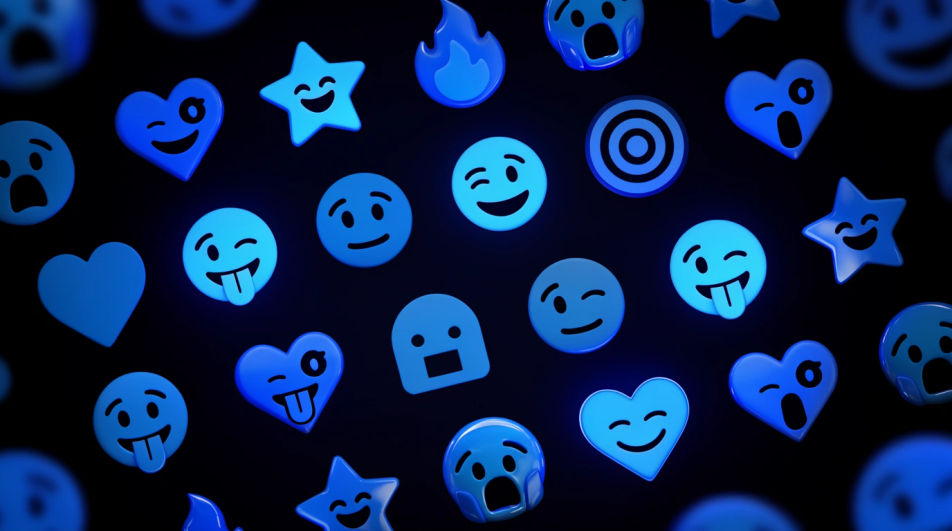
Décrivez le Blue emoji que vous voulez, en mots simples.
Morphic génère votre image prête à publier en quelques secondes.
Ajustez le prompt, régénérez des variantes, téléchargez ou partagez l’image.
Choisissez une image de référence, appliquez son style visuel à votre propre photo ou œuvre d'art.
Convertir n'importe quelle image à un nouveau rapport hauteur/largeur. Recadrer intelligemment ou étendre les bords pour s'adapter.

Transformez n'importe quel croquis ou dessin en un rendu fini.

Prenez n'importe quelle image de personnage et générez 6 expressions faciales distinctes sur une seule feuille de référence.
Restyle any video in a completely new visual style. Every frame transforms, all motion stays intact.

Choisissez n'importe quelle illustration d'anime comme guide de style. Appliquez son look à n'importe quelle image.
Emoji faces generator
Generate faces emoji images in Morphic. Describe the expression, colour and style you want, generate options, then refine the prompt and download it.
Bubble emoji generator
Generate bubble emoji images in Morphic. Describe the expression, colour and style you want, generate options, then refine the prompt and download it.
Images IA de design d'emoji
Créez des images IA de design d'emoji : jeux de visages brillants, réactions personnalisées, emoji stickers. Bâtissez un pack assorti en un prompt.
Announcement Graphic AI Images
Create announcement graphic without a photoshoot. Spin up variations for every placement before you commit media spend. Commercial rights included.
Commencez gratuitement dès aujourd'hui, avec la possibilité de mettre à niveau ou d'annuler à tout moment.
Basic
2400 mensuel crédits
1 utilisateur uniquement
Tous les modèles
Workflows
Standard
3625 mensuel crédits
1 utilisateur uniquement
Tous les modèles
Workflows
Pro
6350 partagé mensuel crédits
1 utilisateur
Tous les modèles
Workflows
Max
24650 partagé mensuel crédits
1 utilisateur
Tous les modèles
Workflows
Enterprise
Pour des limites plus élevées
Personnalisé
conditions de tarification et de facturation

Free
Pour expérimenter
$0
gratuit pour toujours