Controller on a desk
A controller lying on a desk beside a mug and a coiled cable, drawn in pencil from a high angle, a soft hatched shadow holding it to the surface.
Modifier le prompt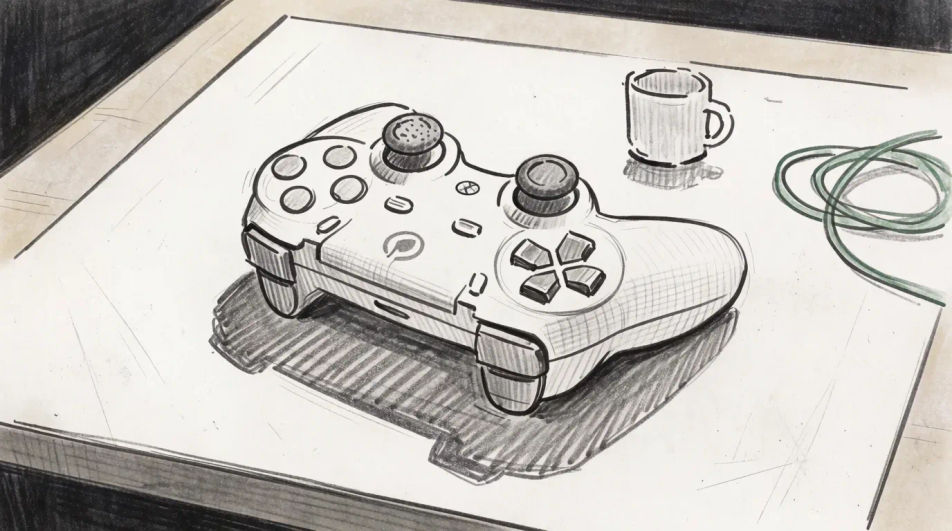
Describe the controller you want in Morphic's Image tool, from a chunky two-handed pad to a flat outline for an icon, and get a finished drawing back. Set the grip shape, the button layout, the line weight and the paper, adjust it on the Canvas, then download it in HD.
A controller lying on a desk beside a mug and a coiled cable, drawn in pencil from a high angle, a soft hatched shadow holding it to the surface.
Modifier le promptA controller pulled apart into shell, buttons, sticks and board, ink contour with grey wash, the pieces spaced evenly across the frame as a plan sheet.
Modifier le prompt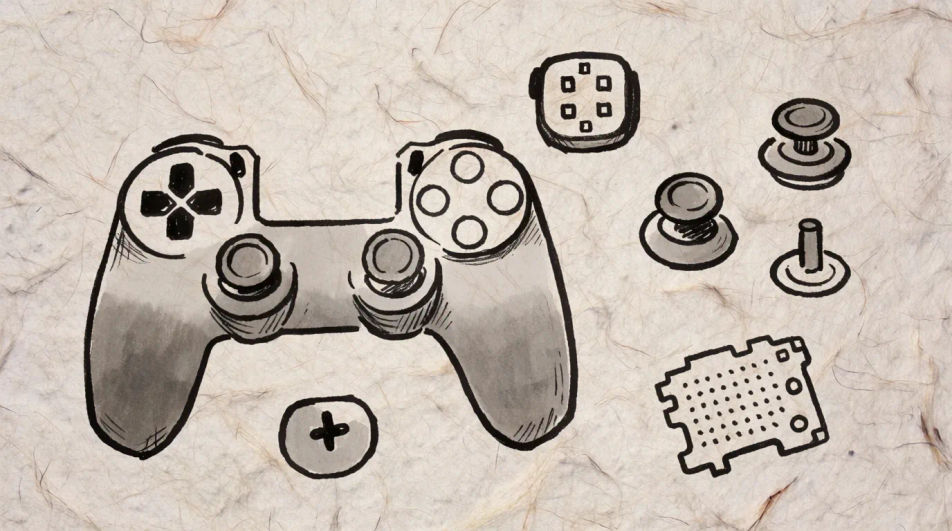
A boxy retro pad and a modern curved one laid next to each other, fine pen line throughout and pastel tone behind, so the shape change reads at a glance.
Modifier le prompt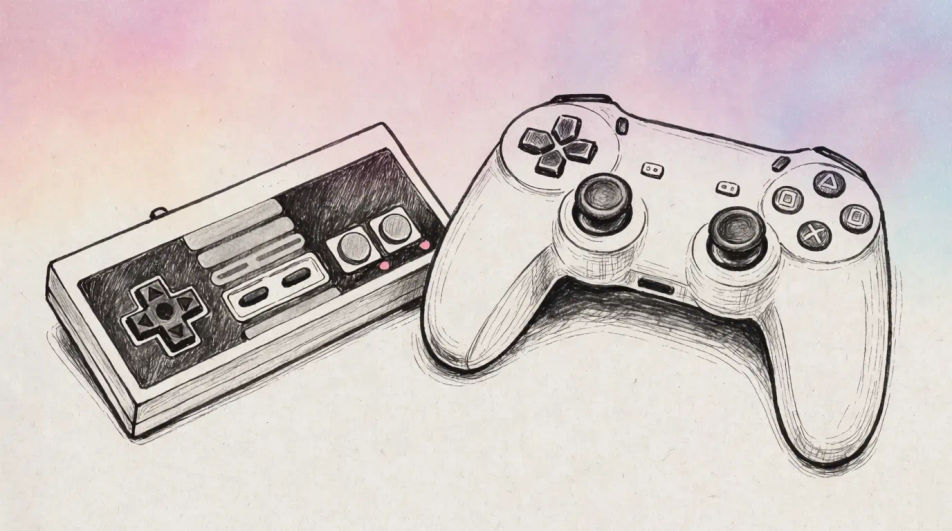
A controller held toward a screen out of frame in charcoal, the room worked dark and only the top face and the player fingers lifted back to the light.
Modifier le prompt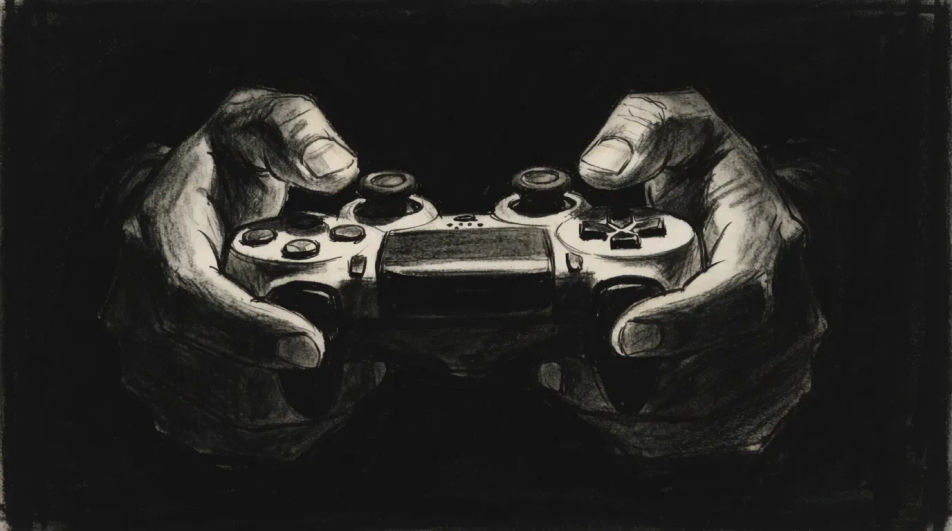
Décrivez le Controller drawing que vous voulez, en mots simples.
Morphic génère votre image prête à publier en quelques secondes.
Ajustez le prompt, régénérez des variantes, téléchargez ou partagez l’image.
Choisissez une image de référence, appliquez son style visuel à votre propre photo ou œuvre d'art.
Convertir n'importe quelle image à un nouveau rapport hauteur/largeur. Recadrer intelligemment ou étendre les bords pour s'adapter.

Transformez n'importe quel croquis ou dessin en un rendu fini.
Restyle any video in a completely new visual style. Every frame transforms, all motion stays intact.
Réimaginez n'importe quel personnage d'anime comme un portrait photoréaliste, haute couture en live-action.
Une seule selfie devient une série de portraits professionnels. Qualité studio, styles multiples.
Computer drawings in any medium
Turn a computer drawing idea into a finished image in Morphic. Describe the line work and style, generate variations, then refine it on the canvas.
Dice drawing generator
Turn a dice drawing idea into a finished image in Morphic. Describe the line work and style, generate variations, then refine it on the canvas.
TV drawing generator
Turn a tv drawing idea into a finished image in Morphic. Describe the line work and style, generate variations, then refine it on the canvas.
Sloth drawings from cute outline to fur study
Turn a sloth drawing idea into a finished image in Morphic. Describe the line work and style, generate variations, then refine it on the canvas.
Commencez gratuitement dès aujourd'hui, avec la possibilité de mettre à niveau ou d'annuler à tout moment.
Basic
2400 mensuel crédits
1 utilisateur uniquement
Tous les modèles
Workflows
Standard
3625 mensuel crédits
1 utilisateur uniquement
Tous les modèles
Workflows
Pro
6350 partagé mensuel crédits
1 utilisateur
Tous les modèles
Workflows
Max
24650 partagé mensuel crédits
1 utilisateur
Tous les modèles
Workflows
Enterprise
Pour des limites plus élevées
Personnalisé
conditions de tarification et de facturation

Free
Pour expérimenter
$0
gratuit pour toujours