Direct a maintenance guide video in your browser with Morphic's maintenance guide video generator. Generate a safety intro, an inspection checklist beat, and a service step sequence from a written brief. Voice it with Speech, then assemble the steps into one continuous guide on Compose.

Maintenance guide segments you can direct

Maintenance guide moments you can stage

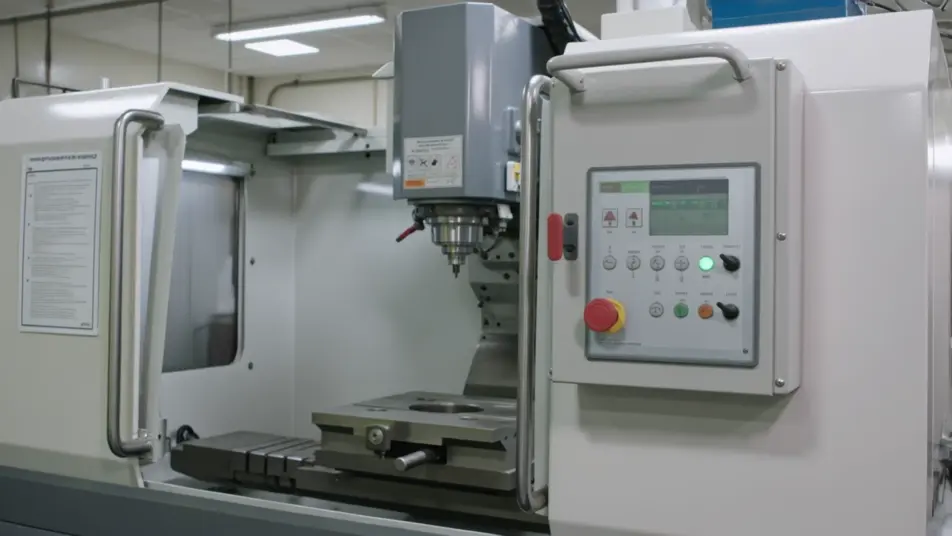
A safety shutdown intro

A steady wide shot where equipment powers down and a clear caution card lands under even light, the camera holding so the isolation step reads before any work begins.

Modifier le prompt

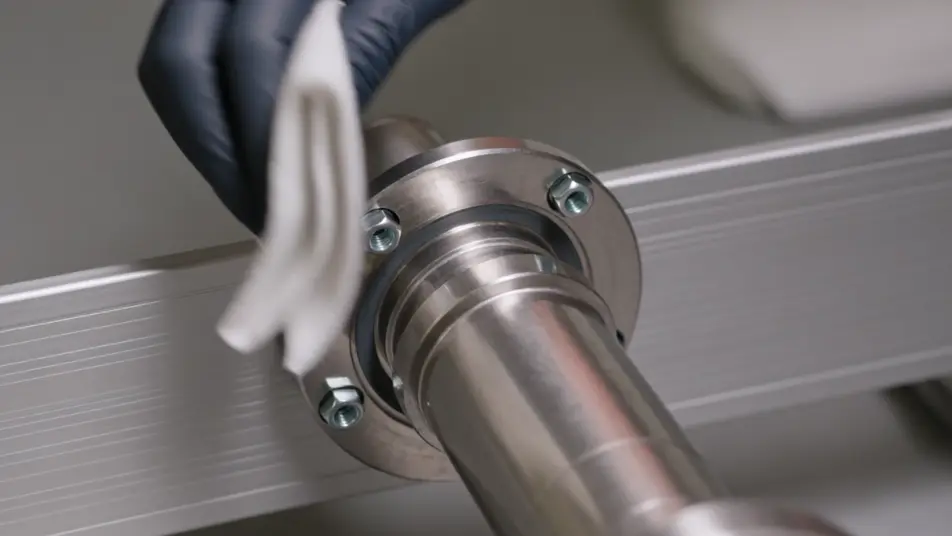
A service step close-up

A tight frame where hands clean and tighten a part under soft even light, the camera steady and the motion slow enough to follow, each action holding for a beat.

Modifier le prompt

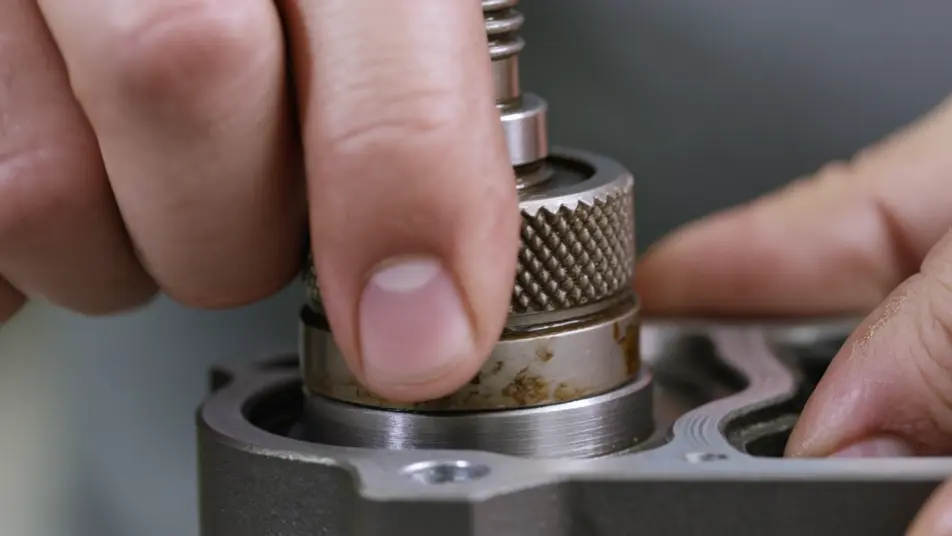
Part-replacement macro

A macro shot where a worn component is removed and a new one seated in crisp focus, the light even so the fit is clear enough for a technician to copy. Only hands and hardware fill the frame.

Modifier le prompt

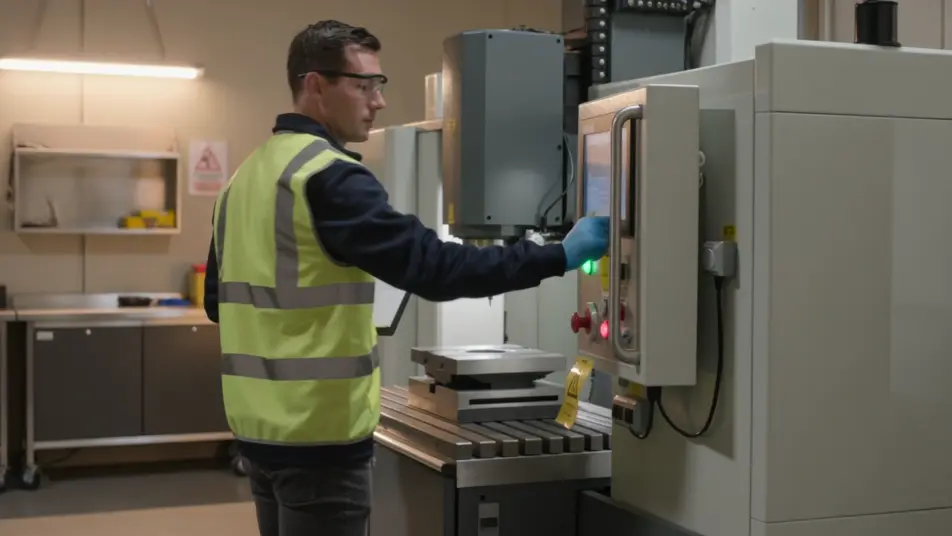
A reset-and-test run

A steady wide shot where the equipment powers back on and runs a quick check under warm light, the camera holding so the working result confirms the service is done.

Modifier le prompt

Créez des vidéos maintenance guide video en trois étapes

  1. 01

    Décrivez votre scène maintenance guide video

    Écrivez la scène maintenance guide video que vous voulez, en mots simples.

  2. 02

    Générez la vidéo

    Morphic génère votre clip cinématographique en quelques secondes.

  3. 03

    Peaufinez votre vidéo maintenance guide video

    Ajustez le prompt, régénérez des variantes, téléchargez ou partagez le plan.

Tarifs simples

Commencez gratuitement dès aujourd'hui, avec la possibilité de mettre à niveau ou d'annuler à tout moment.

Basic

$9/ mois
facturé comme $0 par an

900 mensuel crédits

1 utilisateur uniquement

Tous les modèles

Workflows

Standard

$24/ mois
facturé comme $0 par an

3200 mensuel crédits

1 utilisateur uniquement

Tous les modèles

Workflows

Pro

$45/ mois
facturé comme $0 par an

6200 partagé mensuel crédits

1 utilisateur

+ jusqu'à 4 plus à un coût supplémentaire

Tous les modèles

Workflows

Pro Max

$170/ mois
facturé comme $0 par an

24000 partagé mensuel crédits

1 utilisateur

+ jusqu'à 9 plus à un coût supplémentaire

Tous les modèles

Workflows

Enterprise

Pour des limites plus élevées

Personnalisé

conditions de tarification et de facturation

Crédits à haut volume
Limites de sièges personnalisées
Tous les modèles
Workflows
Pricing Gradient

Free

Pour expérimenter

$0

gratuit pour toujours

Jusqu'à 20 crédits
1 utilisateur uniquement
Modèles limités
Workflows

Questions fréquentes

Where can I make a maintenance guide video with AI?
You can create a maintenance guide video directly in your browser on Morphic. Open the Text to Video tool, describe each step as a close shot, and the segments generate. On Compose you assemble them in order into one continuous guide with no editing suite needed.
What segments work best in a maintenance guide video?
A safety intro, an inspection checklist, a service step sequence, and a reset-and-test each carry one clear action. Holding the same framing and light across every step makes a multi-part guide feel like one continuous piece rather than a stack of clips.
How do I write a good prompt for a maintenance guide video?
Reduce each step to one action and prompt it as a close shot in the same style. Name the hands, the part, and the angle, whether close-up or macro. Keeping the light and framing consistent is what makes the steps read as one guide a technician can follow.
How do I update a maintenance guide video when the procedure changes?
Reprompt only the step that changed, keeping the same style descriptors so it matches the rest. On Compose you swap that clip in and re-time the sequence, so a revised interval or a new step is an edit rather than a full reshoot.
Can I add narration to a maintenance guide video?
Yes. The Speech tool generates a clear narration track in the voice you choose to call each step and each safety note as it happens on screen. Keep any background bed subtle so the instructions stay in focus for a technician following along.