Un gros plan sur le symptôme
Un appareil bien éclairé montre la panne que l'utilisateur reconnaîtrait, un voyant d'alerte ou un écran d'erreur. Un lent zoom avant laisse le symptôme s'installer avant que la réparation commence.
Modifier le prompt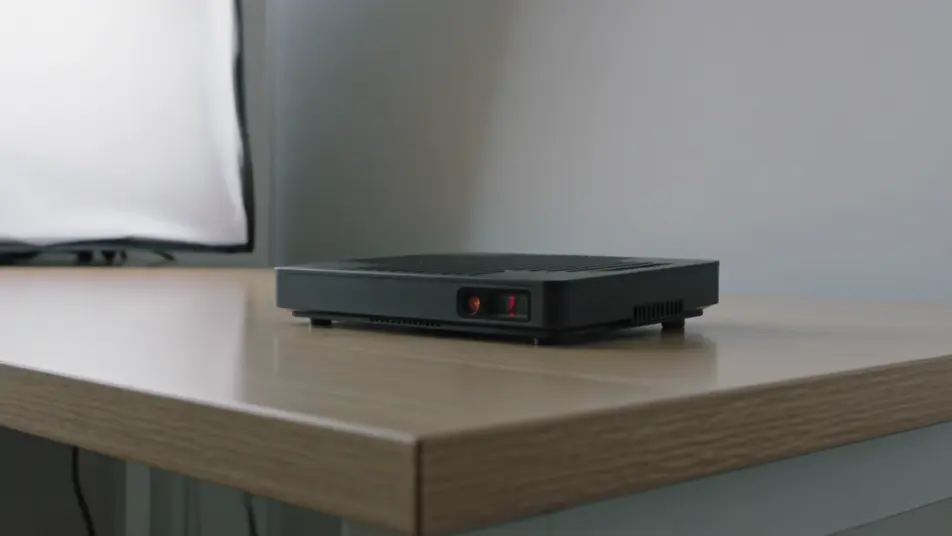
Un appel au support coûte plus cher qu'une vidéo bien dirigée. Sur Morphic, générez le symptôme, la réparation étape par étape, un gros plan sur la commande et la vérification finale. Speech pose la voix, et Compose réunit les segments en un guide clair et unique.
Un appareil bien éclairé montre la panne que l'utilisateur reconnaîtrait, un voyant d'alerte ou un écran d'erreur. Un lent zoom avant laisse le symptôme s'installer avant que la réparation commence.
Modifier le promptUn cadre net où des mains suivent la solution numérotée sur l'appareil. La lumière régulière et la caméra stable tiennent chaque geste assez longtemps pour le suivre sans pause.
Modifier le prompt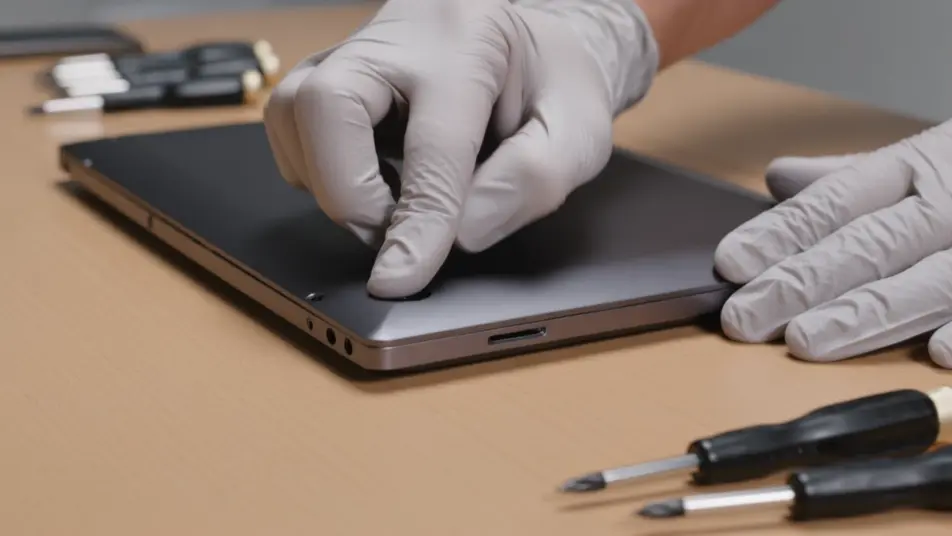
Un plan macro serré sur un doigt qui presse exactement le bon bouton, la lumière produit qui détache l'étiquette. Le cadre reste calme pour que l'étape clé soit sans ambiguïté.
Modifier le prompt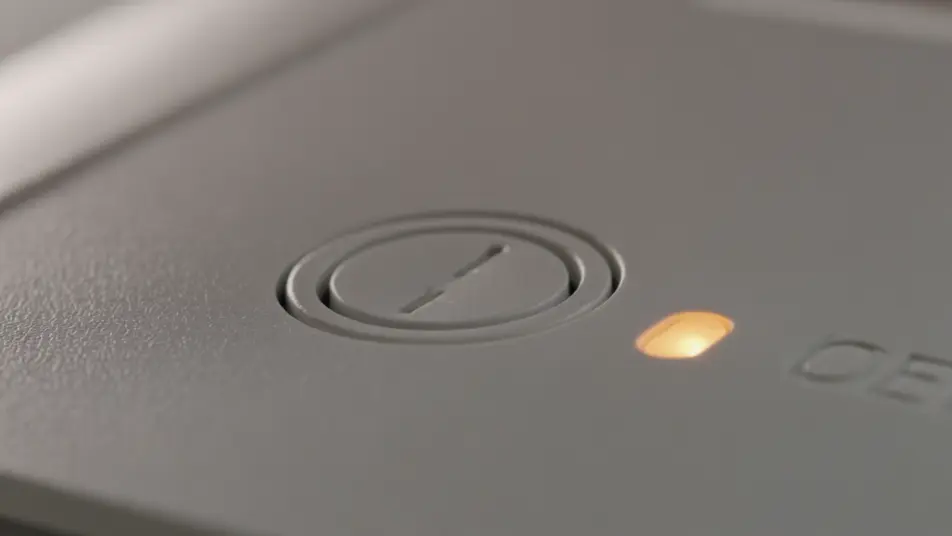
Un cadre lumineux où un voyant vert ou une mesure normale confirme que la réparation tient, juste à côté du marquage CE sur le boîtier. Ce court instant satisfaisant dit à l'utilisateur que le travail est terminé.
Modifier le prompt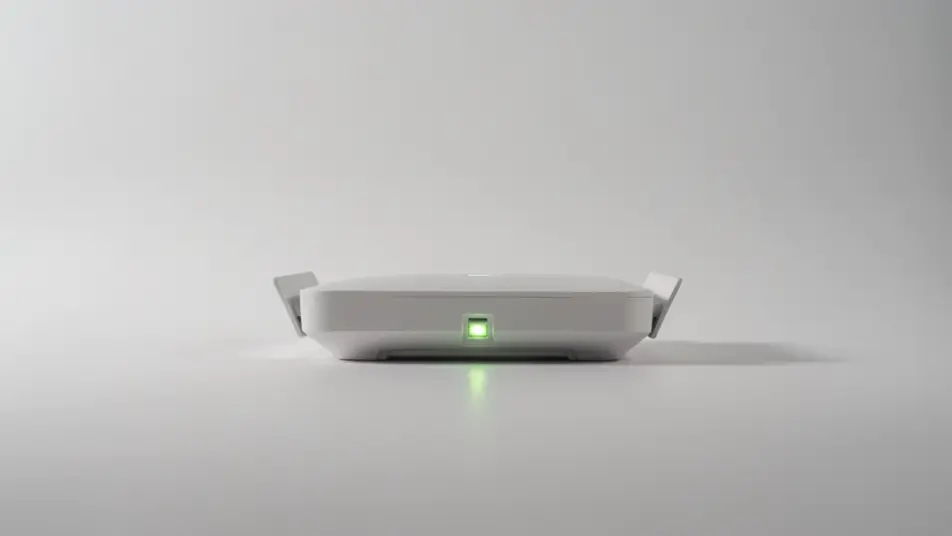
Écrivez la scène vidéo de dépannage que vous voulez, en mots simples.
Morphic génère votre clip cinématographique en quelques secondes.
Ajustez le prompt, régénérez des variantes, téléchargez ou partagez le plan.

Dramatiser toute conversation textuelle en une vidéo cinématographique multi-plans.
Court-métrage cinématographique avec effet de gel du temps pour toute scène

Générer une carte de titre de film professionnelle à partir de zéro, avec animation cinématographique optionnelle.
Photo of any real-estate becomes a cinematic renovation timelapse video with construction SFX and music.
Une image pour une vidéo cinématographique en 9 scènes.
Déposez une photo de vous. Obtenez un film cinématique de 12 secondes avec animation et une bande sonore assortie.
Vidéos de guide de maintenance IA
Générez un guide de maintenance vidéo depuis un texte. Vérifications, étapes d’entretien, remise en marche : mettez à jour la vidéo dès que la procédure change.
Guides d'installation vidéo IA
Créez un guide d'installation vidéo à partir d'un texte : déballage, étapes de montage, contrôle final. Mettez-le à jour dès que le produit change.
Vidéos IA d'utilisation d'équipement
Créez une vidéo d'utilisation d'équipement en minutes, pas en semaines. Démarrage, commandes, arrêt en sécurité, mise à jour à tout moment.
Vidéos IA de centre d’aide
Vidéo de centre d’aide sans tournage ni équipe. Créez des tutoriels écran, des réponses rapides sur Morphic, publiez dans le sprint.
Commencez gratuitement dès aujourd'hui, avec la possibilité de mettre à niveau ou d'annuler à tout moment.
Basic
2400 mensuel crédits
1 utilisateur uniquement
Tous les modèles
Workflows
Standard
3625 mensuel crédits
1 utilisateur uniquement
Tous les modèles
Workflows
Pro
6350 partagé mensuel crédits
1 utilisateur
Tous les modèles
Workflows
Max
24650 partagé mensuel crédits
1 utilisateur
Tous les modèles
Workflows
Enterprise
Pour des limites plus élevées
Personnalisé
conditions de tarification et de facturation

Free
Pour expérimenter
$0
gratuit pour toujours