One subject in six styles
One peacock drawn six ways across the frame, in pencil, ink, charcoal, coloured pencil, vector line and pixel art, so the styles compare directly.
プロンプトを編集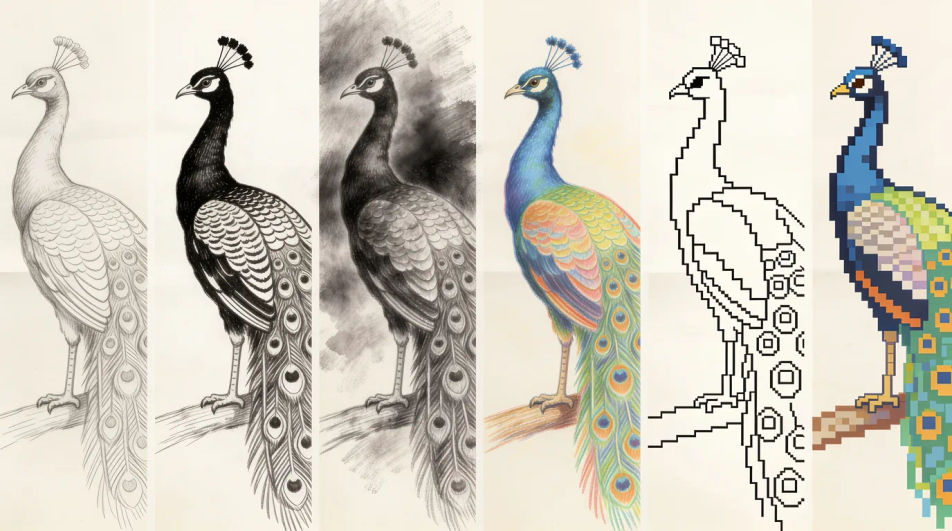
Type what you want drawn into Morphic's Image tool and get a finished drawing back, in pencil, ink, charcoal, coloured pencil or flat vector line. Name the subject, the medium and the line weight, generate a few versions, adjust the one you like on the Canvas, then download it in HD.
One peacock drawn six ways across the frame, in pencil, ink, charcoal, coloured pencil, vector line and pixel art, so the styles compare directly.
プロンプトを編集A clear bold outline drawing of a banyan tree with plenty of white space and no shading, blank ruled callout lines left beside it for your own notes.
プロンプトを編集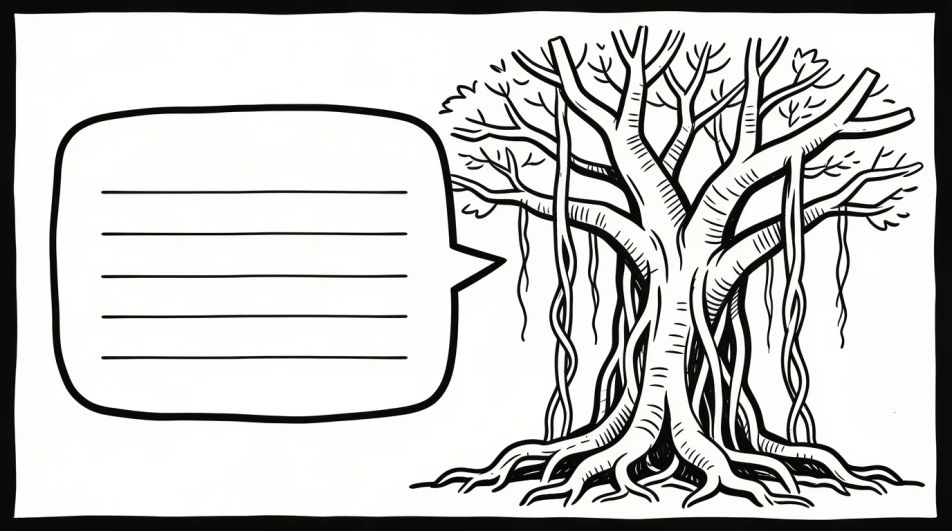
Several loose pencil studies of one peacock arranged on a single page at different angles and sizes, with the page edge and a little smudging visible.
プロンプトを編集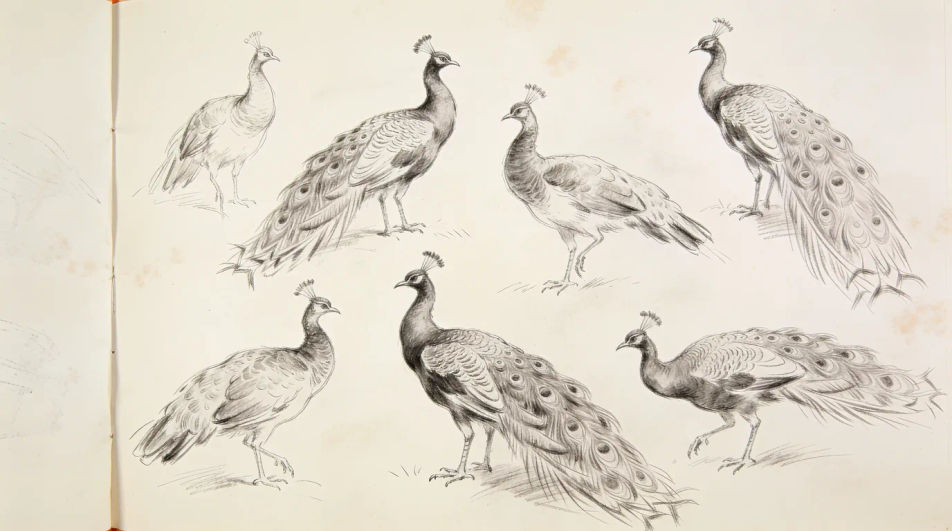
One temple oil lamp drawn four times in four different design idioms, from geometric minimalism to bold poster shapes, all in flat line.
プロンプトを編集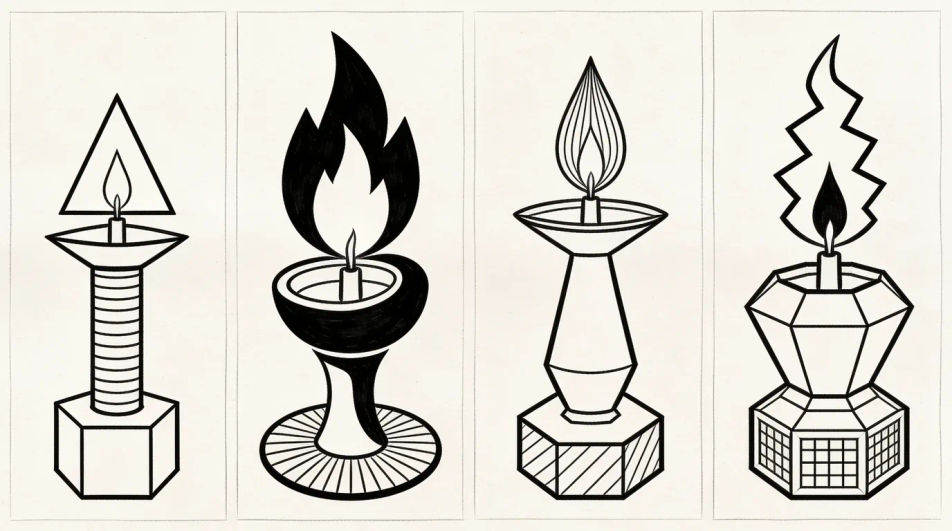
作りたいAI drawingを、わかりやすい言葉で記述します。
Morphicがキャンバス上に公開できる画像を数秒で生成します。
プロンプトを調整して再生成し、気に入った画像を保存・共有します。
参照画像を選択し、そのビジュアルスタイルを自分の写真やアートワークに適用します。

スケッチや描画をレンダリング済みの完成品に変換します。
画像を新しいアスペクト比に変換します。スマートクロップまたはエッジを拡張してフィットさせます。

アニメのイラストをスタイルガイドとして選び、その見た目を画像に適用してください。
あらゆる映像を全く新しいビジュアルスタイルに再構築します。全てのフレームが変容し、全ての動きはそのまま維持されます。

任意のキャラクター画像を元に、1枚のリファレンスシートに6つの異なる表情を生成します。
Pencil drawing generator
Turn a pencil drawing idea into a finished image in Morphic. Describe the line work and style, generate variations, then refine it on the canvas.
Realistic drawings and graphite studies
Turn a realistic drawing idea into a finished image in Morphic. Describe the line work and style, generate variations, then refine it on the canvas.
Cartoon drawing generator
Turn a drawing idea into a finished image in Morphic. Describe the line work and style, generate variations, then refine it on the canvas.
Blue pen drawing maker
Turn a blue pen drawing idea into a finished image in Morphic. Describe the line work and style, generate variations, then refine it on the canvas.
今すぐ無料で始めて、いつでもアップグレードまたはキャンセルできます。
Basic
2400 月 クレジット
1 ユーザーのみ
すべてのモデル
ワークフロー
Standard
3625 月 クレジット
1 ユーザーのみ
すべてのモデル
ワークフロー
Pro
6350 共有 月 クレジット
1 ユーザー
すべてのモデル
ワークフロー
Max
24650 共有 月 クレジット
1 ユーザー
すべてのモデル
ワークフロー
Enterprise
より高い制限のために
カスタム
料金と請求条件

Free
気軽に試したい方に
$0
ずっと無料