Macro cockpit detail
A close graphite study of a cockpit canopy and frame, soft reflections shaded with a blending stump, the rest of the plane left as light contour.
プロンプトを編集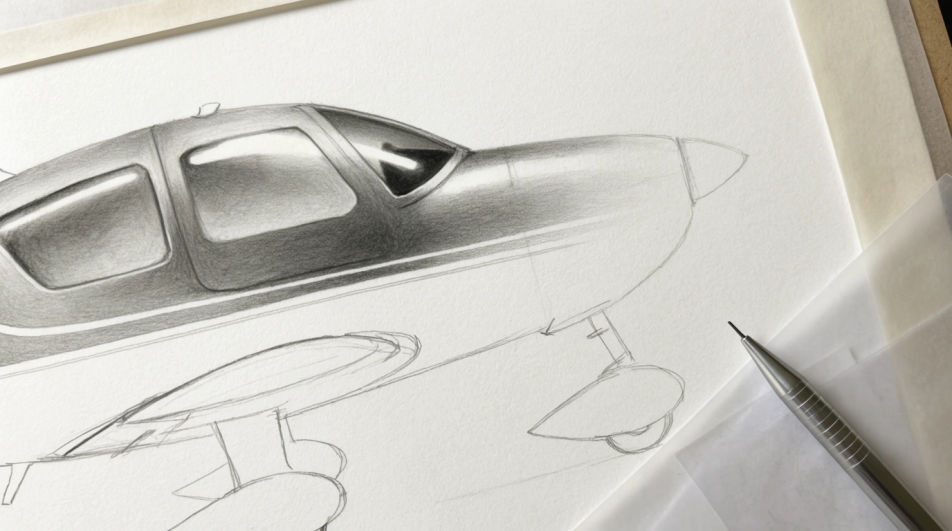
Draw an airplane in Morphic's Image tool by describing the aircraft, the angle and the line work you want. Set the line weight, the amount of shading and the paper it sits on, then refine the result on the Canvas and download a finished drawing in HD.
A close graphite study of a cockpit canopy and frame, soft reflections shaded with a blending stump, the rest of the plane left as light contour.
プロンプトを編集A mid-distance ink drawing of an airliner at the end of a runway, ruled horizon, hatched tarmac and a pale open sky above.
プロンプトを編集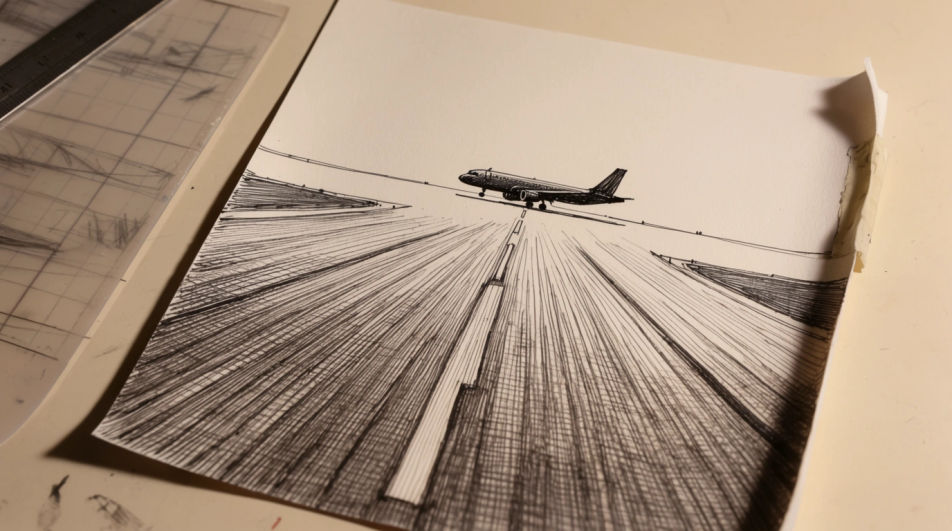
A wide charcoal drawing of three small planes in formation seen from below, smudged cloud lifted out with an eraser.
プロンプトを編集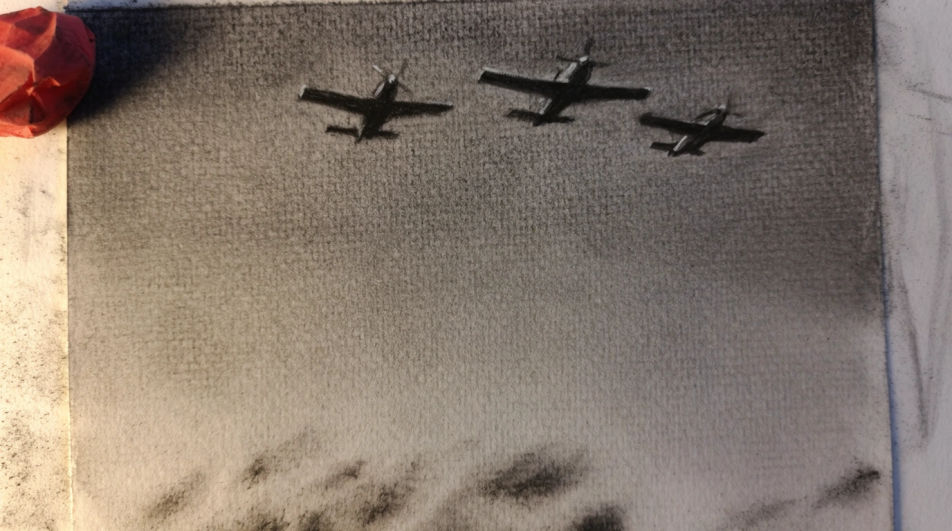
A coloured pencil drawing of a plane inside an open hangar, burnished metal panels, long floor shadows and a bright doorway.
プロンプトを編集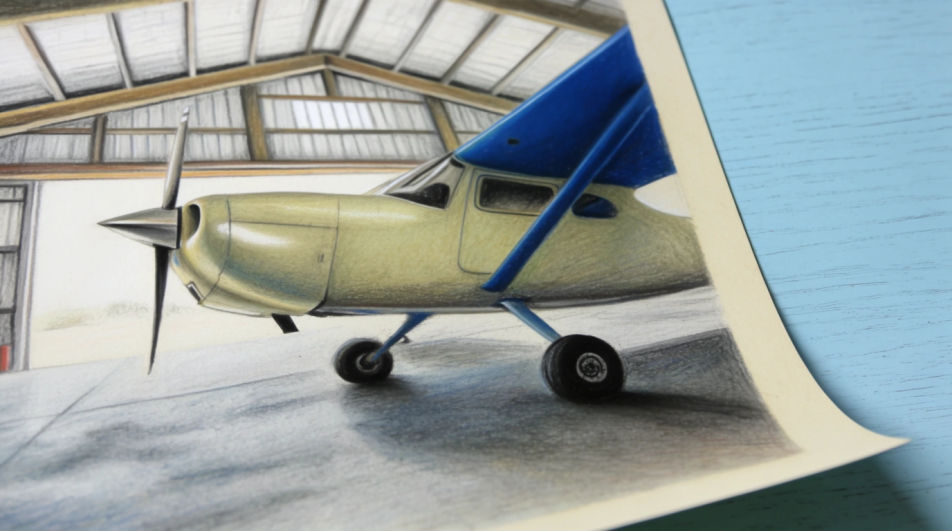
作りたいAirplane drawingを、わかりやすい言葉で記述します。
Morphicがキャンバス上に公開できる画像を数秒で生成します。
プロンプトを調整して再生成し、気に入った画像を保存・共有します。
参照画像を選択し、そのビジュアルスタイルを自分の写真やアートワークに適用します。

スケッチや描画をレンダリング済みの完成品に変換します。
画像を新しいアスペクト比に変換します。スマートクロップまたはエッジを拡張してフィットさせます。

アニメのイラストをスタイルガイドとして選び、その見た目を画像に適用してください。
あらゆる映像を全く新しいビジュアルスタイルに再構築します。全てのフレームが変容し、全ての動きはそのまま維持されます。

任意のキャラクター画像を元に、1枚のリファレンスシートに6つの異なる表情を生成します。
Plane drawing generator
Turn a plane drawing idea into a finished image in Morphic. Describe the line work and style, generate variations, then refine it on the canvas.
Airplane AI clipart
Create airplane clipart with Morphic's airplane clipart generator. Design flat vector, cartoon, paper-plane, vintage, and watercolour planes in your browser. Describe what you want, then download original transparent-PNG graphics in HD.
飛行機のAI画像
飛行機画像ジェネレーターで、AIによる飛行機の画像を作成しましょう。あらゆるプロジェクトに使える迫力ある飛行機の画像を数秒で見つけられます。
Book drawing generator
Turn a book drawing idea into a finished image in Morphic. Describe the line work and style, generate variations, then refine it on the canvas.
今すぐ無料で始めて、いつでもアップグレードまたはキャンセルできます。
Basic
2400 月 クレジット
1 ユーザーのみ
すべてのモデル
ワークフロー
Standard
3625 月 クレジット
1 ユーザーのみ
すべてのモデル
ワークフロー
Pro
6350 共有 月 クレジット
1 ユーザー
すべてのモデル
ワークフロー
Max
24650 共有 月 クレジット
1 ユーザー
すべてのモデル
ワークフロー
Enterprise
より高い制限のために
カスタム
料金と請求条件

Free
気軽に試したい方に
$0
ずっと無料