Desk seen from above
A top-down pencil drawing of a desk with a laptop, a notebook and a mug arranged around it, cables running off the edge and light hatching under each object.
プロンプトを編集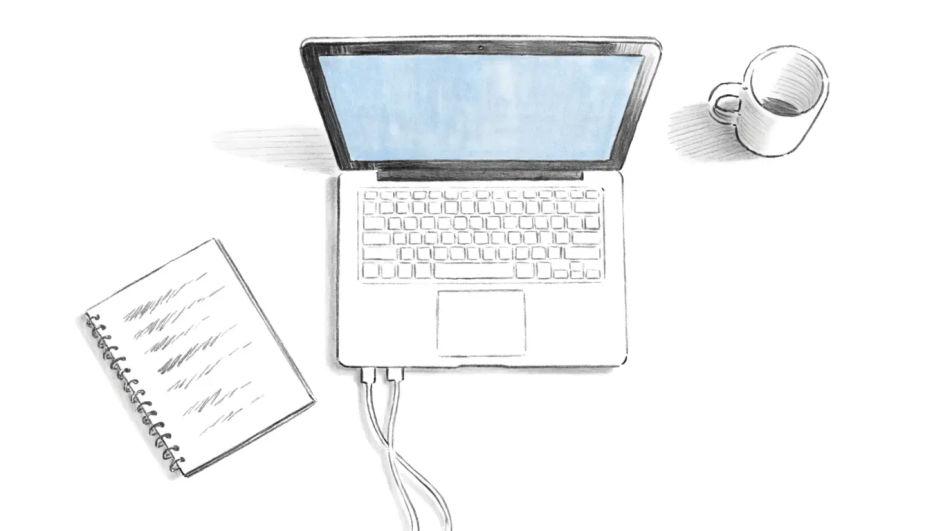
Describe the computer you want in Morphic's Image tool, from a boxy desktop with a bulky monitor to a slim open laptop, and get a finished drawing back. Set the screen angle, the port detail, the line weight and the paper, adjust it on the Canvas, then download it in HD.
A top-down pencil drawing of a desk with a laptop, a notebook and a mug arranged around it, cables running off the edge and light hatching under each object.
プロンプトを編集A tower drawn with one side panel removed, ink contour and grey wash, the internal boards and fan blocked in as simple shapes rather than full detail.
プロンプトを編集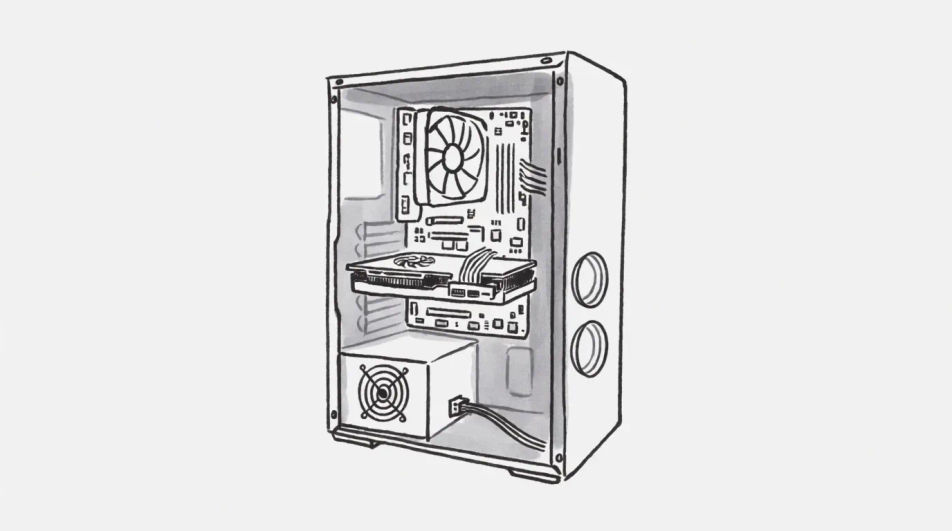
A close view along a keyboard with two hands resting on the keys, fine pen line for the key edges and pastel tone laid flat across the desk behind.
プロンプトを編集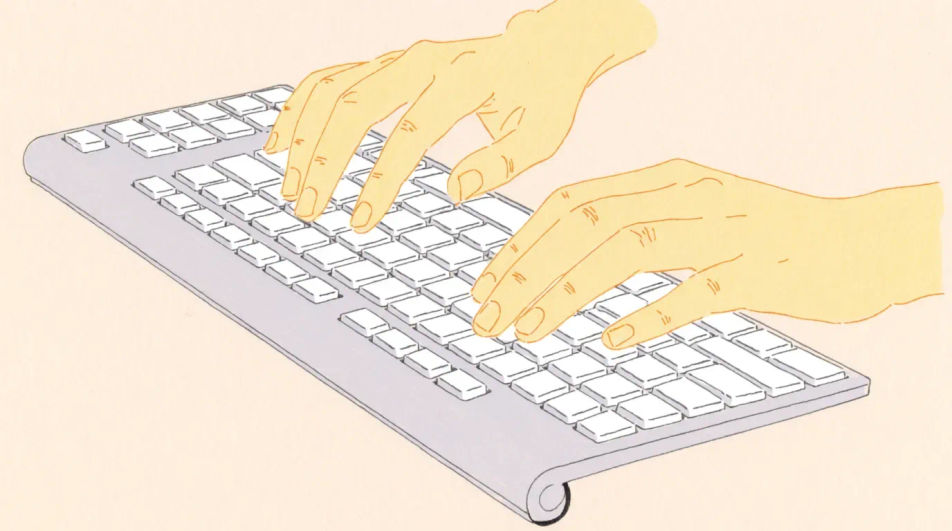
One lit screen in a wide dark office in charcoal, the far desks dissolved into smudge while the nearest monitor edge and keyboard stay sharply drawn.
プロンプトを編集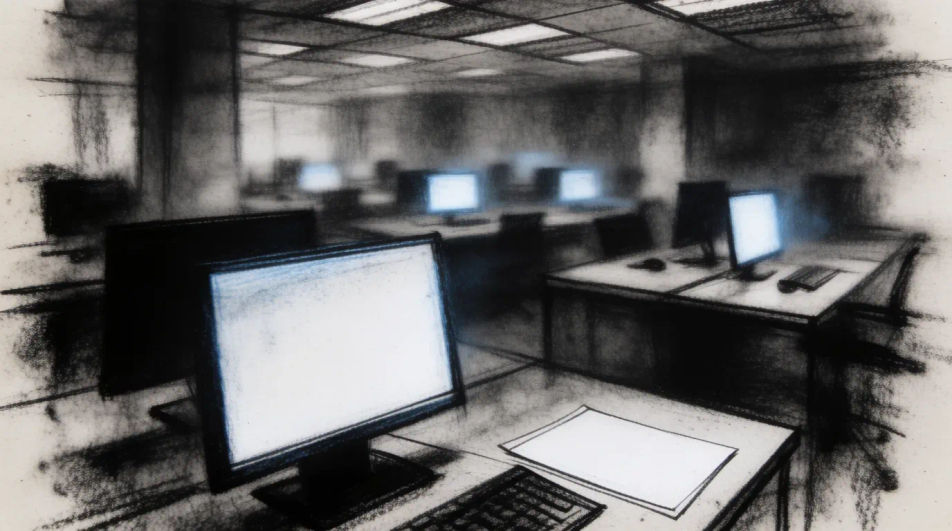
作りたいComputer drawingを、わかりやすい言葉で記述します。
Morphicがキャンバス上に公開できる画像を数秒で生成します。
プロンプトを調整して再生成し、気に入った画像を保存・共有します。
参照画像を選択し、そのビジュアルスタイルを自分の写真やアートワークに適用します。
画像を新しいアスペクト比に変換します。スマートクロップまたはエッジを拡張してフィットさせます。

スケッチや描画をレンダリング済みの完成品に変換します。
あらゆる映像を全く新しいビジュアルスタイルに再構築します。全てのフレームが変容し、全ての動きはそのまま維持されます。
あらゆるアニメキャラクターを、フォトリアルでハイファッションな実写ポートレートとして再想像してください。
1枚の自撮り写真がプロ仕様のヘッドショットセットに。スタジオ品質、複数のスタイル。
TV drawing generator
Turn a tv drawing idea into a finished image in Morphic. Describe the line work and style, generate variations, then refine it on the canvas.
Controller drawings in any medium
Turn a controller drawing idea into a finished image in Morphic. Describe the line work and style, generate variations, then refine it on the canvas.
Phone AI clipart
Phone Clipart to browse and generate. Explore flat minimal, playful cartoon, and soft watercolor smartphone clipart, then regenerate in your own style and download transparent PNGs. No design skills needed. Made with Morphic's clipart generator.
School playground drawing maker
Turn a school playground drawing idea into a finished image in Morphic. Describe the line work and style, generate variations, then refine it on the canvas.
今すぐ無料で始めて、いつでもアップグレードまたはキャンセルできます。
Basic
2400 月 クレジット
1 ユーザーのみ
すべてのモデル
ワークフロー
Standard
3625 月 クレジット
1 ユーザーのみ
すべてのモデル
ワークフロー
Pro
6350 共有 月 クレジット
1 ユーザー
すべてのモデル
ワークフロー
Max
24650 共有 月 クレジット
1 ユーザー
すべてのモデル
ワークフロー
Enterprise
より高い制限のために
カスタム
料金と請求条件

Free
気軽に試したい方に
$0
ずっと無料