One sticker on white
A single cute sticker centred on a clean white field with a soft shadow beneath it, thick white die-cut border, even light.
プロンプトを編集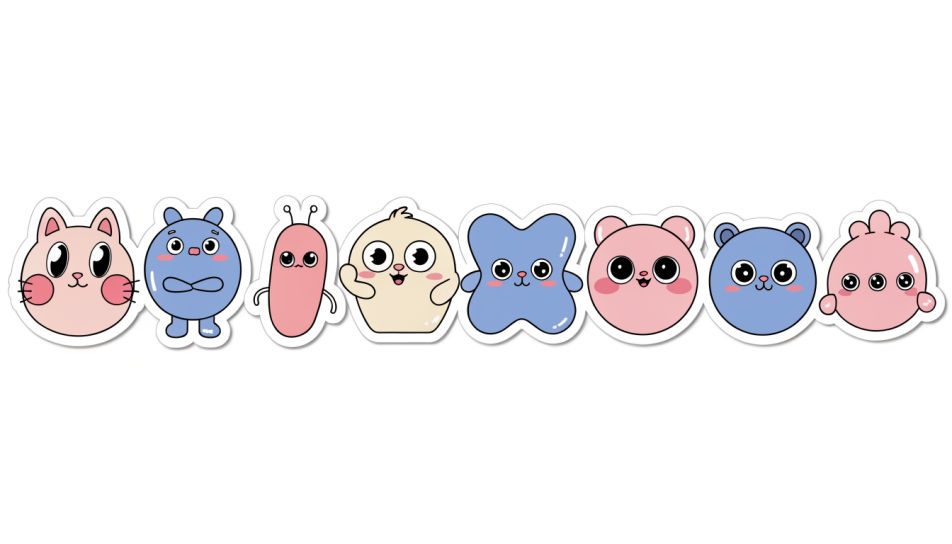
Design cute single stickers in Morphic's Image tool, one clear motif at a time: a blushing cat, a pastel heart, a tiny bubble-tea cup. Set the palette, the outline thickness and the transparent background, then download each sticker on its own, ready for a chat, a planner or a print sheet.
A single cute sticker centred on a clean white field with a soft shadow beneath it, thick white die-cut border, even light.
プロンプトを編集One cute sticker sitting beside a plain grey chat bubble on a pale screen, crisp edges, soft daylight, lots of empty space.
プロンプトを編集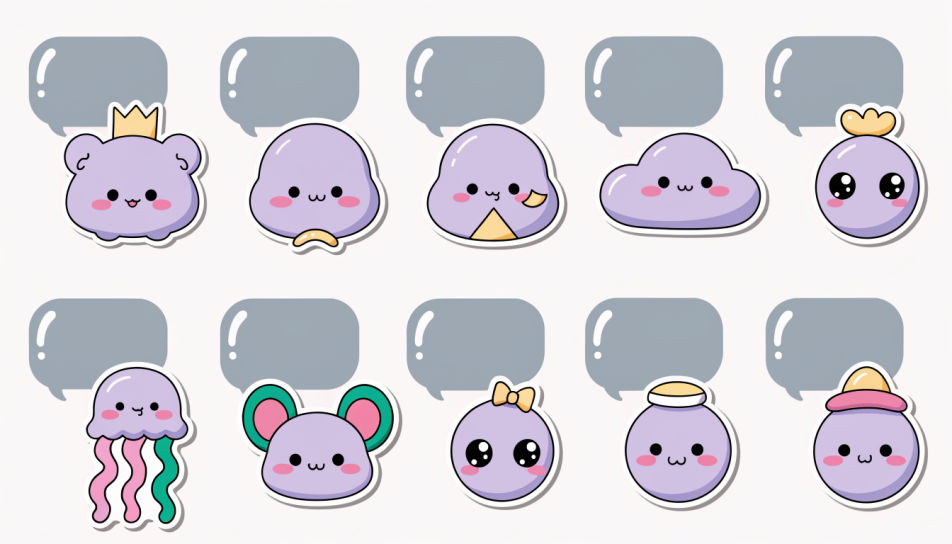
A close shot of a cute sticker half-peeled from its backing paper, one corner lifting, warm side light catching the curl.
プロンプトを編集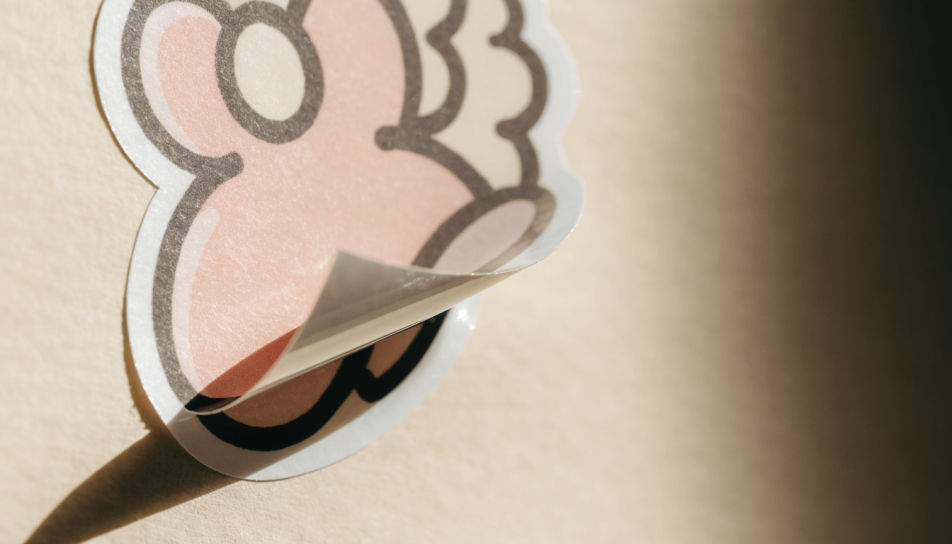
Several separate cute stickers scattered loosely across a cream desk, each with its own white border, bright overhead light.
プロンプトを編集
作りたいCute Single Stickersを、わかりやすい言葉で記述します。
Morphicがキャンバス上に公開できる画像を数秒で生成します。
プロンプトを調整して再生成し、気に入った画像を保存・共有します。
参照画像を選択し、そのビジュアルスタイルを自分の写真やアートワークに適用します。
画像を新しいアスペクト比に変換します。スマートクロップまたはエッジを拡張してフィットさせます。

スケッチや描画をレンダリング済みの完成品に変換します。

任意のキャラクター画像を元に、1枚のリファレンスシートに6つの異なる表情を生成します。

単一の画像をフィードします。3x3のストーリーボードグリッドに配置された9つのシネマティックビートを取得します。

すべてのキャラクターを身長比較とともに、1枚のラインナップ画像に並べます。
Kawaii cute sticker generator
Generate kawaii cute stickers in Morphic. Describe the character, colours and style you want, generate options to compare, then refine the prompt and save it.
Cool sticker generator
Generate cool stickers in Morphic. Describe the character, colours and style you want, generate options to compare, then refine the prompt and save it.
ステッカーデザインのAI画像
MorphicでステッカーデザインのAI画像を作成しましょう。ダイカットステッカー、ステッカーパック、デカールをどんなプロジェクト向けにも数秒で生成できます。
Fun emoji generator
Generate fun emoji images in Morphic. Describe the expression, colour and style you want, generate options, then refine the prompt and download it.
今すぐ無料で始めて、いつでもアップグレードまたはキャンセルできます。
Basic
2400 月 クレジット
1 ユーザーのみ
すべてのモデル
ワークフロー
Standard
3625 月 クレジット
1 ユーザーのみ
すべてのモデル
ワークフロー
Pro
6350 共有 月 クレジット
1 ユーザー
すべてのモデル
ワークフロー
Max
24650 共有 月 クレジット
1 ユーザー
すべてのモデル
ワークフロー
Enterprise
より高い制限のために
カスタム
料金と請求条件

Free
気軽に試したい方に
$0
ずっと無料