Kawaii sticker sheet
A printable sheet of twelve kawaii stickers sharing one pastel palette, even gaps between each die-cut shape, flat white ground.
プロンプトを編集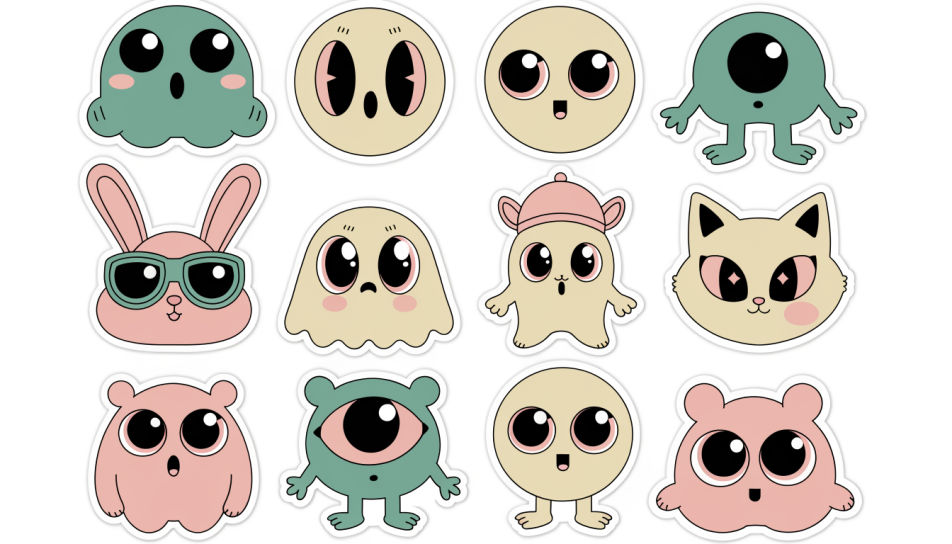
Design kawaii cute stickers in Morphic's Image tool by describing the character, the pastel palette and the chunky white border you want around it. Set the expression, the line weight and the backdrop, then download an original sticker sheet in HD that prints clean and cuts cleanly.
A printable sheet of twelve kawaii stickers sharing one pastel palette, even gaps between each die-cut shape, flat white ground.
プロンプトを編集A scatter of kawaii stickers arranged across a plain laptop lid, overlapping slightly, soft daylight, crisp white borders visible.
プロンプトを編集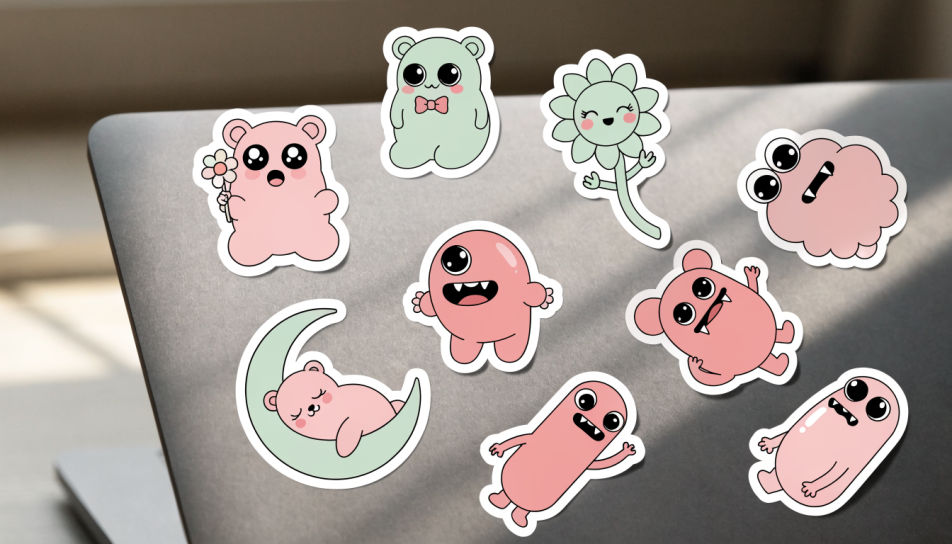
Kawaii stickers pressed along the corner of an open notebook page, warm lamp light, paper texture showing through the gaps.
プロンプトを編集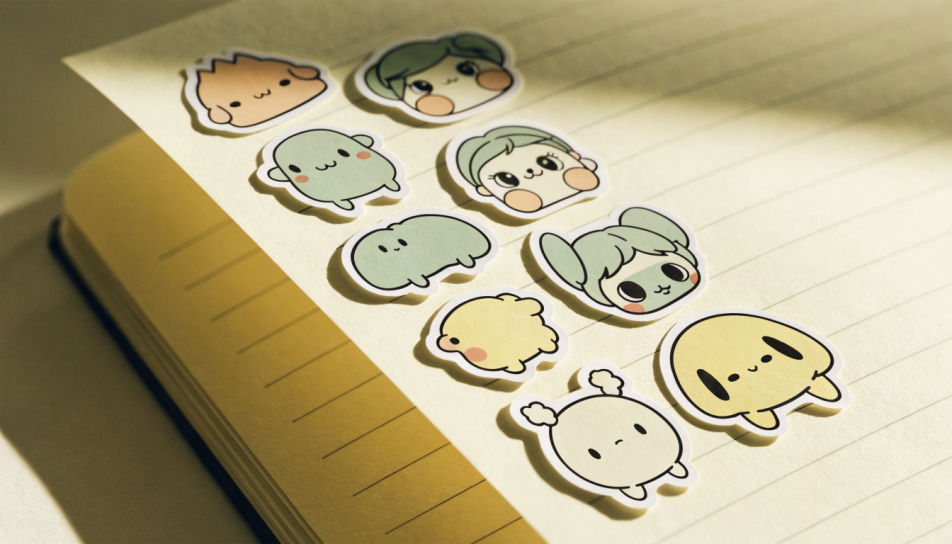
One kawaii character sticker filling the frame at large scale, thick white border, soft drop shadow, plain pastel backdrop.
プロンプトを編集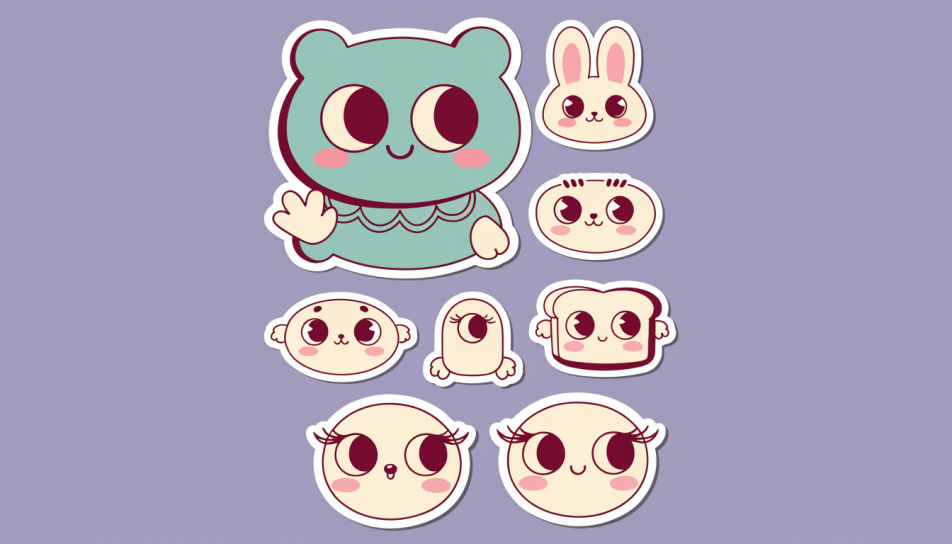
作りたいKawaii Cute Stickersを、わかりやすい言葉で記述します。
Morphicがキャンバス上に公開できる画像を数秒で生成します。
プロンプトを調整して再生成し、気に入った画像を保存・共有します。

アニメのイラストをスタイルガイドとして選び、その見た目を画像に適用してください。

写真をアニメ化されたちびキャラのスプライトに変換します。踊ったり、ジャンプしたり、手を振ったり、攻撃したり、その他多くのことができます。

スケッチや描画をレンダリング済みの完成品に変換します。

任意のキャラクター画像を元に、1枚のリファレンスシートに6つの異なる表情を生成します。

すべてのキャラクターを身長比較とともに、1枚のラインナップ画像に並べます。
キャラクター画像をアップロードして、どんなスタイルでも踊らせましょう。
Kawaii sticker generator
Generate kawaii stickers in Morphic. Describe the character, colours and style you want, generate options to compare, then refine the prompt and save it.
Cute single sticker generator
Generate cute single stickers in Morphic. Describe the character, colours and style you want, generate options to compare, then refine the prompt and save it.
アニメの目の画像 - AIアート
HDでアニメの目の画像を探せます。ダウンロードしてどこでも使える新鮮なAI生成コレクションを閲覧したり、Morphicで自分だけのカスタム版を生成したり。
アニメ戦闘シーンアートAIジェネレーター
Morphicでアニメ戦闘シーンアートを制作。インパクトの瞬間、スピード線、闘気のオーラ、ダイナミックなアクションイラストを一度のプロンプトから生成します。
今すぐ無料で始めて、いつでもアップグレードまたはキャンセルできます。
Basic
2400 月 クレジット
1 ユーザーのみ
すべてのモデル
ワークフロー
Standard
3625 月 クレジット
1 ユーザーのみ
すべてのモデル
ワークフロー
Pro
6350 共有 月 クレジット
1 ユーザー
すべてのモデル
ワークフロー
Max
24650 共有 月 クレジット
1 ユーザー
すべてのモデル
ワークフロー
Enterprise
より高い制限のために
カスタム
料金と請求条件

Free
気軽に試したい方に
$0
ずっと無料