Photo to emoji side by side
A soft-lit portrait photo of a smiling man with glasses beside a matching glossy emoji-style face of the same man, same hair and glasses, plain grey backdrop.
プロンプトを編集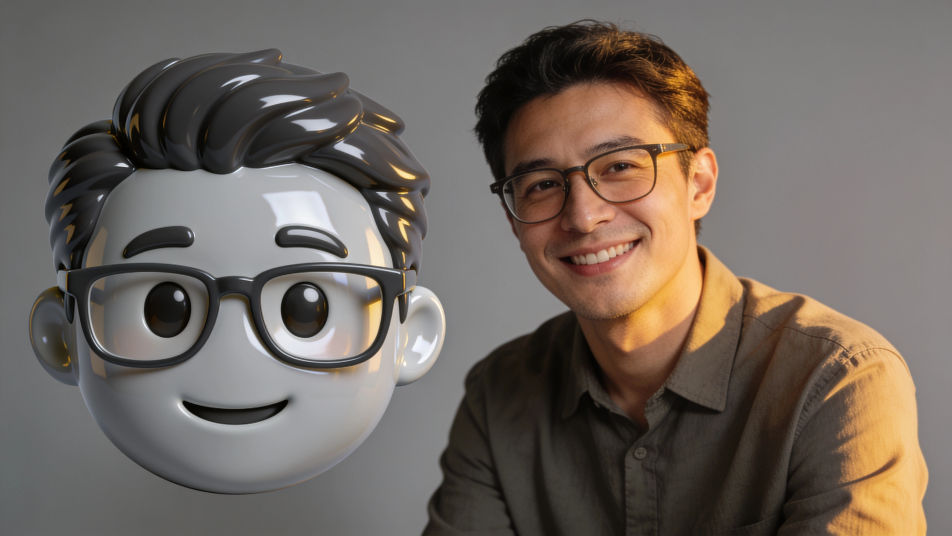
Put a photo into emoji form in Morphic by attaching the portrait as a reference and describing the emoji look you want, from a glossy round face to a flat sticker avatar. Keep the hair, glasses and smile that make it read as you, choose the finish and the background, then download an emoji face you can use in chats and on your profile.
A soft-lit portrait photo of a smiling man with glasses beside a matching glossy emoji-style face of the same man, same hair and glasses, plain grey backdrop.
プロンプトを編集A row of four glossy emoji-style faces of one invented family, a mother, a father, a teenage girl and a grandfather, matching finish, even spacing, plain cream background.
プロンプトを編集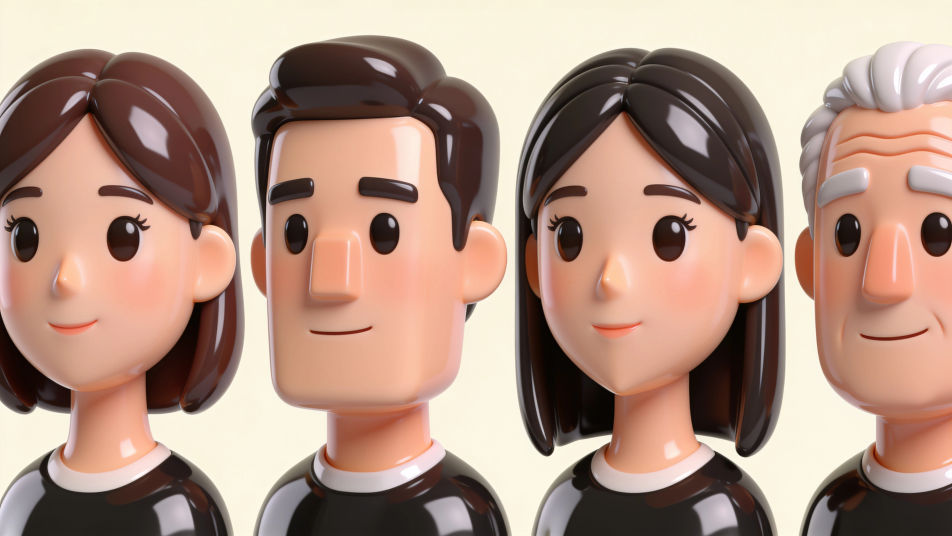
A row of four glossy emoji-style faces of the same young woman with a short black bob: happy, surprised, sleepy and laughing, plain pastel background, no labels.
プロンプトを編集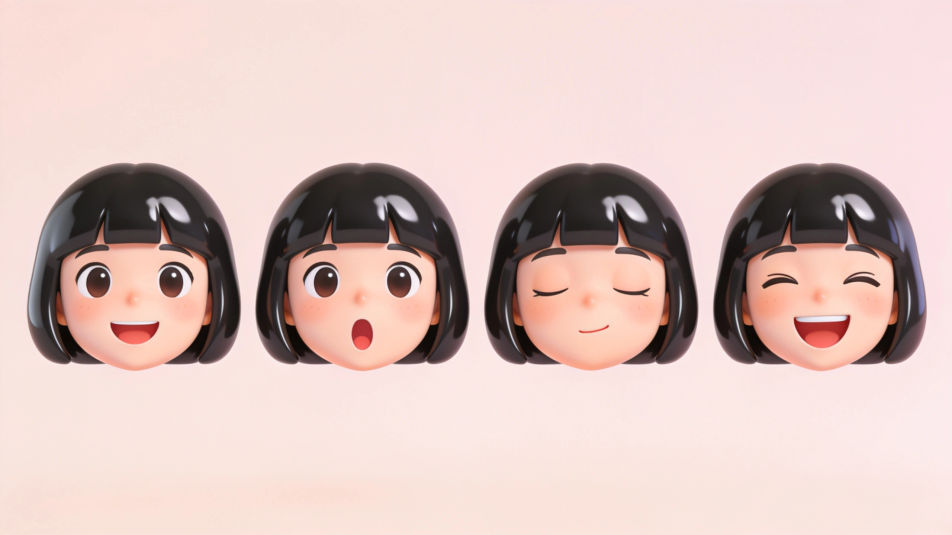
A sticker sheet of emoji-style faces of different invented people with white die-cut borders, varied hair, skin tones and glasses, evenly spaced on a mint background.
プロンプトを編集
作りたいPhoto form emojiを、わかりやすい言葉で記述します。
Morphicがキャンバス上に公開できる画像を数秒で生成します。
プロンプトを調整して再生成し、気に入った画像を保存・共有します。
参照画像を選択し、そのビジュアルスタイルを自分の写真やアートワークに適用します。
画像を新しいアスペクト比に変換します。スマートクロップまたはエッジを拡張してフィットさせます。

スケッチや描画をレンダリング済みの完成品に変換します。
あらゆる映像を全く新しいビジュアルスタイルに再構築します。全てのフレームが変容し、全ての動きはそのまま維持されます。

写真をアニメ化されたちびキャラのスプライトに変換します。踊ったり、ジャンプしたり、手を振ったり、攻撃したり、その他多くのことができます。
参照画像1枚でルックを設定します。あらゆるシーンやバッチにその正確なグレードを適用します。
Photo from emoji generator
Generate from emoji images in Morphic. Describe the expression, colour and style you want, generate options, then refine the prompt and download it.
Cartoon PFP generator
Browse cartoon profile pictures and regenerate any in your own style, palette, and crop. Make bold flat-vector, soft 3D-render, and retro rubber-hose avatars, then download original PFPs in HD, sharp at a small crop, all in Morphic.
Emoji faces generator
Generate faces emoji images in Morphic. Describe the expression, colour and style you want, generate options, then refine the prompt and download it.
Hands emoji maker
Generate hands emoji images in Morphic. Describe the expression, colour and style you want, generate options, then refine the prompt and download it.
今すぐ無料で始めて、いつでもアップグレードまたはキャンセルできます。
Basic
2400 月 クレジット
1 ユーザーのみ
すべてのモデル
ワークフロー
Standard
3625 月 クレジット
1 ユーザーのみ
すべてのモデル
ワークフロー
Pro
6350 共有 月 クレジット
1 ユーザー
すべてのモデル
ワークフロー
Max
24650 共有 月 クレジット
1 ユーザー
すべてのモデル
ワークフロー
Enterprise
より高い制限のために
カスタム
料金と請求条件

Free
気軽に試したい方に
$0
ずっと無料