Lookbook Photography AI Images

Shoot lookbook photography in your browser with Morphic's lookbook photography AI image generator. Generate lookbook photography shots like a full-length outfit-of-the-day on a seamless studio backdrop, a three-quarter denim look in a sunlit loft, or a city-street walk-and-turn in soft afternoon light, and pair every frame with the Style Transfer workflow to lock the daylight-editorial look across the set. Use the Upscale tool to push any selected look to print resolution.

Lookbook photography looks you can shoot

Lookbook photography scenes you can compose

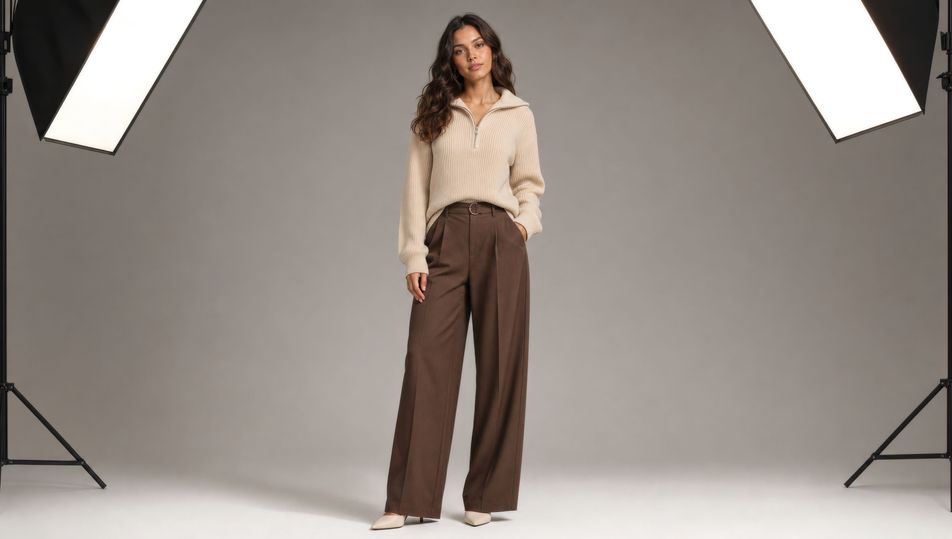
Seamless-paper studio set

A wide seamless-paper studio set in warm grey, a model centred under two large softboxes, C-stands just out of frame, soft even fill, clean catalogue lighting on a 35mm lens.

Edit prompt
Seamless-paper studio set

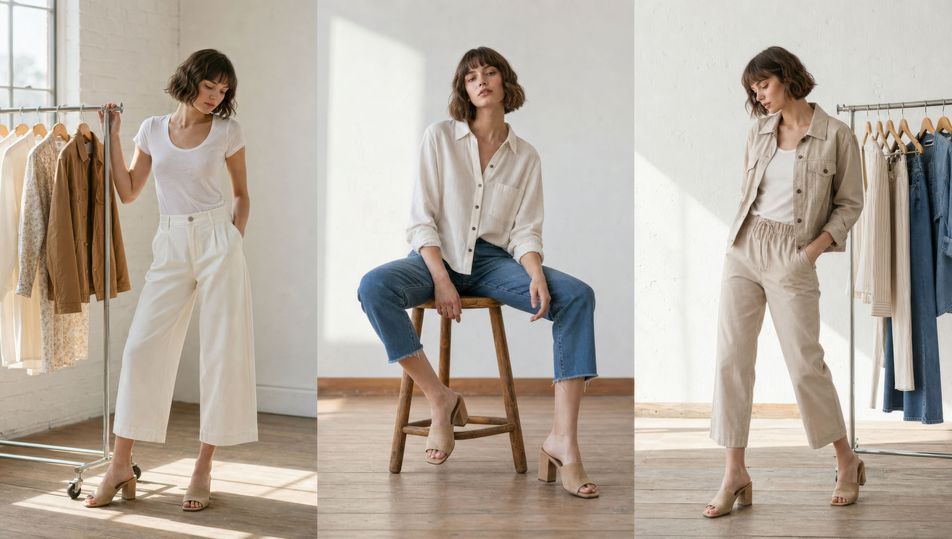
Sunlit loft with rolling rack

A sunlit loft with a rolling garment rack beside the model, large windows throwing soft daylight across a wooden floor, 35mm lens, airy white-and-honey palette, lived-in editorial mood.

Edit prompt
Sunlit loft with rolling rack

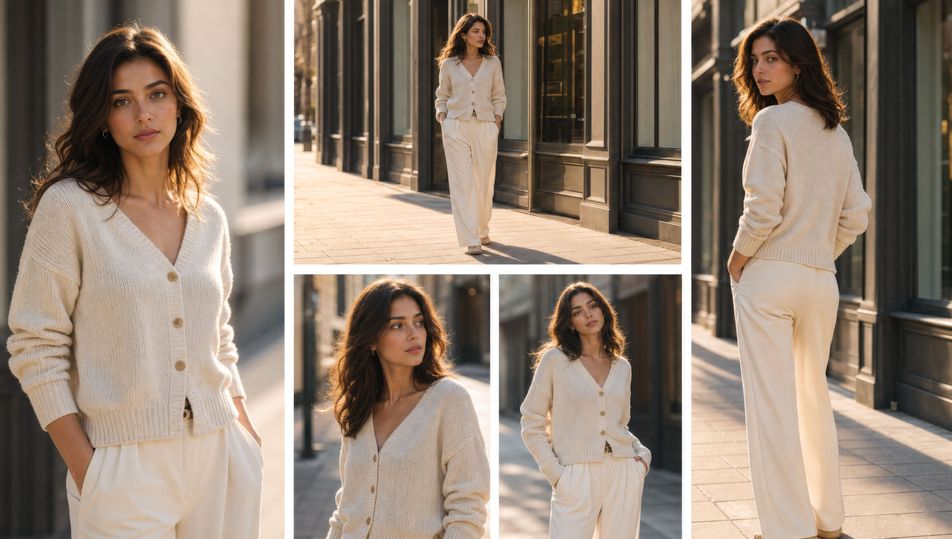
City-street walk-and-turn

A model walking and turning on a quiet city pavement, plain shop frontages behind, golden-hour backlight and long soft shadows, 35mm lens, gentle motion in the coat, warm urban tones.

Edit prompt
City-street walk-and-turn

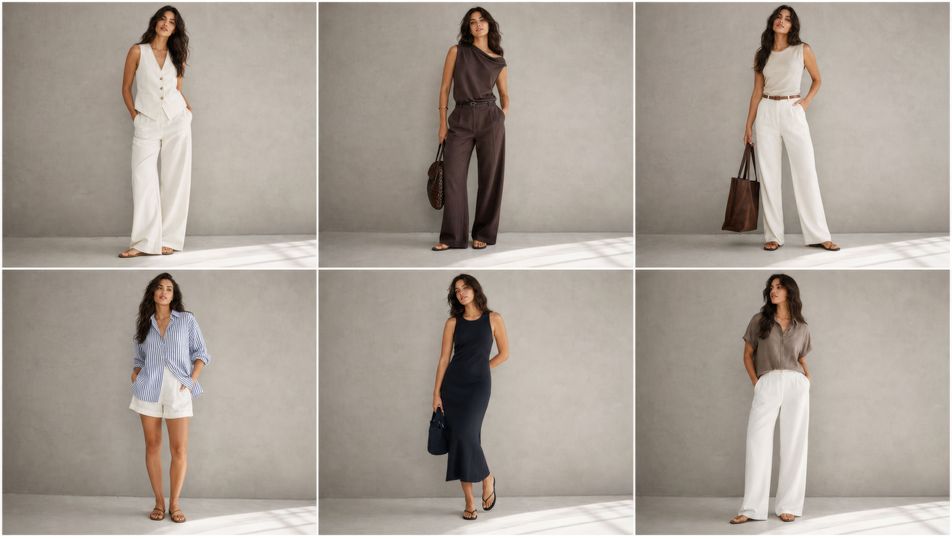
Lookbook contact-sheet grid

A contact-sheet grid of six outfit frames laid side by side, consistent warm-grey backdrop and soft daylight in every cell, even spacing, clean editorial layout, matched colour across the row.

Edit prompt
Lookbook contact-sheet grid

Make Lookbook photography in three steps

  1. 01

    Describe your Lookbook photography

    Describe the Lookbook photography you want, including the subject, setting, and lighting.

  2. 02

    Generate the image

    Morphic generates a clean, ready-to-publish image on your canvas in seconds, no editing software required.

  3. 03

    Refine your Lookbook photography

    Tweak the prompt, regenerate variations, then download or share the moment the frame lands.

Related workflows

こちらもおすすめ

FAQs

Where can I make lookbook photography with AI?
You can shoot lookbook photography directly in your browser on Morphic. Open the Image tool, describe the outfit, the location, the lens, and the light, and Morphic renders the frame. No studio booking and no camera gear needed.
What defines lookbook photography at the prompt level?
A consistent model and outfit series, soft editorial daylight, clean styling, and a repeatable backdrop. Name the look, the lens, and the light source in every prompt so the set reads as one shoot rather than a scatter of unrelated portraits.
How do I get the lens and lighting look right in a lookbook shot?
Specify both directly: name the focal length ("50mm", "85mm at f/2.8") and the light ("soft daylight from a large softbox", "golden-hour backlight rimming the hair"). Reuse those words across every frame so the depth of field and the falloff stay matched through the set.
How do I keep a lookbook series feeling like one shoot?
Use the Style Transfer workflow to lock the backdrop, the daylight signature, and the colour palette, then reference that style card in every prompt. The full series then reads as one consistent lookbook across every outfit.
Do I need a studio or photography gear to shoot a lookbook?
No. Morphic runs in your browser and you direct it with plain-language prompts. Anyone who can describe an outfit, a backdrop, and a lighting setup can produce a full lookbook. Softboxes, seamless paper, and a camera are not required.