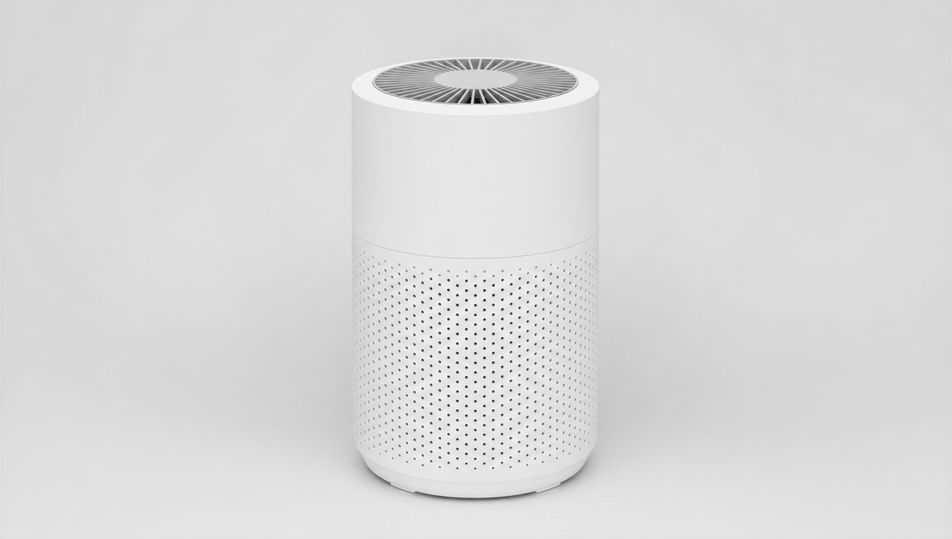
Packshot Photography AI Images

Shoot packshot photography in your browser with Morphic's packshot photography AI image generator. Generate packshot photography shots like a bottle on pure white, a folded-garment packshot, or a boxed product at a clean three-quarter angle, and pair every frame with the Style Transfer workflow to lock the even shadowless lighting across the set. Use the Upscale tool to push any cut-out packshot to listing-grade resolution.

Packshot photography setups you can shoot

Packshot photography scenes you can compose

Pure-white sweep with even light

A wide pure-white seamless sweep with an unbranded product centred, even shadowless wraparound light from large diffusers, 70mm lens, crisp clean edges, classic e-commerce packshot staging.

Edit prompt
Pure-white sweep with even light

Product on a backdrop pedestal

An unbranded product centred on a low pedestal against a clean seamless backdrop, even soft light, 70mm lens, gentle contact shadow, true colour.

Edit prompt
Product on a backdrop pedestal

Acrylic display stand

An unbranded product raised on a clear acrylic stand against pure white, even shadowless light, 85mm lens, crisp floating presentation, true colour.

Edit prompt
Acrylic display stand

Glass-shelf packshot

An unbranded product on a clear glass shelf with a soft reflection beneath, even diffuse light, 85mm lens, clean neutral backdrop, true colour.

Edit prompt
Glass-shelf packshot

Make Packshot photography in three steps

  1. 01

    Describe your Packshot photography

    Describe the Packshot photography you want, including the subject, setting, and lighting.

  2. 02

    Generate the image

    Morphic generates a clean, ready-to-publish image on your canvas in seconds, no editing software required.

  3. 03

    Refine your Packshot photography

    Tweak the prompt, regenerate variations, then download or share the moment the frame lands.

Related workflows

こちらもおすすめ

FAQs

Where can I make packshot photography with AI?
You can shoot packshot photography directly in your browser on Morphic. Open the Image tool, describe the product, the white or grey background, the lens, and the even lighting, and Morphic renders the cut-out. No studio booking and no camera gear needed.
What defines packshot photography at the prompt level?
A single product centred on pure white or grey, even shadowless lighting, crisp clean edges, and a listing-ready cut-out. Name the background, the lens, and the even light in every prompt so the shot stays clean enough to drop straight onto a product page.
How do I get the even shadowless lighting right in a packshot?
Specify it directly: "even shadowless wraparound light from large diffusers", "soft diffuse top light, no harsh shadow", and call the only allowed shadow ("faint soft contact shadow at the base"). Reuse those words across every product so the lighting stays matched through the set.
How do I keep a packshot set feeling consistent across products?
Use the Style Transfer workflow to lock the background, the even lighting, and the framing, then reference that style card in every prompt. The full catalogue then reads as one shoot with matched edges and shadows across every product.
Do I need a studio or lighting gear to shoot packshots?
No. Morphic runs in your browser and you direct it with plain-language prompts. Anyone who can describe a product, a white background, and even lighting can produce listing-ready packshots. A light tent, sweeps, and a camera are not required.